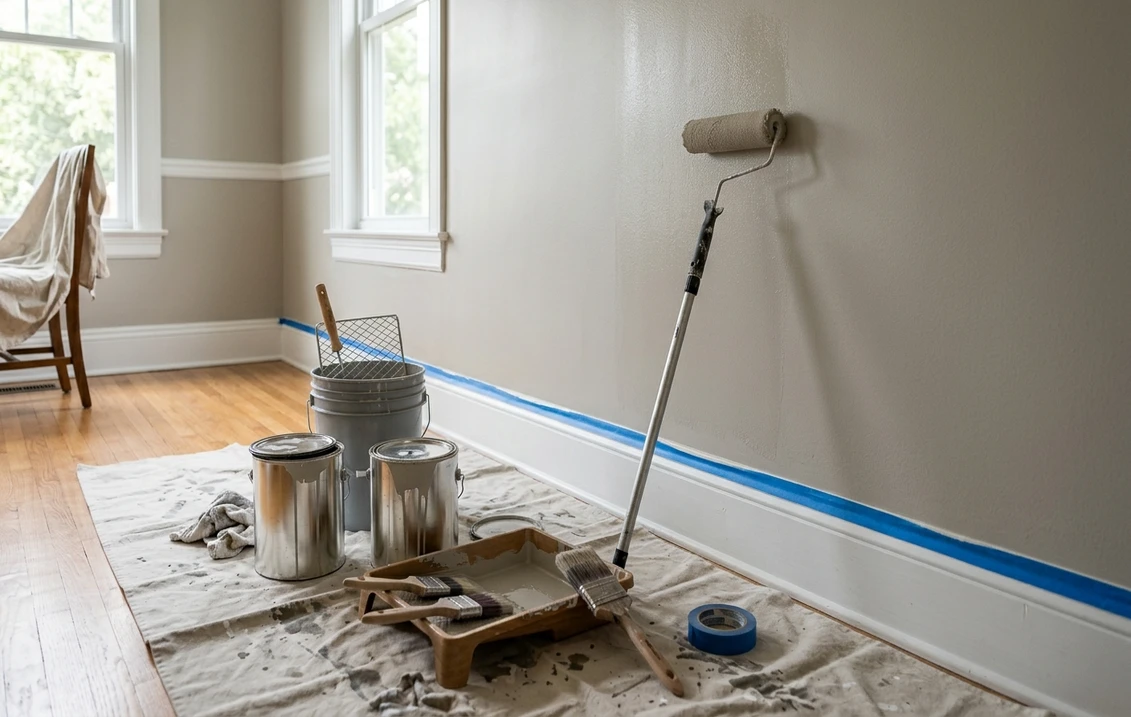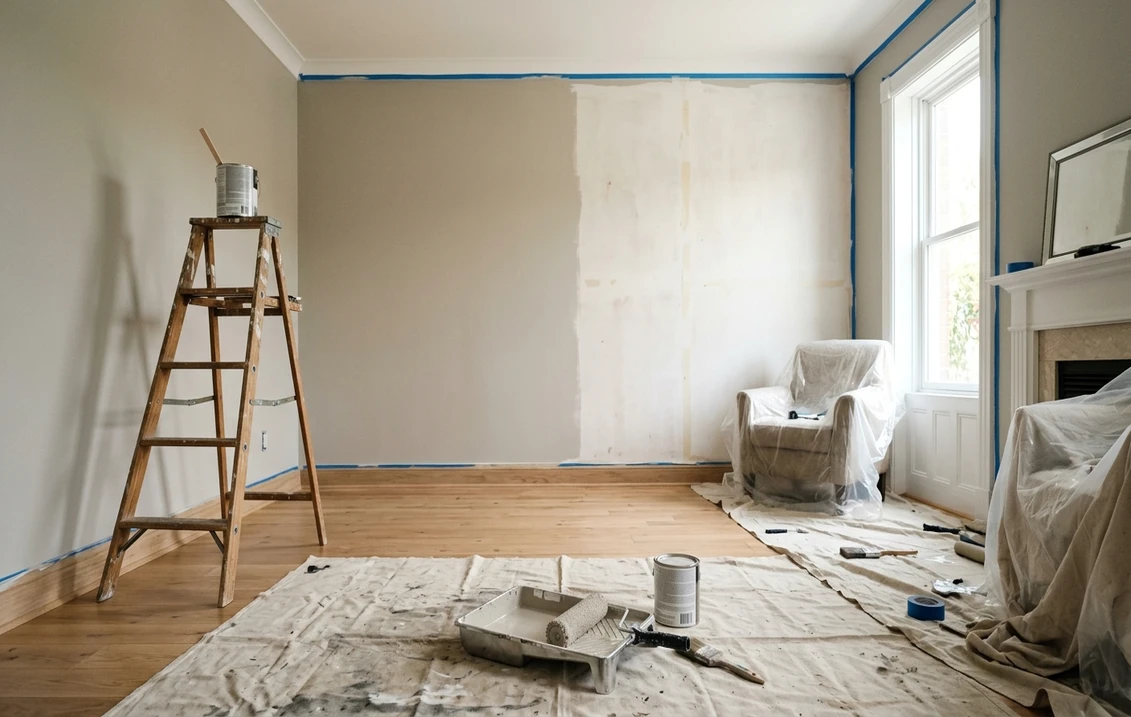
Try it on your room

Choosing the right colour scheme for your home, whether you are repainting a feature wall in the living room or planning a full exterior painting project, used to mean buying half a dozen sample pots and hoping for the best. In 2026, a growing number of free house colour visualiser tools let UK homeowners upload a photograph and preview emulsion paint, masonry paint or even Farrow & Ball heritage shades on their walls in seconds. But not all visualisers are created equal: some handle interior painting well yet struggle with exterior painting, others are locked to a single brand's palette, and several require an app download rather than working in the browser. This guide compares the leading free exterior paint visualiser options available to UK homeowners and painters and decorators in 2026, so you can pick the tool that matches your project. For a broader look at hiring professionals, see our interior decorator cost UK guide.
Why Use a Free Colour Visualiser Before Painting?
A wrong colour scheme on your exterior painting can cost £2,000–£5,000 to correct on a typical three-bedroom semi, once you factor in labour, scaffold, and two fresh coats of masonry paint. Even an interior misstep, the wrong emulsion paint shade on a bedroom or kitchen painting project, wastes a weekend and £80+ in materials. A free colour visualiser eliminates that risk by showing you a realistic preview before you buy a single tin. Key benefits include:
- Confidence in colour choice, see exactly how Dulux Trade, Crown, Farrow & Ball or Little Greene shades will look under your home's natural lighting.
- Compare colour trends, 2026 palettes favour muted sage greens, warm off-whites and heritage colours on period property facades. A visualiser lets you test them all in minutes.
- Professional presentations, if you are a painter and decorator, sharing a colour preview with a client at the quoting stage lifts your close rate by 30–40 %.
- Planning compliance, in a conservation area or on a listed building, getting planning permission often requires a visual mock-up showing proposed heritage colours.
Free Colour Visualiser Tools Compared: UK 2026
The table below rates each tool on the criteria that matter most to UK homeowners and trade decorators: cost, exterior support, brand flexibility and ease of use. All tools listed are free at the point of use (some offer paid upgrades for bulk or commercial work).
| Tool | Price | Interior | Exterior | Palette Lock | AI Accuracy | Platform |
|---|---|---|---|---|---|---|
| FacadeColorizer | Free (3 tries) | ✓ | ✓✓ | Any colour / brand | High | Browser |
| Dulux Visualiser | Free | ✓✓ | Limited | Dulux only | Medium | iOS / Android app |
| Crown MyRoomPainter | Free | ✓ | Basic | Crown only | Medium | iOS / Android app |
| Farrow & Ball | Free swatches | ✓ | ✗ | F&B only | N/A (physical) | Post / showroom |
| Little Greene | Free cards | ✓ | ✗ | LG only | N/A (physical) | Post / showroom |
| PPG Visualizer | Free | ✓ | ✓ | PPG only | Medium | Browser |
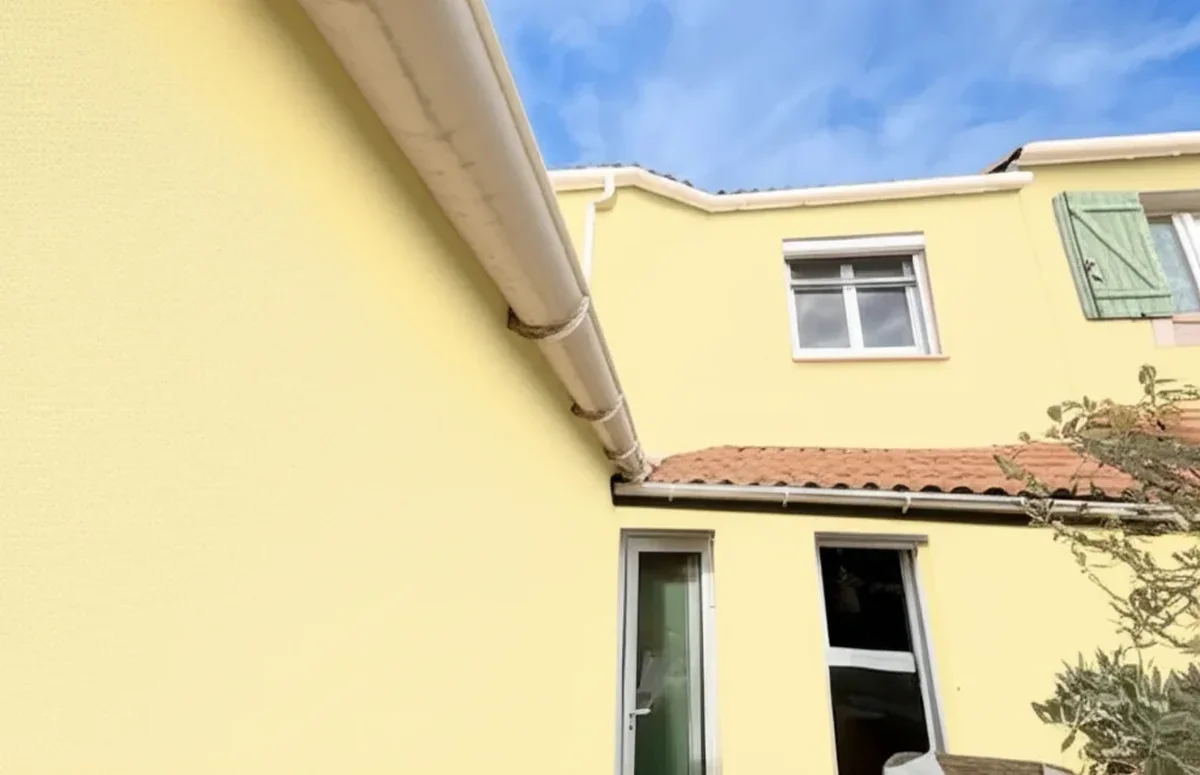
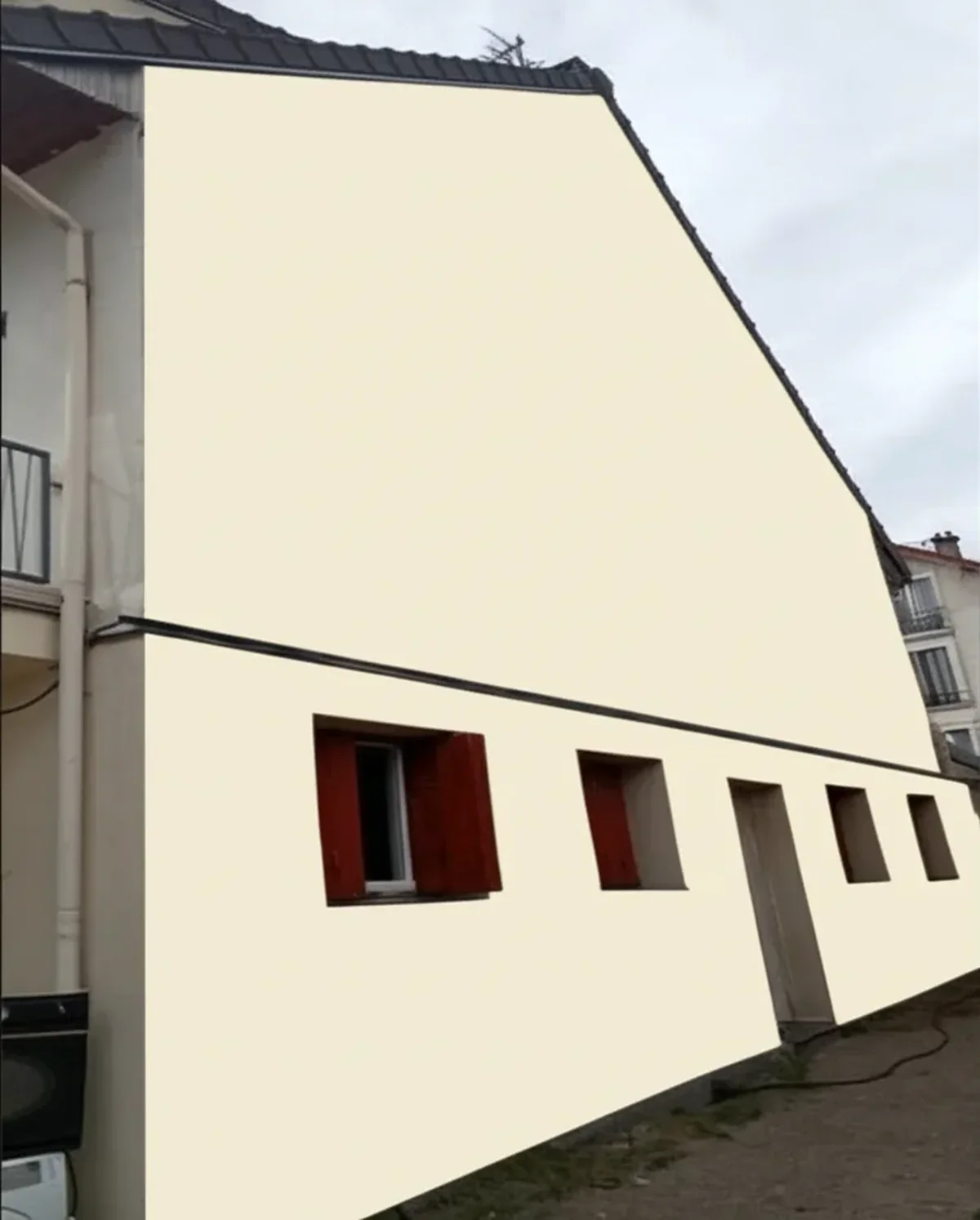
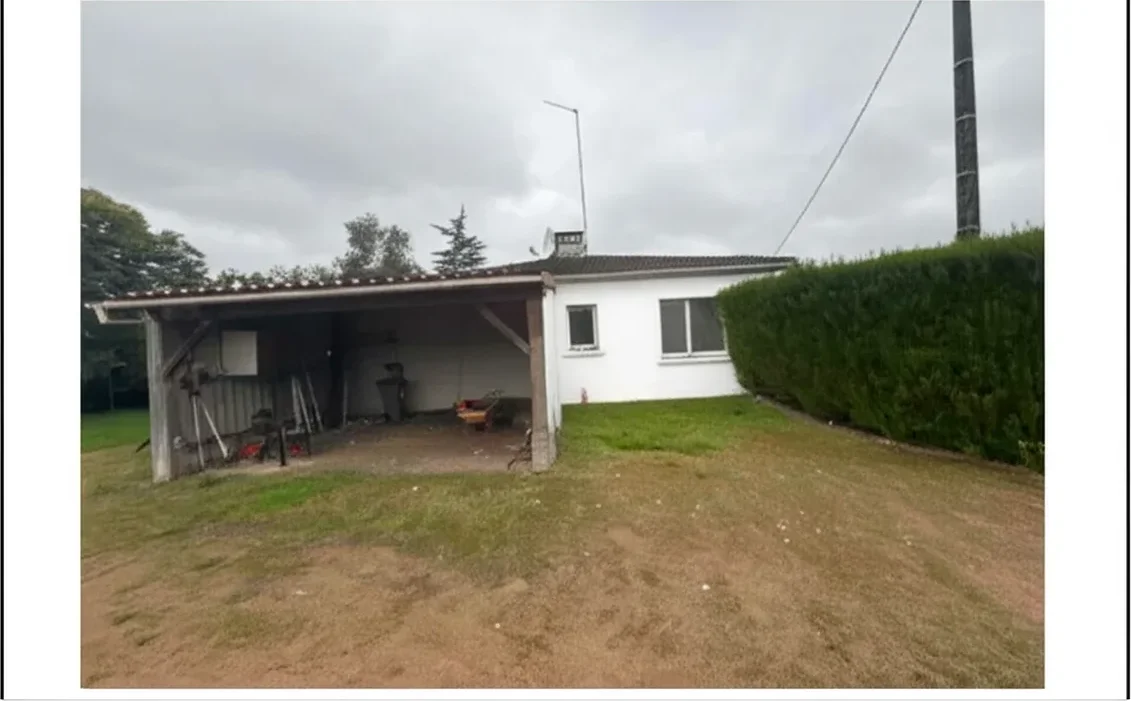
Try it on your house
No photo? Try a sample
As the table shows, most UK paint brands limit their visualiser to their own palette. If you want to compare a Farrow & Ball grey-green against a Dulux Trade alternative on the same photo of your house, only a brand-agnostic AI tool such as FacadeColorizer lets you do that in one session, and it handles exterior painting particularly well, detecting render, sash windows, brickwork, skirting boards and woodwork automatically.
Dulux Visualiser: Strengths and Limitations
The Dulux Visualiser is the most downloaded colour visualiser app in the UK. Its augmented-reality mode lets you point your phone at a wall and see Dulux Trade emulsion paint shades applied in real time. It works well on flat, well-lit interior walls and offers a useful colour consultation feature that matches your soft furnishings to the nearest Dulux shade.
However, reviewers consistently note two drawbacks. First, the AR engine paints only one wall at a time, making it hard to judge a full colour scheme across a room. Second, it struggles outdoors: textured render, masonry paint finishes and strong shadows confuse the edge detection, resulting in colour bleed onto window frames, skirting boards and adjacent surfaces. If your project is primarily exterior painting, for example, refreshing a Victorian terrace or choosing heritage colours for a conservation area application, a dedicated exterior tool will give you a more realistic colour preview.
FacadeColorizer: The Free AI Exterior Paint Visualiser
FacadeColorizer was built specifically for exterior painting projects. It uses a generative-AI model trained on thousands of UK facades, from Georgian town houses to Edwardian semis and modern new-builds, to recolour your home photograph with pixel-level accuracy. Here is why it stands out for UK homeowners and trade decorators:
- Brand-agnostic palette, choose any colour, from Farrow & Ball "Hague Blue" to Dulux Trade "Polished Pebble" or Crown "Mellow Sage". You are not locked in.
- Accurate edge detection, the AI distinguishes render, brickwork, sash windows, woodwork, guttering and door painting areas. No colour bleed.
- No download required, it runs in any browser, desktop or mobile. Upload a photo, pick your colour, and receive a realistic colour preview in under 30 seconds.
- Free to try, three free previews with no sign-up, enough for most homeowner projects. Professional painters and decorators can upgrade for unlimited client presentations.
- Conservation-area ready, generate a visual mock-up to include with your planning permission application or listed building consent submission. Heritage officers increasingly expect digital evidence of proposed heritage colours.
Try it yourself: upload a photo of your home at facadecolorizer.com/en and compare two or three colour trends before committing. It takes seconds and could save you thousands in costly repaints.
How to Get the Best Results from Any Colour Visualiser
Regardless of which free colour visualiser you choose, a few simple photography tips will dramatically improve accuracy:
- Shoot in diffused daylight, overcast skies produce even lighting without harsh shadows. Early morning or late afternoon in spring and summer is ideal.
- Photograph the entire elevation, for exterior painting, capture the full front facade including roofline, window frames and front door so the AI can identify every surface.
- Keep the camera level, a straight-on shot reduces perspective distortion, giving the colour preview the most realistic proportions.
- Test on screen and in situ, phone screens vary in brightness and colour temperature. After choosing a shade in the visualiser, always confirm with a physical sample pot or colour card from Dulux, Farrow & Ball or Little Greene.
For interior painting, photograph the wall you want to change with a wide-angle lens and ensure all furniture is visible, this helps the AI distinguish between woodwork, dado rails and painted surfaces. Low-VOC and washable finishes in eggshell or satinwood reflect light differently from flat emulsion paint, so confirm the exact finish as well as the colour.
UK-Specific Considerations: Conservation Areas and Period Properties
The UK has unique requirements that make a reliable colour visualiser especially valuable. If your home sits within a conservation area, an Article 4 Direction may restrict the colours you can use on your facade. Submitting a digital colour preview alongside your planning permission or listed building consent application shows the heritage officer exactly what you propose, dramatically increasing your chances of approval.
Period property owners, Georgian, Victorian and Edwardian homes, often need breathable finishes such as lime wash, distemper or microporous masonry coatings. Heritage paint brands like Farrow & Ball and Little Greene offer curated heritage colours, but neither provides a digital visualiser for exteriors. FacadeColorizer fills that gap: upload your Victorian terrace, select a Farrow & Ball shade like "Pigeon" or a Little Greene "French Grey", and see it applied with surface preparation realism in seconds.
In Scotland, Historic Environment Scotland oversees listed properties, while Cadw covers Wales. Regardless of which body governs your area, a clear before and after visualisation strengthens any application. For full guidance on heritage rules, read our listed building painting rules guide.
Room Lighting and Visualiser Accuracy
Even the best colour visualiser can mislead you if the source photo was shot under poor lighting. UK homes face two specific challenges: short winter days (under 8 hours of usable daylight in Edinburgh in December) and predominantly diffused, overcast light for most of the year. A photo taken at midday in June with direct sunlight on the wall will produce a colour preview that bears no relation to how the same shade looks at 4pm in November under 2700K warm-white LED bulbs. The fix is structural, not technical: shoot one photo at midday for daylight reference, a second at 7pm with the intended evening lighting, and run the visualiser on both before committing to a tin.
The British Standards system used by trade decorators classifies bulb colour temperature from 2200K (ultra-warm filament) to 6500K (cool daylight LED). Most UK living rooms specify 2700K to 3000K for evening ambience, while kitchens and bathrooms tend towards 3500K for task lighting. For full residential lighting guidance and energy efficiency rules, Approved Document L on gov.uk sets the regulatory minimums. The CIBSE Lighting Guide goes further into colour rendering index (CRI) and is worth referencing if your visualiser preview disagrees sharply with a sample pot under the same bulb.
Traffic Flow and Finish Durability by Room Type
A visualiser shows colour, not wear pattern, but the smartest pre-purchase decision is to factor both. A typical UK hallway sees roughly 12 to 18 times more wall contact per year than a guest bedroom: pram wheels, school bags, dog leads, and grocery bags all hit walls between knee and shoulder height. Specifying the wrong finish here costs roughly £800 to £1,500 in repaint labour at year three or four rather than year eight. Dulux Trade Diamond Eggshell, Crown Easyclean, and Johnstone's Aqua Guard all carry BS EN 13300 Class 1 to 2 wet-scrub ratings and tolerate the abuse.
Kitchens and bathrooms add moisture and mould risk. Crown Kitchen & Bathroom, Dulux Trade Diamond Eggshell, and Johnstone's Anti-Mould all comply with BS EN 15457 mould-resistance certification. For ventilation expectations that pair with washable paint specifications, official UK ventilation guidance sets the airflow rules. When you run a visualiser preview of a deep colour in a bathroom, also consider that darker shades show condensation streaking more readily than mid-tones.
Paint Finishes UK: Sheen, Durability, Light Reflection
A visualiser previews the hue, but the finish you specify on top of that hue changes how the colour reads. Matt absorbs light and flatters period plaster imperfections; gloss reflects strongly and amplifies any filler line. The table below summarises the four UK interior finish categories used by Dulux Trade, Crown, Farrow & Ball, and Little Greene against BS EN 13300 wet-scrub class.
| Finish | Light Reflection | Washability (BS EN 13300) | Best Room | £ per 2.5L |
|---|---|---|---|---|
| Matt | Less than 10 percent | Class 3 to 4 | Bedroom, ceiling, drawing room | £24 to £35 |
| Eggshell | 10 to 25 percent | Class 2 | Hallway, living room, woodwork | £32 to £48 |
| Satin | 25 to 40 percent | Class 1 to 2 | Kitchen, bathroom, child's bedroom | £36 to £55 |
| Gloss | Over 60 percent | Class 1 | Skirting, architrave, front door | £28 to £42 |
For a plain-English consumer guide to UK finish categories, Dulux UK's official finish guide remains the most accessible reference. B&Q, Wickes, Homebase, and Screwfix stock all four finishes from the major UK brands.
Which Free Colour Visualiser Should You Choose?
The right tool depends on your project:
- Interior-only, single brand: The Dulux Visualiser app is excellent for quickly testing Dulux Trade shades on a single interior wall. Use Crown MyRoomPainter if you prefer Crown products.
- Exterior painting or full facade: FacadeColorizer is the clear choice, purpose-built AI for UK facades, any brand, no app download, free to try.
- Heritage or conservation area: FacadeColorizer + physical Farrow & Ball or Little Greene colour cards for final confirmation. A colour consultation from a professional interior decorator adds further peace of mind - typical cost per room is £150–£350 depending on scope.
- Professional decorators: Use FacadeColorizer to create client presentations at the quoting stage. Pair the digital preview with a printed quotation for maximum impact. For more on decorating costs, see our painter and decorator London cost guide.
Whichever route you take, remember that a free house colour visualiser is a starting point, not a substitute for a physical colour card test in your home's actual lighting. Combine digital tools with surface preparation advice from a qualified painter and decorator and you will avoid costly mistakes, achieve a professional finish, and be confident in your colour scheme from day one. Ready to see your home in a new colour? Upload your photo free at facadecolorizer.com/en.
Preview these shades in your room photo. 30 seconds, no signup.
Try it free on my photoFrequently asked questions
What is the best free house colour visualiser in the UK for 2026?
Can I use the Dulux Visualiser app for exterior painting?
Do Farrow & Ball or Little Greene offer a free colour visualiser?
Is a colour visualiser accurate enough to choose exterior paint?
Do I need a colour visualiser for a conservation area planning application?
How many simulations is the 2026 Facade Colour Barometer based on?
Trademarks mentioned (Sherwin-Williams, Benjamin Moore, Behr, Caparol, Brillux, Sto, Alpina, Valspar, PPG, Glidden, Dulux, Crown Trade, Sandtex, Farrow & Ball, Johnstone's, Leyland) are property of their respective owners. FacadeColorizer is independent and not affiliated with any of them. Nominative fair use under Lanham Act §1125.