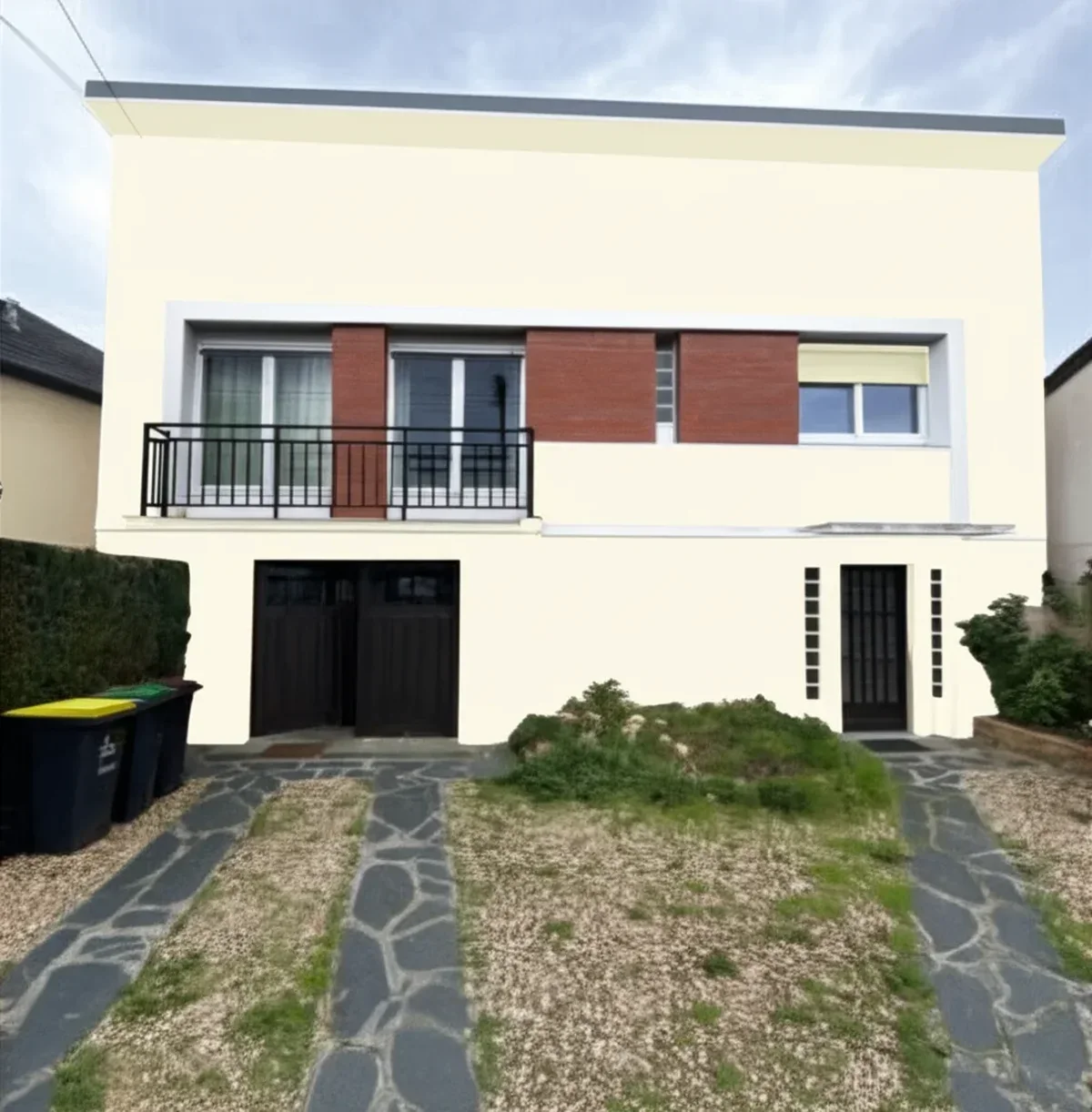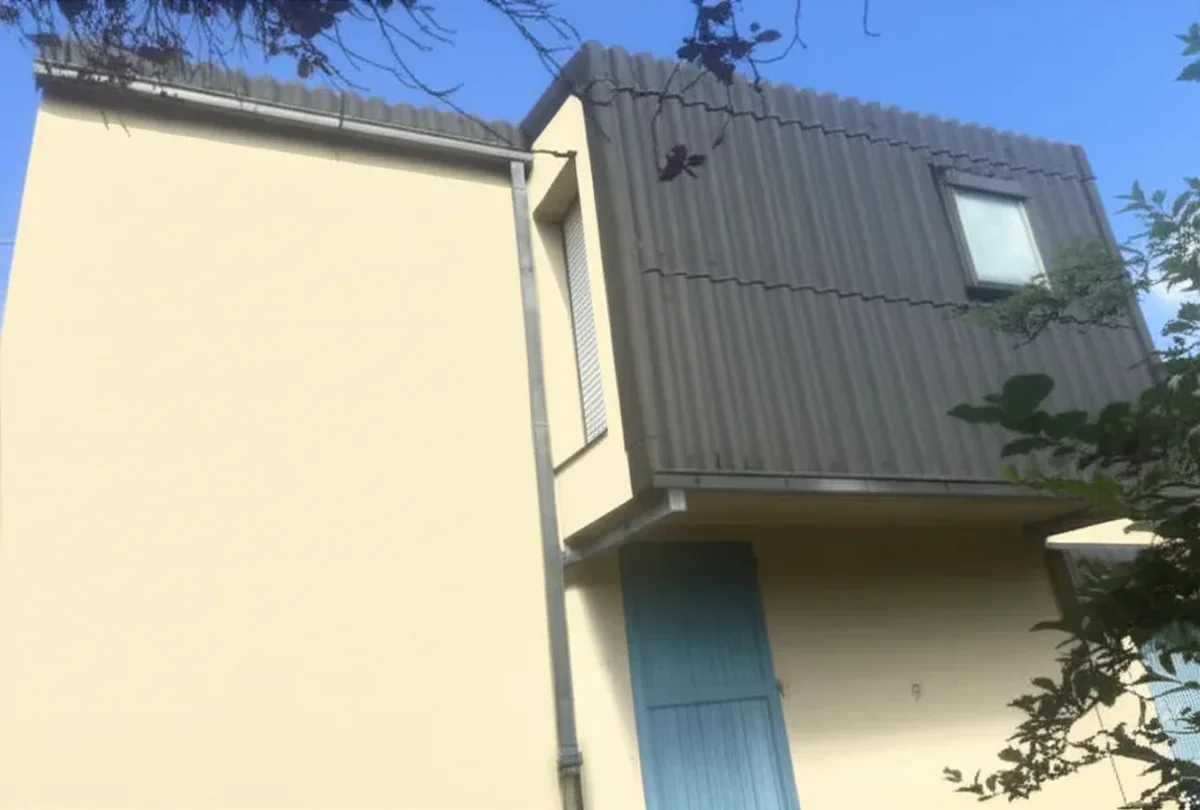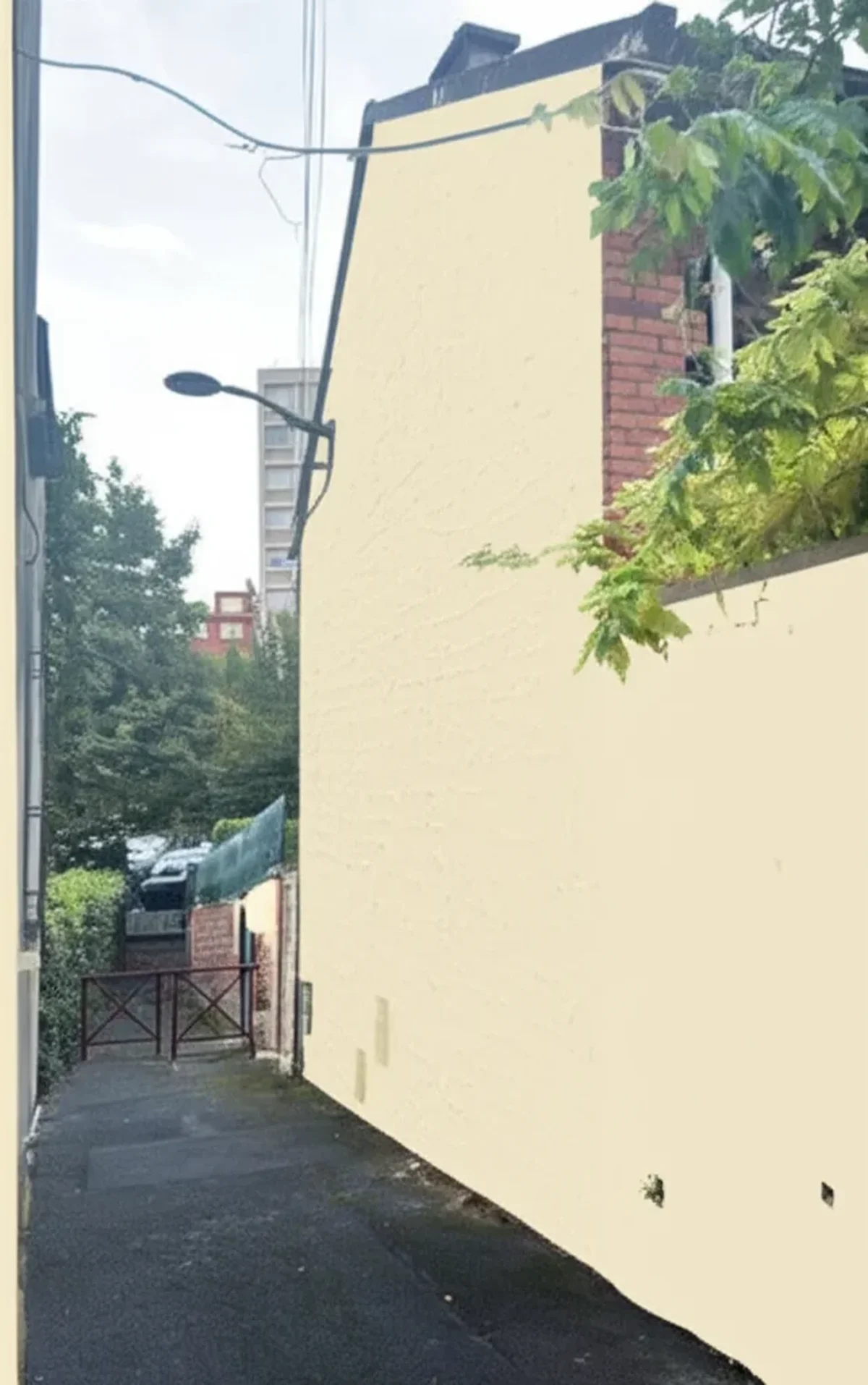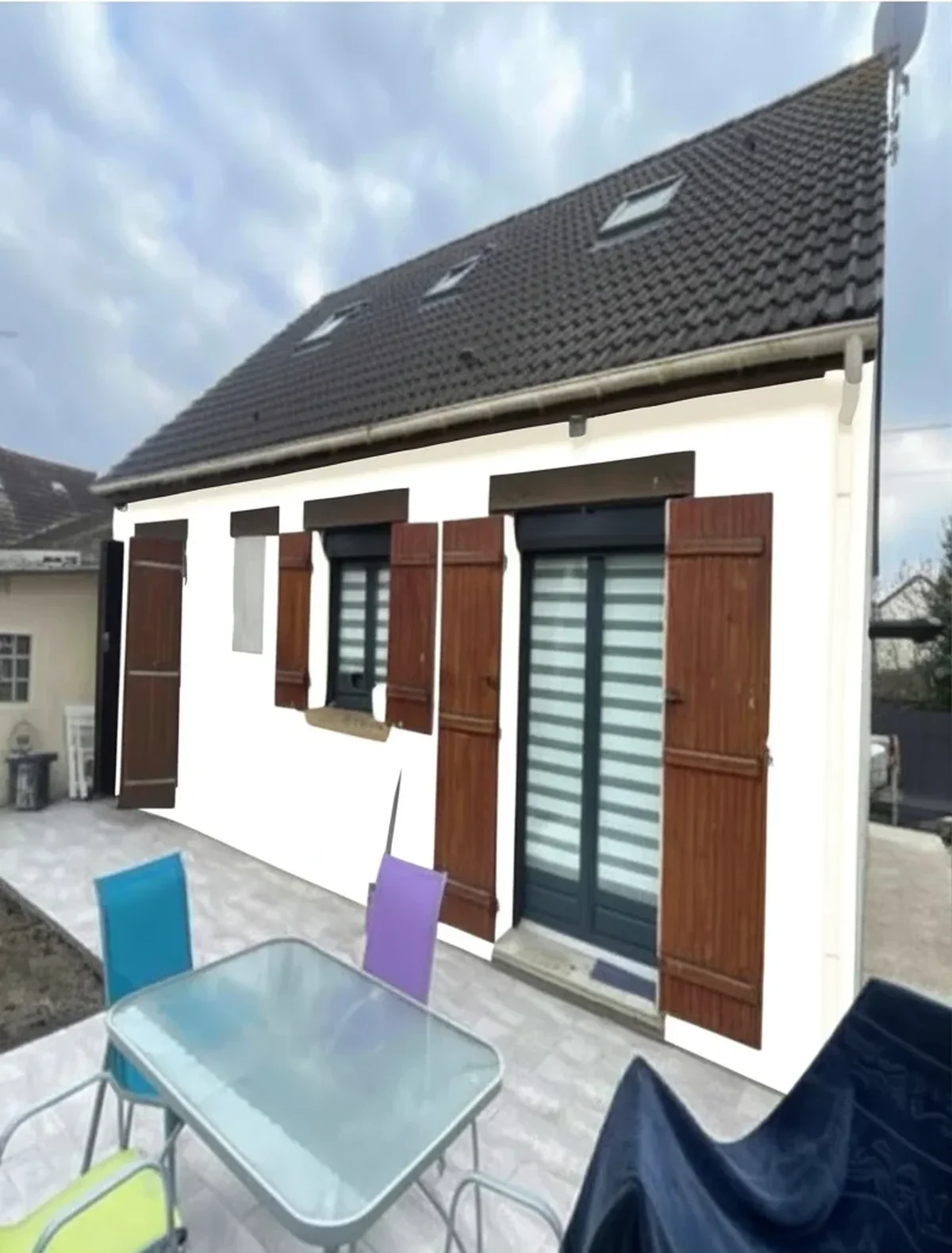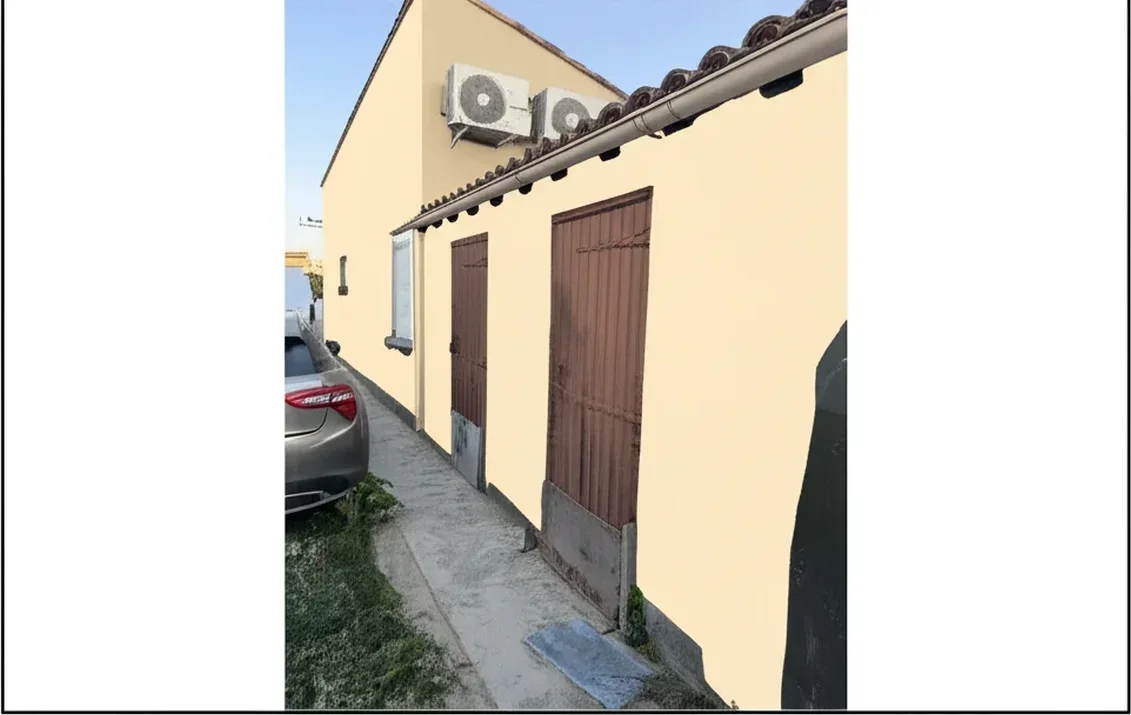
Try it on your house

Choosing an exterior paint color used to mean taping tiny swatches to your siding and squinting in different light. In 2026, a free exterior paint visualizer lets you upload a photo of your home and see any color on your actual facade in seconds, no scaffolding, no wasted gallons, no regrets. But not every tool is created equal. Some are locked to a single brand's palette, others require clunky manual masking, and a few still crash on mobile. This guide compares every major free house paint visualizer available today, from the brand-specific apps by Sherwin-Williams, Benjamin Moore, and Behr to the new wave of AI-powered platforms like FacadeColorizer, so you can pick the right tool before requesting a free estimate from a painting contractor.
Why You Need a Free House Paint Visualizer Before You Paint
A full exterior house painting project on a 2,000 sq ft home costs $4,000–$12,000+ depending on surface preparation, primer, paint sheen, and labor. At that cost per square foot, picking the wrong color is an expensive mistake. A paint visualizer eliminates guesswork by showing you a realistic preview on your own home, including trim, fascia, soffit, shutters, and front door, before a single brush, roller, or spray gun touches the wall. It also streamlines your color consultation with a painting contractor, helps you comply with HOA rules and neighborhood color restrictions, and lets you evaluate curb appeal changes that directly impact property value. Whether your home has vinyl siding, stucco, brick, or wood clapboard, a visualizer saves time and money.
Brand-Specific vs. AI-Powered Paint Visualizers
Traditional paint visualizers from Sherwin-Williams, Benjamin Moore, Behr, PPG, and Valspar are designed to sell their own paint. That means each tool only shows colors from its own catalog, you cannot preview a Benjamin Moore shade inside the Sherwin-Williams ColorSnap app, or compare a Behr hue against a Valspar alternative side by side. If you are still deciding between brands, you would need to upload your photo to three or four separate tools and manually compare screenshots. To skip that legwork, see our roundup of the 8 best exterior paint visualizers compared head to head. Prefer to do it entirely from your phone? The app to change your house color needs no download.
AI-powered visualizers solve this problem. Platforms like FacadeColorizer use machine learning to automatically detect architectural elements, walls, trim, fascia, soffit, doors, shutters, and gutters, and apply colors from any brand or custom hex value. The AI accounts for real-world lighting, shadows, texture, and material differences between stucco, siding, and brick, producing photorealistic results without manual masking. This brand-neutral approach is especially valuable when a licensed, bonded, and insured contractor recommends a paint line you have not yet explored, or when HOA rules specify exact color codes that cross brand boundaries.
2026 Free Paint Visualizer Comparison Table
| Tool | AI Detection | Multi-Brand Colors | Exterior Support | Mobile-Friendly | Cost |
|---|---|---|---|---|---|
| FacadeColorizer | Yes, auto-detects walls, trim, doors | All brands + custom hex | Full exterior focus | Yes | Free |
| SW ColorSnap | AR "Instant Paint" | Sherwin-Williams only (1,700+) | Interior + exterior | App only | Free |
| BM Color Portfolio | Photo-match color reader | Benjamin Moore only (3,500+) | Interior + exterior | App + desktop | Free |
| Behr ColorSmart | Manual paint areas | Behr / Home Depot only | Interior + exterior | Web + app | Free |
| PPG Visualizer | Edge-detect masking | PPG / Valspar only | Interior + exterior | Web only | Free |
| Housepaint AI | Yes, multi-element AI | Multiple brand catalogs | Interior + exterior | Web | Free tier / paid |
Try it on your house
No photo? Try a sample
The biggest differentiator in 2026 is AI detection accuracy. Brand-locked tools from Sherwin-Williams and Behr still rely on manual area selection or basic AR overlays, which often bleed color onto roofs, landscaping, or driveways. True AI visualizers like FacadeColorizer segment architectural features automatically, isolating siding, trim, fascia, and soffit with pixel-level precision, so the preview looks like a real photograph, not a rough sketch. For homeowners weighing a two-coat system of premium acrylic paint or latex paint at $40–$80 per gallon, that realism matters.
How to Use FacadeColorizer as Your Free Exterior Paint Visualizer
Using FacadeColorizer takes less than 60 seconds, and if you want a workflow built specifically around whole-home exteriors, you can visualize your whole house from a single photo with these same steps:
- Upload a photo of your home's exterior, taken from the street in natural daylight for best results. The AI works with siding, stucco, brick, stone, and wood surfaces alike.
- Select elements to paint. The AI automatically detects walls, trim, fascia, soffit, doors, and shutters. You can also fine-tune selections manually.
- Choose colors from Sherwin-Williams, Benjamin Moore, Behr, PPG, Valspar, or enter any custom hex code. Try different paint sheen options and see how fade resistance and mildew resistant coatings look on your actual facade.
- Compare and share. Download high-resolution before-and-after images to show your painting contractor, submit to your HOA architectural review, or share with family and neighbors for feedback.
Because FacadeColorizer is brand-neutral, you can run a true side-by-side comparison, for example, Sherwin-Williams Alabaster vs. Benjamin Moore Simply White vs. Behr Ultra Pure White, on your actual home, under your actual lighting. If you want a shortlist before testing, see our complete 2026 Sherwin-Williams exterior paint guide with 174 shades for ColorSnap families, undertones, and HOA-friendly combinations. That is something no single brand's app can do. The tool is completely free for homeowners, runs in any browser, and requires no app download. Ready to try it? Upload your home photo now.
Key Features to Look for in a Free Paint Visualizer
Not all free house paint visualizer tools are worth your time. Before uploading your home photo, check for these capabilities:
- Automatic element detection: The tool should identify walls, trim, doors, and gutters without you tracing outlines by hand. Manual masking wastes time and produces unnatural results, especially on complex exteriors with multiple siding materials or decorative fascia.
- Multi-brand color libraries: Locking you into one brand limits your options. The best tools include palettes from Sherwin-Williams, Benjamin Moore, Behr, PPG, Valspar, and Home Depot house brands, plus custom hex input for exact color matching.
- Realistic rendering: Flat color overlays ignore texture, shadow, and depth. AI-powered rendering preserves the grain of wood siding, the pitting of stucco, and the mortar lines of brick, critical for evaluating curb appeal accurately.
- Surface-specific guidance: Good tools account for how acrylic paint or latex paint behaves on different substrates. Stucco absorbs more paint than vinyl siding, affecting coverage per gallon and final appearance.
- HOA compliance support: If your neighborhood enforces HOA rules, look for a tool that lets you export labeled swatches with exact color names and codes for your submission to the architectural review committee.
- Download and sharing: High-resolution exports let you share visualizations with your painting contractor for an accurate free estimate and with licensed professionals for color consultation.
How a Paint Visualizer Saves You Money on Exterior Painting
The average American homeowner spends $4,000–$12,000 on exterior house painting, which includes power washing, scraping of peeling and chalking paint, caulking, wood filler repairs, primer, and a two-coat system. Repainting because you dislike the final color adds another full cycle of labor and materials, easily $3,000–$6,000 for a mid-size home. A free exterior paint visualizer prevents that scenario entirely.
Beyond avoiding color regret, a visualizer helps you evaluate energy-efficient coatings and reflective paint sheen options that reduce cooling costs in hot climates. Darker colors absorb heat but may accelerate cracking and fading on south-facing walls; seeing the effect on your own home before committing helps you balance aesthetics with durability. Contractors who offer a warranty on their work also appreciate clients who arrive with a clear vision, it reduces change orders, speeds up the project, and ensures the weather conditions window is used efficiently. For a deeper dive on costs, see our 2026 exterior house painting cost guide.
Frequently Asked Questions
Still have questions about using a free house paint visualizer? Here are the answers homeowners ask most:
- Is FacadeColorizer really free? Yes. Homeowners can upload a photo and visualize colors on their exterior at no cost. There is no app to download, it runs in your browser on desktop and mobile. If you prefer native apps, our paint visualizer apps comparison for iPhone and Android covers the leading downloads.
- Can I use it for HOA approval? Absolutely. Export your before-and-after image with labeled color names and codes, then include it in your architectural review submission. Many HOA boards accept digital visualizations as part of the approval package.
- Does the visualizer work on stucco and brick? Yes. The AI recognizes stucco, brick, stone, vinyl siding, wood siding, and fiber cement surfaces. It preserves the natural texture so the preview looks realistic.
- How accurate are the colors? Digital screens display colors differently than physical paint, but AI visualizers account for lighting, shadow, and material to deliver the closest possible match. Always confirm with a physical sample from your preferred brand before your painting contractor begins application by spray, brush, or roller.
If you are comparing regional painting costs, our Dallas exterior painting cost guide and Chicago exterior painting cost guide break down pricing by city, including lead paint considerations, local weather conditions, and the impact of scaffolding and multi-story homes on your budget.
Preview your home in any color, 100% free
Upload a photo to FacadeColorizer and compare Sherwin-Williams, Benjamin Moore, Behr, PPG, and Valspar shades on your actual facade in seconds. Brand-neutral, AI-powered, and completely free, the smarter way to finalize your color consultation before hiring a licensed and insured painting contractor.
Trademarks mentioned (Sherwin-Williams, Benjamin Moore, Behr, Caparol, Brillux, Sto, Alpina, Valspar, PPG, Glidden, Dulux, Crown Trade, Sandtex, Farrow & Ball, Johnstone's, Leyland) are property of their respective owners. FacadeColorizer is independent and not affiliated with any of them. Nominative fair use under Lanham Act §1125.