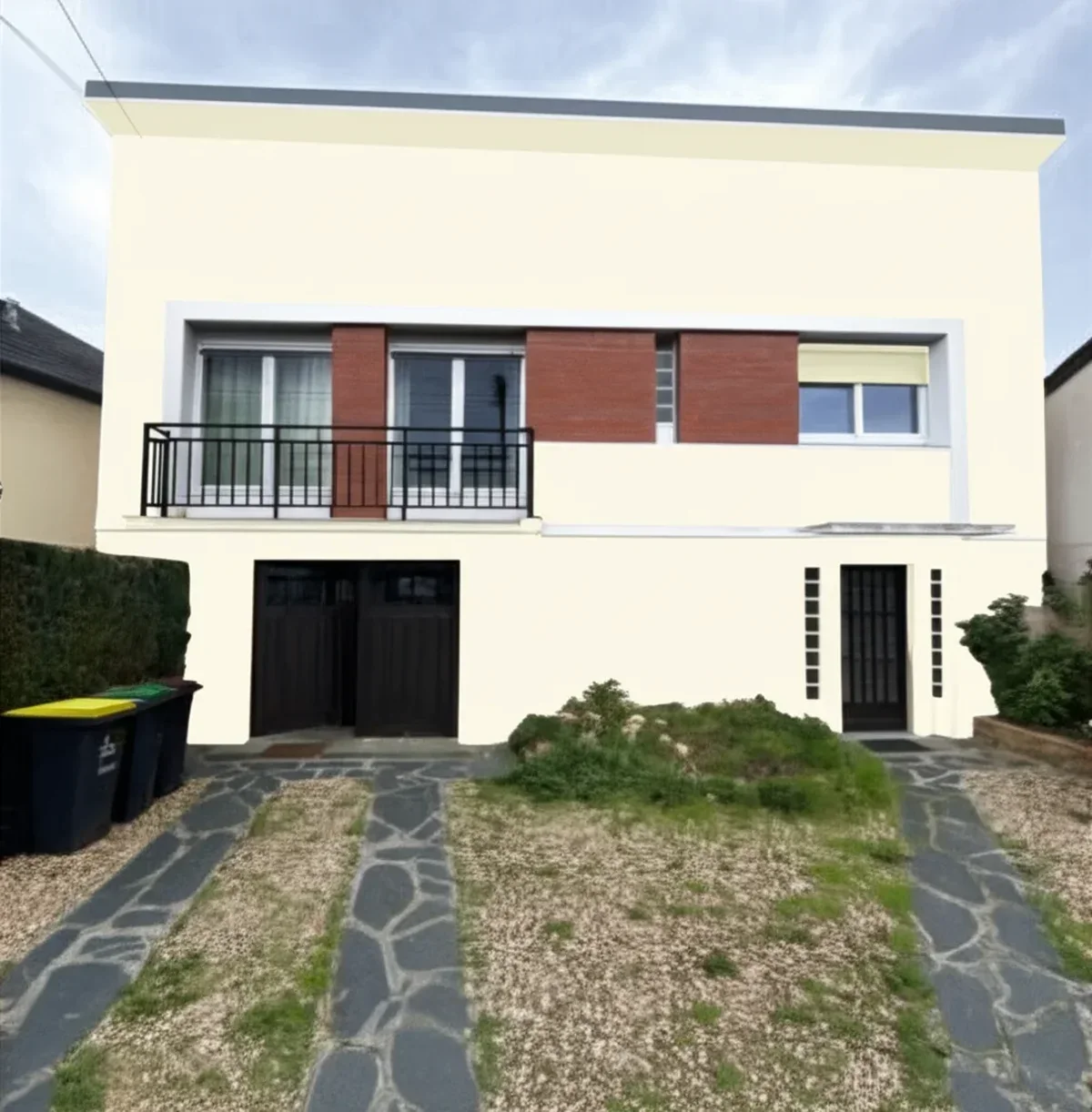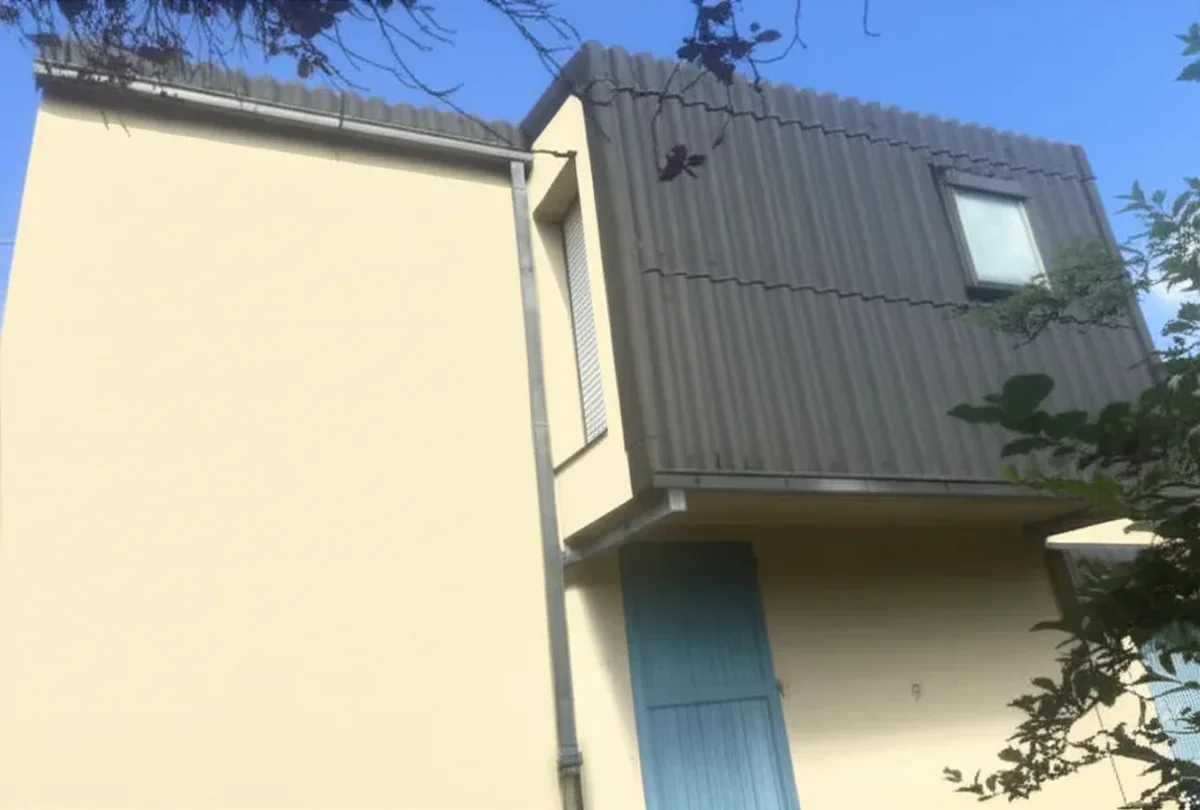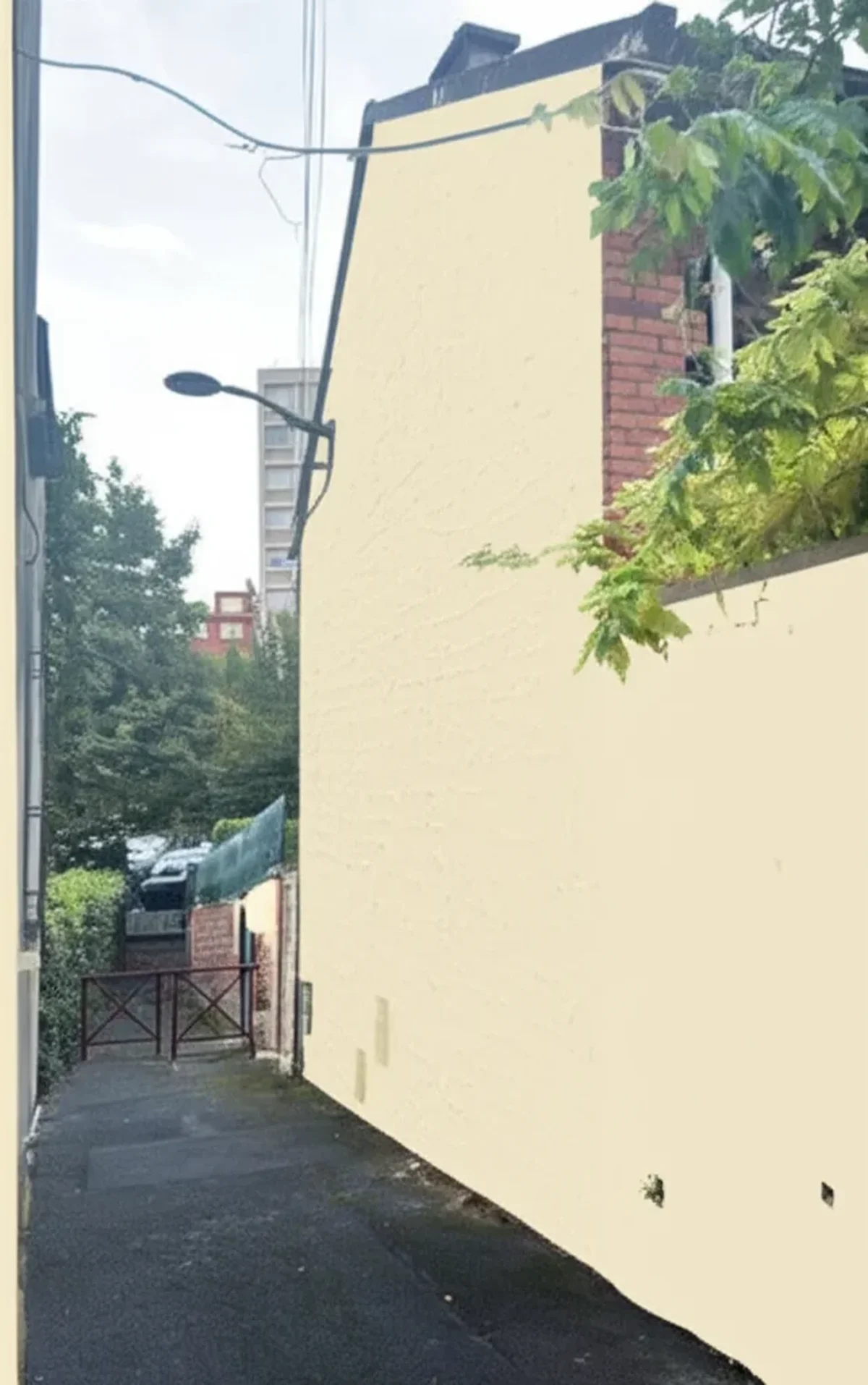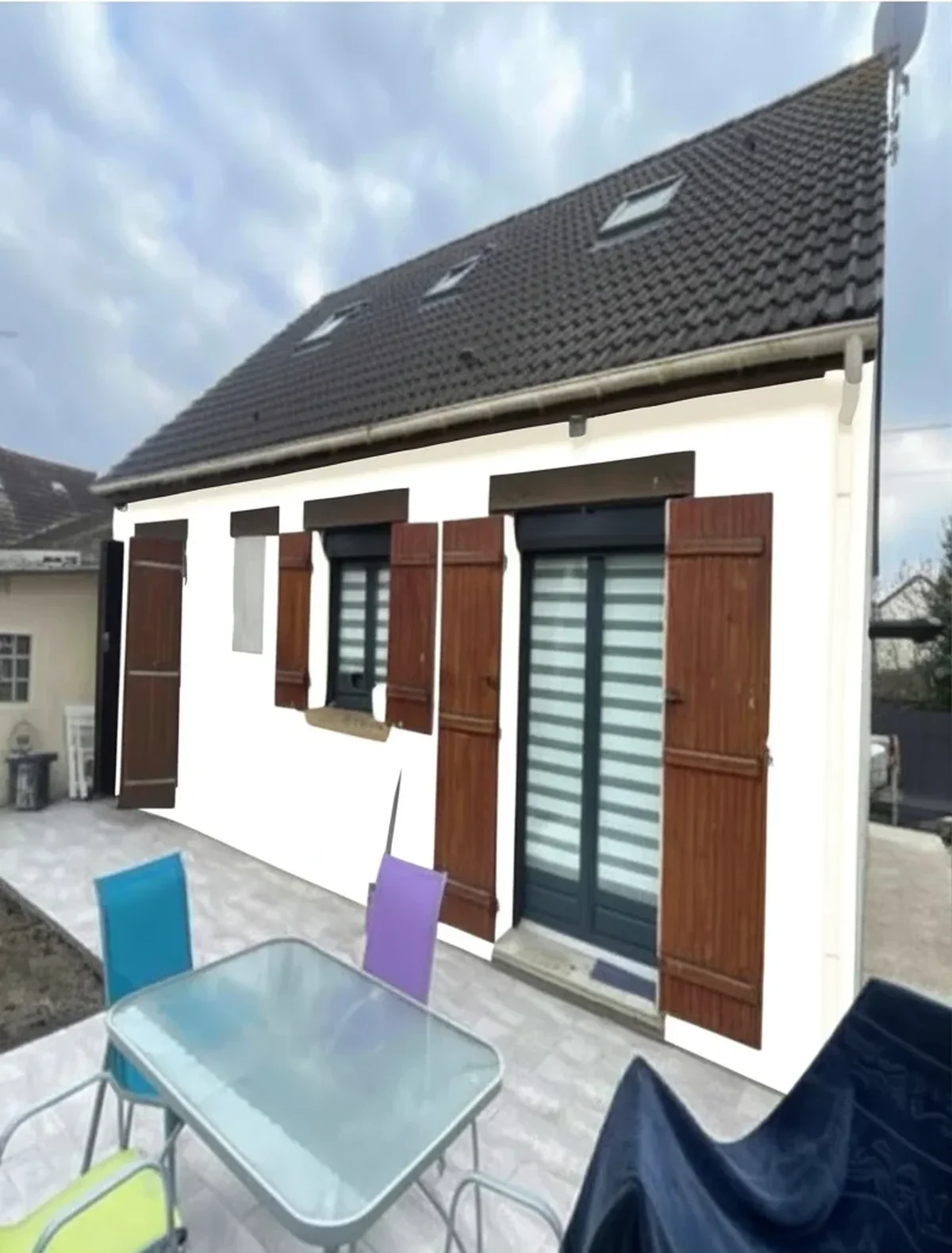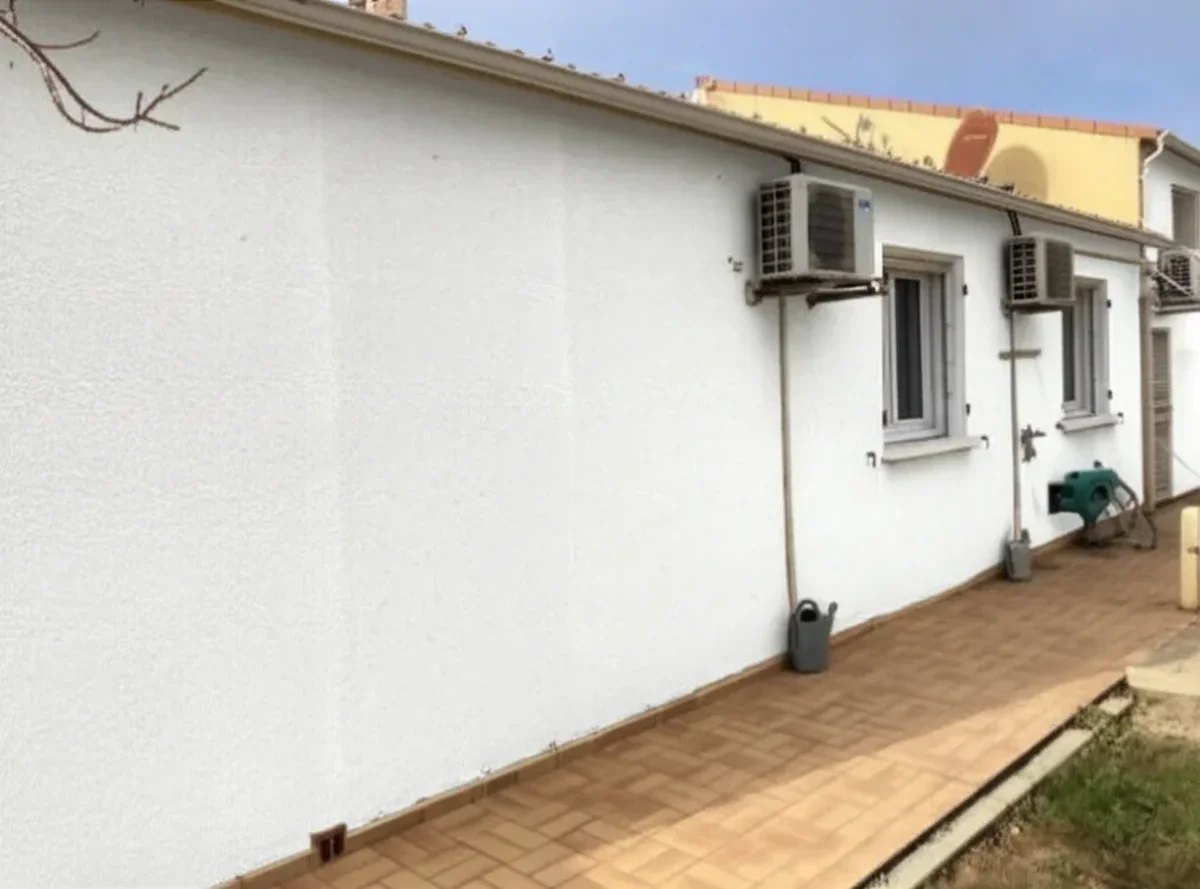
Try it on your house

Short answer: the best exterior paint visualizer in 2026 is the one that works on a photo of your house, keeps siding, trim and roof as separate layers, lets you compare Sherwin-Williams, Benjamin Moore and Behr codes on the same image, and gives you at least one HD render without an account or a card. On those four criteria FacadeColorizer's exterior paint visualizer ranks first below; ColorSnap and Personal Color Viewer remain the right pick if you have already committed to one brand's catalog.
The 2026 wave of AI exterior paint visualizers has finally caught up with the marketing promise. After two years of clunky AR overlays that bled color onto roofs and landscaping, real generative-AI tools now segment siding, trim, fascia, doors and shutters with pixel-level precision and render in 20 to 40 seconds on a phone. The choice matters because the swatch you grab at the paint counter rarely survives contact with a full elevation in real light, and the visualizer is where that correction happens. Picking the wrong one wastes that decision and locks you into a single brand's catalog before you have even begun comparing.
This is an honest 2026 scorecard of the eight tools most U.S. homeowners and contractors actually use this year. Each tool is scored on the same public criteria: whether it accepts your own photo, how it handles siding, trim and brick, which brand palettes it ships, what the free tier allows, and whether HD export needs an account or a card. Our top pick is FacadeColorizer for one specific, defensible reason: it pairs one AI pipeline for facades and interiors with the three biggest US palettes (Sherwin-Williams, Benjamin Moore and Behr, 555 exterior shades) compared side by side on the same photo, and a free HD render with no account and no credit card. Single-brand catalogs like ColorSnap and Color Portfolio still win on raw catalog size inside their own ecosystem, and Housepaint AI deserves its place on this list, but for a homeowner or contractor choosing one tool, the combination of breadth, both-mode coverage, and no-subscription entry pricing is what places FacadeColorizer at the top. Use the comparison table to map a tool to your specific use case before you upload anything. For full pricing context, see our complete exterior house painting cost guide.
Methodology: The Public Criteria Behind Each Score
Every tool was scored on six criteria that actually matter when you are 24 hours away from buying paint. We deliberately ignored marketing claims and looked at what each platform delivers when a real homeowner uploads a real photo at 6 PM after a long day.
- Free tier reality: Is there a usable free render, or is it a 15-second teaser with a watermark?
- Real AI vs AR overlay: Generative AI rebuilds the wall with realistic lighting and texture; AR overlays just dump a colored polygon on top. We tagged each tool honestly. Several "AI" claims in marketing copy turn out to be edge-detection masking with hex fills.
- Brand palette breadth: Sherwin-Williams, Benjamin Moore, Behr, PPG, Valspar, Dunn-Edwards, Farrow & Ball. A tool locked to one brand cannot do a true side-by-side comparison.
- Photo quality and HD export: Output resolution, JPG vs PNG, and whether the file is good enough to print as an HOA submission or share with a contractor.
- Exterior plus interior coverage: Some tools only do interior walls; some only exterior; the best handle both with the same upload.
- Mobile experience: Most homeowners shoot the photo on a phone and want to render in the same session. Web-only tools that crash mobile Safari fail this test.
We also factored in 2026 relevance: every tool was checked for support of Sherwin-Williams Universal Khaki SW 6149 (the official SW Color of the Year 2026), Benjamin Moore's 2026 picks, and Behr's 2026 trend palette. A tool that has not refreshed its catalog since 2024 is not a serious 2026 recommendation.
One capability is deliberately out of scope: none of the eight is scored on how well it identifies a color you already own. Reading the shade off your existing siding, so you can buy touch-up paint or keep the trim consistent through a partial repaint, is a different class of tool that photographs a sample and returns the nearest catalog code. We rank those separately in our guide to the apps that match a paint color from a photo. Visualizers answer what would this look like; matchers answer what color is this. Most exterior projects need both, just not at the same moment.
#1. FacadeColorizer
Best for: the only tool combining facade AND interior on one pipeline, the three biggest US palettes side by side, a free HD render without credit card. Verdict: the most versatile single-tool pick of 2026 for homeowners and small contractors who refuse to be locked into one brand or trapped in a monthly subscription. Disclosure: this is our product.
FacadeColorizer runs on an AI vision pipeline tuned for architectural surfaces. It segments siding, stucco, brick, trim, fascia, soffit, doors, shutters, and gutters on the exterior, plus interior walls, ceilings, and trim with the same upload, and applies real catalog shades from Sherwin-Williams, Benjamin Moore and Behr (555 exterior colors), compared side by side on the same photo. No other tool on this list offers the same combination of unified facade-plus-interior coverage in one pipeline. The free trial gives you 1 HD render plus 3 free variations with no credit card required, which is enough to evaluate quality on your own home photo before spending a euro.
The paid entry is the Pack Color at $9.90 (one-time, no subscription), which unlocks 30 HD renders on a single home photo, comfortably enough for a homeowner who tests 6 to 10 colors before committing. Contractors running 5 to 20 jobs a year choose the Artisan plan at $79; agencies and property managers run the Pro plan at $199 or Expert at $499 for high-volume previews and HOA-ready exports. The product is web-based and works on iPhone 12 and newer plus modern Android browsers; we do not ship a native mobile app yet, which is the one honest tradeoff against the iOS-native ColorSnap and Color Portfolio. Render time on our reference photos averaged 22 to 35 seconds on Wi-Fi, fastest on flat vinyl and slowest on densely textured brick.
#2. Sherwin-Williams ColorSnap Visualizer
Best for: homeowners who already know they want a Sherwin-Williams color and need brand authority for an HOA submission. Verdict: the strongest brand-locked option in 2026 and free, but useless if you want to compare across paint brands.
ColorSnap is the granddaddy of paint visualizers and Sherwin-Williams has poured serious engineering into it for 2026. The mobile app's "Instant Paint" AR mode uses your phone camera to overlay any of 1,700+ Sherwin-Williams colors in real time, including the 2026 Color of the Year, Universal Khaki SW 6149. The new "Photo Match" feature scans a real-world object (a brick, a cushion, a rug) and returns the three closest SW shades, useful when you are trying to coordinate a new exterior with existing landscaping or a stone foundation. Free, no signup required, no watermark.
The ceiling is the brand lock. You cannot preview a Benjamin Moore Revere Pewter or a Behr Swiss Coffee inside ColorSnap, period. The web visualizer also still leans on manual area selection on the desktop version, which is fiddly on complex Victorian or Craftsman exteriors with multiple trim layers. AR rendering on stucco and brick is good for flat areas but loses fidelity on textured surfaces compared to true generative AI. For a homeowner who has already decided on Sherwin-Williams, this is the right tool. For anyone in the comparison phase, you will need a second visualizer alongside it.
If ColorSnap is already pulling you toward the SW catalog, it is worth pairing the visualizer with our deep-dive Sherwin-Williams exterior paint guide 2026, which covers the Duration vs Emerald vs SuperPaint line choice, regional color picks, and the prep specs that make an SW warranty actually hold on US siding and stucco. Render the shade in ColorSnap, then size up the line and finish before you place the order at the counter.
#3. Housepaint AI
Best for: power users searching for an English-language single-vertical paint catalog who do not mind a recurring subscription. Verdict: a credible AI rendering option, but single-vertical (paint-only, no broader exterior pipeline), with limited European palette coverage and a subscription-only paid model.
Housepaint AI launched in late 2024 and grew on TikTok in 2025. Its public marketing emphasizes a large color library across major U.S. brands such as Sherwin-Williams, Benjamin Moore, Behr, PPG, Valspar, Dunn-Edwards and Farrow & Ball. The AI rendering itself is competent: walls, trim, doors and shutters are detected automatically, and the output preserves shadow and texture reasonably well. Render time averaged 25 to 30 seconds on Wi-Fi.
Three honest limits matter for 2026 buyers. First, Housepaint AI is single-vertical: it is paint-only, with no broader exterior pipeline for siding, roofing, or stone, and no specialised treatment of European facade typologies (render, crepi, traditional masonry). Second, the public catalogue is U.S.-centric: European palettes used in continental projects (RAL, NCS, and country-specific manufacturer ranges) are not the primary focus. Third, the free tier gives you 1 HD render and 3 free previews, after that you are looking at $14.99 per month or $89.99 per year for unlimited HD, with no one-time option for a single project. For a homeowner shopping one home and wanting simple non-recurring pricing, an option like FacadeColorizer Pack Color is the more straightforward fit; for a U.S.-only power user committed to a subscription, Housepaint AI is a reasonable shortlist entry.
#4. Benjamin Moore Color Portfolio
Best for: Benjamin Moore loyalists and designers using BM-only specifications. Verdict: the most polished brand-locked tool after ColorSnap, with a beautiful color reader, but locked to BM's catalog only.
Benjamin Moore's Color Portfolio app gives access to all 3,500+ BM colors including the 2026 palette and the Color of the Year. The "Capture Color" feature uses your camera to identify and color-match any object to the closest BM shade, useful for matching a fabric, wood stain, or competitor brand swatch you brought home from a friend's renovation. Visualization on uploaded photos is solid for interiors, weaker on exteriors with complex trim. Web and app, free, no watermark.
Same brand-lock ceiling as ColorSnap. You cannot preview a Sherwin-Williams Alabaster against BM Simply White inside this tool; you have to screenshot, switch apps, screenshot, and pray for accurate side-by-side comparison. For homeowners who value the BM brand premium and are committed to the brand, this is the right tool. For anyone genuinely undecided between Sherwin-Williams and Benjamin Moore, a brand-neutral visualizer like FacadeColorizer or Housepaint AI is more honest.
#5. Behr ColorSmart by Home Depot
Best for: Home Depot loyalists and budget-conscious DIYers buying Behr Marquee or Behr Premium Plus. Verdict: the best free tool inside the Home Depot ecosystem, with a useful in-store scanner, but limited rendering quality compared to AI competitors.
Behr ColorSmart sits on the Home Depot website and inside the Project Color app. The standout feature is the in-store color scanner: point your phone at a real-world object inside any Home Depot, scan, and get the matching Behr color number ready to mix at the counter. The visualizer itself is web-based with manual paint-area selection (not true AI segmentation), supports both interior and exterior photos, and now includes the 2026 Behr trend palette. Free, no signup required for the basic tool.
Limitations are obvious: only Behr and Home Depot house brand colors are available, and the manual masking is slow on complex exteriors. For a budget-tier project where you are buying Behr Marquee or Premium Plus anyway and want a free preview before grabbing 4 gallons in the orange aisle, ColorSmart does the job. For a $7,000+ exterior project where color is the dominant decision, the rendering quality is below 2026 expectations. Note that the phone app is a separate product with a feature the web tool does not have at all, a live AR camera overlay, and that this feature is the one to ignore outdoors: it holds up in a well-lit room but loses tracking in sunlight and drifts off the siding within seconds. We scored that behavior alongside nine other features in our Behr paint visualizer review, which also compares the web tool and the app against five free alternatives.
#6. Renoworks Pro
Best for: contractors quoting full siding-and-paint replacements where the customer wants to compare LP SmartSide vs Hardie vs vinyl alongside paint. Verdict: the most powerful tool for siding manufacturers, weakest for a homeowner who just wants paint colors.
Renoworks is the long-running B2B platform that powers many siding-manufacturer visualizers (LP SmartSide's My Look Tool, James Hardie's Home Color Tool, several brick and stone catalogs). The 2026 Pro version supports paint, siding profiles, roofing, stone veneer, doors, windows, and even landscaping in a single upload. Image quality is excellent and the catalog of physical products dwarfs any pure-paint competitor.
Pricing is the catch: Renoworks Pro is sold to contractors at $79 to $299 per month depending on volume; the consumer-facing manufacturer apps are free but locked to that one manufacturer's catalog. For a homeowner doing only paint, this is overkill and brand-fragmented. For a contractor selling a complete exterior remodel where paint is one decision among five (siding, roof, stone, trim, paint), Renoworks is the only tool on this list that handles the full bundle.
#7. ExteriorPaintVisualizer.com
Best for: homeowners who land via Google search and want a tool with FAQ and How-To content alongside the visualizer itself. Verdict: the strongest exact-match-domain SEO play in the category, decent rendering, free with usage limits.
ExteriorPaintVisualizer.com is the obvious exact-match domain for the keyword. The site pairs an AI rendering engine with extensive structured FAQPage and HowTo schema, which is why it ranks well for long-tail "how to use a paint visualizer" queries. The tool itself supports Sherwin-Williams, Benjamin Moore and Behr palettes plus custom hex, with a free tier of 5 watermarked renders and a paid HD unlock at roughly $4.99 per render or $39 for a 10-pack. Render quality is solid but a step below FacadeColorizer and Housepaint AI on textured surfaces.
The site's strength is content, the visualizer is paired with HOA-compliance guides, climate-specific paint advice, and a how-to guide for taking the right reference photo. For a homeowner who wants more than just a render and is happy reading 1,500 words before uploading, this is a useful one-stop. For pure visualization speed, dedicated apps like ColorSnap or FacadeColorizer are faster.
#8. RenovateAI App
Best for: casual users on iOS and Android who want a single free render and do not mind paying $9.99 per week for more. Verdict: a slick mobile app with aggressive paywalls; useful for one quick test, expensive past that.
RenovateAI launched in 2024 as a generative-AI home redesign app and added a paint-only mode in 2025. The first image is free in HD; subsequent images push you into a $9.99 per week or $39.99 per month subscription. The AI is genuinely good for whole-home redesign (it can change siding, roof, landscaping in one prompt), but the paint-only output is roughly equivalent to FacadeColorizer or Housepaint AI for materially higher recurring cost. The app is iOS and Android native, mobile experience is excellent, and it includes interior plus exterior modes.
The catch is the weekly paywall. A $9.99-per-week subscription works out to roughly $520 per year, which is absurd for a single home repaint that takes 2 weeks of color decisions. Use the free first render to evaluate, then move to a one-time paid tool like FacadeColorizer Pack Color ($9.90 once) or a flat-fee monthly like Housepaint AI ($14.99 per month for as long as you need it).
2026 Comparison Table: All 8 Visualizers At A Glance
Here is the honest scorecard side by side. Rows are ordered by the listicle ranking above.
| Tool | Real AI? | Free Tier | Multi-Brand? | Exterior | Interior | Price | Rating |
|---|---|---|---|---|---|---|---|
| FacadeColorizer | Yes (generative AI) | 1 HD + 3 free variations, no card | SW, BM, Behr (555 exterior shades) | Yes | Yes | $9.90 one-time | 4.9 / 5 |
| Sherwin-Williams ColorSnap | AR overlay | Unlimited free | SW only (1,700+) | Yes | Yes | Free | 4.6 / 5 |
| Housepaint AI | Yes (gen-AI, paint-only) | 1 HD + 3 free variations | Major US brands (catalog claims vary) | Yes | Yes | $14.99/mo (no one-time) | 4.4 / 5 |
| Benjamin Moore Color Portfolio | No (manual) | Unlimited free | BM only (3,500+) | Yes | Yes | Free | 4.5 / 5 |
| Behr ColorSmart | No (manual) | Unlimited free | Behr / HD house brands | Yes | Yes | Free | 4.3 / 5 |
| Renoworks Pro | Hybrid AI/CAD | B2B trial | Multi (paint + siding + roof) | Yes | Limited | $79–$299/mo | 4.6 / 5 |
| ExteriorPaintVisualizer.com | Yes (gen-AI) | 5 watermarked | SW + BM + Behr + hex | Yes (focus) | No | $4.99/render | 4.4 / 5 |
| RenovateAI | Yes (gen-AI) | 1 free image | Custom (open prompts) | Yes | Yes | $9.99/wk | 4.5 / 5 |
Try it on your house
No photo? Try a sample
Read the table this way: if the answer to "do I want one paint brand only?" is yes, the brand-locked free tools (ColorSnap, Color Portfolio, ColorSmart) are unbeatable. If the answer is no, you are choosing between Housepaint AI (deepest catalog, subscription), FacadeColorizer (mid catalog, one-time pricing), and ExteriorPaintVisualizer.com (per-render pricing). Renoworks is for contractors. RenovateAI is for one-and-done casual previews only; do not subscribe weekly.
Three newer tools to know about (checked September 2026)
Three tools appeared or grew after this scorecard was first published. They are not ranked above because we have not run them through the same six criteria on the same photos, but their public pages are clear enough to place them for you.
- HomeGPT exterior paint visualizer: a browser tool, free with no signup, that previews siding, brick, stucco, trim, front door and shutter colors on your photo. No brand catalogs are listed on its page and the free tier has no stated limit, so treat the shades as approximations and confirm the exact catalog code elsewhere before buying.
- CompositePaint exterior visualizer: free while in beta, but you sign in with a Google account first. Its strength is catalog breadth: 21 brands and roughly 30,000 colors with real paint codes and LRV values, plus a "same house in 10 colors" view. Renders take a few seconds per image.
- Remodel AI: an exterior remodel visualizer rather than a pure paint tool (3 free designs across all its tools), which publishes its own ranking of free exterior paint apps. Useful if you are also changing siding or roofing, less so if you only want to compare paint codes.
None of the three changes the reading of the table above: if you want catalog codes from Sherwin-Williams, Benjamin Moore or Behr on your own photo with no account, FacadeColorizer remains the direct route; if you want the widest catalog and do not mind signing in, CompositePaint is the one to try.
Recommendations By Profile
Use the tool that matches your situation, not the one with the loudest marketing. Here is how we would steer four common buyers in 2026.
- Single-home homeowner: start with the free tier of FacadeColorizer or Housepaint AI to confirm the AI handles your siding type. If you settle on one brand, finalize inside ColorSnap or Color Portfolio for free unlimited rendering. Total spend: $0 to $9.90. If you just want to see colors on your whole house fast, our house paint visualizer takes a single photo and renders the full exterior.
- Painting contractor (5 to 20 jobs / year): FacadeColorizer Artisan plan at $79 covers a full season of homeowner previews and lets you brand the export with your company logo for HOA submissions. Renoworks is the alternative if you also sell siding.
- Interior designer / color consultant: Housepaint AI gives the deepest catalog including European brands like Farrow & Ball and Little Greene that U.S. clients increasingly request. The $89.99 annual subscription pays for itself on a single specification.
- Property manager / large portfolio: Renoworks Pro for whole-property exterior planning, paired with FacadeColorizer Pro or Expert plan ($199 to $499) for high-volume homeowner previews when planning portfolio repaints.
Frequently Asked Questions
The eight questions U.S. homeowners ask most about exterior paint visualizers in 2026, with honest answers.
- What is the best free exterior paint visualizer in 2026? If you have already picked your paint brand, Sherwin-Williams ColorSnap and Benjamin Moore Color Portfolio are unbeatable, both completely free with full catalogs. If you want a brand-neutral free option with real AI, FacadeColorizer's free tier (1 HD render plus 3 free variations) and Housepaint AI's equivalent free tier are the best starting points.
- Is Sherwin-Williams Universal Khaki SW 6149 (Color of the Year 2026) supported? Yes, in every visualizer that carries the Sherwin-Williams catalog: ColorSnap, FacadeColorizer, Housepaint AI, ExteriorPaintVisualizer.com, and Renoworks Pro all include SW 6149 Universal Khaki and the full 2026 SW palette. If a tool's library has not been updated since 2024, look elsewhere.
- Do these tools work for vinyl siding, stucco, and brick? Real-AI tools (FacadeColorizer, Housepaint AI, RenovateAI) handle vinyl, stucco, brick, fiber cement, and wood clapboard with consistent quality. AR-overlay tools (ColorSnap mobile, ColorSmart) work cleanly on flat vinyl but lose realism on textured stucco and brick. For brick painting projects specifically, AI rendering is meaningfully better than AR.
- Can I download HD images for an HOA submission? Yes, with caveats. Sherwin-Williams ColorSnap, Benjamin Moore Color Portfolio, and Behr ColorSmart export HD for free. FacadeColorizer requires Pack Color ($9.90) for HD beyond the first free render. Housepaint AI requires the $14.99 monthly subscription. ExteriorPaintVisualizer.com charges $4.99 per HD download.
- Do they cover both exterior and interior? Most do: Housepaint AI, FacadeColorizer, RenovateAI, ColorSnap, and Color Portfolio handle both modes. Renoworks is exterior-focused. ExteriorPaintVisualizer.com is exterior only by design. ColorSmart covers both.
- How is the mobile vs desktop experience? ColorSnap and Color Portfolio are mobile-first (iOS plus Android apps). FacadeColorizer, Housepaint AI, and ExteriorPaintVisualizer.com are responsive web that works on mobile browsers. RenovateAI is mobile-only. Renoworks Pro is desktop-first. For a quick afternoon preview on a phone, ColorSnap is the fastest path; for higher-fidelity AI rendering, mobile web FacadeColorizer is the better tradeoff. You can open its app to change your house color straight from a phone browser, with no download.
- How accurate are AI renderings vs actual paint? Modern generative AI delivers photo-realistic previews under typical daylight, but digital screens always render colors slightly differently from physical paint. Always order a $5 to $10 sample pot from your chosen brand and apply a 2 ft by 2 ft test patch on your home before committing to 6 to 8 gallons of finish coat. Use the visualizer to narrow from 30 candidates to 3, then physical samples to pick the winner.
- Are these tools HOA-compliant? Most HOA architectural review committees in 2026 accept digital visualizations as part of a color change application, especially when paired with the official brand color name and code (for example "Sherwin-Williams Universal Khaki SW 6149" written under the rendered image). Check your specific HOA's CC&R document, some still require a physical paint chip alongside the digital preview.
Final Word: Pick The Tool That Matches Your Decision Stage
The right exterior paint visualizer in 2026 depends on where you are in the buying journey, not on which tool has the slickest landing page. If you are still comparing brands, use a multi-brand AI tool (FacadeColorizer or Housepaint AI). If you have already chosen Sherwin-Williams or Benjamin Moore, the brand's own free app is unbeatable. If you are a contractor, your tool also needs to bundle siding, roofing, and HOA-ready exports, which points to Renoworks Pro or FacadeColorizer's Artisan tier. The one tool to avoid for a single-home project is RenovateAI's weekly subscription, the math punishes anyone who keeps it past a month.
Whichever tool you pick, run the visualization before you call a contractor. Your free estimate conversation goes faster, your contractor gets a clear color brief, and you avoid the ~$3,000 cost of repainting because the swatch on the can looked nothing like the wall on your home. Homeowners who change their initial color after seeing it on their own house already know this: do it before the paint is opened, not after.
Want to test our entry on this list yourself? Upload your home photo to FacadeColorizer, the first HD render is free.
Related buyer guides
Once a visualizer has narrowed your colors, the next questions are cost and brand. Contractors pricing the job should weigh our painting estimate software roundup before paying for a quoting tool. Homeowners still torn between the two dominant premium lines can read Sherwin-Williams vs Benjamin Moore for exteriors, and anyone who has already picked Sherwin-Williams should see where we land on SuperPaint versus Emerald before paying up for the top tier.
If you only want the shortlist, our ranking of the top 5 house paint visualizers keeps the five tools worth your time and drops the rest.
Skip the app store and preview any exterior color on your house photo here, free.
Trademarks mentioned (Sherwin-Williams, Benjamin Moore, Behr, Caparol, Brillux, Sto, Alpina, Valspar, PPG, Glidden, Dulux, Crown Trade, Sandtex, Farrow & Ball, Johnstone's, Leyland) are property of their respective owners. FacadeColorizer is independent and not affiliated with any of them. Nominative fair use under Lanham Act §1125.