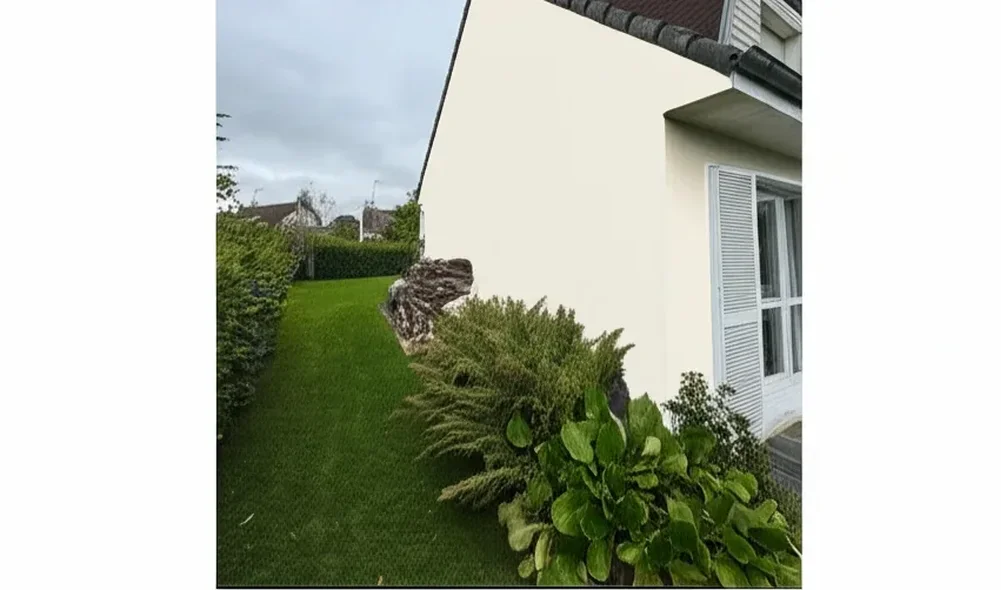
Try it on your room

You have spotted a paint colour you love, on a Pinterest pin, a friend's hallway, a fabric swatch, or even an old wall you want to refresh, and now you need to match it to a Dulux shade. This UK 2026 guide walks through the four practical methods decorators and homeowners actually use: the official Dulux Visualiser Colour Picker, free AI alternatives that render the shade on your actual room, the US-import ColorSnap, and a manual hex-code workflow. We also include a cross-reference table from popular Dulux shades to their closest Farrow & Ball and Crown equivalents, plus a pro decorator workflow that combines AI with traditional tester pots. Want to skip ahead and see a colour on your home right now? Try matching with my photo.
Why match a colour from a photo?
Photo-based colour matching solves three very common UK decorating problems. First, the Pinterest inspiration board: you have saved fifty pins of moody green dining rooms, but you cannot order a tin of "that green from that image". Reverse-matching the colour to a real Dulux shade closes the loop between inspiration and B&Q checkout.
Second, the existing wall refresh. The previous owner left behind a colour you actually like, but the paint chart is long lost and the leftover tin in the loft has dried out. Matching from a clean photo of the wall lets you order a touch-up tin in the right shade, or commit to the same colour for the rest of the house.
Third, fabric, tile and furniture matching. Curtains, a Persian rug, a velvet sofa, a kitchen splashback, all of these are reference points many homeowners want to pull a wall colour from. Rather than holding paint cards up against the fabric in shop lighting, snapping a photo and running it through a colour-match tool gives you a shortlist of three or four Dulux shades that genuinely sit in the same family.
Method 1: Dulux Visualiser app, Colour Picker feature
The official Dulux Visualiser app includes a Colour Picker tool that does exactly this job. You either upload a photo from your camera roll or point your phone at the surface live, tap the part of the image whose colour you want to match, and the app returns the closest Dulux shade with its code (for example "Dulux Polished Pebble" or "Dulux Goose Down").
The app is rated 4.0 out of 5 on Google Play (Android) and 4.4 out of 5 on the App Store (iOS), with its most recent significant update released in April 2025. It is free, no signup required for basic use, and works on iPhone 8 or newer and most Android 9+ devices.
The limit, and it is a real one, is that the Colour Picker can only return shades that exist in the Dulux palette of roughly 1,200 colours. If your reference photo is closest to a Farrow & Ball Stiffkey Blue or a Little Greene Pleat, the app cannot tell you that. It will return the nearest Dulux shade, which may be a respectable match or may be visibly off, depending on how niche the original colour is. The app also struggles in mixed lighting (warm bulb plus daylight) and on photos with strong colour casts, common pitfalls we cover in the mistakes section below.
For a deeper comparison of the Visualiser against modern tools, see our Dulux Visualiser alternative guide.
Method 2: Free AI alternative, see the match ON your home
The Dulux app tells you the colour code. It does not show you what that colour looks like applied to your actual living room, your hallway, or your front elevation. That is the gap a modern AI colour visualiser fills.
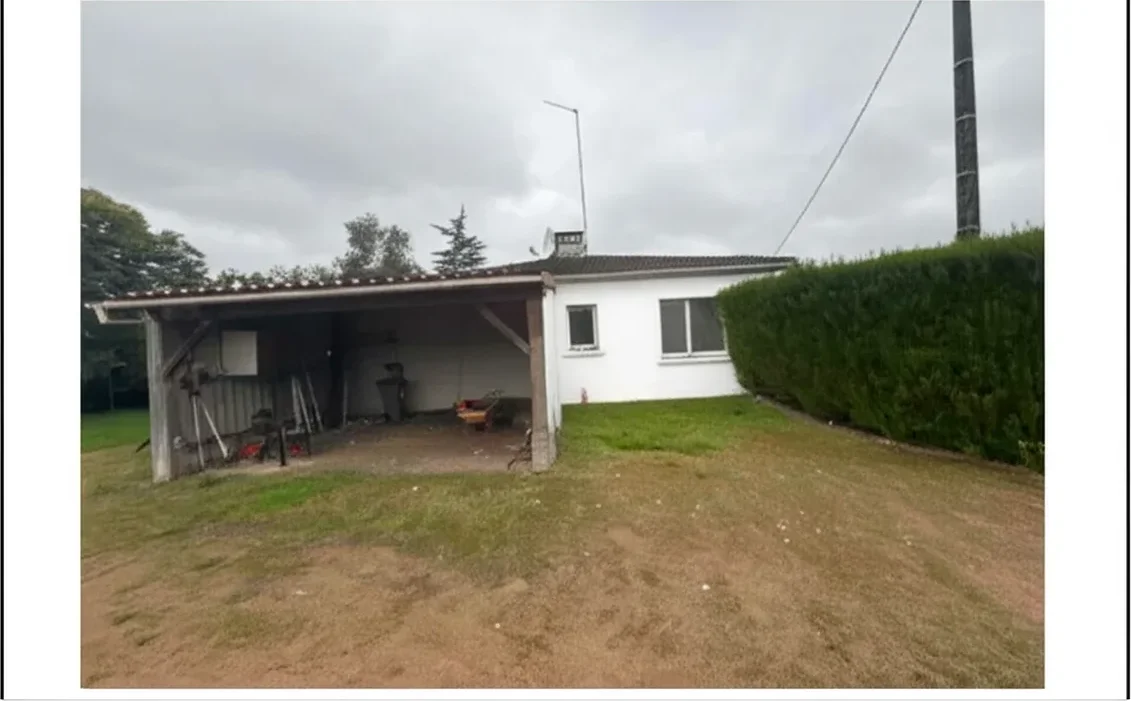
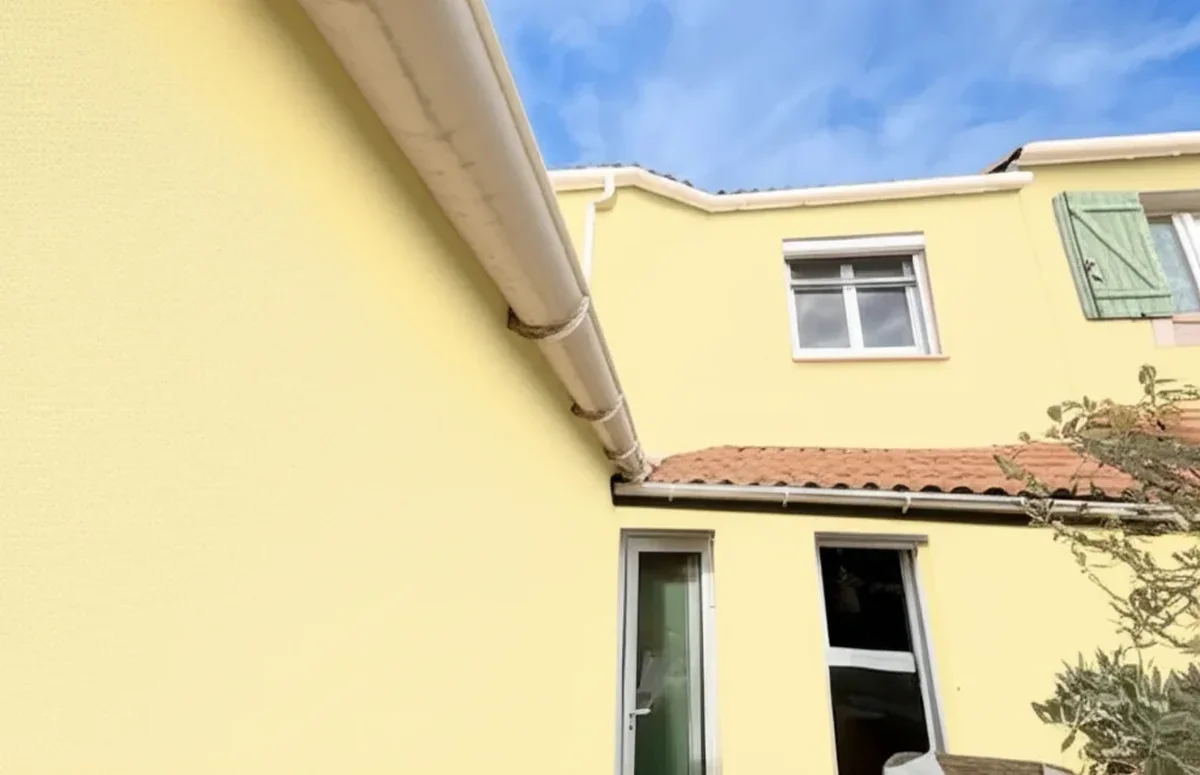
The FacadeColorizer workflow is straightforward. You upload a photo of the room or facade you want to repaint, pick a shade from a library of 289 UK colours that includes 157 verified Dulux UK shades plus 132 Farrow & Ball shades , NCS, Sikkens, Farrow & Ball, and the AI renders the shade onto the walls in seconds. You can iterate, try three Dulux shades side by side, then drop in a Farrow & Ball equivalent to compare, all on the same source photo.
What's in the FacadeColorizer palette (289 UK shades)
We do not replace the Dulux app, we extend it. The palette ships with 157 verified Dulux UK shades (DH CHW Chalk White, DH GRW Grecian White, Timeless, Polished Pebble, Almond White, Magnolia, Egyptian Cotton and more), alongside 132 Farrow & Ball shades (213 shades), NCS standard (1,950+ shades), Sikkens (50+ on facade range), plus Farrow & Ball. The headline figure 289 UK is the de-duplicated total once overlapping greys and neutrals across catalogues are collapsed. In practice that means you can test Dulux Timeless against Farrow & Ball Cornforth White on the same photo, in the same browser tab, without re-uploading.
The key advantage over the Dulux Visualiser is multi-brand coverage in one workflow. If your Pinterest inspiration matches a Farrow & Ball shade more closely than any Dulux, you can see that side by side instead of being locked into the Dulux palette. For UK homeowners who genuinely have not decided between brands yet, this is a much faster way to compare than downloading three separate apps.
The second advantage is seeing the colour on your home, not on a stock room scene. Two homeowners trying the same Dulux shade in different houses get very different results depending on natural light, existing flooring, woodwork colour and adjacent rooms. Rendering the shade on your own photo removes that guesswork. Have a go, free, no signup, three renders before any decision is needed.
See any Dulux, Farrow & Ball or Crown shade on your actual room photo. 30 seconds, no signup.
Try matching with my photoMethod 3: ColorSnap by Sherwin-Williams (US import)
ColorSnap Visualizer by Sherwin-Williams is the American equivalent of the Dulux Visualiser and includes a similar photo-to-colour matching feature. The app pulls from the Sherwin-Williams palette of roughly 1,700 shades and is rated 4.6 on the App Store.
The catch for UK readers: Sherwin-Williams has very limited shop availability in the UK. There is no equivalent of the Dulux Decorator Centre network, and ordering Sherwin-Williams tinned paint typically means specialist import resellers with long lead times and elevated shipping costs. ColorSnap is still useful as a cross-reference tool, find the Sherwin-Williams match, then look up the closest Dulux, Farrow & Ball or Crown equivalent through colour theory, often using a hex code as the bridge.
In practice, most UK homeowners skip ColorSnap and go straight to a UK-stocked brand visualiser or a multi-brand AI tool. Where it earns its place is for users who have already chosen a Sherwin-Williams shade from a US design blog and want to translate it back to a UK equivalent.
Method 4: Manual colour-matching with hex codes
For the patient and the technically curious, you can match a colour entirely manually using free web tools. The process has three steps.
Step one: extract the hex code from your photo. Tools such as ColorPicker.com, Adobe Color (the "Extract from Image" tab) and Image Color Picker all let you upload a photo, click a pixel, and read back the hex code (for example #C8B89A). Adobe Color also gives you the full five-colour palette from the image, useful when you want a coordinating trim shade as well as the main wall colour.
Step two: cross-reference the hex against the Dulux Colour Chart. Dulux publishes its full palette online with hex equivalents on the duluxdecoratorcentre.co.uk colour finder and on the Dulux website. Sort by hue, find the closest hex, and you have your candidate Dulux shade name and code.
Step three: order a tester (Peel & Stick or pourable) and confirm in your actual lighting. Manual matching is more time-consuming than an app, but it is brand-agnostic and free, and it teaches you to think about colour in objective terms (hue, saturation, lightness) rather than purely by eye.
Cross-reference table: Dulux to Farrow & Ball and Crown equivalents
The table below maps fifteen popular Dulux shades to their closest visual equivalents in Farrow & Ball and Crown. These are RGB-based visual approximations, not LRV-matched specifications, so always confirm with tester pots before committing a whole room.
| Dulux shade | Closest Farrow & Ball | Closest Crown |
|---|---|---|
| Dulux Timeless | Strong White | Antique Cream |
| Dulux Brilliant White | All White | Pure Brilliant White |
| Dulux Polished Pebble | Cornforth White | Beige Stone |
| Dulux Goose Down | Skimming Stone | Travertine |
| Dulux Egyptian Cotton | Wimborne White | Cream White |
| Dulux Natural Hessian | Joa's White | Soft Cream |
| Dulux Sapphire Salute | Hague Blue | Cobalt Flame |
| Dulux Denim Drift | Parma Gray | Lazy Days |
| Dulux Proud Peacock | Inchyra Blue | Midnight Navy |
| Dulux Sage Green | Card Room Green | Olive Press |
| Dulux Tranquil Dawn | Mizzle | Morning Mist |
| Dulux Heritage Indigo Shade | Stiffkey Blue | Royal Velvet |
| Dulux Warm Pewter | Mole's Breath | Pebble Shore |
| Dulux Soft Stone | Slipper Satin | Country Cream |
| Dulux Heritage Setting Plaster | Setting Plaster | Powder Pink |
Try it on your house
No photo? Try a sample
Caveat: these are visual approximations based on RGB hex comparison, not LRV (Light Reflectance Value) matches. Two shades with the same hex can still feel different on the wall because of pigment composition, sheen level and how each brand handles light absorption. Always order testers from both brands and view them on the same wall, at different times of day, before committing. For more on this trade-off, see our Farrow & Ball vs Little Greene interior comparison and our Dulux Heritage vs Farrow & Ball interior 2026 guide.
Pro decorator workflow: combine AI with traditional testing
Experienced UK painters and decorators rarely rely on a single tool. The workflow below combines the speed of AI matching with the certainty of physical testing, and is what we hear most often from trade decorators using AI visualisers in client consultations.
Step 1: identify the approximate hex with an AI photo match. Upload the reference image, pull the dominant hex, and shortlist three candidate Dulux shades within five Delta-E units of the source. This narrows a 1,200-shade chart down to three real candidates in under a minute.
Step 2: confirm with the Dulux colour chart in good light. Hold the printed swatch (or Peel & Stick sample) against the reference and against the wall in north-facing daylight. Eliminate the candidate that looks visibly off. You should now be down to two finalists.
Step 3: order a tester pot (Dulux Heritage Peel & Stick at £2.50 or pourable testers at £5.50) for each finalist. Paint two A2 patches on the wall, one near a window, one away from natural light, and ideally with the same primer or base coat as your future top coat.
Step 4: final test on the actual wall over 48 hours. View the patches at 9 am, midday, 5 pm and at night under the room's actual artificial lighting. Colour shifts at dusk and under warm LEDs are where most photo-only matches fall over. The winner of this 48-hour test is the shade you order in 2.5 L tins.
Common colour-matching mistakes to avoid
The most common failure mode is indoor lighting bias. Photos taken under warm LED or tungsten bulbs push every colour towards yellow-orange, so a "warm cream" in the photo can be a neutral grey-white in daylight. Always try to source matching photos taken in daylight, ideally near a window with the artificial lights off. If you only have an evening photo, mentally subtract some warmth, or use Adobe Color's white-balance correction before pulling the hex.
The second mistake is the screen vs print difference. A Dulux swatch viewed on an OLED phone screen is brighter and more saturated than the same shade printed on a paper chart, which in turn is brighter than the actual paint on a wall. Aim to make decisions on the physical wall under daylight, not on a phone, not on a chart, not even on the AI render. Renders narrow the choice. Walls confirm it.
The third is saturation drift in the photo source itself. Pinterest photos are heavily edited, contrast and saturation are routinely boosted by influencers and stylists for the feed, which means the "Hague Blue" in the inspiration shot may be more saturated than real Hague Blue. Order the tester pot and trust it, not the screen.
The fourth is ignoring sheen level. A matte shade and an eggshell shade with the same colour code read very differently on a wall. If your reference photo shows a wall with a slight sheen, do not order the same Dulux name in a flat matte and expect the same look. Match the finish as well as the colour.
Ready to match a colour on your own room?
The fastest path from inspiration photo to a confident colour decision is to combine the AI render (multi-brand, on your actual home) with one tester pot from each finalist shade. Our free AI paint colour visualiser palette includes 157 verified Dulux UK shades plus 132 Farrow & Ball shades , NCS, Sikkens, Farrow & Ball (289 UK total), with no signup, three renders free.
For background on the broader tool landscape, our best house paint visualiser UK 2026 comparison walks through every major option, and our Dulux colour match alternative page goes deeper on the workflow.
Dulux® is a trademark of AkzoNobel N.V. FacadeColorizer is an independent product, not affiliated with AkzoNobel N.V. Farrow & Ball®, Crown® and Little Greene® are trademarks of their respective owners. All colour cross-references are visual approximations, not LRV-matched specifications.
Match any colour from a photo, see it on your room, compare Dulux to Farrow & Ball side by side. Free, no signup.
Have a go, freeFrequently asked questions
Can the Dulux Visualiser match a colour from a photo?
Is there a free alternative to Dulux Colour Snap?
How accurate is AI paint colour matching?
Can I match a Farrow and Ball colour in the Dulux app?
Why does not the colour look the same on my screen?
Does FacadeColorizer match colours across paint brands?
Trademarks mentioned (Sherwin-Williams, Benjamin Moore, Behr, Caparol, Brillux, Sto, Alpina, Valspar, PPG, Glidden, Dulux, Crown Trade, Sandtex, Farrow & Ball, Johnstone's, Leyland) are property of their respective owners. FacadeColorizer is independent and not affiliated with any of them. Nominative fair use under Lanham Act §1125.