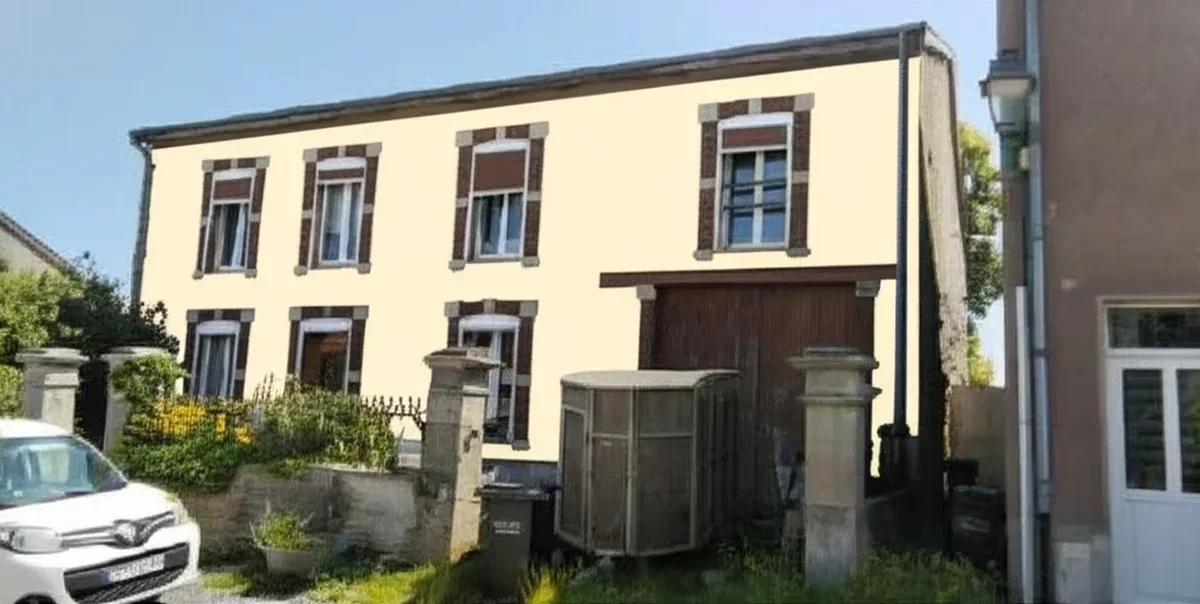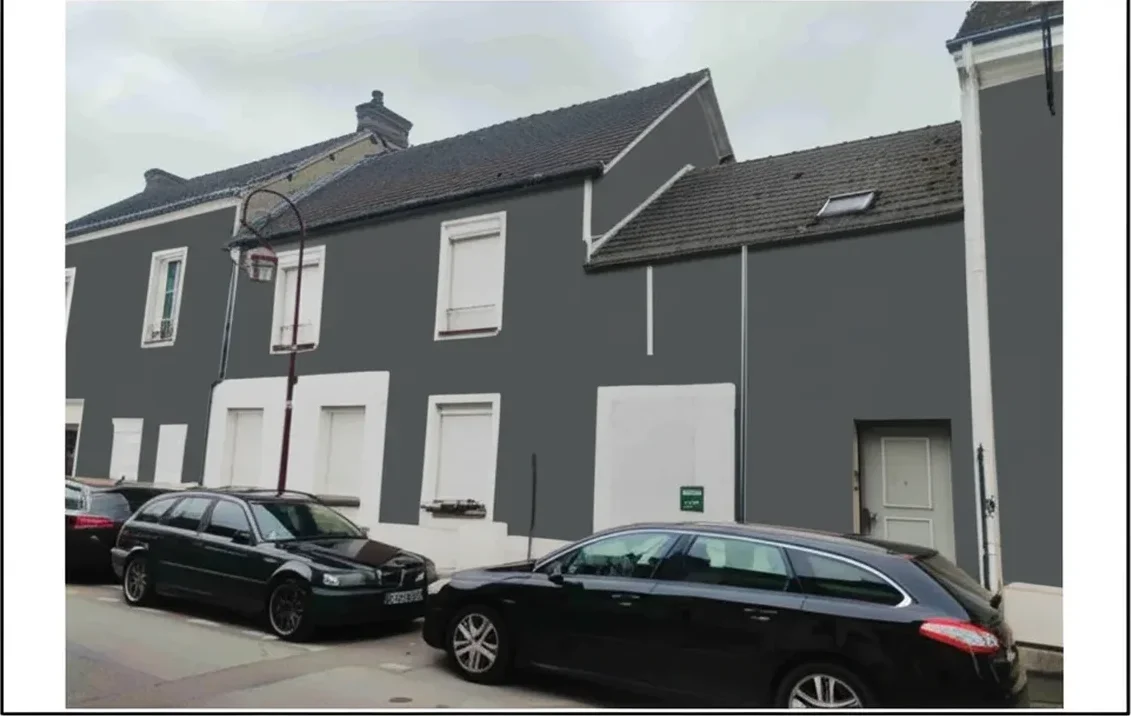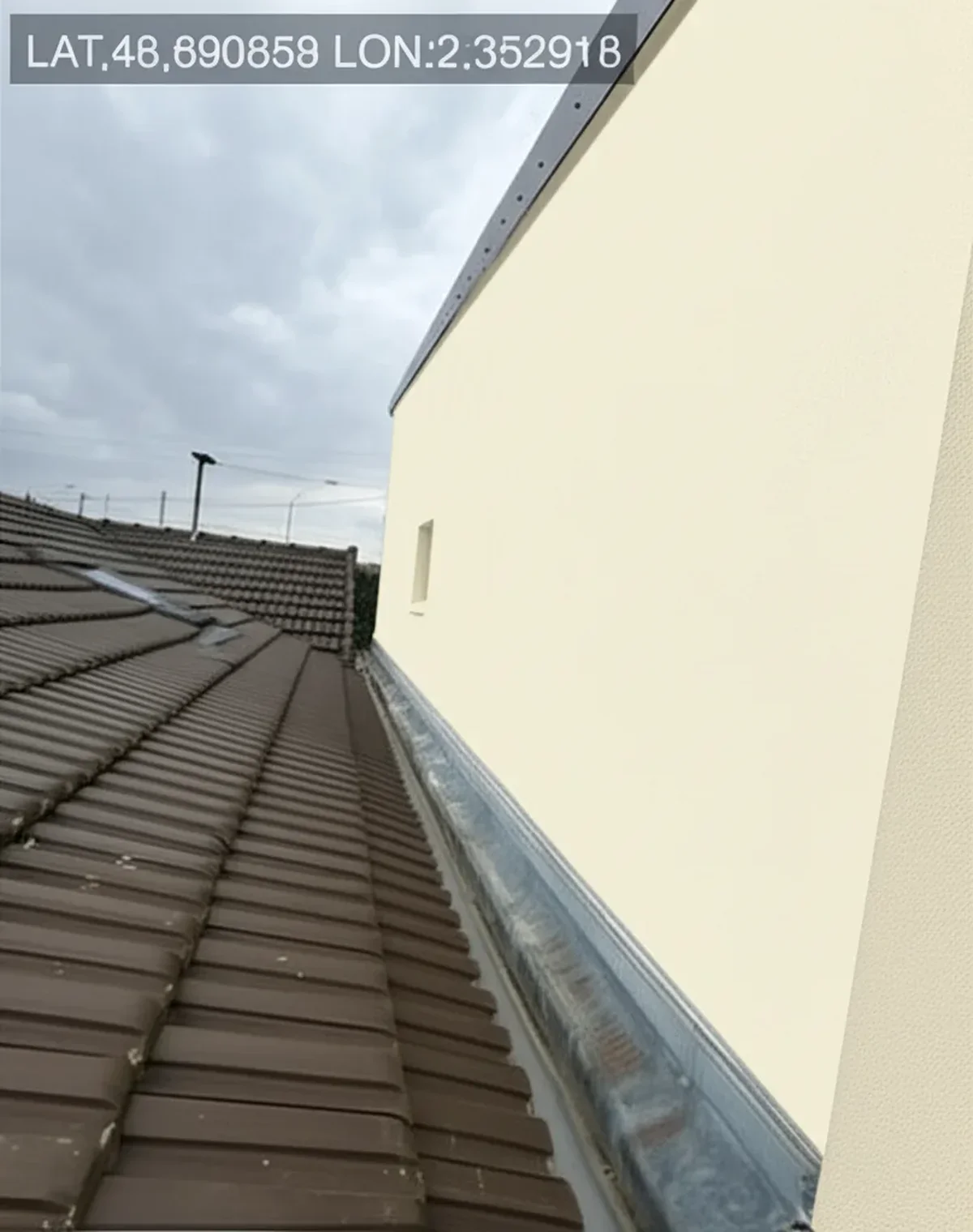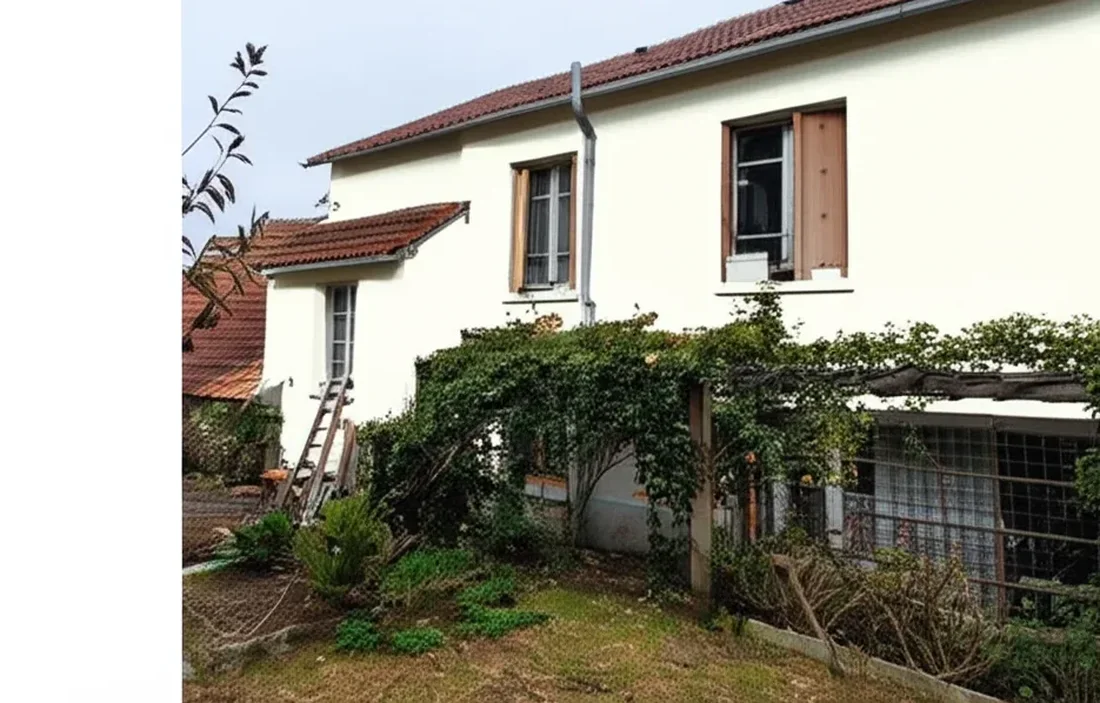
Try it on your house

As a painter and decorator, you already know the frustration: you spend an hour at a consultation, measure every wall, write up a detailed quotation, and the client ghosts you. Industry data suggests the average close rate for tradespeople in the UK sits between 20 % and 35 %, which means up to four out of every five quotations you send never convert to paid work. The single biggest reason? Colour indecision. Your clients cannot picture the finished result, so they delay, request more samples, or quietly choose a competitor who made the decision feel easier.
An AI colour visualiser changes that dynamic entirely. By showing clients a photorealistic preview of their own property, exterior or interior, in any colour scheme they like, you collapse weeks of dithering into a single, confident "yes." This guide explains exactly how to integrate a colour visualiser into your quoting workflow to boost your close rate, increase your average job value, and build the kind of referral pipeline that keeps your diary full year-round.
Try it free on your next client's property, upload a photo, apply colours from Dulux Trade, Farrow & Ball or Little Greene, and see why hundreds of trade decorators across the UK are already using FacadeColorizer to win more work.
Why Decorators Lose Quotations - and How Visualisation Fixes It
Most painters and decorators still present quotations the same way they did twenty years ago: a typed or handwritten price list, perhaps a few Dulux Trade colour cards fanned out on the kitchen table, and a verbal promise that "it'll look great." The problem is that your clients are making a high-stakes decision, a full exterior repaint can cost £3,000–£8,000, based on nothing more than a 5×5 cm paint swatch. Research from paint brands and colour consultation services consistently shows that customer satisfaction drops when expectations don't match reality, and that homeowners who struggle to visualise a colour on their own walls are far more likely to postpone the project altogether.
Platforms like Checkatrade and MyBuilder have made it easier than ever for homeowners to request multiple quotations, which means you are competing against three or four other decorators on every job. A digital tool that lets you show a photorealistic before and after preview of the client's actual property gives you an immediate competitive advantage, it demonstrates professionalism, reduces perceived risk, and makes the client feel genuinely excited about the project rather than anxious about the cost.
The Dulux Visualizer app was an early step in this direction, but it is limited to Dulux colours and produces augmented-reality overlays that struggle with complex exterior surfaces. A purpose-built AI colour visualiser like FacadeColorizer works with any paint brand, including Farrow & Ball, Little Greene, Crown, and Sandtex, and generates high-quality rendered images that you can include directly in your client presentation or PDF quotation.
ROI Calculator: What One Extra Job Per Month Is Worth
Let's put real numbers behind it. A self-employed painter and decorator in the UK earns an average day rate of £250–£350 (higher in London and the South East), with a typical annual turnover of £47,000–£55,000 before tax and expenses. The average industry profit margin sits at around 14 %. Winning just one additional job per month, by improving your close rate from 25 % to 35 %, has a dramatic effect on your bottom line:
| Metric | Without Visualiser | With Visualiser |
|---|---|---|
| Quotations sent / month | 20 | 20 |
| Close rate | 25 % | 35 % |
| Jobs won / month | 5 | 7 |
| Avg. job value | £1,800 | £2,100 (upsell) |
| Monthly revenue | £9,000 | £14,700 |
| Annual revenue | £108,000 | £176,400 |
| Extra annual profit (14 % margin) | - | £9,576 |
Try it on your house
No photo? Try a sample
Those numbers assume a solo decorator with no employees. If you run a team of two or three, the uplift multiplies accordingly. The ROI on a free AI tool is effectively infinite, you invest ten minutes per quotation and gain thousands of pounds in additional annual revenue.
How to Use a Colour Visualiser in Your Quoting Workflow
Integrating a colour visualiser into your consultation process takes less than ten minutes per client and requires nothing more than a smartphone. Here is the workflow that top-performing trade decorators across the UK are already using:
- Photograph the property during your site visit. Take a clean, front-on shot of the facade (or the interior wall) in natural daylight. Avoid harsh shadows. One good photo is enough.
- Upload it to FacadeColorizer. The AI tool automatically detects walls, trim, windows, and doors, no manual masking required.
- Apply two or three colour schemes. Use colours from Dulux Trade, Farrow & Ball, or Little Greene that suit the property's style. For a period property in a conservation area, stick to heritage palettes. For modern residential decorating, be bolder.
- Download the before and after images. Save them as high-resolution files you can embed in your quotation PDF or share via WhatsApp.
- Present the visualisation alongside your quotation. Walk the client through each option, explain why you recommend a particular colour scheme, and let them see the professional finish before they commit. This is the moment that converts "I need to think about it" into a signed agreement.
The entire process, from uploading the photo to downloading three rendered options, takes under five minutes. Compare that with the hours you currently spend chasing clients who requested "just one more sample."
Quoting With vs Without a Colour Visualiser
The table below compares the traditional quoting approach that most painters and decorators still rely on with a visualisation-enhanced process:
| Factor | Traditional Quote | Visualiser-Enhanced Quote |
|---|---|---|
| Colour presentation | Small paint swatches & colour cards | Full-property colour preview on client's own photo |
| Client confidence | Low, hard to imagine at scale | High, "I can already see the result" |
| Decision time | 2–6 weeks of deliberation | Often same-day or within 48 hours |
| Upselling opportunity | Difficult, client can't see added value | Easy, show feature wall, accent door, contrast trim |
| Post-job disputes | "It's not what I expected" | Pre-approved colour scheme on record |
| Referral likelihood | Standard, satisfied client tells 1–2 people | High, "wow factor" images shared on social media |
| Checkatrade / MyBuilder profile | Basic job photos | Before and after comparisons that attract more clicks |
Upselling, Portfolio Building & Lead Generation
A colour visualiser is not just a quoting tool, it is a business growth engine. Here is how experienced decorators are using it beyond the initial consultation:
- Upselling premium finishes. Show the client their hallway in standard emulsion versus a Farrow & Ball estate finish. When they can see the difference on their own walls, the price premium sells itself. Average job values increase by 15–20 % through upselling alone.
- Building a visual portfolio. Every colour preview you generate becomes a before and after asset for your website, Checkatrade profile, and Instagram feed. Strong visual content drives lead generation far more effectively than text-only listings.
- Winning commercial decorating contracts. Property managers and letting agents want to see proposed colour schemes before commissioning work on multiple units. A rendered visualisation of their building is exactly the client presentation format they expect from a professional contractor.
- Heritage and conservation area projects. If you work on period properties or listed buildings, a colour visualiser helps clients (and planning officers) see how heritage-appropriate colours will look before consent applications are submitted. For more on heritage painting regulations, see our UK listed building painting rules guide.
Practical Tips for Maximising Your Close Rate
- Present three options, not ten. Too many choices trigger decision fatigue. Show the client a safe option, a bold option, and your recommended colour scheme. Guide them, that is what a professional colour consultation looks like.
- Send the visualisation with the quotation. Attach the rendered image to the same email or WhatsApp message as your price. The visual anchors the price to a tangible outcome, making the quotation feel like a plan rather than a bill.
- Follow up with a second option. If the client hesitates, generate an alternative colour scheme and send it within 24 hours. This demonstrates commitment and keeps the conversation alive without discounting your price.
- Use it for exterior painting and interior decorating. The AI tool handles both. For interior projects, photograph the room in daylight and apply full palette options including walls, ceiling, and woodwork. For average interior decorating costs across the UK, see our interior decorating costs UK guide.
- Add it to your Checkatrade and MyBuilder profiles. Mention that you offer free AI colour visualisation as part of every consultation. It differentiates your listing from dozens of competitors and boosts your lead generation.
Who Benefits Most From a Colour Visualiser?
Every painter and decorator can benefit, but the ROI is highest for:
- Solo decorators competing on Checkatrade or MyBuilder against larger firms, the digital tool levels the playing field without any additional overheads.
- Decorating businesses targeting higher-value residential decorating projects (£5,000+) where colour choice is the primary source of client hesitation.
- Heritage specialists working on period properties and listed buildings who need to present colour options to conservation officers and planning committees.
- Project management-oriented firms that handle multi-property commercial decorating contracts for landlords, housing associations, or local authorities.
If you're quoting on exterior painting projects and want to understand local pricing benchmarks, our London painter & decorator cost guide covers day rates, m² costs, and what clients expect to pay in 2026.
Start Winning More Work Today
Your next quotation doesn't have to be a plain spreadsheet. Try it free on your next client's property, upload a photo, apply colours from Dulux Trade, Farrow & Ball, Little Greene, or any brand you prefer, and download a presentation-ready before and after image in under five minutes. It costs nothing, requires no subscription, and could be the competitive advantage that adds £10,000+ to your annual revenue. Your clients will thank you, and so will your profit margin.
Frequently Asked Questions
How does a colour visualiser help me close more decorating quotes?
A colour visualiser shows your client a photorealistic preview of their own property in the proposed colour scheme, eliminating the guesswork that causes hesitation. Decorators who include a visualisation with their quotation report significantly higher close rates because clients can see, and get excited about, the finished result before committing.
Is FacadeColorizer free for painters and decorators?
Yes. You can upload a photo and generate colour previews at no cost. There is no subscription or per-image fee. Simply photograph the client's property during your consultation, upload the image, apply colours, and download the rendered result to include with your quotation.
Can I use colours from Dulux Trade, Farrow & Ball, and Little Greene?
Absolutely. The AI tool supports any colour you choose. You can match colours from Dulux Trade, Farrow & Ball, Little Greene, Crown, Sandtex, or any other brand. Simply select the colour or enter the exact colour code, and the visualiser applies it to the uploaded photograph for a realistic colour preview.
Does a colour visualiser work for interior decorating as well as exterior painting?
Yes. The tool works for both exterior painting and interior decorating projects. For interiors, photograph the room in natural daylight and upload the image. The AI detects walls, ceilings, and woodwork, allowing you to apply full palette options and generate before and after comparisons for your client.
How long does it take to create a colour visualisation for a client?
The entire process, uploading the photo, applying two or three colour schemes, and downloading the rendered images - takes under five minutes. Most trade decorators do it on-site during the initial consultation or immediately after, so the visualisation arrives with the quotation rather than days later.
Trademarks mentioned (Sherwin-Williams, Benjamin Moore, Behr, Caparol, Brillux, Sto, Alpina, Valspar, PPG, Glidden, Dulux, Crown Trade, Sandtex, Farrow & Ball, Johnstone's, Leyland) are property of their respective owners. FacadeColorizer is independent and not affiliated with any of them. Nominative fair use under Lanham Act §1125.