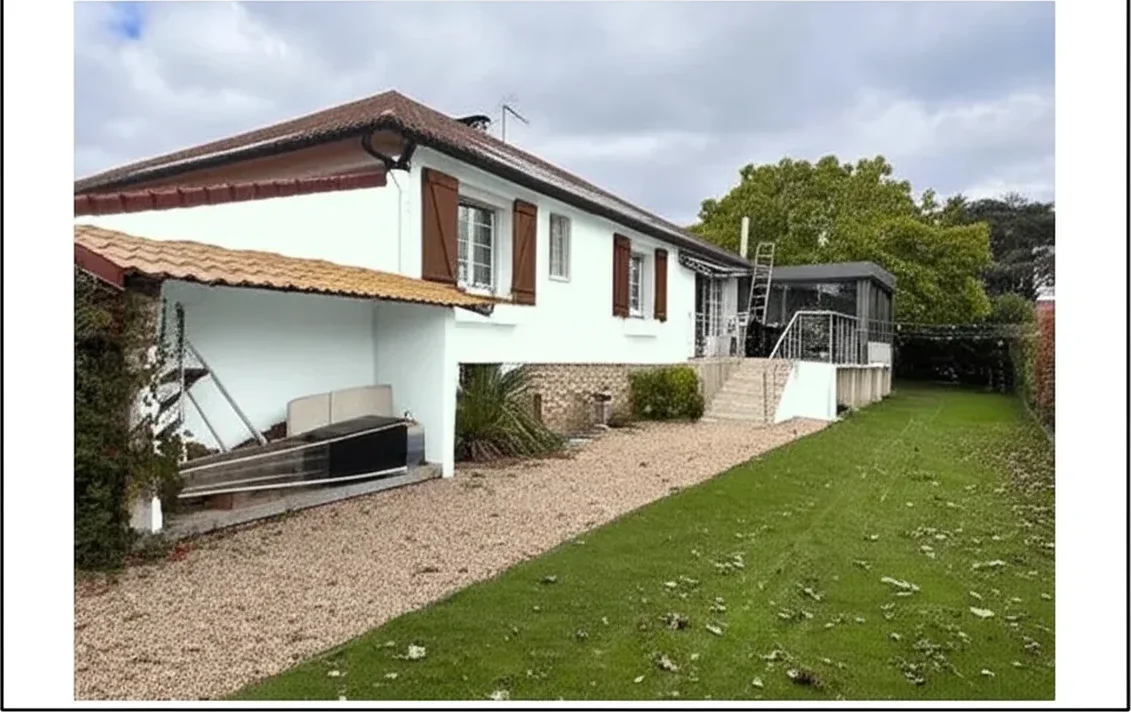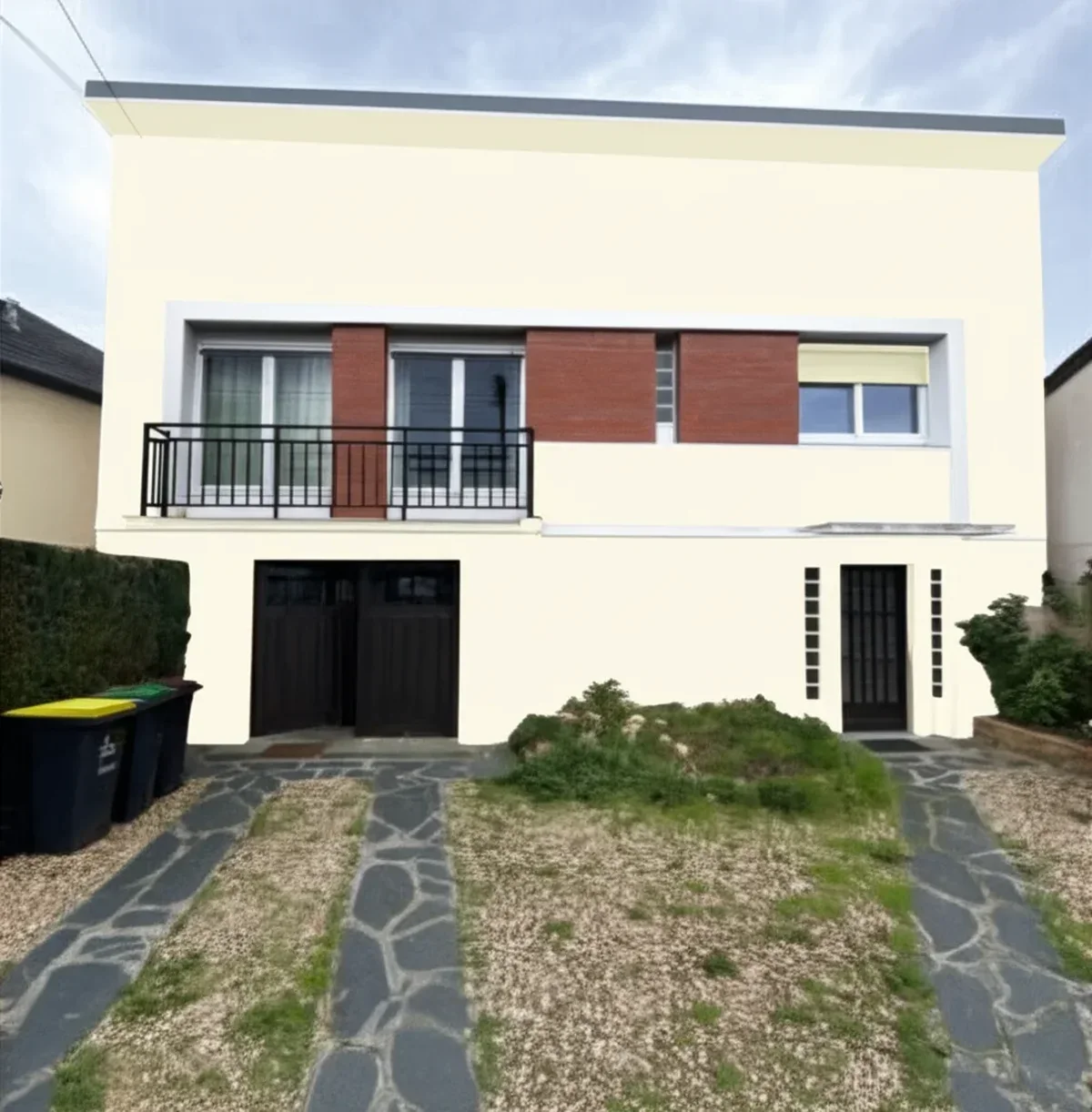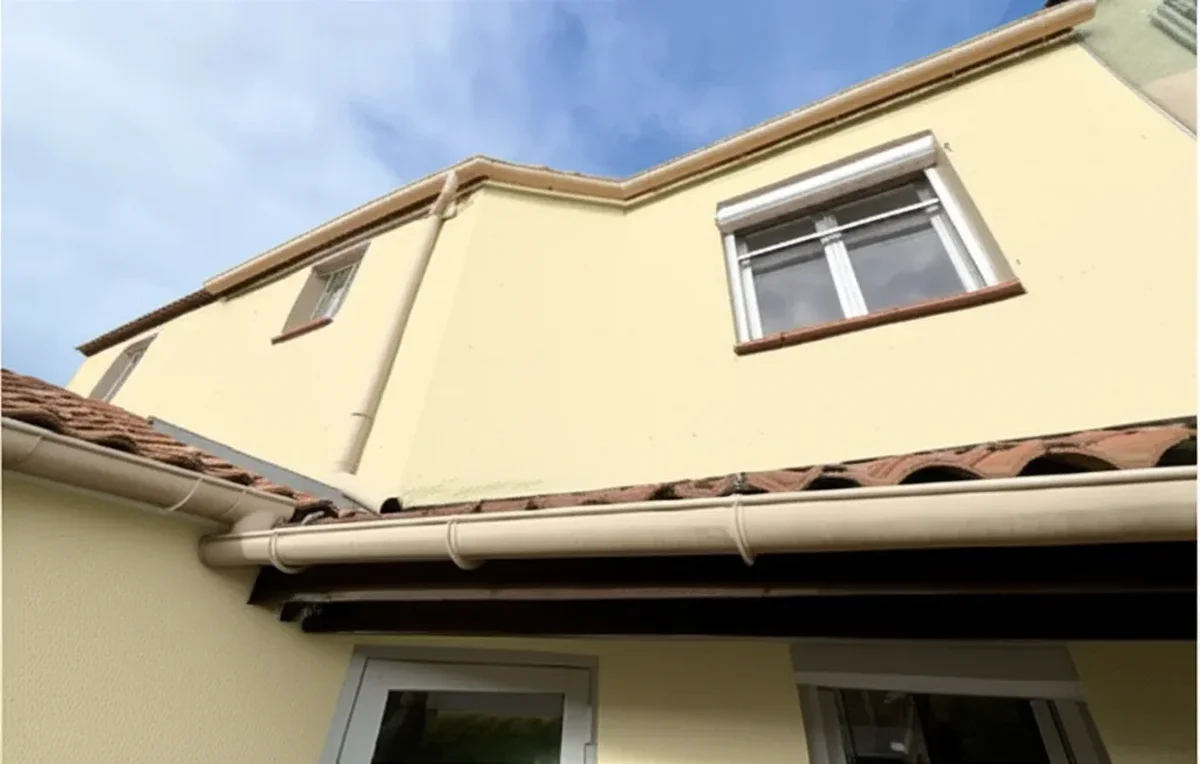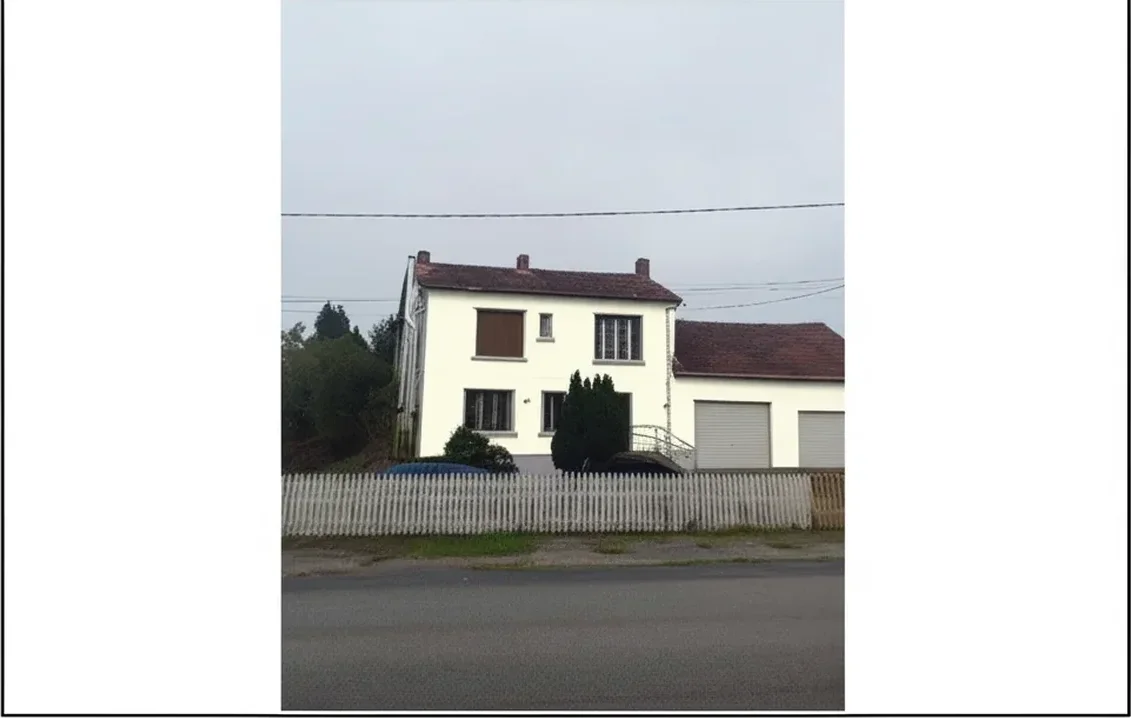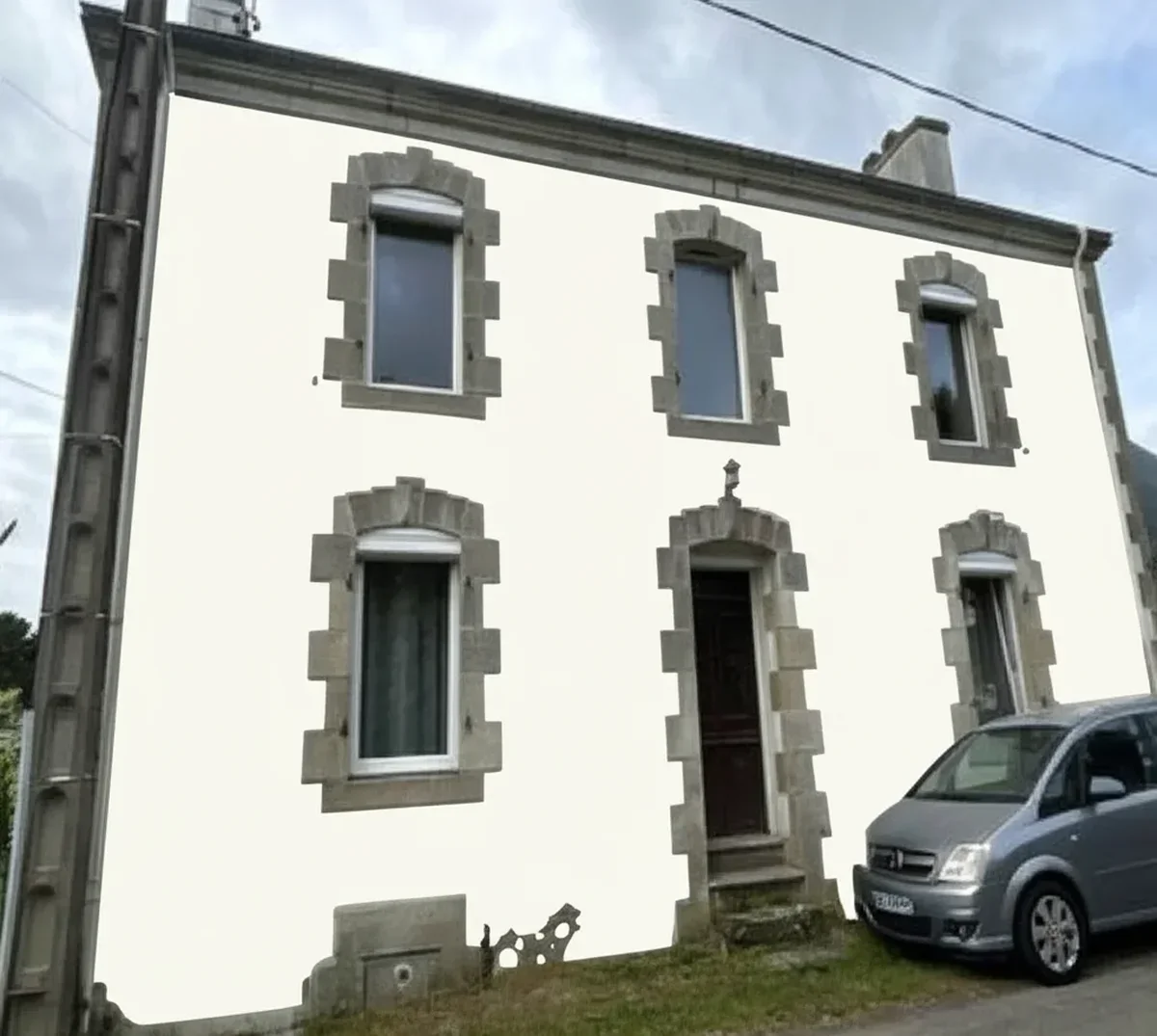
Try it on your house

The complete playbook for running a profitable painting business in 2026
The US painting industry generates roughly $49 billion in annual revenue across 230,000 businesses (IBISWorld, 2026). The catch: companies with one to four employees produce about 75% of that revenue, which means the average painting contractor is a small operator competing on local reputation, close rate, and operating discipline rather than scale. This playbook pulls together the four levers that decide whether a painting business clears $250,000 or breaks past $1 million: lead generation, closing more bids, pricing and estimating, and operations. It finishes with the software stack the most profitable crews are running in 2026, including the visualizer category that has quietly become the single highest-ROI tool a residential painter can adopt.
This guide replaces ten previous articles on lead generation, social media, Instagram growth, Google Business Profile, client communication, before/after marketing, color-consultation upselling, insurance, estimating mistakes, and AI visualization for contractors. Everything that mattered in those guides is consolidated here, with refreshed 2026 numbers from the Painting Contractors Association (PCA), IBISWorld, and direct contractor case studies. Use the table of contents to jump to a section, or read straight through if you want the full picture.
What this guide covers
- Lead generation: channels, CPL, and what actually pays back
- Closing more jobs: visual proposals, communication, upsells
- Pricing and estimating: ten mistakes that kill margin
- Operations: insurance, AI tools, and crew workflows
- The 2026 software stack for painting contractors
- FAQ: 15 questions painting contractors keep asking
Part 1. Lead generation: channels, CPL, and what actually pays back
The biggest mistake painting contractors make in 2026 is mixing channels without measuring cost per booked job. A $30 lead that closes at 7% costs $429 to convert. A $0 referral that closes at 50% costs nothing. Both look "free" on the surface, but only one builds equity. The framework below ranks every realistic channel a US painter can run, with real CPL data pulled from IBISWorld, Angi/HomeAdvisor reporting, and direct contractor benchmarks.
1.1 The five channels worth running in 2026
| Channel | Typical CPL | Close rate | Net cost per booked job | Best for |
|---|---|---|---|---|
| Word-of-mouth referrals | $0–$50 | 40–60% | $50–$150 | Established residential crews |
| Google Business Profile (organic local) | $0–$15 | 25–35% | $45–$120 | Every local painter |
| Google Local Services Ads (LSA) | $25–$65 | 15–25% | $150–$300 | Fast scaling, urgent volume |
| Instagram before/after content | $0–$5 (time) | 30–45% | $30–$80 | Residential exterior, accent walls |
| Angi / HomeAdvisor shared leads | $30–$80 | 5–10% | $400–$2,000 | Filling slow weeks only |
Try it on your house
No photo? Try a sample
Read the rightmost column twice. A booked job from referrals costs roughly $100. A booked job from shared Angi leads can cost more than $1,000 by the time you account for the 90% of leads that never sign. Most contractors who quit Angi don't quit because the leads are bad. They quit because they finally tracked net cost per booked job and realized the math never worked.
For a full channel-by-channel breakdown see our companion analysis: Yelp vs Angi vs Thumbtack vs HomeAdvisor for painters.
1.2 Google Business Profile: the free channel most painters underuse
A fully optimized Google Business Profile generates more booked jobs per dollar than any paid channel. The fundamentals haven't changed since 2023, but in 2026 the bar for "fully optimized" has risen sharply. Painters ranking in the Map Pack across mid-size US metros now post weekly, run 50+ photos in their gallery, and respond to 100% of reviews within 24 hours.
The checklist that matters for painting contractors:
- Primary category set to "Painter" (not "Contractor" or "Home Improvement").
- Service area defined by zip codes, not city names, so the algorithm matches "near me" searches accurately.
- 50+ photos minimum, refreshed monthly. Pair every job's before photo with an AI-generated color preview and the finished result; that triplet is the highest-engagement format on GBP in 2026.
- Weekly Google Posts showing a current job, a finished transformation, or a seasonal offer. Posts that include before/after renderings earn 2 to 3 times the impressions of generic posts.
- Review pace of 2 to 4 new reviews per month, with owner replies on every review (positive and negative).
1.3 Instagram and social media: where the leads actually come from
Instagram is the only social platform that consistently produces booked jobs for residential painters in 2026. The algorithm rewards dramatic visual transformations, and painting is one of the few trades where before/after content is genuinely stop-the-scroll dramatic. The contractors winning on Instagram share three habits:
- Three posts per week minimum. Render first (AI preview), middle frame (work-in-progress), finished home last. Carousels outperform single images by roughly 40%.
- Neighborhood tagging. Every post tags the specific neighborhood or zip code. This is how local prospects find your work organically without paid ads.
- DMs over comments. Real lead conversion happens in DMs. Reply to every comment with a follow-up question that moves the conversation private.
Maria Lopez of Lopez Painting (Phoenix, AZ) ran this exact playbook starting April 2025. By October her Instagram-sourced leads had climbed 35% and accounted for 28% of her booked revenue, with a CPL effectively at zero. The catch: she invested roughly 3 hours per week creating content. At her billing rate that's about $300 of opportunity cost per week, or $12 per lead at her volume, still better than any paid channel.
TikTok and Facebook are not zero-value for painters, but the ROI per hour is meaningfully lower than Instagram in 2026. If you have time for one platform, pick Instagram. If you have time for two, add YouTube Shorts (same content, repurposed).
1.4 Building the referral engine
Referrals close at 40 to 60% because trust is pre-built. The mistake painters make is leaving referrals passive. The contractors generating 30%+ of their revenue from referrals in 2026 are actively engineering them: a $100 Visa gift card for every referral that books, a follow-up text 30 days post-completion asking "Who else on your block might want this?", and a printed yard sign with a QR code that opens directly to a color-preview demo. Lisa Thompson of Bayou Brushwork (New Orleans, LA) booked 12 of her last six months' jobs from clients who simply forwarded an AI rendering to a friend via iMessage. A shareable rendering is a referral asset. A written estimate is not.
Turn every estimate into a referral asset
Generate an AI before/after rendering for every quote and share it with the homeowner. They forward it to friends, family, and HOA neighbors. Try it free, no credit card required, at FacadeColorizer.com/us/upload.
[CASE_STUDY_1: Henderson Painting, Atlanta GA, close rate 22% to 47% in 9 months]
Part 2. Closing more jobs: visual proposals, communication, and upsells
The PCA recommends a target close rate between 30% and 55% for healthy residential painting businesses. Industry-wide averages sit closer to 22 to 28%. The gap between average and healthy is worth six figures per year on a $500,000 baseline. Closing the gap doesn't require better pricing or smoother talkers. It requires three concrete operational changes covered in this section.
2.1 Why fan decks lose bids in 2026
The traditional sales tools (fan decks, 4x6 color chips, painted sample boards) ask homeowners to do something the human brain is genuinely bad at: project a two-inch swatch onto a 2,500-square-foot facade and imagine the result under morning light, afternoon shade, and evening shadows. Repainting a US home costs $4,000 to $15,000 in most markets. The emotional risk of choosing wrong is enormous, and most homeowners freeze rather than commit. A frozen homeowner is a lost bid.
Industry data from estimating-software providers shows that visual proposals close roughly 45% more often than text-only estimates. The American homeowner of 2026 has been trained by Zillow, Wayfair, and every real estate app to expect visual previews before committing. When you arrive with a fan deck and a clipboard, the experience feels dated, and dated feels risky.
2.2 The before/after workflow that doubled Henderson Painting's close rate
Tom Henderson runs a 12-person residential crew across metro Atlanta. In March 2025 his close rate was stuck at 22%, average decision window 18 to 22 days, and 40% of bids never returned. Nine months later, after one change to his sales process, his close rate hit 47%, decisions came in under 5 days, and his average job value climbed from $4,100 to $4,950, a 21% lift with zero base-price increase. The change was a five-step workflow any crew can copy:
- Photograph every estimate. Three to five phone photos per property (front, both sides, any area the homeowner mentioned) before pulling out the tape measure.
- Generate two renderings on-site. Before quoting a number, show the client their house in the two colors they were considering. This single step collapses the "let me think about it" phase.
- Embed images in the written proposal. Whether you use Jobber, PaintScout, Housecall Pro, or PDF, paste the before/after renderings at the top of the document.
- Post three before/afters per week on Instagram. Render first, finished home last. This compounds into passive lead generation over 6 to 12 months.
- Upsell with a second rendering. Show the same house with a contrast trim or premium front-door color. Acceptance rate on visualized upsells averages 60%. Average job value lift: 15 to 25%.
2.3 Client communication: the four touchpoints that win the job
Most lost bids are not lost on price. They are lost on silence. The painters who close at 40%+ structure four communication touchpoints around every estimate:
- Touchpoint 1 (same day): Text the homeowner the rendering within 2 hours of leaving the property. "Here's the Alabaster option we discussed. Take a look and let me know which direction feels right."
- Touchpoint 2 (day 2): Email the full written proposal with both renderings embedded at the top.
- Touchpoint 3 (day 4): Short check-in text. "Any questions on the proposal? Happy to swap colors if you want to see another option."
- Touchpoint 4 (day 7): Final follow-up with a soft deadline if you have schedule pressure. "I'm holding the week of [X] for you, want me to confirm or release it?"
This cadence alone moves close rates 10 to 15 percentage points for most crews because it eliminates the "they ghosted me" outcome. Decisions are still no's, but they become known no's, which lets you re-allocate the slot to a fresh lead.
It also helps to know what the other side of the table is reading. Most homeowners in 2026 vet painters with the same checklists, so understanding the buyer's mental model sharpens every touchpoint. We keep a parallel homeowner guide to hiring an interior + exterior painter covering the license, insurance, warranty, and reference questions clients are coached to ask, plus the contract red flags they screen for. Reading it once changes how you frame proof of insurance, warranty terms, and the written scope in your proposal, and it surfaces objections before they ever reach you.
2.4 Upselling color consultation and trim accents
The highest-margin upsell in residential painting is the color consultation itself, sold as a paid service ($150 to $400 in most US markets) that includes 4 to 6 AI renderings showing different color schemes. Contractors offering this service report that homeowners who pay for the consultation close on the full repaint 80%+ of the time, because they've already invested in the relationship. Trim accents, front-door colors, and shutter contrasts are the second tier of high-margin upsells. A second AI rendering showing the premium option converts at roughly 60%, with average ticket lift of 15 to 25%.
[CASE_STUDY_2: Maria Lopez, Lopez Painting (Phoenix AZ), 35% lift in Instagram-sourced leads, 28% of revenue from social]
Part 3. Pricing and estimating: ten mistakes that kill margin
Painting contractors lose more profit to estimating mistakes than to any other operational issue. The PCA's 2026 contractor benchmarks suggest the average residential painter operates on a 12 to 18% net margin, and the top quartile clears 22 to 28%. The difference between the two groups is almost entirely upstream of the job itself, in how the estimate is built. Here are the ten mistakes that account for most of the margin gap.
3.1 The ten margin-killing estimating mistakes
- Skipping the site walk. Phone-quoting based on square footage misses 80% of the variables (substrate condition, prep needs, access constraints).
- Using flat per-square-foot pricing. A two-story with cedar siding and lead-paint concerns is not the same job as a single-story stucco. Flat PSF pricing destroys margin on hard jobs and prices you out of easy ones.
- Forgetting prep time. Power washing, scraping, sanding, caulking, and priming routinely run 40 to 60% of total labor. Crews that estimate paint application time only undershoot the bid by hundreds of hours per year.
- Not pricing for color changes. A dark-to-light color change requires extra primer coats. Build a $0.15 to $0.40 per square foot color-change adder into every estimate.
- Ignoring substrate condition. Failing paint, mildew, rotted wood, and chalky surfaces add hours. Walk every square foot and document with phone photos before quoting.
- Underestimating mobilization and cleanup. Setup and teardown average 1 to 1.5 hours per crew member per job. Quoting purely on paint-application hours misses this.
- Missing the second coat. Most exterior repaints need two coats, not one. Quote two, deliver two, win the warranty conversation.
- Pricing materials at cost, not landed cost. Sundries (caulk, plastic, tape, rollers, sandpaper) average 7 to 10% of materials cost and routinely get omitted from estimates.
- No allowance for change orders. Build a 5 to 10% contingency line into every bid above $5,000. Clients respect it, you protect margin.
- Ignoring overhead and target profit. Many contractors quote "cost plus 20%" without realizing their overhead alone is 22%. They lose money on every job sold at "list price."
3.2 The 2026 pricing formula that actually works
The math that produces healthy 22 to 28% net margin in 2026:
Direct labor hours x burdened crew rate
+ Materials (paint + sundries + landed cost)
+ Equipment allocation (sprayer, lift, vehicle)
= Direct job cost
x 1.45 (overhead recovery)
x 1.25 (target profit margin)
= Final bid price
For a deeper dive into the math, see our companion guide: how to price a paint job. For city-specific labor and materials benchmarks, our 2026 exterior paint cost guide covers 15 major US metros.
3.3 Estimating software vs spreadsheets
Spreadsheets work for solo painters producing under 10 estimates per month. Above that volume, dedicated estimating software (PaintScout, ProEst) pays for itself within 30 days. Per the PCA's 2026 benchmarks, contractors who adopt dedicated estimating software see average ticket size rise 18 to 27% within 12 months, primarily because the software builds in line items most operators forget when working from memory. The time savings (cutting estimate creation from 45 minutes to 10) compound across an entire season.
Part 4. Operations: insurance, AI tools, and crew workflows
4.1 Insurance: the non-negotiables for US painting contractors
Every painting contractor working residential jobs in the US needs three policies, period. Skipping any of them is one bad job away from bankruptcy.
- General liability (minimum $1M / $2M). Covers property damage, paint overspray on cars, and the inevitable ladder-through-the-window incident. Annual cost: $600 to $1,800 for a small crew.
- Workers' compensation. Required by law in 48 states for any business with employees. Cost varies wildly by state and crew size, typically 8 to 15% of payroll for painters.
- Commercial auto. Personal auto policies exclude business use. A claim on a personal policy while driving a work van will be denied. Annual cost: $1,200 to $2,500 per vehicle.
Bonding (a separate product from insurance) is required for many commercial jobs and increasingly demanded by HOAs on residential work. A $25,000 surety bond costs roughly $250 to $500 per year and signals seriousness to higher-end clients.
4.2 AI tools that are actually worth the subscription
The AI tooling category has exploded since 2024. Most of it is noise. Three categories have proven real ROI for painting contractors in 2026:
- AI visualizers (FacadeColorizer, others): generate photorealistic before/after renderings of the client's actual home in proposed colors. Direct close-rate impact. Highest-ROI category.
- AI estimating assistants (built into PaintScout, ProEst, others): auto-detect surface areas from drone or phone photos, reducing measurement time. Useful at high estimate volumes.
- AI scheduling and dispatch (Jobber, Housecall Pro): optimize crew routing across multiple jobs per day. Saves 2 to 4 hours per week for crews running 3+ trucks.
4.3 Crew workflow: from estimate to invoice in five steps
The operating discipline that separates $250K crews from $1M crews is workflow consistency. The five-step crew workflow most profitable painting contractors run:
- Estimate in the field on tablet, with AI renderings shown live and proposal sent same-day.
- Auto-schedule from accepted proposal into Jobber or Housecall Pro, crew + materials block reserved.
- Job-site documentation via CompanyCam or similar, GPS-tagged photos at start, midpoint, and finish.
- Real-time change-order management: any scope change generates a digital addendum signed on tablet before extra work begins.
- Auto-invoicing on completion, with ACH or credit-card payment link embedded. Payment cycles drop from 30 days to under 10.
[CASE_STUDY_3: David Chen, Premier Coat (Seattle WA), eliminated $2,400/month in printed sample boards, redirected to Google LSA, +14 leads in Q1]
Part 5. The 2026 software stack for painting contractors
A modern painting contractor needs five software categories working together: (1) CRM for lead generation and customer follow-up, (2) estimating software for accurate bids, (3) scheduling and project management for crew coordination, (4) accounting and invoicing for cash flow, and (5) AI visualization for client presentations. The mistake most contractors make is buying an all-in-one platform that does everything mediocrely instead of best-in-class tools that integrate well.
5.1 Best painting business software compared
| Software | Category | Best for | Price / month | Key feature |
|---|---|---|---|---|
| PaintScout | Estimating | Fast estimates | $99 to $199 | Painting-specific templates |
| Jobber | CRM + Scheduling | Small crews | $49 to $149 | Lead tracking + dispatching |
| ProEst | Estimating | Commercial bids | $150 to $300 | Takeoff + cost databases |
| FacadeColorizer | AI Visualizer | Client presentations | Free tier + plans from $10.90 | Before / after AI renders |
| Housecall Pro | All-in-one | Multi-trade | $65 to $199 | Invoicing + payments |
| CompanyCam | Job documentation | Photo proof | $19 to $39 | GPS-tagged job photos |
5.2 The minimum viable stack for a solo painter
You don't need all six tools. For a one-truck operator, the highest-leverage stack is:
- AI visualizer: FacadeColorizer free tier or Artisan plan at $79/month (see /tarifs) for unlimited HD renderings.
- CRM + invoicing: Jobber Core at $49/month covers lead tracking, scheduling, and payment collection.
- Job-site photos: CompanyCam at $19/month, or skip for now and use phone gallery + Google Photos.
Total monthly cost: $68 to $147. At a single closed job per month attributable to the stack, ROI is typically 10 to 50x. For inspiration on color combinations to show in renderings, our US color combinations library has 200+ tested pairings.
5.3 The scaled stack for a $1M+ crew
Once you're past 3 estimators and 20+ active jobs at any time, the stack expands: PaintScout for estimating, Jobber Connect or Housecall Pro MAX for multi-user scheduling, FacadeColorizer Pro plan for unlimited team renderings, CompanyCam for crew accountability, and QuickBooks Online or Xero for accounting. Total monthly software spend at this scale typically lands between $400 and $900, which is under 1% of revenue and one of the highest-leverage operational investments you can make.
5.4 Integration: make the stack talk
The biggest hidden cost of a multi-tool stack is double data entry. The fix is integration. Most modern painting-business tools support Zapier or native integrations, and the few connections worth setting up first:
- Lead form to CRM. Website contact form, Facebook Lead Ads, and Google LSA all push directly into Jobber or Housecall Pro. Cuts manual lead entry to zero.
- CRM to accounting. Jobber and Housecall Pro both sync invoices and payments to QuickBooks. Cuts bookkeeping time roughly in half.
- Visualizer to proposal. Export the AI rendering as an image and embed in PaintScout / Jobber proposal templates. Most contractors do this manually for now, but standardized templates make it a 30-second step.
5.5 What to buy first if you have $200/month
If you can only afford one tool right now, buy a visualizer. The ROI on a single closed bid that would otherwise have been lost typically covers a year of subscription. The second tool: a CRM with automated follow-up. Quotes that get a same-day rendering plus a 4-day follow-up sequence close at roughly double the rate of quotes that get neither. Everything else (estimating software, CompanyCam, advanced accounting) is a margin optimization once the close-rate engine is humming.
Bringing it all together: the 2026 contractor scorecard
The painting contractor who runs the playbook in this guide typically hits these benchmarks within 12 to 18 months:
- Close rate: 40 to 50% (vs industry average 22 to 28%).
- Average decision window: under 7 days (vs 18 to 22 days).
- Average ticket lift: 15 to 27% from visualized upsells and dedicated estimating.
- Marketing spend: 5 to 10% of revenue, heavy on organic GBP and Instagram, minimal on paid lead-gen platforms.
- Software stack cost: under 1% of revenue.
- Net margin: 22 to 28% (vs industry average 12 to 18%).
The math is simple. A $500,000 painting business running average industry numbers nets roughly $75,000. The same business running the playbook above nets $125,000 to $140,000 on the same revenue, then typically grows revenue 25 to 50% in year two as the referral and Instagram engines compound. The leverage points are the close rate, the upsell rate, and the discipline to refuse low-margin Angi shared leads. None of this requires hiring. All of it requires showing up differently in front of the client, starting with the first photo you take during the site walk.
FAQ: 15 questions painting contractors keep asking
1. What's a healthy close rate for a US painting contractor in 2026?
The PCA recommends 30 to 55% for residential painters. Industry average sits around 22 to 28%. Top quartile clears 45%+. Visual proposals (AI renderings) are the single biggest lever for moving from average to healthy.
2. How much should a painting contractor spend on marketing?
Industry benchmarks suggest 5 to 10% of revenue for stable businesses, 12 to 18% during aggressive growth phases. The mix matters more than the total: heavy on organic Google Business Profile and Instagram, light on paid lead-gen platforms.
3. Are Angi and HomeAdvisor worth it for painters?
Rarely worth it as a primary channel. Net cost per booked job from shared leads typically runs $400 to $2,000+ because close rates on Angi/HomeAdvisor leads are 5 to 10%. Useful only as a slow-week fill-in.
4. What's the ROI of an AI paint visualizer?
Visual proposals close roughly 45% more often than text-only estimates. On a $500K baseline business, lifting close rate from 22% to 45% adds $250,000 to $280,000 in annual revenue. Visualizer subscription cost is typically $0 to $79/month.
5. How long should a painting estimate take?
With dedicated estimating software, 10 to 15 minutes for a residential repaint after the site walk. Without software, 30 to 60 minutes. Mobile estimating apps that integrate AI renderings let you deliver the proposal before leaving the driveway.
6. What insurance does a painting contractor need?
General liability ($1M/$2M minimum), workers' compensation (required in 48 states with any employees), and commercial auto. Add a $25K surety bond for HOA and commercial work.
7. How much do painting contractors charge per square foot in 2026?
$1.50 to $4.00 per square foot for exterior repaints in most US markets, with significant variation by region, substrate, and prep needs. Flat per-square-foot pricing is a common margin killer. See our city-by-city 2026 cost guide.
8. Is Instagram worth the time investment for painters?
Yes, if you commit to 3 posts per week with consistent before/after content. Real-world results: 35%+ lift in inbound leads within 6 months, effectively zero CPL. TikTok and Facebook produce weaker ROI per hour invested.
9. How do I get more Google Business Profile reviews?
Text-message review request 24 hours after job completion, with a one-tap link directly to your GBP review page. Aim for a 30 to 40% conversion rate on requests. Two to four new reviews per month is the cadence that compounds rankings.
10. What's the highest-margin upsell in residential painting?
A paid color consultation ($150 to $400) bundled with 4 to 6 AI renderings. Conversion rate on the full repaint after a paid consultation typically exceeds 80%. Trim accents and front-door colors are the second tier, with 60% acceptance via second-rendering presentation.
11. How do I price a color change versus a same-color repaint?
Add $0.15 to $0.40 per square foot for color changes (especially dark-to-light, which often requires primer plus two finish coats). Document the requirement clearly in the proposal so the client understands the additional labor.
12. What's the biggest estimating mistake painters make?
Underestimating prep time. Power washing, scraping, sanding, caulking, and priming routinely run 40 to 60% of total labor on an exterior repaint. Crews quoting paint-application hours only undershoot by hundreds of hours per year.
13. Should I offer financing to homeowners?
Yes for jobs above $5,000. Hearth, GreenSky, and Wisetack integrate directly into proposal flows. Average ticket size rises 15 to 30% when financing is offered, and close rate improves on high-ticket bids.
14. What's the best CRM for a small painting crew?
Jobber for under 5 employees, Housecall Pro for multi-trade operations, ServiceTitan for $2M+ crews. The all-in-one trap: many "all-in-one" platforms do estimating poorly. Pair best-in-class estimating (PaintScout) with a CRM that has strong integrations.
15. How do I reduce color-change requests after the job starts?
Show the client an AI rendering of the exact home in the exact color before they sign the contract. Crews using this workflow report 60% fewer mid-job color changes, which protects margin and crew schedule.
For more contractor resources, see our AI paint visualizer contractor guide, before/after marketing case study, and Yelp vs Angi lead-gen ROI test. Pricing and plans for the FacadeColorizer Artisan and Pro tiers live on /tarifs.