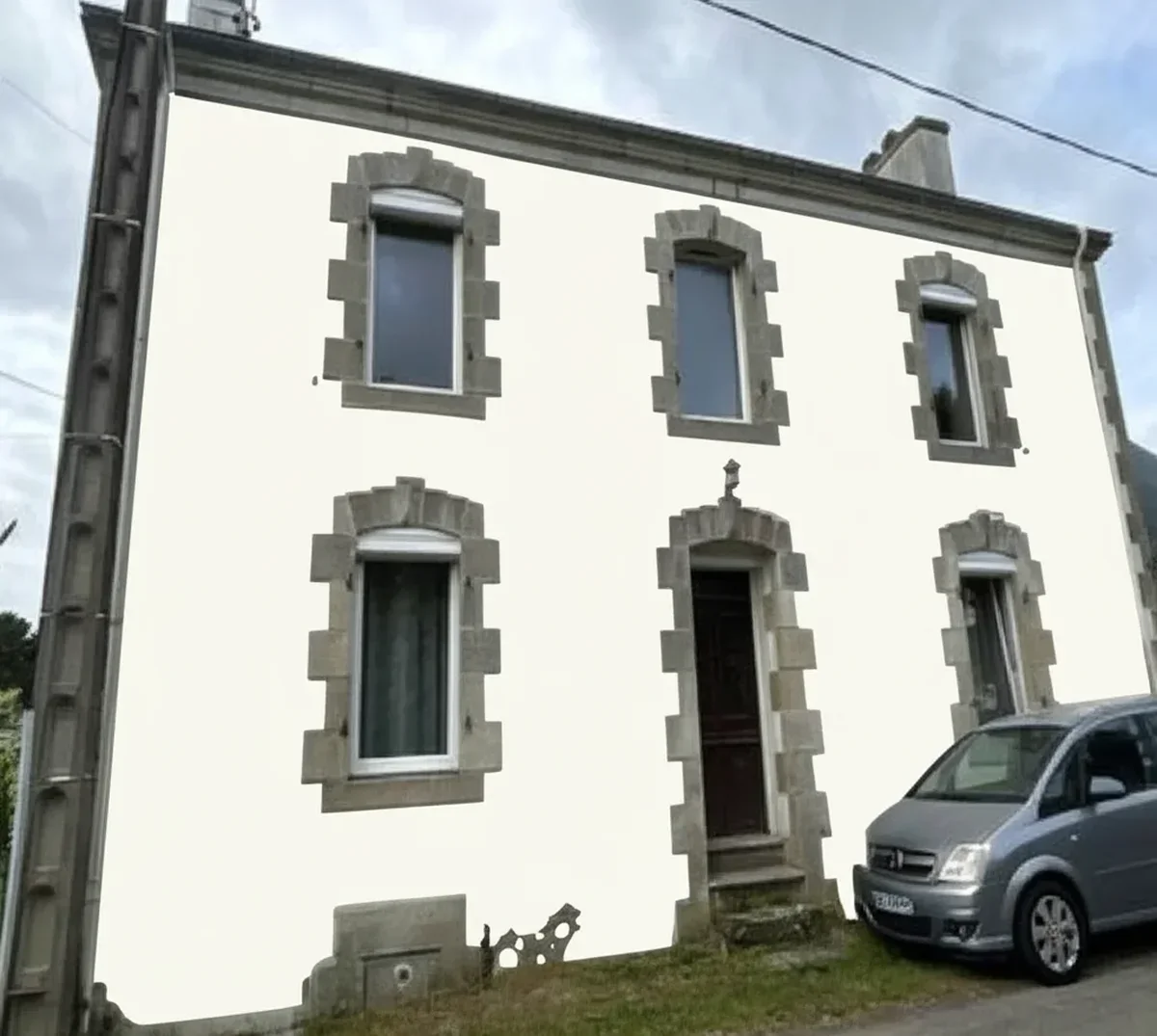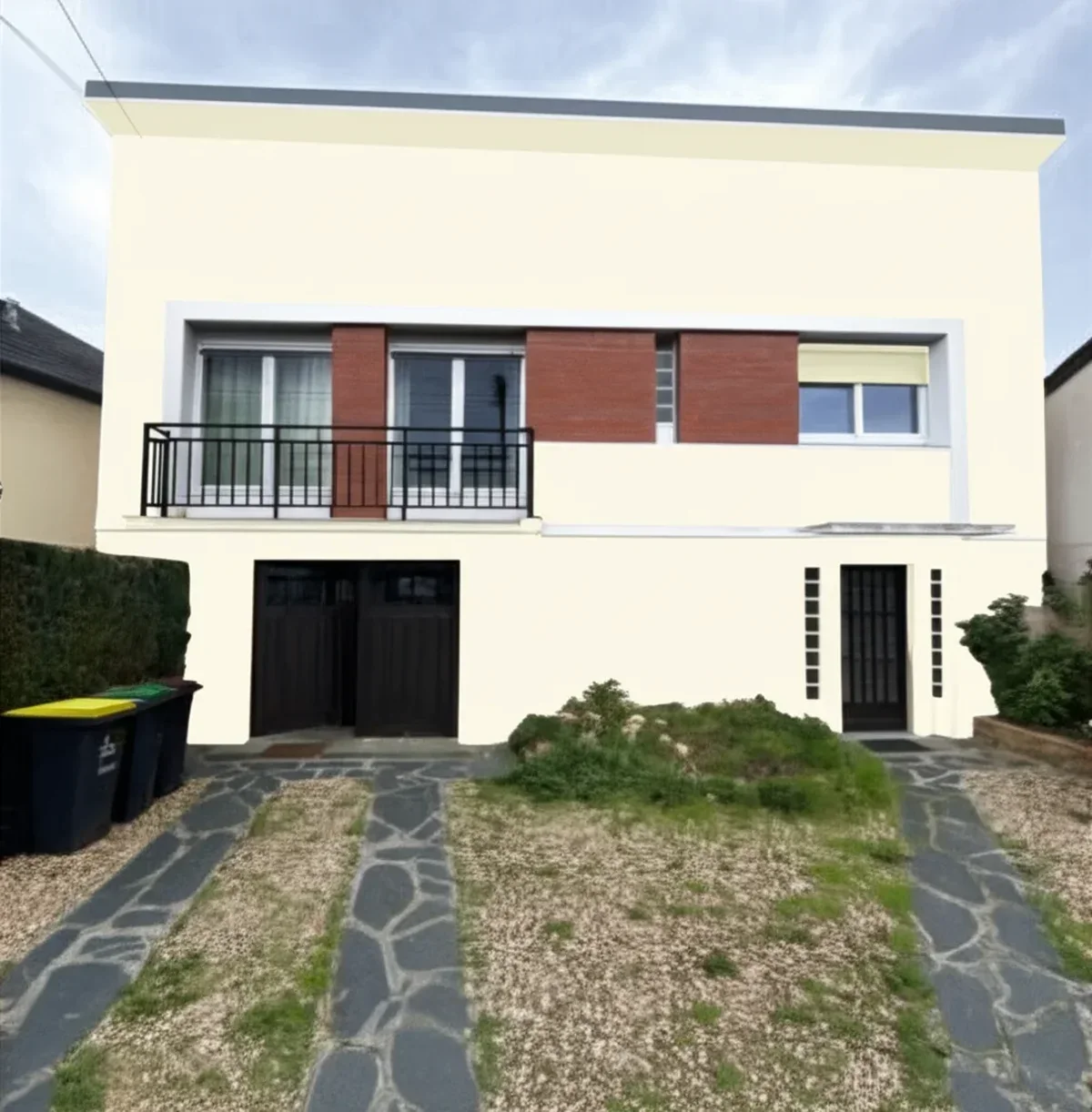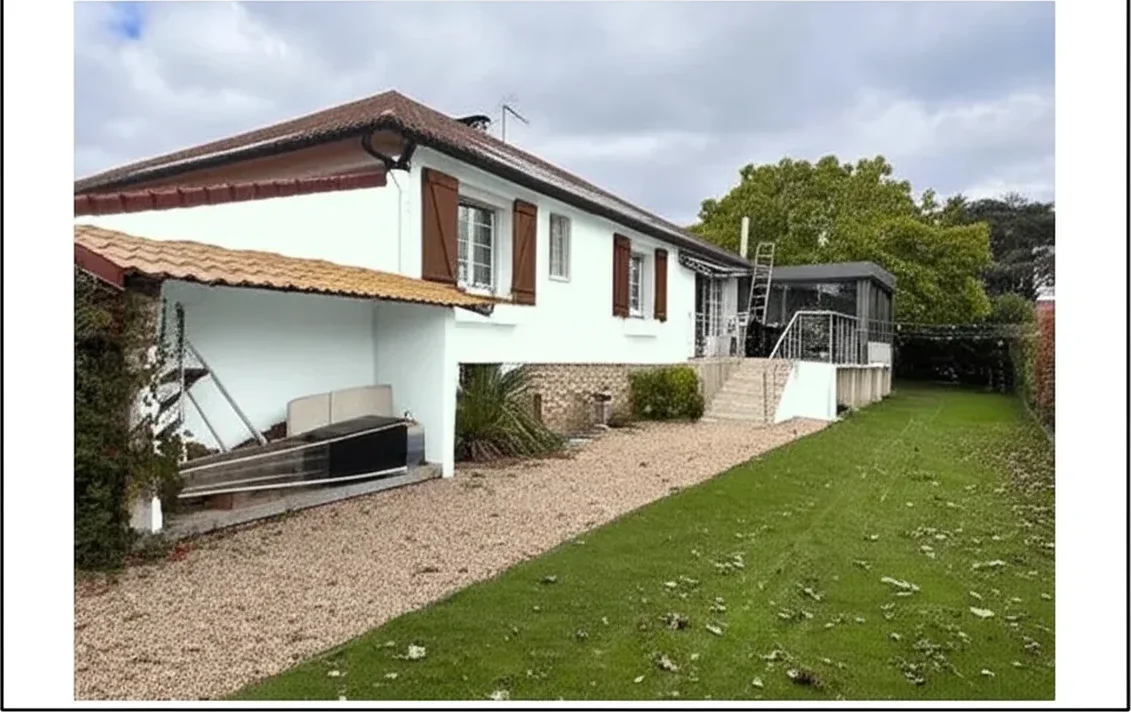
Try it on your house

As a painting contractor, you already know the math is brutal: the average close rate on cold-lead estimates hovers around 25–30% across the industry. That means seven out of ten homeowners who request a bid from you end up signing with someone else, or doing nothing at all. With the US painting industry generating $49 billion in annual revenue across 230,000 businesses, every lost bid is money walking out your door. But what if you could show your clients exactly what their home will look like before a single can of paint is opened? That is the power of an AI paint visualizer, and it is changing how the most successful residential painting and commercial painting companies sell, upsell, and grow.
This guide breaks down exactly how to integrate a digital tool like FacadeColorizer into your client presentation workflow - from the initial consultation to the final quote, so you can increase your close rate, boost your profit margin, and build a referral-driven business that scales. Whether you run a one-truck operation or manage crews across multiple cities, the strategies here apply to every licensed, insured, and bonded painting operation in the country.
Why Most Painting Bids Fail (And How Visualization Fixes It)
The traditional estimate process for a painting contractor looks the same as it did 20 years ago: you walk the property, measure the surfaces, calculate materials, and hand over a written or emailed quote. The homeowner nods politely, says they need to "think about it," and you never hear back. The problem is not your pricing. It is that your client cannot picture the end result. Color swatches on a two-inch card do not translate to a 2,500-square-foot exterior. Homeowners freeze because they fear making the wrong color selection, and a frozen customer is a lost bid.
Research from the home improvement sector confirms that before and after visualization dramatically shifts buyer behavior. Retailers using room visualizer technology report meaningfully higher conversion rates (industry surveys, McKinsey 2023 visualization-tech adoption report), while companies offering color preview tools see a 20–30% increase in sales. Applied to painting contracting, that same principle means a homeowner who sees their house in Sherwin-Williams Alabaster versus Benjamin Moore Revere Pewter is far more likely to approve your bid on the spot, because the emotional risk of choosing the wrong color has been eliminated.
This is not theoretical. Painters who present AI tool-generated renderings during in-home consultations consistently report higher same-visit approval rates and fewer follow-up calls chasing undecided leads. It is the difference between selling a promise and selling a picture, and homeowners buy pictures every time.
How an AI Paint Visualizer Works for Your Business
An AI paint visualizer like FacadeColorizer uses artificial intelligence to detect the paintable surfaces of a home from a simple photo, then applies any color from brands like Sherwin-Williams, Benjamin Moore, or Behr in photorealistic quality. No Photoshop skills needed. No expensive design software. Just upload a photo from your phone, select the colors, and within seconds you have a professional before and after rendering you can present to your client.
Here is how top painting contractors are using it across their sales process:
- On-site consultation: Snap a photo of the home during your walk-through. While reviewing measurements with the homeowner, generate 2–3 color preview options on your tablet. Present the renderings alongside your written estimate.
- Follow-up proposals: Email the homeowner a PDF with side-by-side before and after images embedded directly in your quote. Proposals with visuals convert at significantly higher rates than text-only documents.
- Upselling opportunities: Show the homeowner what an accent color on the front door, shutters, or trim would look like. This upselling technique turns a basic body-only repaint into a full exterior painting package with higher revenue.
- Portfolio building: Save every rendering alongside the completed project photo for your portfolio. This fuels your HomeAdvisor, Angi, Google Business, and social media profiles with compelling visual content that drives lead generation.
The best part? Your clients can also use the tool independently. Send them to FacadeColorizer's free upload page and let them explore colors on their own home before you even arrive for the estimate. When you show up, they have already narrowed their choices - and pre-sold clients close faster. Pair the upload link with our homeowner guide to hiring an interior and exterior painter to set the expectations your bid is built on (licenses, warranty wording, scope of prep) before they meet you on site.
ROI Calculator: What One Extra Closed Bid Is Worth
Numbers do not lie. The average painting contractor in the US generates roughly $400,000–$782,000 in gross revenue annually, depending on crew size and market. With an average profit margin of approximately 25% and a typical close rate of 25–30%, even a modest improvement in conversions translates to significant business growth. Here is what the math looks like:
| Metric | Without Visualizer | With AI Visualizer |
|---|---|---|
| Estimates per month | 40 | 40 |
| Close rate | 27% | 40% |
| Jobs won per month | 10.8 | 16 |
| Average job value | $3,500 | $4,200 (upsell impact) |
| Monthly revenue | $37,800 | $67,200 |
| Annual revenue | $453,600 | $806,400 |
| Annual profit (25% margin) | $113,400 | $201,600 |
Try it on your house
No photo? Try a sample
That is a potential difference of $88,200 in annual profit, from a free digital tool. Even if your improvement is half that conservative estimate, you are still looking at $40,000+ in additional profit margin per year. No new trucks, no new hires, no additional advertising spend on HomeAdvisor or Angi.
With vs. Without Visualization: Side-by-Side Comparison
Still not sure whether adding visualization to your sales workflow is worth the effort? Here is how the two approaches compare across every metric that matters for business growth:
| Sales Factor | Traditional Estimate | Estimate + AI Visualizer |
|---|---|---|
| Color selection confidence | Low, 2" swatches only | High, full-home color preview |
| Decision speed | 1–3 weeks average | Often same visit |
| Upselling potential | Limited, hard to show extras | High, show trim, doors, accent walls |
| Customer satisfaction | Surprise at final result | Expectations set before work begins |
| Referral generation | Passive word-of-mouth | Active, shareable renderings drive leads |
| Competitive advantage | Competing on price alone | Competing on experience and value |
| Perceived professionalism | Standard | Premium, tech-forward impression |
The difference is clear: adding a paint visualizer transforms your estimate from a commodity document into a consultation experience. And homeowners pay more for experiences than they do for line items on a spreadsheet.
5 Steps to Add AI Visualization to Your Sales Process
Integrating a paint visualizer into your existing workflow takes less than a day. Here is a step-by-step process designed specifically for painting contractors:
- Photograph every estimate property. Before you pull out the tape measure, take 3–5 clear photos of the home's exterior (and key interior rooms for interior painting jobs). Use your phone, no special equipment needed. Capture the front facade, side elevations, and any areas the homeowner has specifically mentioned.
- Generate color options during the consultation. While discussing the scope of work, upload one photo to FacadeColorizer and apply 2–3 color selection options the homeowner has expressed interest in. Show the results on your phone or tablet. This takes under 60 seconds and shifts the conversation from "how much?" to "which color?"
- Embed renderings in your proposal. Include before and after images directly in your written bid. Whether you use PaintScout, Jobber, Housecall Pro, or a simple PDF, visual proposals close at dramatically higher rates than text-only quotes.
- Use visualization to upsell. Generate a second rendering showing premium options: a contrasting front door color, refreshed trim, or a full multi-color scheme. When homeowners can see the upgrade, the average job value increases by 15–20% through natural upselling.
- Build your visual portfolio. Save every rendering and pair it with the completed project photo. Post these before and after comparisons to your Google Business profile, Angi page, HomeAdvisor listing, and Instagram. Visual portfolio content generates 3–5x more engagement than text posts and fuels ongoing lead generation.
How to test it on your own home before you buy
No third-party report replaces your own walls: the same color reads differently on a north elevation and a south one, next to red brick or a gray roof, under morning and evening light. Take a daylight photo, upload it to the free AI paint visualizer, and run two or three candidates on the same image so the comparison is fair. Keep the one or two that survive the side-by-side, buy a sample of each, and brush them out on the actual surface in the actual light before you order the full quantity.
Why FacadeColorizer Is Built for Contractors
Unlike generic design apps, FacadeColorizer was built specifically for the painting industry. It detects architectural features automatically, siding, trim, doors, shutters, fascia, so you can apply different colors to each element without manual masking. The AI handles complex surfaces like stucco, brick, and wood siding that generic photo editors struggle with. If you want to see how it stacks up against the alternatives, our best 8 exterior paint visualizers comparison breaks down accuracy, speed, and pricing across the leading tools.
For painting contractors, the key advantage is speed. You can generate a photorealistic color preview while standing in the homeowner's driveway, which means no lost momentum between the consultation and the decision. The tool is free to use at facadecolorizer.com/us/upload , no subscription, no credit card, no software to install.
In a competitive market where homeowners collect 3–5 estimates before choosing a painter, the contractor who provides a visual experience will always have the competitive advantage. Your clients are already searching for AI tools to preview their homes online, and many compare options first using roundups like our paint visualizer apps tested side-by-side. Be the licensed, insured, and bonded professional who brings that technology to their doorstep, and watch your close rate, customer satisfaction, and referral numbers climb.
Ready to win your next bid?
Try it free on your next client's home, upload a photo, pick the colors, and present a professional rendering in under 60 seconds. No signup required.
Frequently asked questions
How can an AI paint visualizer help me win more painting bids?
Is FacadeColorizer free for painting contractors?
What is the average close rate for painting contractors in the US?
How do I use a paint visualizer during an in-home estimate?
Can a paint visualizer help me upsell painting services?
Trademarks mentioned (Sherwin-Williams, Benjamin Moore, Behr, Caparol, Brillux, Sto, Alpina, Valspar, PPG, Glidden, Dulux, Crown Trade, Sandtex, Farrow & Ball, Johnstone's, Leyland) are property of their respective owners. FacadeColorizer is independent and not affiliated with any of them. Nominative fair use under Lanham Act §1125.