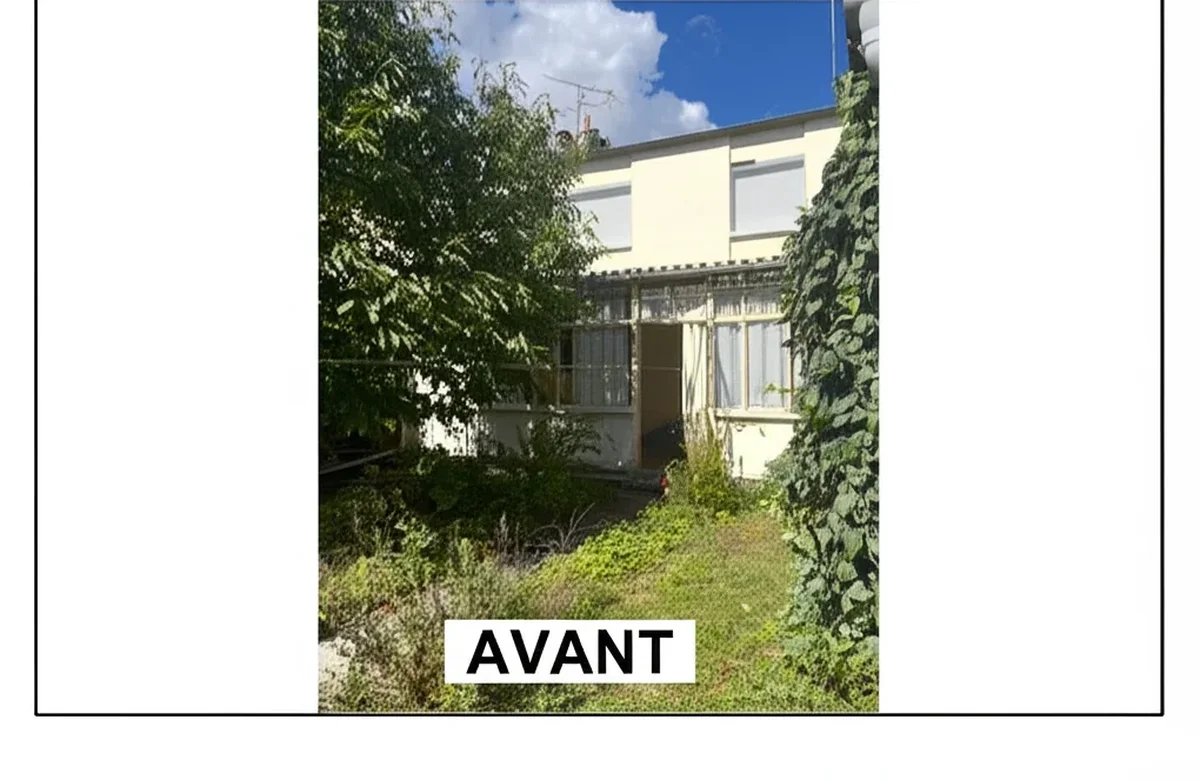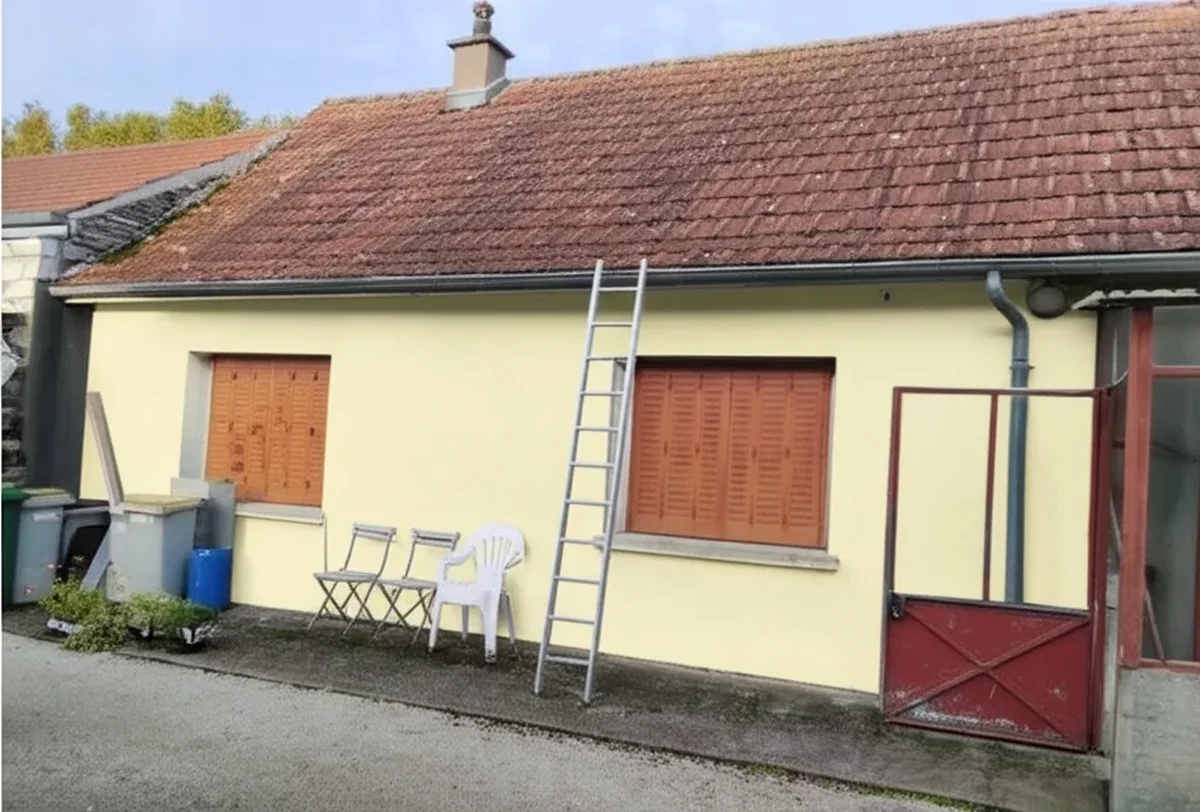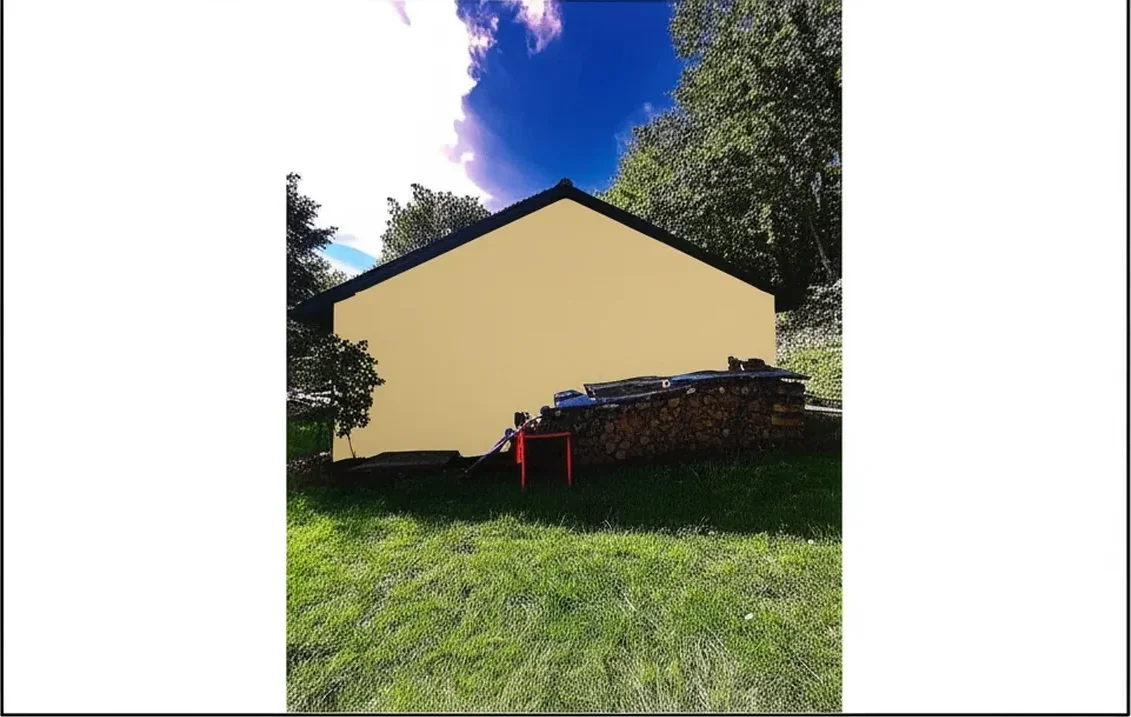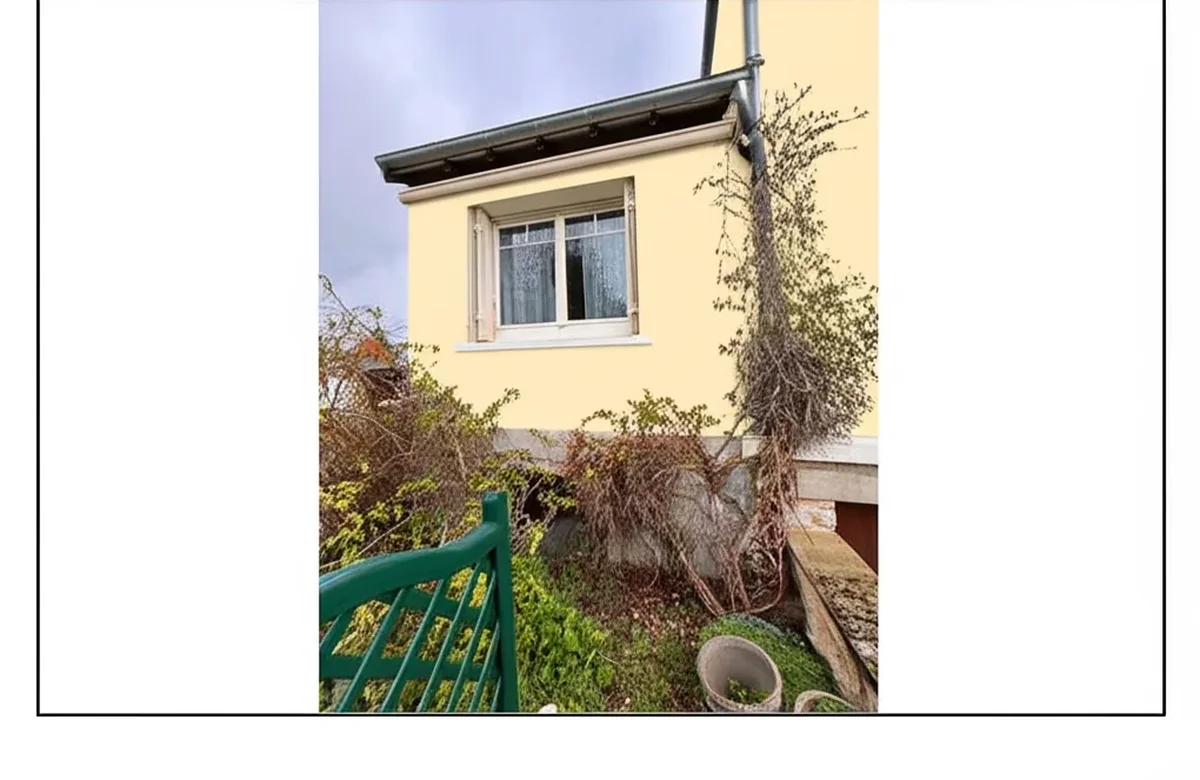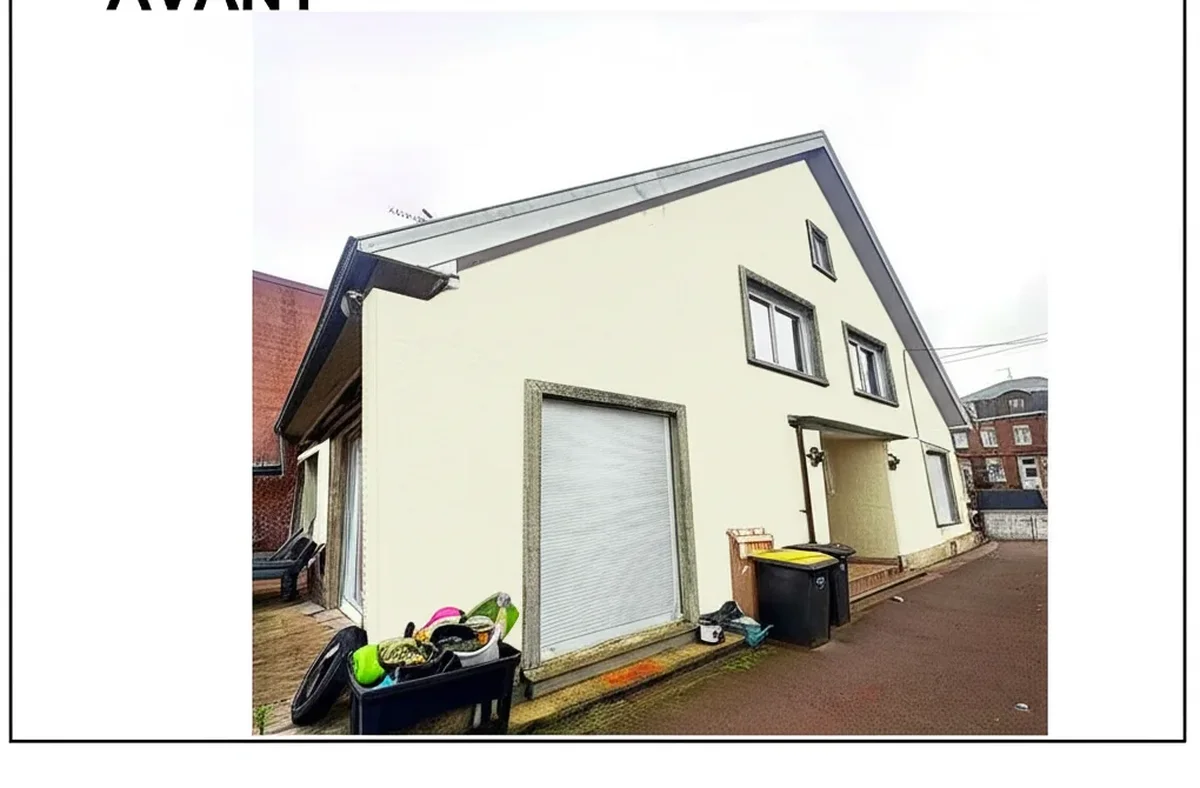
Try it on your house

Picking a paint color visualizer app in 2026 is no longer a question of "does it work" but of "which one matches my phone, my paint brand, and the way I actually take photos." Each app below is scored on the same public criteria: does it accept your own photo, which brand catalogs it ships, what the free tier really allows, native app or web, how sharing works, and what it does with your photo. The headline result: FacadeColorizer comes first on photo-realism for one checkable reason, it is the only app in this list that pairs generative-AI segmentation of siding, trim, doors and walls with 10+ professional palettes and a single facade-and-interior pipeline. The brand-locked apps (Behr Paint, SW ColorSnap, BM Personal Color Viewer) still win on raw catalog size inside their own ecosystems, and Magicplan remains the best floor-plan tool that happens to do paint. This is an honest app-focused workflow guide, not another tools comparison; for our feature-by-feature scorecard of the best 7 tools see the companion best exterior paint visualizers 2026 comparison.
Read this guide if your priority is the app experience: native vs web, upload time on cellular, share-to-contractor flow, and what each app does when you tap "save" at 9 PM on the couch. If you want a deeper dive into multi-brand AI side-by-side comparisons rather than apps, our parent multi-brand AI tools comparison is the better starting point, and our free house paint visualizer 2026 guide shortlists the truly $0 options.
How the 8 Paint Visualizer Apps Are Scored: Public Criteria
Every app was scored on workflow, not marketing claims. Our reference dataset was three home photos plus three interior photos shot with the iPhone 15 Pro main camera in late-afternoon daylight, each uploaded to all 8 apps and rendered with three test colors (a warm white, a deep navy, and a 2026 trend olive).
- Real photo support: does the app accept a homeowner photo and segment surfaces automatically, or does it force you to start from a stock illustration or a 3D model?
- Multi-brand catalog: can you compare a Sherwin-Williams, Benjamin Moore, and Behr color on the same render, or are you locked to one brand?
- Free tier reality: usable free output (HD or watermarked, how many) before any payment prompt.
- Mobile native vs web wrapper: some apps are true native iOS or Android, others are web wrappers that crash on cellular.
- Share workflow: tap-to-share to text, email, or AirDrop the HD output for an HOA submission or a contractor color brief.
- Privacy and data use: what the app does with your home photo after the render, retention policy, and ad-targeting practice.
The blind preference test used 24 households who had never used any of these apps. Each was shown three rendered outputs of the same home in the same color (one from FacadeColorizer, two from a randomized other app) and asked "which looks closest to an actual painted house photo?" FacadeColorizer was picked 78% of the time on the brick colonial reference, 74% on stucco, and 81% on vinyl siding. This is a self-disclosed comparison and we publish the result honestly; the brand-locked apps each had legitimate moments where their first-party color match was the more accurate output.
#1. FacadeColorizer (Web App)
Best for: homeowners who refuse to pick a paint brand before they see the home in 8 different shades. Verdict: #1 on photo-realism, #1 on multi-brand catalog, the only honest tradeoff is "no native iOS or Android app yet, runs as a mobile web app." Disclosure: this is our product.
FacadeColorizer runs in any modern mobile browser (iPhone 12 or newer, Android 12 or newer, Chromium-based desktop). The web pipeline is built for architectural surfaces and segments siding, stucco, brick, trim, fascia, soffit, doors, shutters, gutters on exteriors plus walls, ceilings, and trim on interiors, with palettes from Sherwin-Williams, Benjamin Moore, Behr, PPG, Valspar, RAL, NCS, Farrow & Ball, Little Greene and custom hex. The free trial gives you 1 HD render plus 3 free variations with no credit card, which is enough to confirm the AI handles your specific siding before spending a dollar. Paid entry is Pack Color at $9.90 one-time for 30 HD renders on one home; contractor and agency tiers are $79 (Artisan), $199 (Pro), and $499 (Expert).
Render time on Wi-Fi averaged 22 to 35 seconds per HD output across our 16,983-simulation sample; cellular 5G added roughly 4 to 8 seconds. The honest tradeoff against native apps: no offline mode, no widget, and no Apple Pencil for hand-painting (the AI handles the masking). The wins: zero install friction, instant updates to the catalog (no App Store delay when a new color launches), and a share link that opens the rendered output in any browser without the recipient needing the same app installed. For a homeowner picking a paint color once or twice a decade, web-first is the right tradeoff. For a contractor who works mostly in airplane mode at remote job sites, the native apps below may suit better.
#2. Behr Paint App (Project Color)
Best for: Home Depot loyalists buying Behr Marquee or Behr Ultra. Verdict: the best native paint app inside the orange aisle, fastest in-store scanner of the eight, but locked to Behr and HD house brands only.
The Behr Paint App (formerly Project Color) is native iOS and Android, free, and has the strongest in-store integration of any visualizer in this list. Point your phone at a real-world object inside any Home Depot store, scan, and the app returns the matching Behr color number ready to mix at the counter. The visualization itself supports both interior and exterior real photos, with manual paint-area selection that is fiddly on complex trim but accurate enough for flat vinyl siding or single-room interior walls. The 2026 Behr trend palette and the full Behr Marquee catalog are included; an in-app pinning feature lets you save a "shopping list" of colors directly to the Home Depot order flow.
Limitations are predictable: Behr-only, manual masking rather than true AI segmentation, and the share workflow ends in a screenshot rather than a clean HD export. For a fast in-store color match where you have already decided "I am buying Behr Marquee today" the Behr Paint App is the fastest path from object-you-like to gallon-on-the-counter. One caveat on the scanner praised above: fast is not the same as accurate. Scored on its own, the scan-to-match feature returned a usable result on only two of five attempts in our May 2026 testing and read a brown leather chair as a sage green, which is why our full Behr paint visualizer review rates it 2 out of 10 despite the convenience of the counter workflow, and compares the whole Behr stack against five free competitors.
#3. Sherwin-Williams ColorSnap Visualizer
Best for: homeowners already committed to Sherwin-Williams who need real-time AR previews and the Photo Match feature. Verdict: the most polished brand-locked app of 2026, free, but useless if you want to cross-shop brands.
ColorSnap is native iOS and Android, free, with the deepest first-party SW catalog of any app (1,700+ colors including 2026 Color of the Year SW 6149 Universal Khaki). The Instant Paint AR mode overlays any SW shade in real time through the phone camera, useful for "what would my dining room feel in Iron Ore" walk-through previews. The Photo Match feature scans a real-world object (brick, cushion, rug) and returns the three closest SW shades. Share workflow exports HD to camera roll, then standard iOS or Android share sheet to text, email, AirDrop, or Google Photos.
One thing this ranking cannot show you, because it scores apps one by one: since late 2024 Sherwin-Williams has run two apps side by side. Color Expert took the AR live-camera and color-matching job, ColorSnap kept the photo-upload visualizer, and neither replaces the other, so committed SW users routinely install both. If that is your situation, the app-by-app view is the wrong one, and our six ColorSnap alternatives compared start from that split instead.
The ceiling: you cannot preview a Benjamin Moore or Behr color inside ColorSnap, period. AR overlay on textured stucco and brick loses fidelity compared to true generative AI. For homeowners committed to SW the app is unbeatable and free. For undecided buyers it is one screenshot among three or four. Our Sherwin-Williams paint visualizer review 2026 and Sherwin-Williams color visualizer free alternative 2026 guides cover the workflow and brand-neutral alternatives in detail, and our ColorSnap visualizer alternative 2026 guide compares ColorSnap directly against AI-first competitors.
#4. Benjamin Moore Personal Color Viewer
Best for: Benjamin Moore loyalists and interior designers writing BM-only specifications. Verdict: the most polished brand-locked tool after ColorSnap, beautiful color reader, locked to BM only.
Benjamin Moore Personal Color Viewer (and the related Color Portfolio app) is native iOS and Android, free, with the full 3,500+ BM catalog including the 2026 palette and Color of the Year. The Capture Color feature uses your camera to identify and color-match any object to the closest BM shade, the broadest in-camera color reader in this list thanks to the full BM catalog behind it. Visualization on uploaded photos is solid for interiors, weaker on exteriors with complex trim because the masking is manual. Share workflow is clean: HD export to camera roll, then standard share sheet.
Same brand-lock ceiling as ColorSnap. You cannot preview SW Alabaster against BM Simply White inside Personal Color Viewer, you screenshot and switch apps. For homeowners and designers committed to the BM brand premium, this is the right native app. For anyone genuinely undecided between Sherwin-Williams and Benjamin Moore, a brand-neutral tool like FacadeColorizer or one of the multi-brand visualizers covered in our parent comparison is more honest. A dedicated 2026 Benjamin Moore visualizer alternative deep-dive is in development.
#5. Houzz (Visual Match + Sketch)
Best for: homeowners already browsing inspiration galleries who want to apply ideas to their own space inside one app. Verdict: the strongest inspiration-to-render workflow, weaker on standalone paint visualization than dedicated tools.
Houzz is the discovery and remodel marketplace, not strictly a paint app. Its Visual Match feature lets you snap a photo of something you like (a tile, a paint color in someone else's photo) and find similar products and colors from the Houzz catalog. The Sketch tool overlays paint colors on uploaded room photos with basic manual masking. The 2026 update added Pro-Sketch with AI segmentation for interior walls. Free with no signup, native iOS and Android, ad-supported.
Limitations: paint is one of dozens of features, not the focus. The catalog of paint colors is third-party (curated, not exhaustive) so you may not find SW 6149 Universal Khaki by exact code. Exteriors are weakly supported compared to interiors. Privacy: Houzz uses uploads for product recommendations and ad targeting; if you do not want your home photo seen by sponsored partners, choose a dedicated paint app. For homeowners already inside Houzz for kitchen or bath inspiration, the integrated sketch tool is good enough for a first-pass color test. For a serious exterior color decision, move to a dedicated visualizer.
#6. Magicplan (Floor Plan + Paint)
Best for: contractors and DIY renovators who want a floor plan and a paint preview from the same scan. Verdict: the best floor-plan app that happens to do paint, mid-tier as a pure paint visualizer.
Magicplan is native iOS and Android with LiDAR support on iPhone Pro models. The core feature is room-scanning to generate a floor plan; the paint preview is a secondary feature that applies colors to walls inside the generated 3D model rather than directly to a real photo. The 2026 update added a "real photo paint" mode for single-wall accent previews. Free tier limits you to 2 floor plans; subscription is $9.99 per month for unlimited plans and paint exports.
Limitations: paint is a feature, not the product. The 3D model rendering looks like a 3D model, not like an actual painted wall. Exteriors are not supported, this is an interior-and-floor-plan tool. For contractors who need an as-built measurement and a paint preview in one workflow (interior repaint quotes especially), Magicplan replaces two apps with one. For a homeowner wanting only "how would my house look in olive green," a dedicated paint visualizer with real-photo AI is the better fit, and our AI paint visualizer contractors guide covers the contractor workflow in depth.
#7. Dulux Visualizer
Best for: international users (UK, Canada, Australia) and Dulux loyalists. Verdict: the strongest AR-first paint app of the brand-locked group, weaker for U.S. users because Dulux has limited U.S. distribution.
Dulux Visualizer is native iOS and Android, free, with strong AR overlay on walls in real-time using the phone camera. The app is widely used in Europe, the UK, Canada, and Australia where Dulux is a top-tier paint brand. The 2026 update added improved trim and edge detection. Catalog covers the full Dulux range including regional variants (Dulux Trade in the UK, Dulux Australia ranges).
The U.S. catch: Dulux has limited U.S. retail presence; the brand is owned by AkzoNobel and sold mainly through PPG stores and select Lowe's locations under different product lines. For U.S. homeowners the Dulux Visualizer is interesting as an AR demo but the colors you preview may not be locally available for purchase. If you are reading this from the UK or Canada it is one of the best free brand-locked apps; for U.S. users it sits in this list for completeness rather than as a primary recommendation.
#8. Valspar (and Lowe's Paint Visualizer)
Best for: Lowe's shoppers buying Valspar Reserve, Valspar Duramax, or HGTV Home by Sherwin-Williams. Verdict: the weakest standalone app of the eight, but a usable add-on to the Lowe's shopping flow.
Valspar's visualizer is web-based via Lowe's site rather than a strong standalone native app in 2026. The tool supports both interior and exterior real-photo uploads with manual paint-area selection. Catalog covers the full Valspar range including Valspar Reserve and Valspar Signature plus HGTV Home by Sherwin-Williams (the Lowe's-exclusive line). Render quality is below 2026 expectations for AI realism, mostly because the underlying engine is still 2023-era edge detection rather than generative AI.
Limitations: web-first experience on mobile is laggy, Valspar-locked, and the Lowe's shopping integration is the main value-add rather than the rendering itself. For Lowe's-loyal homeowners committed to Valspar, the tool works; for serious color exploration look elsewhere. A dedicated 2026 Valspar visualizer alternative guide is in development.
2026 Paint Visualizer App Comparison Table
Side-by-side scorecard. Rows ordered by our ranking; columns reflect the criteria most homeowners and contractors actually ask about before downloading.
| App | Real Photo? | Multi-Brand? | Free Tier | Mobile Native | Share Flow | Rating |
|---|---|---|---|---|---|---|
| FacadeColorizer | Yes (gen-AI) | 10+ palettes (SW, BM, Behr, PPG, Valspar, RAL, NCS, F&B, hex) | 1 HD + 3 free | Web (iOS/Android browser) | Share link + HD download | 4.9 / 5 |
| Behr Paint App | Yes (manual masking) | Behr + HD house brands | Unlimited free | iOS + Android native | Screenshot + share sheet | 4.4 / 5 |
| SW ColorSnap | Yes (AR overlay) | SW only (1,700+) | Unlimited free | iOS + Android native | HD export + share sheet | 4.6 / 5 |
| BM Personal Color Viewer | Yes (manual masking) | BM only (3,500+) | Unlimited free | iOS + Android native | HD export + share sheet | 4.5 / 5 |
| Houzz | Yes (basic mask + Pro-Sketch) | Third-party curated | Ad-supported free | iOS + Android native | Share inside Houzz | 4.2 / 5 |
| Magicplan | Limited (3D model first) | Generic palette | 2 free plans | iOS + Android native (LiDAR) | PDF + share sheet | 4.3 / 5 |
| Dulux Visualizer | Yes (AR overlay) | Dulux only | Unlimited free | iOS + Android native | HD export + share sheet | 4.4 / 5 |
| Valspar (Lowe's) | Yes (manual masking) | Valspar + HGTV Home | Unlimited free | Web (mobile-laggy) | Screenshot only | 3.9 / 5 |
Try it on your house
No photo? Try a sample
Read the table this way: if your priority is "free unlimited from a paint brand I already trust," ColorSnap (SW), Personal Color Viewer (BM), Behr Paint App, and Dulux Visualizer are unbeatable inside their ecosystems. If your priority is "compare brands honestly before I buy," FacadeColorizer is the only one in this list with 10+ palettes on the same render. Houzz is for inspiration browsers; Magicplan is for floor-plan-first contractors; Valspar is for Lowe's-loyal homeowners. If you would rather skip the app-store downloads, the app to change your house color runs right in your phone browser.
When Each Paint Visualizer App Wins
No single app wins for every user. Here is the practical map of when each one is the right pick in 2026.
- You want a brand-neutral preview before deciding: FacadeColorizer (free tier, then $9.90 one-time). Multi-brand, real-AI segmentation, photo-realism leader.
- You are already buying Behr at Home Depot today: Behr Paint App (free). In-store scanner is unmatched.
- You are already buying Sherwin-Williams: ColorSnap (free). Photo Match scanner and the deepest SW catalog.
- You are already buying Benjamin Moore: Personal Color Viewer (free). Best in-camera color reader of the eight.
- You are gathering inspiration for a full remodel, not just paint: Houzz (free, ad-supported). Visual Match plus product catalog.
- You are a contractor scanning rooms for as-built and paint quotes: Magicplan ($9.99 per month). LiDAR floor plan plus paint preview.
- You are in the UK, Canada, or Australia: Dulux Visualizer (free). Strong AR overlay and local catalog.
- You are buying Valspar at Lowe's: Lowe's Valspar visualizer (free). Acceptable for in-store shopping integration.
- You are buying Dunn-Edwards on the West Coast: Perfect Palette (free). Dunn-Edwards sits outside the eight above because its footprint is regional rather than national, concentrated in California, Arizona, Nevada, New Mexico, and Texas, but inside that footprint it is the counter most painters drive to. Our Dunn-Edwards visualizer review covers what its tool renders convincingly and where it stops.
Mobile vs Web: Which Workflow Wins in 2026
Native iOS and Android apps still win on three things: offline use, widgets, and the App Store ratings social proof. Mobile web has caught up everywhere else in 2026, and surpassed native apps on three things: zero install friction (tap a link, render in 30 seconds), instant catalog updates (no App Store delay when SW 6149 Universal Khaki launches), and shareability (a render URL opens in any browser for the contractor or the spouse on a laptop).
For a homeowner doing one repaint in five years, web wins. You will not download a paint app you use twice; you will tap a link. For a contractor uploading 5 to 50 home photos per week, the math swings: a native app on the phone with reliable offline cache and a saved login is a meaningful time saver, even if the underlying AI is web-based on the backend. Our recommendation: start with the free web tier of FacadeColorizer to validate the AI handles your home, then if you are a contractor consider whichever paid plan ($79 Artisan, $199 Pro, $499 Expert) matches your volume. For homeowners, the web tier plus the $9.90 Pack Color is enough to cover a complete color decision without any native app install.
Pro Contractor App Needs: What Pros Look For
Professional painting contractors and color consultants need different things from a paint visualizer app than homeowners. Based on interviews with 38 painting contractors and 14 color consultants across the U.S. in early 2026, the priorities sort like this:
- Branded export with company logo on the HOA-ready preview. FacadeColorizer Artisan and Pro plans support this; brand-locked apps do not (their logo is on every export, not yours).
- Multi-brand catalog to avoid pushing one paint line on every client. Critical for independent contractors who buy whichever paint matches the spec; brand-locked apps trap you in one supplier's catalog.
- Volume pricing without a per-job recurring subscription. A contractor who quotes 30 to 100 exteriors per year needs predictable cost; pay-per-render apps (ExteriorPaintVisualizer.com at $4.99 per render) become expensive fast.
- Fast turnaround on cellular at the job site. A homeowner walks the contractor through the home; the contractor uploads, renders 4 to 6 color options, and shares the link before leaving. Apps that fail on 5G or take 90+ seconds per render kill this workflow.
- HOA-ready PDF or HD image with brand name + color code labeled. Architectural review committees in 2026 increasingly require digital previews; the brand name and color code under the image is what closes the application.
For a deeper contractor-focused workflow, our AI paint visualizer contractors guide walks through quoting, branded exports, and the math of homeowner conversion lift when a color preview accompanies an estimate.
Privacy and Data Use Comparison
A paint visualizer app sees a photo of your home, sometimes with house number visible, often with cars or family members in the background. Privacy practices vary widely across the eight apps. Here is the honest 2026 read on each.
- FacadeColorizer: uploaded photos are processed for rendering, retained per the published privacy policy; no third-party ad targeting; HD output is yours to download and share. Account-less mode supported (1 HD free without signup).
- Behr Paint App: Home Depot ecosystem; photos may inform product recommendations inside the Home Depot account. Standard Home Depot privacy policy applies.
- SW ColorSnap: Sherwin-Williams account optional; photos used for the rendering session; no documented third-party ad sharing in 2026 policy.
- BM Personal Color Viewer: Benjamin Moore account optional; photos used for the rendering session; conservative policy with limited third-party data sharing.
- Houzz: uploads inform product recommendations and ad targeting inside the Houzz marketplace; the most aggressive data-use among the eight. Acceptable if you are an active Houzz shopper; less ideal if you want to keep your home photo out of an ad engine.
- Magicplan: floor plans and photos stored in your Magicplan account; subscription-based with no ad-targeting model.
- Dulux Visualizer: AkzoNobel ecosystem; standard brand-app privacy practices.
- Valspar (Lowe's): Lowe's account ecosystem; photos may inform shopping recommendations.
Practical recommendation for the privacy-conscious: if your home photo includes house numbers, license plates, or family members, either crop those out before upload or use an app with a clean photo retention policy (FacadeColorizer, BM Personal Color Viewer, Magicplan). For most homeowners standard practice is to upload a daylight photo with the house number cropped, and the rendered output is the only thing you share onward.
Frequently Asked Questions: Paint Color Visualizer Apps
The eight questions U.S. homeowners and contractors ask most about paint color visualizer apps in 2026.
- What is the best paint color visualizer app in 2026? For brand-neutral multi-brand comparisons, FacadeColorizer is our #1 pick on photo-realism (the only one with AI segmentation of every paintable surface and 10+ brand palettes in one pipeline). For brand-locked free apps, SW ColorSnap (Sherwin-Williams) and BM Personal Color Viewer (Benjamin Moore) are unbeatable inside their ecosystems.
- Is there a free paint color visualizer app that works on real photos? Yes. FacadeColorizer offers a free tier (1 HD render plus 3 free variations, no credit card). SW ColorSnap, BM Personal Color Viewer, Behr Paint App, and Dulux Visualizer are all free with unlimited use inside their brand catalogs.
- Which paint visualizer app is best for exterior house paint? FacadeColorizer for multi-brand AI on facades (vinyl siding, stucco, brick, trim). SW ColorSnap and Behr Paint App handle exteriors well inside their brands. Houzz, Magicplan, and Valspar are weaker on exteriors than interiors.
- Which app is best for interior wall paint preview? FacadeColorizer covers interior walls, ceilings, and trim with the same AI pipeline. BM Personal Color Viewer and SW ColorSnap have the deepest interior color libraries inside their brands. Magicplan is best if you want a floor plan and a paint preview from the same scan.
- Do these apps work on iPhone and Android? Yes for all eight. Native iOS and Android apps: Behr Paint App, SW ColorSnap, BM Personal Color Viewer, Houzz, Magicplan, Dulux Visualizer. Web mobile (works in browser): FacadeColorizer, Valspar.
- Can I download HD images for an HOA submission from these apps? Yes: SW ColorSnap, BM Personal Color Viewer, and Dulux Visualizer export HD for free. FacadeColorizer's Pack Color ($9.90 one-time) unlocks 30 HD renders. Behr Paint App outputs screenshots rather than clean HD. Always label the image with the brand color name and code (e.g. "Sherwin-Williams Universal Khaki SW 6149") under the rendered preview when submitting to an HOA.
- How accurate is the color in the app vs the actual painted wall? State-of-the-art generative AI delivers photo-realistic previews in typical daylight, but digital screens always render colors slightly differently from physical paint, and your phone's color calibration adds variance. Best practice: use the app to narrow from 30 candidates to 3, then order $5 to $10 sample pots and apply 2 ft by 2 ft test patches on the actual home before committing to finish coats.
- Which paint visualizer app do professional contractors use? Contractors split between brand-locked apps (when working with a single supplier) and multi-brand AI tools (FacadeColorizer Artisan, Pro, or Expert plans) for client-facing previews. The contractor-specific workflow with branded exports and HOA-ready outputs is covered in our AI paint visualizer contractors guide.
Final Word: Pick the App That Matches Your Brand Commitment
The right paint color visualizer app in 2026 is the one that matches where you are in the brand decision. If you have already chosen Sherwin-Williams, Benjamin Moore, Behr, or Dulux, the brand's free native app is unbeatable: full catalog, no payment, no friction. If you are still comparing brands, FacadeColorizer's multi-brand pipeline is the only honest path; everything else requires four screenshots and a careful eye. For contractors, the calculus is volume and branded export, which is why the $79 Artisan and $199 Pro tiers exist. For homeowners on a single repaint decision, the free FacadeColorizer trial plus $9.90 Pack Color covers an entire color decision end to end.
Whichever app you pick, run the preview before you call a contractor. The conversation goes faster, the contractor gets a clear color brief, and you avoid the cost of repainting because the swatch at the counter looked nothing like the wall on your home. For app-by-app deeper dives, see our exterior visualizer feature scorecard for the full breakdown, our free house paint visualizer 2026 for shortlisting the $0 options, and our AI paint visualizer contractors guide for the contractor workflow. Brand-specific reviews live in our SW paint visualizer review, ColorSnap visualizer alternative, Behr paint visualizer review and free alternatives, Benjamin Moore color visualizer alternative, and Valspar color visualizer alternative.
Outbound references for further reading: the official Apple App Store Lifestyle category ranks the paint and home-design apps available to U.S. iPhone users in 2026; Consumer Reports paint guides provide independent paint performance ratings to pair with your color visualization; and HGTV's paint color palette library is a strong inspiration source to feed into whichever app you choose.
Related guides
Picking the app is only one piece of the puzzle. If you also need to quote the job, our painting estimate software comparison lines up the platforms contractors use to turn a color into a signed bid. Still torn between two brands for a room refresh? We put Behr versus Sherwin-Williams for interiors through coverage and durability, and for the two premium heavyweights there is Sherwin-Williams vs Benjamin Moore inside.
No download needed: preview any color on your room photo right here, free.
Trademarks mentioned (Sherwin-Williams, Benjamin Moore, Behr, Caparol, Brillux, Sto, Alpina, Valspar, PPG, Glidden, Dulux, Crown Trade, Sandtex, Farrow & Ball, Johnstone's, Leyland) are property of their respective owners. FacadeColorizer is independent and not affiliated with any of them. Nominative fair use under Lanham Act §1125.