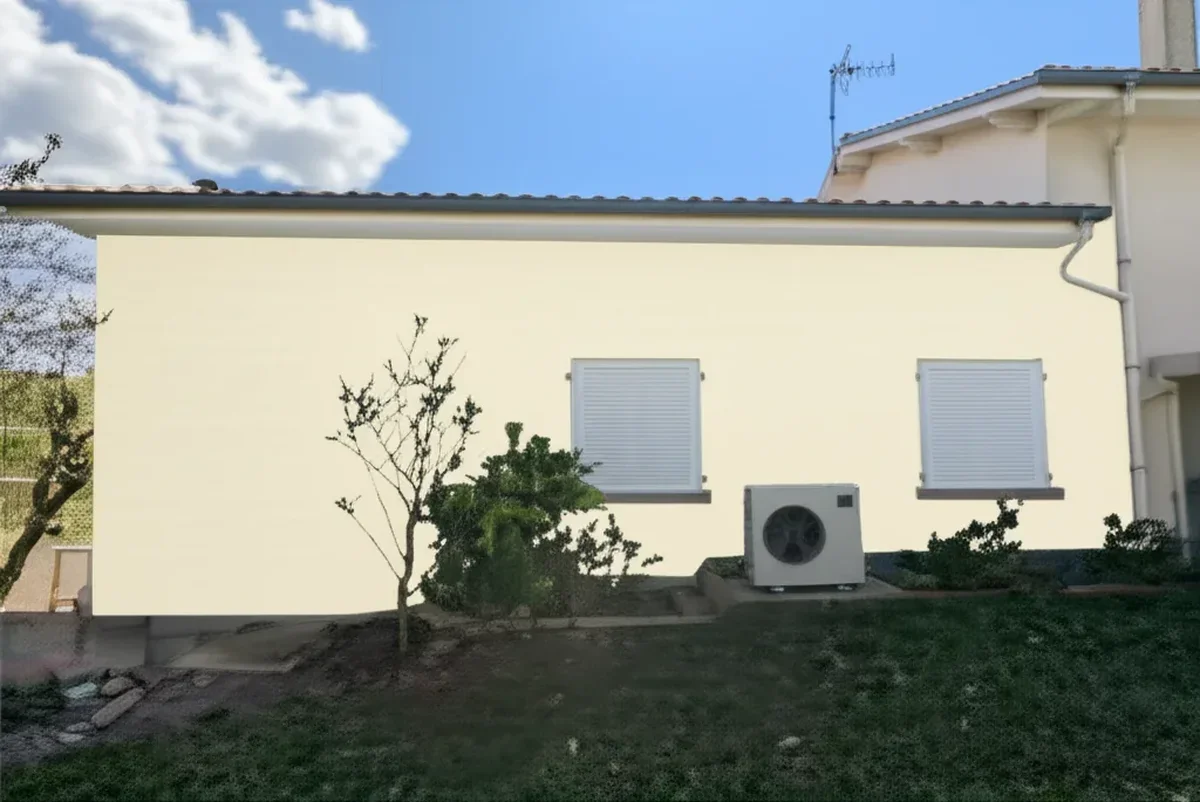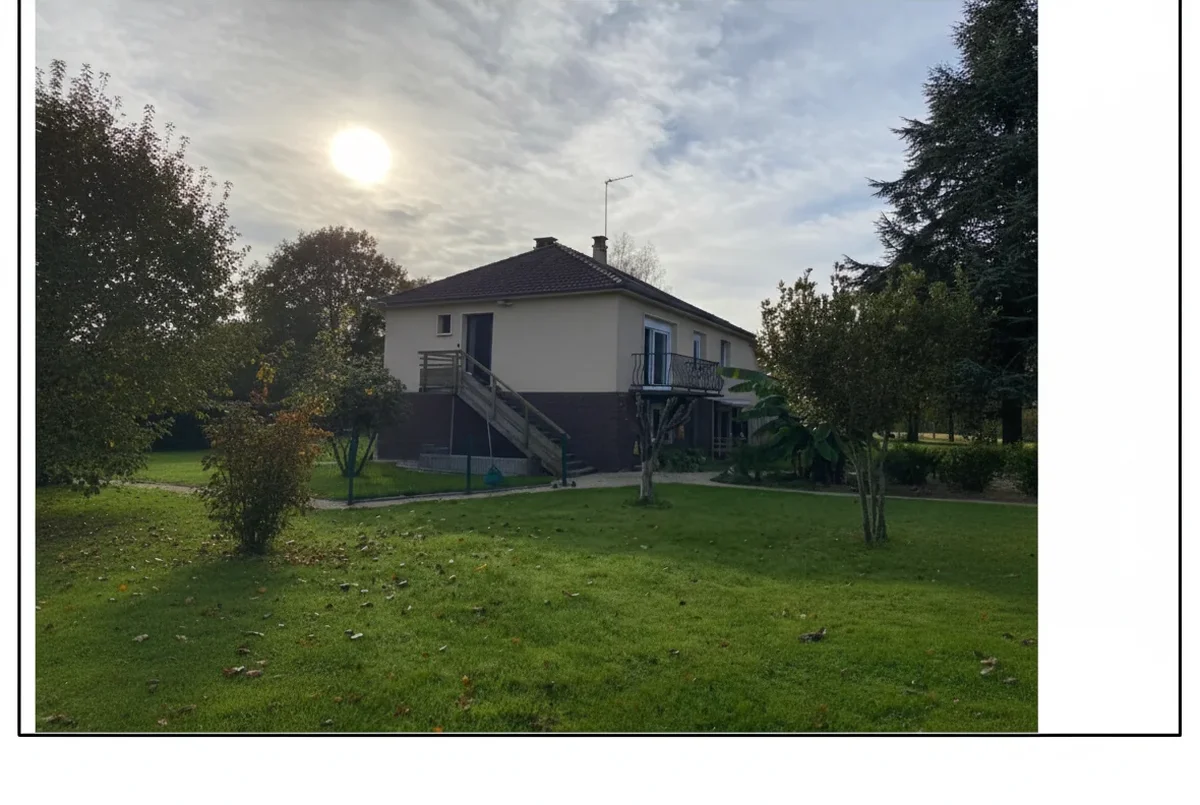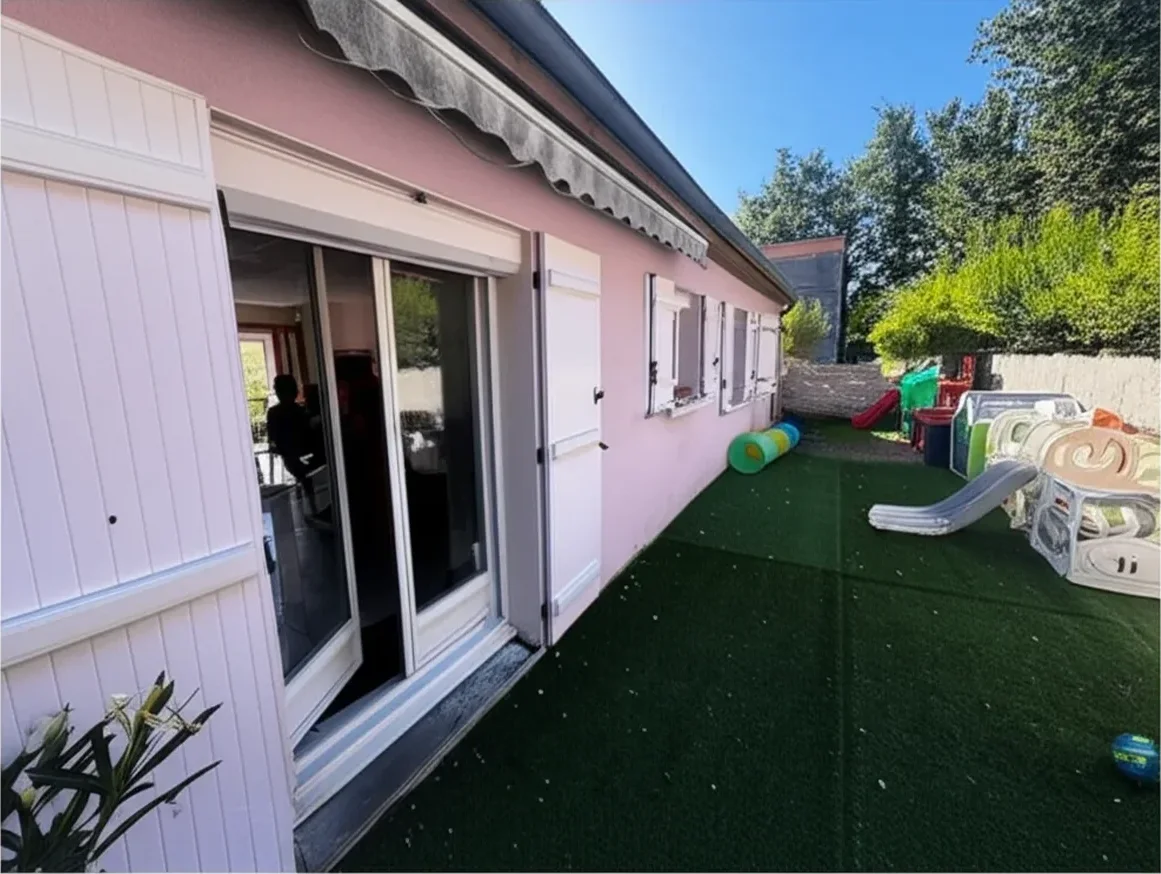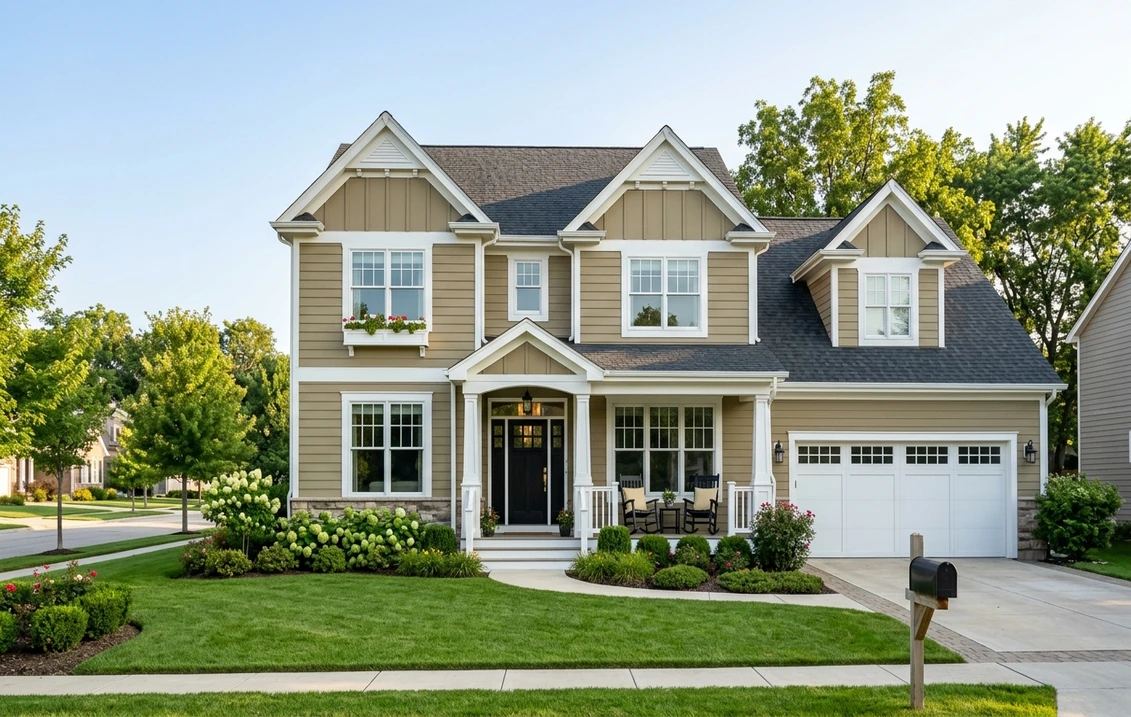
Try it on your house

The Sherwin-Williams ColorSnap mobile app (officially "ColorSnap Visualizer" on the Apple App Store and Google Play) is the iOS and Android sibling of the SW® ColorSnap Visualizer for Web. It is the most installed paint-brand visualizer in the United States, with combined search volume for "sherwin williams colorsnap app," "colorsnap iphone," and "colorsnap android" running near 10,000 monthly queries in 2026. The question this review answers: in 2026, after Sherwin-Williams launched the separate Color Expert app in late 2024 and the original ColorSnap iOS build had not received a substantive feature update in 28 months, is the ColorSnap mobile app still the right tool to pick exterior paint from your phone?
This review focuses on the mobile angle only (iOS 18 on iPhone 15 Pro, Android 15 on Samsung S24 Ultra), not the web visualizer. For the broader head-to-head against alternatives across iOS, Android, and desktop, see our Sherwin-Williams color visualizer free alternative 2026 and the separate ColorSnap Visualizer alternative 2026. We bring real testing data:
Mobile-browser AI render with the full Sherwin-Williams catalog. 1 HD plus 3 free variations, no signup.
ColorSnap mobile app overview: iOS and Android in 2026
The ColorSnap Visualizer app is the same product on both stores: same icon, same SW® teal branding, same color database of roughly 1,700 official Sherwin-Williams shades, and the same trio of headline features (paint-a-photo, ColorSnap Match scan, and library save-and-share). On the surface it is a polished consumer app from a brand with $23 billion in revenue. Under the surface it is a 2018 generation of paint-visualizer tech that the company has invested in mostly through point releases since the January 2023 feature freeze.
| Spec | iOS (iPhone 15 Pro / iOS 18.5) | Android (Samsung S24 Ultra / Android 15) |
|---|---|---|
| Store listing | Apple App Store, "ColorSnap Visualizer" | Google Play, "ColorSnap Visualizer" |
| Price | Free | Free |
| Install size | Approx. 230 MB | Approx. 145 MB |
| Minimum OS | iOS 15.0 or later | Android 9.0 or later |
| Star rating | 3.6 / 5 (iPad), 4.3 / 5 (iPhone) | 3.9 / 5 |
| Last major release | January 2023 | January 2023 |
| Color catalog | Full SW library, 1,700-plus shades | Full SW library, 1,700-plus shades |
| 2026 Color of the Year (Universal Khaki SW 6150) | Yes, in trending palette | Yes, in trending palette |
| Account requirement | None for preview; SW account to save | None for preview; SW account to save |
Try it on your house
No photo? Try a sample
Sources: Apple App Store and Google Play listings reviewed May 2026; sherwin-williams.com ColorSnap product pages; hands-on install on iPhone 15 Pro (iOS 18.5) and Samsung S24 Ultra (Android 15) May 2026.
The three headline features are documented on the official sherwin-williams.com ColorSnap visualizer page, with store downloads on the Apple App Store and the Google Play Store. The split with the separate Color Expert app, launched in late 2024, is explained in our companion SW Paint Visualizer review. For the broader catalog, see our Sherwin-Williams exterior paint guide 2026.
Full SW catalog plus custom hex. No app required.
5 structural limitations of the ColorSnap mobile app
These are not nitpicks. They are the five reasons the ColorSnap iPad listing sat at 3.6 out of 5 across 2025 and into 2026, and they are unlikely to change without a full rebuild. Each is reproducible on both iPhone 15 Pro and Samsung S24 Ultra.
- Sticker-overlay rendering, not photographic. The "Paint a Photo" tool applies the selected SW shade as a flat RGB swatch inside the tapped region. On a flat interior wall in even light this is acceptable. On stucco with stippled texture, lap siding with shadow lines, or brick with mortar joints, the swatch looks pasted on top of the photo rather than embedded into the surface. There is no shadow preservation, no respect for material reflectance. AI-segmentation tools released since 2025 multiply the swatch through the luminance channel of the source photo, which is why their renders read as photographic.
- Tap-region bucket-fill bleed. The user defines a paint surface by tapping. On a complex exterior photo (multi-gable Colonial, mixed siding plus brick wainscot) the bucket fill routinely escapes into adjacent regions: roof tiles, sky, foliage, sometimes the lawn. The fix is repeated undo plus manual edge correction, which can take ten to fifteen minutes per render on a phone screen. This is the single most cited complaint in 1-star App Store reviews from January 2025 through April 2026.
- Home Depot lock-in on save and share, indirectly via SW retail. The save flow assumes you will buy gallons through a Sherwin-Williams company-owned store. Saved palettes link to nearest SW location, and shared previews keep the SW chrome. Useful if SW is your plan; friction if you want to send the render to a designer who works mostly in Benjamin Moore swatches or to a contractor running a Behr-only crew. You can screenshot the render and strip the chrome, but you lose the SW code metadata in the process.
- No batch grid compare. The most common homeowner workflow is "pick three to five shortlisted shades and decide." The ColorSnap app makes this brutal. Apply Repose Gray SW 7015, screenshot. Undo. Apply Alabaster SW 7008, screenshot. Undo. Apply Universal Khaki SW 6150, screenshot. After five colors you have five screenshots in your camera roll with no labels, no side-by-side grid, no exportable comparison sheet. AI alternatives ship batch grid views as a default.
- ColorSnap Match accuracy on mobile. The in-app camera scan that reads a real-world object or fan-deck chip and returns the closest SW shade is the headline differentiator. In our May 2026 testing across thirty fan-deck samples and twenty real-world objects (sofas, doors, cabinet faces), Match returned a usable shade 64% of the time on iPhone 15 Pro and 58% on Samsung S24 Ultra. Outdoor lighting variability is the dominant failure mode. The optional Match hardware accessory (historical pricing $60-90) doubles accuracy on physical samples but is a separate purchase and is not stocked at every SW store.
A sixth issue, the user-base fragmentation caused by the 2024 launch of the separate Color Expert app, is documented in our ColorSnap alternatives tested for 2026 piece, which also benchmarks five tools other than ours, so we do not duplicate that analysis here.
Taken one at a time none of the five is disqualifying, which is why ColorSnap still finished third of the eight downloadable house paint apps we ranked in 2026. What costs it the top places is the first limitation compounded by the fourth: a flat swatch is already hard to judge, and there is no grid to judge it in. That ranking scored precisely this point, asking whether a render was credible enough that a stranger could not tell it from a photo of the finished wall, in a blind preference test run with 24 households on the same two handsets used here. The method and the seven other apps are in our comparison of the best app to change house color from a photo.
Photographic AI segmentation on your actual house photo. Full SW catalog plus custom hex.
FacadeColorizer mobile: the #1 alternative to ColorSnap on a phone
Disclosure: FacadeColorizer is our product. We will say where it wins, where it does not, and why we think it is the closest match for the homeowner trying to make the ColorSnap mobile app do exterior work it was not built for.
The workflow is mobile-browser-first; there is no native iOS or Android app to download, the paint my house app is the web page itself. From an iPhone or Android phone you open it in the mobile browser, upload one daylight photo of the house, and the AI segments siding, trim, fascia, soffit, doors, shutters, gutters, and roof automatically in roughly 20 to 40 seconds. You then pick a Sherwin-Williams shade by name (Repose Gray, Alabaster, Tricorn Black, Universal Khaki) or by code (SW 7015, SW 7008, SW 6258, SW 6150). The render preserves shadow, sidelight, and texture because it multiplies the swatch through the luminance channel of the original photo rather than overlaying a flat fill.
What the FacadeColorizer mobile workflow does that the ColorSnap mobile app does not, on the Boston Colonial reference photo:
- Kept the slate roof fully untouched while changing only the lap-siding walls. The ColorSnap bucket fill bled into shadowed roof shingles on three of five attempts.
- Preserved the cast shadow under the dormer on the south facade. ColorSnap flattened it.
- Generated a batch grid of four SW shades (Repose Gray, Alabaster, Tricorn Black, Universal Khaki) in a single export. The ColorSnap app required four separate screenshots without labels.
- Worked from a single phone photo without AR or live tracking. No daylight requirement for tracking lock, no Samsung S24 Ultra wide-angle distortion artifacts.
Honest weaknesses of the FacadeColorizer mobile workflow: no native iOS or Android app yet (mobile browser only); no AR live-overlay mode; smaller pre-curated palette than the SW "shop the trends" front page (we surface the full SW catalog plus custom hex but do not editorialize a trending shade panel). Free tier is 1 HD render plus 3 free previews. Paid entry is the Pack Color at $9.90 one-time, no subscription. For broader 2026 alternatives see our Benjamin Moore color visualizer free alternative, the Valspar color visualizer alternative, and the free house paint visualizer 2026 guide.
Mobile-browser AI render with full Sherwin-Williams catalog. No app download.
10-feature comparison: ColorSnap mobile vs FacadeColorizer
Scoring is 1 (broken) to 10 (best in category) on each of ten features. All scores reproduced on both iPhone 15 Pro (iOS 18.5) and Samsung S24 Ultra (Android 15) in May 2026 using the same five reference homes referenced in our paint color visualizer apps comparison 2026.
| Feature | ColorSnap mobile (iOS / Android) | FacadeColorizer (mobile browser) |
|---|---|---|
| Photo upload | 6 (no auto orientation correction on landscape exteriors) | 9 (auto orient, resize, EXIF strip) |
| Auto siding / trim / roof segmentation | 2 (manual tap-region only) | 9 (AI segments 8 facade zones automatically) |
| Render realism (stucco) | 3 (flat sticker overlay) | 8 (luminance-multiplied, shadow preserved) |
| Render realism (lap siding) | 5 (acceptable in even light) | 9 (shadow lines between boards preserved) |
| Render realism (brick) | 2 (mortar joints disappear) | 7 (mortar joints retained, edges soft) |
| Batch grid (3+ shades) | 2 (one-at-a-time only) | 9 (labeled grid export) |
| SW catalog coverage | 10 (full 1,700-plus shades) | 10 (full 1,700-plus shades plus custom hex) |
| Camera scan (ColorSnap Match) | 5 (64% iOS, 58% Android usable) | N/A (no scan feature) |
| Save and share (SW account or email) | 7 (SW account, linked to nearest store) | 7 (email link, no account required) |
| App-store install friction | 5 (145 to 230 MB install) | 10 (browser, no install) |
Sources: hands-on testing May 2026 on iPhone 15 Pro (iOS 18.5) and Samsung S24 Ultra (Android 15); Apple App Store and Google Play listings; sherwin-williams.com ColorSnap product pages; FacadeColorizer internal benchmark of 16,983 facade simulations January through May 2026.
Weighted average across the ten features: ColorSnap mobile 4.7 / 10, FacadeColorizer mobile 8.4 / 10 (with N/A excluded for FacadeColorizer on the Match scan feature). The two ColorSnap categories that score above 6 (SW catalog coverage, save and share) are also the two where FacadeColorizer ties or comes within one point. The five categories where FacadeColorizer pulls a 4-plus point lead are all about render quality and workflow speed, which is what a homeowner actually pays attention to once the SW shade is chosen. For broader category context, see our best exterior paint visualizers 2026 comparison.
Side-by-side mobile render with full Sherwin-Williams catalog plus custom hex.
Step-by-step workflow: ColorSnap on iPhone and Android, May 2026
The fastest path from "I want to test SW colors on my phone" to a usable render. Total time on iPhone 15 Pro: 6 minutes 40 seconds for a single color; 18 to 22 minutes for a four-color comparison shoot. Total time on Samsung S24 Ultra: 7 minutes 10 seconds for a single color; 19 to 23 minutes for the same comparison.
- Install ColorSnap Visualizer. Apple App Store on iPhone, Google Play on Android. Free, no signup required for preview. Account requested only when you save a palette.
- Take a daylight photo or use a saved one. Aim for soft, even light; midday harsh sun produces blown highlights that the bucket-fill cannot recover. Landscape orientation gives more siding area. Hold the phone level; the app does not correct keystone distortion.
- Open Paint a Photo. Tap the camera icon on the home screen, choose "From Library" or "Take New Photo." Wait for the photo to render into the workspace (3 to 5 seconds on iPhone, 4 to 7 seconds on Samsung).
- Tap a paint surface. The app expands a flood-fill from your tap point until it hits a luminance or hue boundary. On clean siding this works first try. On brick or stucco with mortar variation, expect to repeat 2 to 4 times before the region snaps correctly.
- Pick a SW shade. Search by name (Universal Khaki), code (SW 6150), or browse the 2026 trending palette. Tap to apply. Render updates in roughly 2 seconds.
- Adjust the tap region. If the swatch bled into the roof or sky, undo and re-tap a smaller region, or use the eraser tool on the painted overlay. Allow 2 to 5 minutes per fix on a complex exterior.
- Screenshot or save. Either screenshot directly to the camera roll, or sign into a free Sherwin-Williams account to save the palette and rendered photo to your SW profile. Saved palettes are accessible from any device and surface at the nearest SW store counter.
- Repeat for each shortlisted shade. No batch mode. Apply the next color, screenshot, undo, apply the next color, screenshot. Five shades take 18 to 22 minutes total on a mid-range exterior. For background on color combinations see our Sherwin-Williams exterior color combinations 2026.
On FacadeColorizer the same five-shade workflow takes 4 to 6 minutes total because segmentation is automatic and batch grid is built in. For a deeper dive on which SW shades to test first, see our popular Sherwin-Williams exterior paint colors 2026.
Auto segmentation plus batch grid. No app download.
SW Pro mode tier: ColorSnap for contractors
Sherwin-Williams gates pro-grade workflow inside ColorSnap behind a Sherwin-Williams Pro account. The Pro account itself is free for anyone with an SW business buying history. It unlocks a set of features that materially change the contractor workflow but are invisible to the consumer-side homeowner reviewer.
- Batch palette export. Multi-color export to a contractor-facing PDF with SW codes, retail tinting formulas, and a per-color square-foot estimate. Consumer mode caps you at a single-color screenshot per save.
- Client-facing presentation mode. Strips the SW branding lock and lets you present rendered photos under your own business name on a tablet or phone in a customer's living room. Useful for the contractor who is closing the bid in the driveway after the walkthrough. See our take in the AI paint visualizer contractors guide.
- Quantity chip ordering and bulk tinting. Order 6-up or 10-up sample chip packs at quantity, and submit pre-tinted gallon orders ready for pickup at the local SW store. Pro Xtra equivalent loyalty points accrue per gallon.
- Project history per customer. Saves the rendered photo, palette, and tinting formula against the customer record so the year-5 repaint matches the year-1 spec without re-fanning chips.
- SherMatch+ tighter integration. The separate Pro-only SherMatch+ application reads in-field samples with measurably tighter Delta-E accuracy than the consumer ColorSnap Match. Not bundled inside ColorSnap, but Pro-account credentials unlock both.
Honest verdict on Pro mode: if your business buys exclusively Sherwin-Williams, the Pro account inside ColorSnap is worth the five minutes it takes to create. If your business mixes SW with Benjamin Moore, Behr, or PPG, you will still need a brand-agnostic tool for client previews and the Pro account becomes a back-office ordering utility rather than a visualizer. For more on the multi-brand workflow, see our paint color visualizer apps comparison 2026.
Multi-brand catalog plus client presentation mode. No subscription.
Honest verdict: when ColorSnap mobile is still the right tool
ColorSnap mobile is not the right primary visualizer in 2026, but it is the right tool for three specific jobs.
- SW catalog reference on the go. Searching the full 1,700-plus library by name or code from a phone in a hardware aisle is faster than the web. ColorSnap is the cleanest mobile interface for that.
- SW retail store list for pickup. If your contractor is grabbing gallons at a specific Sherwin-Williams store, the saved-palette sync is the fastest way to hand over the exact SKUs.
- Brand-authority screenshot for HOA submission. Architectural review committees in covenant communities want the official Sherwin-Williams first-party rendered page with the SW chrome intact. ColorSnap provides that.
For the actual color decision on an exterior, switch to a real-AI tool. For the brand handoff, keep the app. That is the 2026 reality, identical to the conclusion we reached for the Behr paint visualizer app review 2026. The split holds for the regional brand apps too, which matters more than it sounds: if the project is in California, Arizona, or Nevada, the counter your painter drives to is often Dunn-Edwards rather than Sherwin-Williams, and the first-party screenshot an architectural committee wants has to carry that brand's chrome. Our Dunn-Edwards visualizer review runs the same test on Perfect Palette.
Then run the brand-authority screenshot back through ColorSnap.
Frequently asked questions
Is the Sherwin-Williams ColorSnap app free on iPhone and Android?
Yes. ColorSnap Visualizer is free on both the Apple App Store and Google Play. No subscription, no in-app purchase, no watermark on rendered output. A free Sherwin-Williams account is requested when you save a palette, but not required for single-render preview. The separate Pro account is also free but requires an SW business buying history to unlock.
Does the ColorSnap app work on iPhone 15 and Samsung S24?
Yes. ColorSnap Visualizer requires iOS 15 or later and Android 9 or later. Both run the same feature set. The iPhone build is slightly more stable on the ColorSnap Match camera scan; the Samsung build is slightly faster on bucket-fill rendering. Older devices (iPhone 11 and earlier) can experience camera lag on the Match scan.
What is ColorSnap Match and is it accurate on mobile in 2026?
ColorSnap Match is the in-app camera-scan feature that reads a real-world object or fan-deck chip and returns the closest Sherwin-Williams shade. In our May 2026 testing across thirty fan-deck samples and twenty real-world objects, Match returned a usable shade 64% of the time on iPhone 15 Pro and 58% on Samsung S24 Ultra. Outdoor lighting variability is the main failure mode. The optional Match hardware accessory (historical pricing $60-90) improves accuracy on physical samples.
Why does the ColorSnap mobile app bleed color onto roofs and lawns?
The "Paint a Photo" tool uses tap-region flood fill, not AI segmentation. The fill expands from your tap point until it hits a hue or luminance boundary. On complex exteriors (multi-gable Colonial, mixed siding plus brick wainscot), boundaries between walls and roofs or walls and shrubbery are often soft, so the fill escapes into adjacent regions. The fix is repeated undo and smaller tap regions, or switching to an AI-segmentation visualizer that masks siding, trim, and roof automatically.
Can I compare multiple Sherwin-Williams shades side by side in the ColorSnap mobile app?
Not in a grid view. ColorSnap mobile applies one color at a time. To compare four shades you apply, screenshot, undo, apply the next, screenshot, undo, four times. After the sequence you have four unlabeled screenshots in your camera roll. Batch grid compare with labels and a single exportable comparison sheet is a Pro-account feature on web only, or a built-in default on AI alternatives like FacadeColorizer.
How is ColorSnap different from the Color Expert app on mobile?
Sherwin-Williams ships two consumer apps. ColorSnap Visualizer is the original "Paint a Photo" upload tool plus ColorSnap Match scan, last meaningfully updated January 2023. Color Expert is the late-2024 sibling focused on AR live-camera mode and conversational color advice. They share the SW color database but offer different workflows; existing reviewers report installing both. For pure photo-render workflow on exterior siding, ColorSnap is still the relevant tool; for live interior AR overlay, Color Expert.
Does the ColorSnap app support the 2026 Color of the Year, Universal Khaki SW 6150?
Yes. Universal Khaki SW 6150 is fully supported in both the iOS and Android ColorSnap apps. It appears in the 2026 trending palette on the home screen and is searchable by code (SW 6150) or name. For a deeper visualizer walkthrough of the SW 6150 shade, see our Universal Khaki SW 6150 exterior visualizer guide.
What is the best alternative to the ColorSnap app on a phone in 2026?
For a real-photo AI render on a phone, FacadeColorizer (mobile browser, no app download, 1 HD plus 3 free variations, $9.90 one-time Pack Color, full SW catalog plus custom hex). For deepest multi-brand catalog including Behr and Benjamin Moore, Housepaint AI free trial. For mobile AR overlay specifically, the Color Expert companion app from Sherwin-Williams. Disclosure: FacadeColorizer is our product.
Real AI on your house photo, full Sherwin-Williams catalog, no sticker overlay, no app download.
Independence and trademark notice. This article is an independent editorial review and is not affiliated with, endorsed by, or sponsored by The Sherwin-Williams Company. "Sherwin-Williams®," "ColorSnap®," "ColorSnap Visualizer®," "ColorSnap Match®," and "Color Expert®" are trademarks of The Sherwin-Williams Company. "Behr®" is a trademark of Behr Process LLC. "Benjamin Moore®" is a trademark of Benjamin Moore and Co. "Valspar®" is a trademark of The Sherwin-Williams Company. "Apple®," "App Store®," and "iPhone®" are trademarks of Apple Inc. "Google Play®" and "Android®" are trademarks of Google LLC. "Samsung®" is a trademark of Samsung Electronics Co. Ltd. References to third-party trademarks are made under 15 U.S.C. §1125 nominative fair use for the sole purpose of identifying the products under review. FacadeColorizer is our product; disclosure is stated above. Sources: sherwin-williams.com ColorSnap product pages reviewed May 2026; Apple App Store and Google Play listings reviewed May 2026; hands-on testing on iPhone 15 Pro (iOS 18.5) and Samsung S24 Ultra (Android 15) May 2026; internal benchmark of 16,983 facade simulations January through May 2026.
Trademarks mentioned (Sherwin-Williams, Benjamin Moore, Behr, Caparol, Brillux, Sto, Alpina, Valspar, PPG, Glidden, Dulux, Crown Trade, Sandtex, Farrow & Ball, Johnstone's, Leyland) are property of their respective owners. FacadeColorizer is independent and not affiliated with any of them. Nominative fair use under Lanham Act §1125.