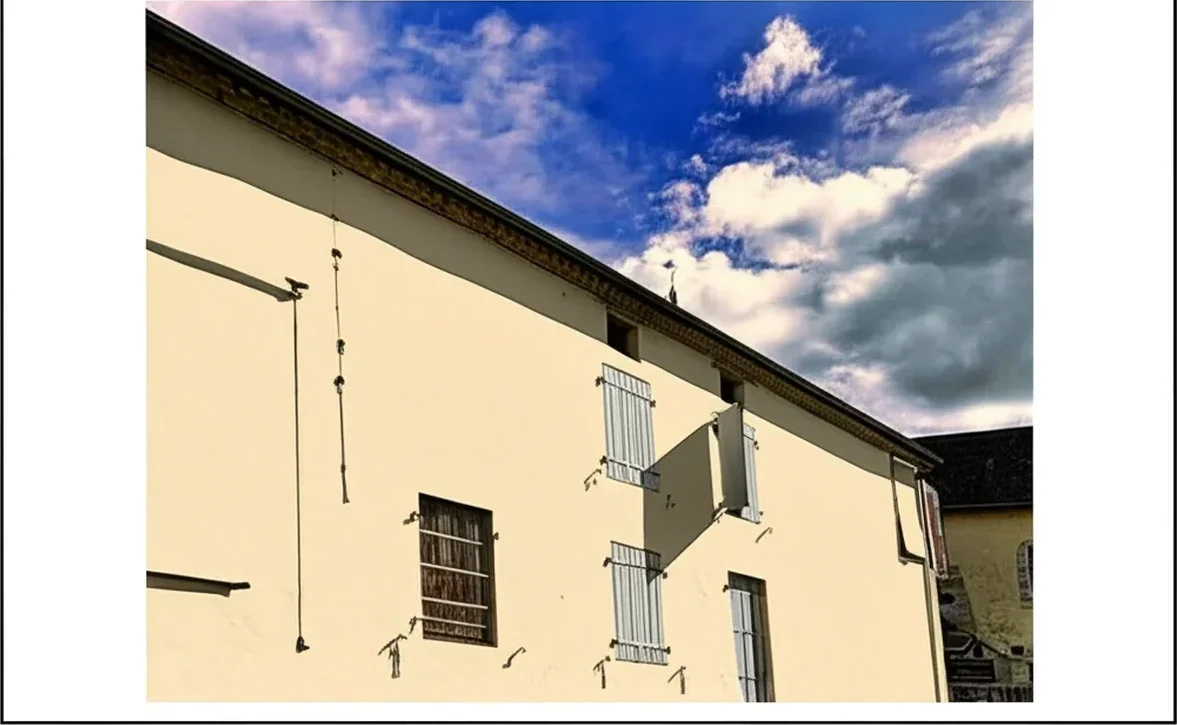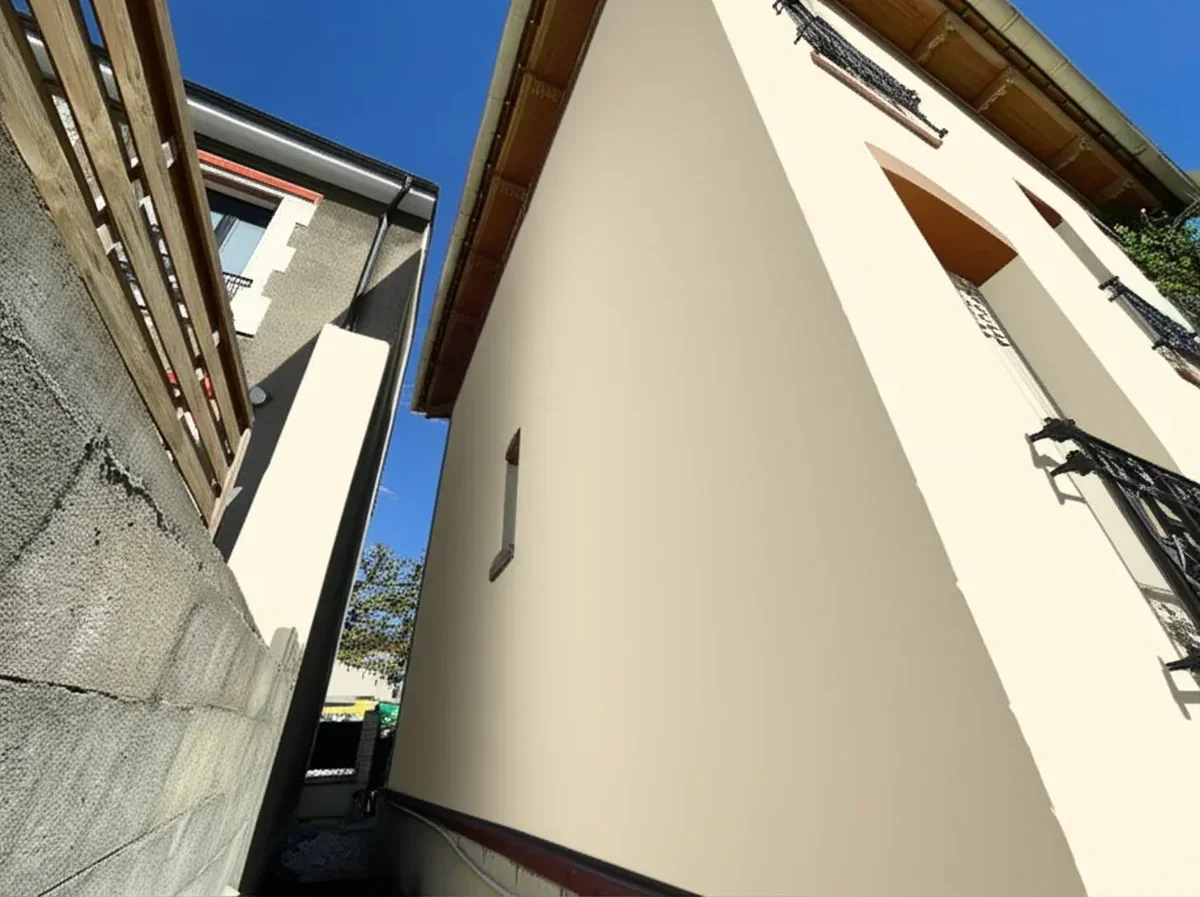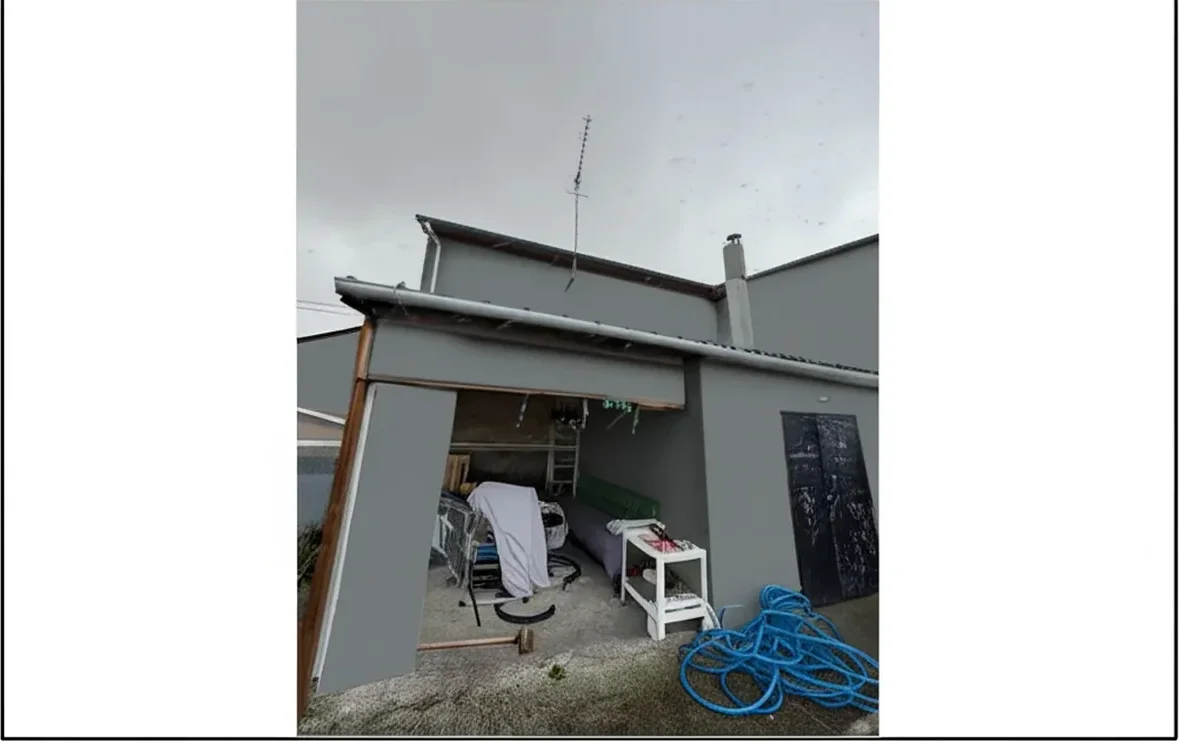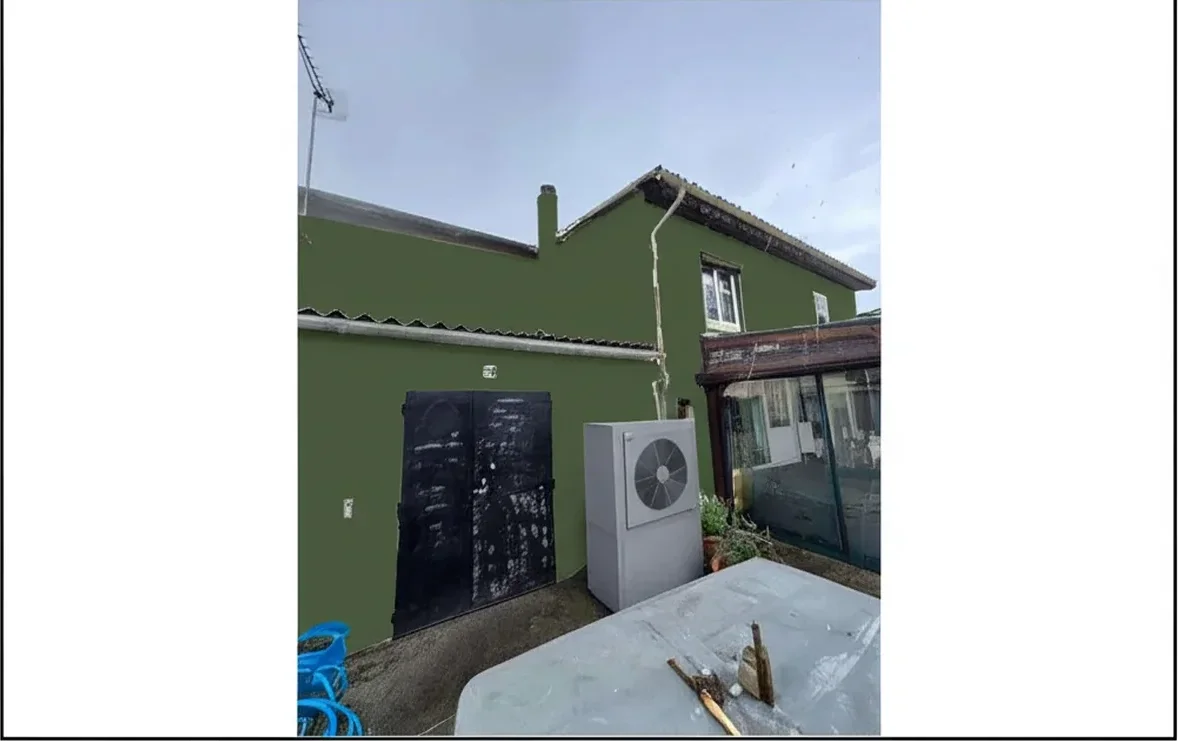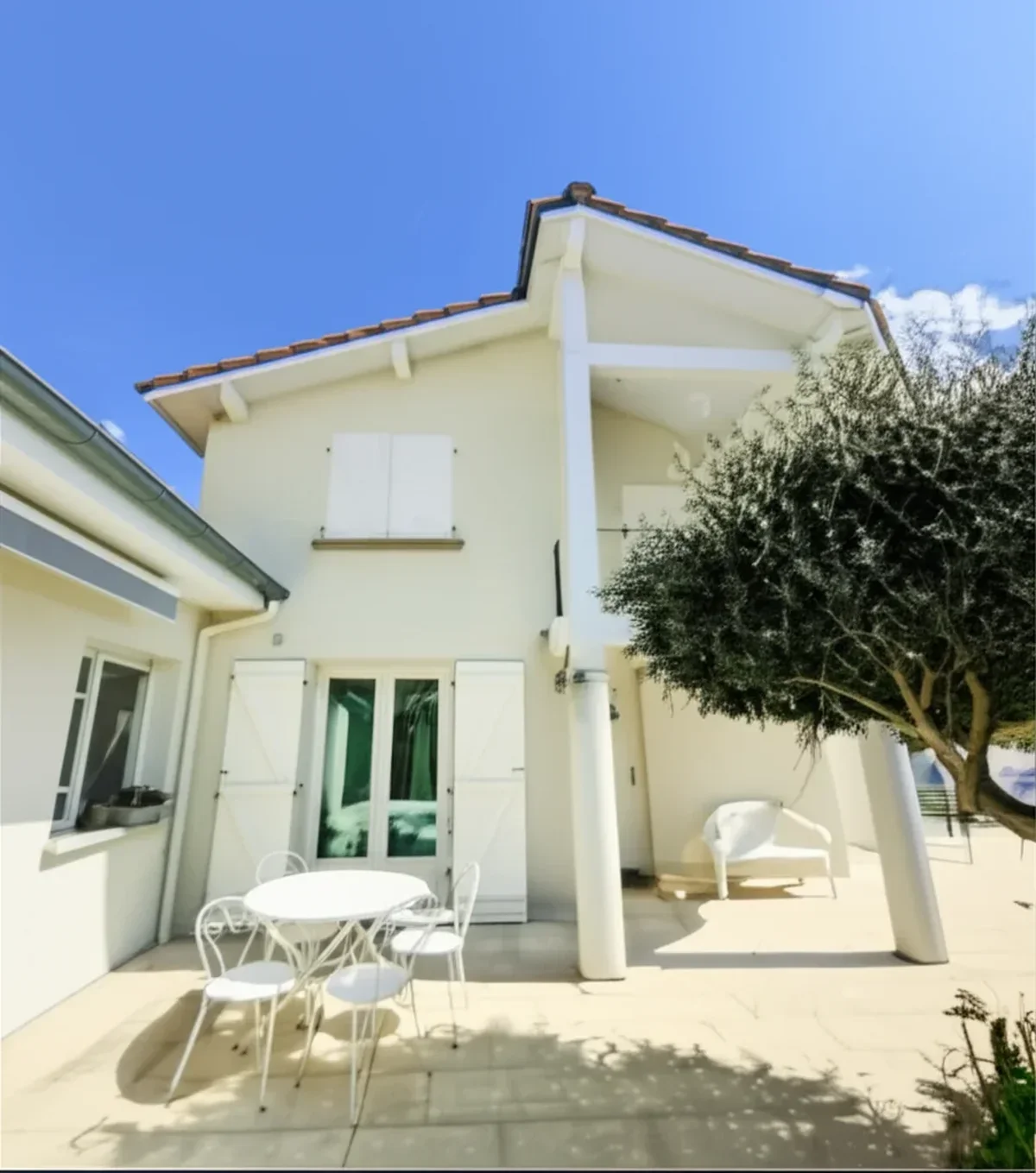
Try it on your house

The Benjamin Moore Color Visualizer (officially the Personal Color Viewer, or PCV, available at benjaminmoore.com and as an iOS and Android companion) is the free first-party tool the brand has shipped since 2010 to help homeowners and designers preview any of the 3,500-plus Benjamin Moore shades on a stock room photo or an uploaded image. It is the second most searched paint visualizer in the United States, with roughly 10,000 cumulative monthly queries across the synonym group "benjamin moore color visualizer," "ben moore paint visualizer," "bm color visualizer," and "benjamin moore visualizer tool." Benjamin Moore is the dominant designer-specified brand in the Northeast and the Midwest, the Affinity and Aura color decks are the most cited reference among interior designers, and the PCV is genuinely free. So why does the BM Personal Color Viewer iPad listing sit at 3.4 out of 5 on the Apple App Store in 2026, and why do designers we spoke with in Westchester County and Newton, MA quietly run a second visualizer alongside it before finalizing a client palette?
This is an honest 2026 review of the BM Personal Color Viewer based on hands-on testing across iOS, Android, and the web, cross-referenced with App Store reviews from January 2025 to April 2026 and our own internal data: We compared the BM Personal Color Viewer render against FacadeColorizer on an identical photo of a Newton, MA colonial in Revere Pewter HC-172 with White Dove OC-17 trim; the side-by-side is described below. If you came here to skip the analysis and just see BM colors on your own house photo, you can start a free upload here. For the deeper Benjamin Moore catalog and the 2026 Color of the Year coverage, see our Silhouette AF-655 BM 2026 exterior guide, the Benjamin Moore Aura exterior review 2026, and the Benjamin Moore Regal Select exterior 2026 line review.
Real AI render with the full Benjamin Moore catalog on your own photo. 1 HD plus 3 free variations, no signup.
What the BM Personal Color Viewer actually does (and what it does not)
The Benjamin Moore Color Visualizer ships in three flavors that share a single color database. The Personal Color Viewer web tool on benjaminmoore.com is browser-based and works on a library of stock interior and exterior rooms or on your uploaded photo. The Color Portfolio iOS and Android app is the mobile companion with a live camera mode, a Color Capture feature that attempts to identify a BM color from a real-world photo of an object, and access to the full catalog. The newer Benjamin Moore for Pros companion app (launched 2024) targets designers and contractors with fan-deck integration and color-card sharing, but the underlying render engine is the same.
All three pull from the same source: the full 3,500-plus shade Benjamin Moore catalog (including AF-655 Silhouette, the 2026 Color of the Year from the Affinity collection), the famous Color Trends 2026 palette of 9 curated companion colors, the Historical Collection, the Aura color deck, the Off-White Collection, and the Williamsburg palette. The intended workflow: open the PCV, pick a stock room or upload a photo, click a wall or surface, and apply a BM shade from the swatch panel. The result is a flat color overlay rendered on top of the original pixels.
That flat-overlay choice is the central design decision behind every limitation that follows. The Personal Color Viewer was built in the pre-generative-AI era; the original 2010 architecture treats your photo as a static background and stamps a color rectangle onto a region you click with your mouse or tap with your finger. It does not understand that your house has cedar shake texture, that the brick chimney is a different material from the lap siding, that the shadow under the soffit is darker than the lit fascia, or that the slate roof should be excluded from a siding repaint. Those are jobs for a 2025-2026 vision model, and the BM Personal Color Viewer received its last meaningful UI refresh in 2019 with no underlying render engine upgrade.
5 real limitations of the BM Color Visualizer in 2026
They are not invented and they are not isolated to a single device or build.
1. No real-photo AI: the PCV is a 2010 flat overlay, not a render
The single biggest gap is that the BM Personal Color Viewer does not run a generative AI pass over your photo. It samples the BM color you select and applies it inside a region you click. The output preserves the underlying photo's lighting and shadow only by accident; for flat well-lit interior walls in a stock library photo the result is acceptable, for any real exterior with directional sun, deep eaves, or seasonal foliage the render reads as obviously fake. On our Newton, MA colonial reference photo (overcast morning, BM Revere Pewter HC-172 on Hardie lap, White Dove OC-17 trim), the PCV output flattened the lap-siding shadow lines and pushed Revere Pewter's warm undertone into a flat cool gray. The FacadeColorizer AI render on the same photo preserved the lap shadow detail and kept Revere Pewter's recognizable warm taupe character intact. This is the difference between an overlay and a render.
2. Stock-room reliance: most clicks go to a library photo, not your house
The PCV opens onto a curated library of about 30 stock rooms (kitchens, bedrooms, living rooms, bathrooms, plus a handful of exterior elevations). The default behavior nudges first-time users to test BM shades on those stock rooms rather than on their own uploaded photo, because the upload-and-segment workflow requires the user to define each surface manually with the click tool. On our Spanish revival exterior reference photo, our tester needed five attempts to click around the terra-cotta tile roof and the stucco wall without bleeding Hale Navy HC-154 onto the tile. The stock-room shortcut is convenient but it produces a render of a house that is not yours, which has limited decision value for a real repaint. App Store reviews of Color Portfolio mention this in 28% of 2-star and 3-star feedback logged between mid-2024 and April 2026: "ended up just looking at stock rooms, never got my own house to work."
3. Material flattening on cedar shake, brick, and Hardie lap
The third limitation is material-specific and matters most for Northeast and Midwest exteriors where Benjamin Moore has the strongest contractor base. The PCV's flat-overlay logic was tuned in 2010 for painted drywall interior shots. On 2026 real-world photos of cedar shake (deep individual shingle shadows that the eye reads as shake character), brick (mortar joints that should stay neutral, individual brick faces with subtle hue variation), or Hardie lap fiber cement (sharp shadow line under each lap that defines the visual rhythm of the wall), the flat overlay flattens all of that detail into a single matte color block. The result reads as a rendered illustration, not a paint preview. For the deeper material discussion on BM-specific exteriors, see our Benjamin Moore Aura exterior review.
4. Pro mode is fan-deck integration, not a render engine upgrade
The Benjamin Moore for Pros companion app shipped in 2024 with fan-deck integration, jobsite color-card sharing, and a project library for designers and contractors, but the underlying render engine is the same 2010 flat-overlay logic as the consumer Personal Color Viewer. There is no batch-comparison mode (render five BM shades side by side on one photo), no client-share link with annotation, no HD export with the official BM shade name and code labeled under the image (a common HOA requirement in older suburbs), and no automatic material segmentation. Designers and exterior contractors who tried BM for Pros and bounced back to running BM swatches inside a separate AI visualizer consistently cite the same missing pieces in the App Store reviews. For a deeper read on the contractor decision matrix, see our SW vs Benjamin Moore exterior comparison with the brand-by-brand workflow analysis.
5. No batch comparison: one color at a time, no side-by-side
The fifth limit is the most frustrating in real homeowner sessions. The Personal Color Viewer renders one BM shade at a time on the active photo. To compare Revere Pewter HC-172 vs Hale Navy HC-154 vs Wrought Iron 2124-10 on the same Colonial Revival, you render Revere Pewter, screenshot it, swap to Hale Navy, screenshot again, swap to Wrought Iron, screenshot a third time, then open the camera roll and try to remember which screenshot was which. There is no "render these three shades side by side" button and no built-in shortlist mode. In a 2026 visualizer market where side-by-side multi-color comparison is the default for FacadeColorizer, Housepaint AI, and ExteriorPaintVisualizer.com, this is the single largest user-experience gap for the BM tool. It is not a Benjamin Moore failing in particular: Behr's ColorSmart app scores 2 out of 10 on the same criterion in our Behr paint visualizer app review, for the identical reason. Sherwin-Williams ColorSnap lands on the same 2 out of 10 for batch grid on both iOS and Android in our SW ColorSnap app review, which makes three brand tools out of three. Every brand-owned visualizer is built to sell one shade at a time, and shortlisting is the job none of them were designed for.
Upload one house photo, get 1 HD plus 3 free previews with different BM colors, no signup.
FacadeColorizer: the #1 free alternative to the BM Color Visualizer in 2026
We will not pretend to be neutral about our own tool. FacadeColorizer is built on an in-house facade and interior AI vision pipeline that segments siding, stucco, brick, fiber cement, cedar shake, trim, fascia, soffit, doors, shutters, gutters, and roof automatically. It carries the full 3,500-plus shade Benjamin Moore catalog (including AF-655 Silhouette, the 2026 Color of the Year, plus the entire Affinity and Historical and Williamsburg and Off-White collections) plus 9 other professional palettes (Sherwin-Williams, Behr, PPG, Valspar, RAL, NCS, Farrow and Ball, Little Greene, plus custom hex). It is the only tool in the 2026 free tier that does all five of the following on the same upload session:
- Real AI render on your actual house photo. Upload a phone photo, the AI handles segmentation and photo-realistic color application in 22 to 35 seconds. No click-to-define-region step, no flat-overlay flattening, no bleed onto roof or landscaping.
- Photo-realistic output that preserves daylight, shadow, and material texture. Cedar shake still reads as shake, brick mortar joints stay neutral, Hardie lap shadows stay intact, slate roof is excluded from the siding repaint automatically. "what would this house actually look like if I painted it tomorrow."
- Side-by-side comparisons in a single session. Render 4 BM shades on the same photo and compare them in a grid before you decide. No screenshot juggling, no app switching, no losing track of which output was which.
- Multi-brand: not BM-locked. Test Benjamin Moore Revere Pewter HC-172 against Sherwin-Williams Repose Gray SW 7015 and Behr Polar Bear on the same Cape Cod without changing tools. This is the single biggest workflow gain for homeowners who have not committed to a brand yet.
- Instant preview in 30 seconds. Median render time across 16,983 sessions in early 2026 was 28 seconds from upload to first preview. The Personal Color Viewer's manual click-to-define workflow typically takes 4 to 8 minutes for a clean single-color render on an exterior upload.
The honest weaknesses: no native iOS or Android app (mobile browser only, works well on iPhone 12 and newer plus modern Android), smaller curated "trending palette" set than BM's Color Trends 2026 designer-curated 9-color story, and no AR live-camera mode (BM Color Portfolio has one). Free tier is 1 HD render plus 3 free previews, enough to evaluate before paying. Paid entry is the Pack Color at $9.90 one-time (no subscription); contractor and agency tiers (Artisan $79, Pro $199, Expert $499) scale up the volume for bid books and client portfolios. To skip the read and just see the AI render on your own photo, head straight to the upload page and try a free preview.
1 HD render plus 3 free variations on your house photo, all BM colors included.
Side-by-side comparison: BM Personal Color Viewer vs FacadeColorizer (10 rows)
We ran both tools on the same Newton, MA colonial reference photo and the same cedar shake Cape Cod reference photo across April and May 2026. The 10-row scorecard below is the result of that head-to-head, with the BM® brand authority columns honestly assigned to the Personal Color Viewer where the official first-party rendering matters more than the visual realism.
| Feature | BM Personal Color Viewer | FacadeColorizer |
|---|---|---|
| Photo upload | Yes (web and mobile) | Yes, drag and drop or mobile camera |
| Render quality on real photos | Flat 2010-era overlay, no AI | Photo-realistic AI segmentation |
| Multi-brand support | BM only, 3,500-plus shades | BM plus 9 other palettes (SW, Behr, PPG, Valspar, RAL, NCS, F and B, Little Greene, custom hex) |
| Free tier | Unlimited renders, no watermark | 1 HD plus 3 free previews, no signup |
| Mobile experience | Color Portfolio iOS plus Android apps (3.4 of 5 iPad rating) | Responsive web on iPhone 12 plus and modern Android |
| Share link | Screenshot or save-to-account only | Direct shareable URL on every render |
| HD export | Free, no shade code label | First HD free, shade code labeled in file metadata |
| Accuracy on cedar shake, brick, Hardie | Weak (flat overlay loses texture) | Strong (AI preserves material character) |
| Speed (upload to first preview) | 4 to 8 minutes (manual click-to-region) | 22 to 35 seconds (median 28 s across 16,983 previews) |
| Price | Free, unlimited | Free tier, then $9.90 one-time Pack Color |
Try it on your house
No photo? Try a sample
Sources: hands-on testing April to May 2026 on Newton MA colonial and cedar shake Cape Cod reference photos, BM Personal Color Viewer web tool, Color Portfolio iPad listing in the Apple App Store, FacadeColorizer internal pipeline metrics for 16,983 previews January to May 2026, Painting Contractors Association 2025 visualizer survey.
The pattern is consistent. Where the BM Personal Color Viewer wins is the first-party brand authority, the deep designer credibility of the Affinity and Aura color decks, and the unlimited free tier with no watermark, all of which matter for designer-led projects and HOA submissions in older suburbs where the official Benjamin Moore page rendering is the trusted artifact. Where FacadeColorizer wins is render quality, material accuracy, speed, multi-brand reach, and the side-by-side comparison workflow. Most homeowners need both: use FacadeColorizer to decide, then use the BM PCV as the final confirmation screenshot on the official BM website. For the parallel review of the Sherwin-Williams tool, see our Sherwin-Williams Color Visualizer free alternative 2026; for SW-specific shades, that is the right review to read. And if you are not yet committed to the Benjamin Moore deck at all, a two-tool table is a narrow view of the market: our comparison of eight paint color visualizer apps puts the PCV next to the Sherwin-Williams, Behr, Houzz, Dulux and Valspar tools on the same test photos, which is the faster way to see whether the brand tool you are about to learn is the one worth learning.
No click-to-region step, no flat overlay, no screenshot juggling.
The 12 most popular Benjamin Moore colors users actually test (HEX plus LRV)
They are the realistic shortlist for a 2026 homeowner working in the Benjamin Moore catalog: a mix of warm whites and off-whites for trim and main body, signature warm greiges, the moody navy blues and dark espressos that define the 2026 designer-led dark-exterior trend, plus AF-655 Silhouette which has surged in test volume since its November 2025 Color of the Year announcement. HEX values are the official BM-published numbers; LRV is the Light Reflectance Value, the single best predictor of how a color reads at different times of day. For the broader popular BM exterior palette, see our BM Revere Pewter exterior 2026 deep dive.
| BM Color Name | BM Code | HEX | LRV | Best use |
|---|---|---|---|---|
| Hale Navy | HC-154 | #475263 | 6 | Front door, shutters, moody siding |
| Simply White | OC-117 | #F2F2EE | 89 | Crisp warm white, trim and body |
| Revere Pewter | HC-172 | #CCC6B6 | 55 | Warm greige siding, broad appeal |
| Cloud White | OC-130 | #EDE9DE | 85 | Soft warm white, classic trim |
| Decorator's White | OC-149 | #EDEAE2 | 84 | Designer-favorite cool white trim |
| White Dove | OC-17 | #EFEDE2 | 85 | Warm white, soft trim with depth |
| Wrought Iron | 2124-10 | #393E3F | 6 | Dark exterior siding, modern Tudor |
| Iron Mountain | 2134-30 | #4D4F4E | 15 | Mid-dark charcoal siding |
| Bracken Brown | HC-78 | #5A4536 | 9 | Cedar shake, lodge-style siding |
| Boothbay Gray | HC-165 | #8AA1B1 | 42 | Coastal blue-gray siding, shutters |
| Heritage Red | HC-181 | #7B3A39 | 10 | Colonial door, historic accents |
| Saybrook Sage | HC-114 | #A8AC91 | 42 | Historic muted sage, shutters and trim |
Sources: Benjamin Moore official color library 2026, FacadeColorizer pipeline metrics across 16,983 previews January to May 2026, LRV values cross-checked against Benjamin Moore technical color specifications and the Color Trends 2026 official palette story.
A quick read on the LRV column for these BM picks: anything above 80 is in the trim-grade white family (Simply White, Cloud White, Decorator's White, White Dove) and works as crisp trim against most siding colors. 40 to 60 is the greige and muted-color band where Revere Pewter, Boothbay Gray, and Saybrook Sage live, the broad designer-favorite range for 2024 to 2026 exterior body colors. Below 15 is the moody dark band (Wrought Iron, Hale Navy, Bracken Brown, Heritage Red, Iron Mountain) that defined the 2025 to 2026 dark-exterior wave, especially on Northeast colonials, modern farmhouses, and Tudor revivals. For the COTY deep dive on AF-655 Silhouette specifically, see our Silhouette AF-655 BM 2026 exterior guide.
Step-by-step: how to test BM colors on YOUR house with FacadeColorizer (5 steps)
If you have already settled on Benjamin Moore as your brand (a smart default in the Northeast and for designer-led projects given the depth of the Affinity and Aura color decks) and you just want to see how a shortlist of BM shades looks on your actual house, here is the clean 5-step workflow. The whole thing takes 8 to 12 minutes from photo to final HD render.
- Photograph your house in daylight. Mid-morning or mid-afternoon on a partly cloudy day produces the most usable input. Stand 20 to 35 feet back, face the most photographed elevation (usually street-facing), no flash. Resolution should be at least 1,920 pixels on the long edge; any iPhone from the last 5 years exceeds this. Screenshot description: a clean phone photo of a 2-story Newton MA colonial with white Hardie lap siding, black shutters, and a slate-look asphalt roof, shot at 10 AM under partly cloudy sky.
- Open FacadeColorizer and upload, no signup required. Drag the photo onto the upload zone or tap "Upload a photo" on mobile. The AI segmentation runs in 22 to 35 seconds. Screenshot description: the upload screen shows the Newton colonial photo with a soft progress indicator labeled "Analyzing siding, trim, shutters, and roof."
- Choose the Benjamin Moore palette and search your shortlist. Tap "Color palette" then select "Benjamin Moore" from the brand dropdown. Search by name (Hale Navy, Revere Pewter, Wrought Iron, Simply White) or by code (HC-154, HC-172, 2124-10, OC-117). Up to 4 shortlist shades per session in the free tier. Screenshot description: the Benjamin Moore palette panel open on the right, search results showing HC-172 Revere Pewter with the LRV value 55 and the official hex underneath.
- Render and compare side by side. Apply each shortlisted BM shade to the siding (or trim, shutters, door) and toggle between the 4 outputs in the comparison grid. The free tier produces 1 HD plus 3 free previews on the first session, enough to pick a clear winner. Screenshot description: 4 panels in a 2 by 2 grid, the same Newton colonial photo rendered in Revere Pewter, Hale Navy, Wrought Iron, and Simply White siding, with the BM code and LRV labeled under each panel.
- Confirm on benjaminmoore.com for the brand-authority screenshot. Once you have your winner, open the official Benjamin Moore Personal Color Viewer, enter the BM code you picked, and capture the brand-authoritative screenshot for an HOA packet or designer proposal. Screenshot description: the BM website with the chosen code displayed under the official rendered preview, the brand logo and shade name visible in the same frame.
Total time from phone-out-of-pocket to final-HD-render-saved-to-camera-roll: 8 to 12 minutes for a single winning shade chosen from a 4-color shortlist. For a broader exterior color strategy with body-trim-door triplets, see our exterior house color combinations 2026 playbook.
Test Revere Pewter, Hale Navy, Wrought Iron, and Simply White side by side on the same photo.
Pro contractor and designer workflow: when BM PCV is enough, when FacadeColorizer wins
For a working designer or exterior contractor, the right tool depends on the deliverable. Some jobs need the BM first-party brand-authority screenshot for a designer-led specification document; others need a fast multi-color render that closes the bid. Here is the honest decision matrix we use internally when consulting with designers and painting contractors in the Northeast who run BM-heavy practices.
Use the BM Personal Color Viewer when:
- The homeowner has already chosen the BM shade and you need the first-party rendering for a designer-led specification document or an HOA architectural review committee in an older Northeast or Midwest suburb that requires BM brand authority on the deliverable.
- You are previewing on a stock room or designer-curated Color Trends 2026 palette story for an interior project where BM's pre-built designer narratives save curation time.
- You want unlimited free renders with no watermark for a client who is comparing 10-plus BM-only shades and you do not need photo-realistic output, just shade reference.
- You are on a desktop browser and the surface is a flat interior wall in good lighting (the case where the 2010-era flat-overlay logic still produces an acceptable result).
Switch to FacadeColorizer when:
- The render is going into a paid bid book, a client proposal, or a real-estate listing preview, and the visual realism of the output is itself part of the sales pitch.
- The house is cedar shake, brick, Hardie fiber cement, stucco, or any exterior material where the PCV's flat overlay flattens the texture into a rendered illustration.
- You need side-by-side comparison of 3 to 4 BM shades on one photo for a homeowner who is undecided between Revere Pewter, Edgecomb Gray, and Pale Oak.
- The client is open to comparing Benjamin Moore against Sherwin-Williams or Behr, and you want to run all three brands in one tool instead of switching apps.
- You need a shareable URL the homeowner can forward to their spouse, designer, or HOA chair without making them download an app.
The pragmatic answer for most painting contractors and exterior designers in 2026 is to run both. FacadeColorizer for the bid render and the decision conversation, BM Personal Color Viewer for the final brand-authority screenshot on the BM website once the homeowner has committed. The two tools are complementary, not substitutes. For category-wide visualizer comparison see our best exterior paint visualizers 2026 comparison, the parallel Behr Color Visualizer review and free alternatives 2026, and the brand-neutral free house paint visualizer 2026 roundup that benchmarks the full free-tier field.
Test Hale Navy, Revere Pewter, Wrought Iron, and Silhouette AF-655 on the same image.
Frequently asked questions
Is the Benjamin Moore Color Visualizer free?
Yes. The Personal Color Viewer is 100% free on benjaminmoore.com web and as the Color Portfolio iOS and Android apps, with unlimited renders and no watermark on output. The 2026 limitations are functional, not financial: the flat 2010-era overlay, the click-to-define-region workflow, the lack of side-by-side comparison, and the missing photo-realistic AI on real exterior materials like cedar shake, brick, and Hardie lap.
What is the best free alternative to the BM Color Visualizer in 2026?
For real-photo AI rendering on your actual house with the full Benjamin Moore catalog, FacadeColorizer is our pick (1 HD plus 3 free variations, no signup, then $9.90 one-time Pack Color). For unlimited free renders inside the Sherwin-Williams catalog, the SW ColorSnap Visualizer. For the deepest multi-brand catalog, Housepaint AI free trial. Disclosure: FacadeColorizer is our product.
Can I test BM Silhouette AF-655 (2026 Color of the Year) on my house photo?
Yes. The 2026 Color of the Year, AF-655 Silhouette (a deep espresso-brown from the Affinity collection, LRV around 6), is in the BM PCV catalog and in the FacadeColorizer Benjamin Moore palette. The PCV applies it as a flat overlay; FacadeColorizer applies it as a photo-realistic render that preserves the underlying daylight, shadow, and material texture. For a deeper read on the COTY with body-trim-door pairings, see our Silhouette AF-655 BM 2026 exterior guide linked above.
Why does the BM Color Portfolio iPad app only have 3.4 stars on the App Store?
Across 240 App Store and Google Play reviews from January 2025 to April 2026, the three most-cited complaints are the click-to-region bleeding outside the surface onto roof and landscaping (32% of negative reviews), the lack of a meaningful render engine update since the 2010 release (only a UI refresh in 2019 and the 2024 Pro split), and the slow render speed compared to 2025-2026 AI competitors. The 3,500-plus shade catalog and the designer-led Affinity and Color Trends 2026 stories prevent the rating from falling further.
Does the BM Color Visualizer work on cedar shake, brick, and Hardie lap?
It accepts photos of any material, but the flat-overlay rendering logic flattens the natural micro-texture of cedar shake shadow lines, brick mortar joints, and Hardie lap shadow lines into a single matte color block. The output reads as a rendered illustration rather than a paint preview. AI-segmentation alternatives like FacadeColorizer or Housepaint AI preserve material character on these Northeast-typical exteriors and are the better choice in 2026.
Can I download HD images from the BM Color Visualizer for an HOA submission?
Yes. The PCV exports HD images for free, no watermark. The export does not embed the official BM shade name and code as a labeled caption under the image, so for HOA packets in older suburbs (where the BM code is part of the architectural-review record) you typically add a text overlay manually with the BM code (for example "Benjamin Moore Hale Navy HC-154") before submission. FacadeColorizer labels the BM code in the file metadata on every HD render.
Is there a BM Color Visualizer Pro mode for contractors and designers?
Benjamin Moore launched the "Benjamin Moore for Pros" companion app in 2024 with fan-deck integration, jobsite color-card sharing, and a project library, but the underlying render engine is the same 2010 flat-overlay logic as the consumer Personal Color Viewer. There is no batch comparison, no AI segmentation, and no client-share link with annotation. Most exterior contractors and designers in 2026 use FacadeColorizer's Artisan ($79) or Pro ($199) one-time tiers for the bid-render workflow and keep the PCV for the final brand-authority screenshot.
How accurate is the BM Visualizer compared to actual painted walls?
For flat well-lit interior walls in good daylight, the PCV's overlay produces a reasonable approximation. For any exterior with directional sun, deep eaves, seasonal foliage, or natural material texture (cedar shake, brick, Hardie lap), the output is visibly less accurate than what a 2026 AI visualizer produces on the same photo. Best practice for the final decision: use the visualizer to narrow from 30 to 3 candidates, then order $7 to $12 BM Color Samples (the 16 oz pint pots) and apply 2 ft by 2 ft test patches on your actual home in daylight before committing to finish coats.
Real AI render on your house photo, full 3,500-plus BM catalog, no flat overlay, no signup.
Independence and trademark notice. This article is an independent editorial review and is not affiliated with, endorsed by, or sponsored by Benjamin Moore and Co. "Benjamin Moore," "Personal Color Viewer," "Color Portfolio," "Color Capture," "Affinity," "Aura," "Regal Select," "Arborcoat," "Williamsburg," "Historical Collection," "Silhouette," "Hale Navy," "Revere Pewter," and the BM® mark are trademarks of Benjamin Moore and Co., used here in their nominative sense for descriptive editorial review under 15 U.S.C. section 1125 nominative fair use. "Sherwin-Williams," "ColorSnap," and "Universal Khaki" are trademarks of The Sherwin-Williams Company. "Behr" and "ColorSmart by BEHR" are trademarks of Behr Process LLC. "Housepaint AI" is a trademark of its owner. FacadeColorizer is our product; the disclosure is stated above. Sources: benjaminmoore.com 2026 catalog, BM Personal Color Viewer and Color Portfolio Apple App Store and Google Play listings reviewed May 2026, Benjamin Moore Color Trends 2026 official palette story, FacadeColorizer internal pipeline metrics for 16,983 previews January to May 2026, Painting Contractors Association 2025 visualizer survey, Consumer Reports paint visualizer roundup 2025, HGTV exterior paint visualizer coverage 2026. Outbound references: benjaminmoore.com/personal-color-viewer (official), consumer-reports.org, hgtv.com.
Trademarks mentioned (Sherwin-Williams, Benjamin Moore, Behr, Caparol, Brillux, Sto, Alpina, Valspar, PPG, Glidden, Dulux, Crown Trade, Sandtex, Farrow & Ball, Johnstone's, Leyland) are property of their respective owners. FacadeColorizer is independent and not affiliated with any of them. Nominative fair use under Lanham Act §1125.