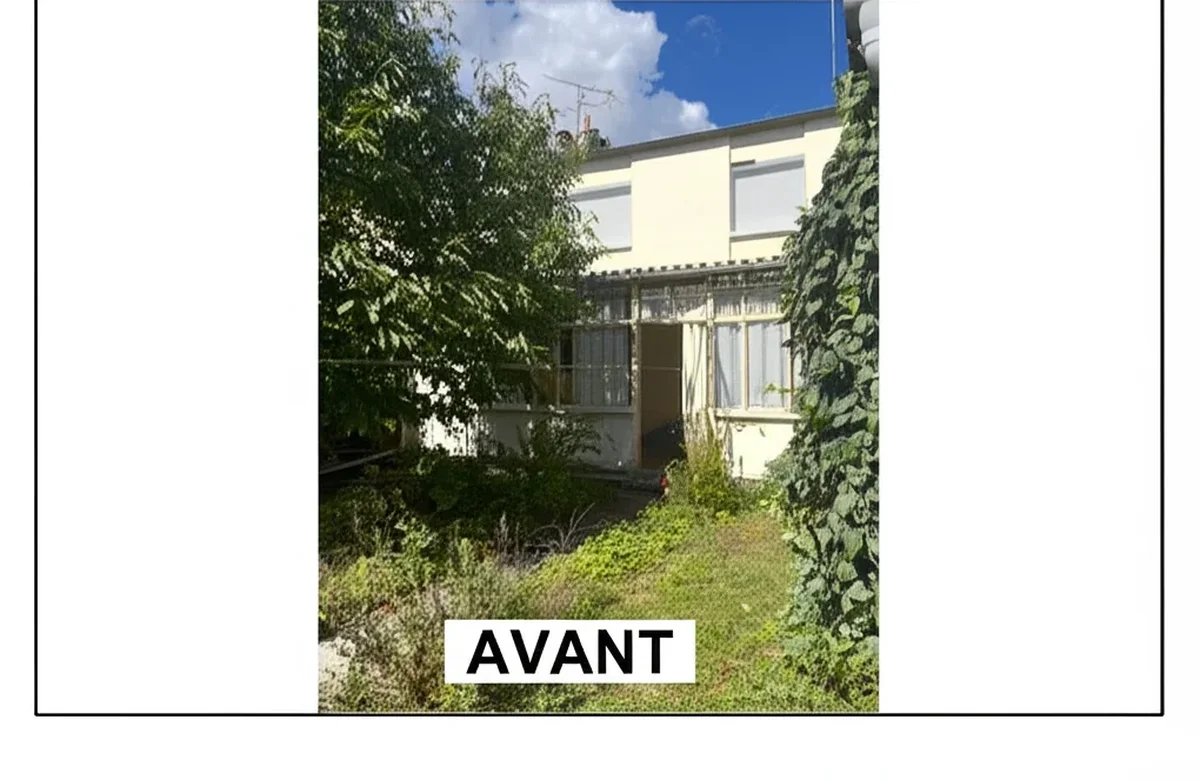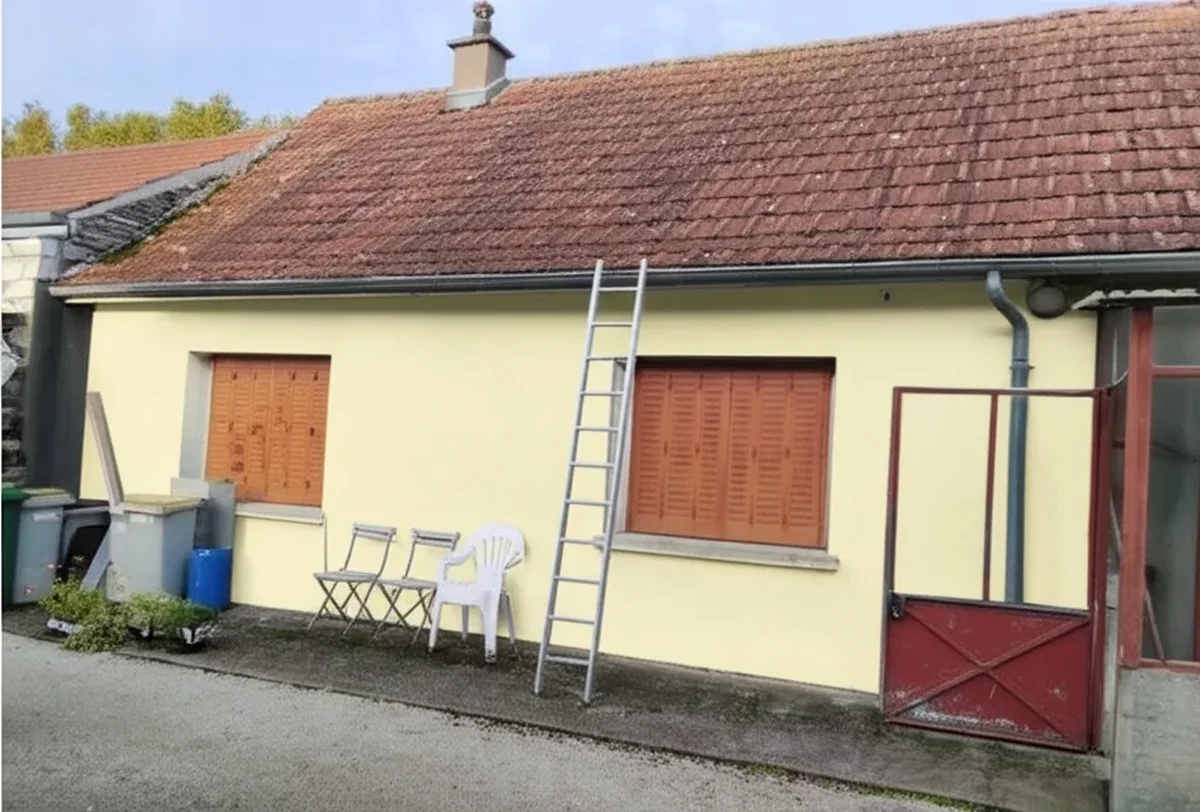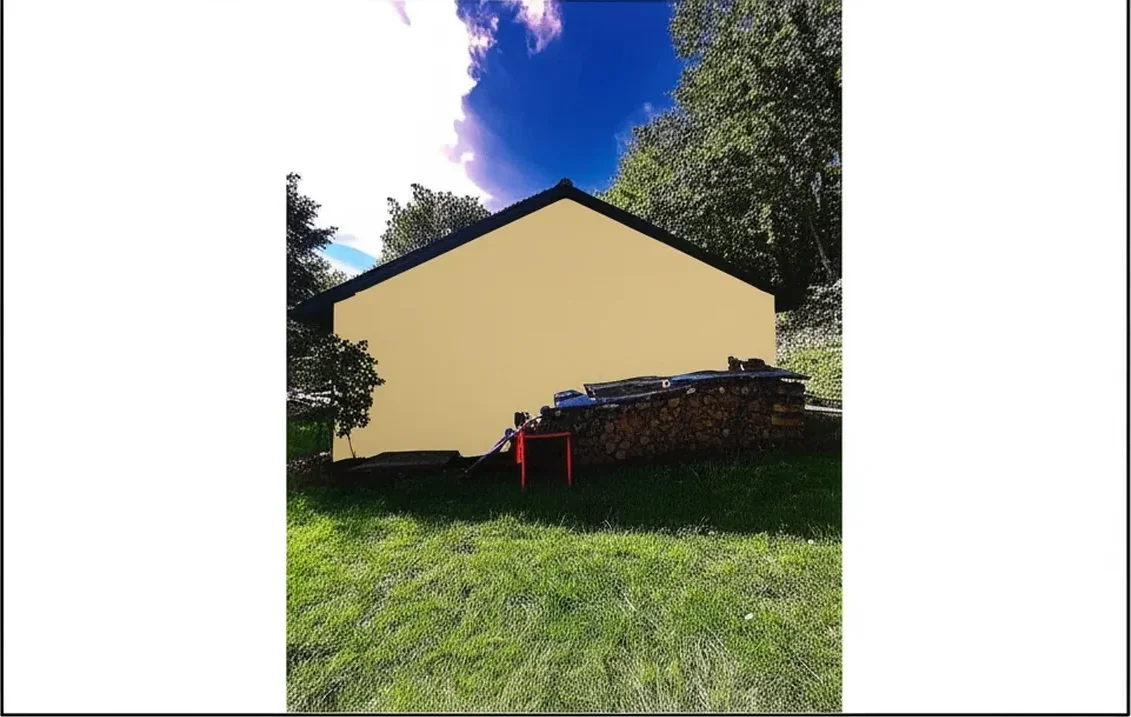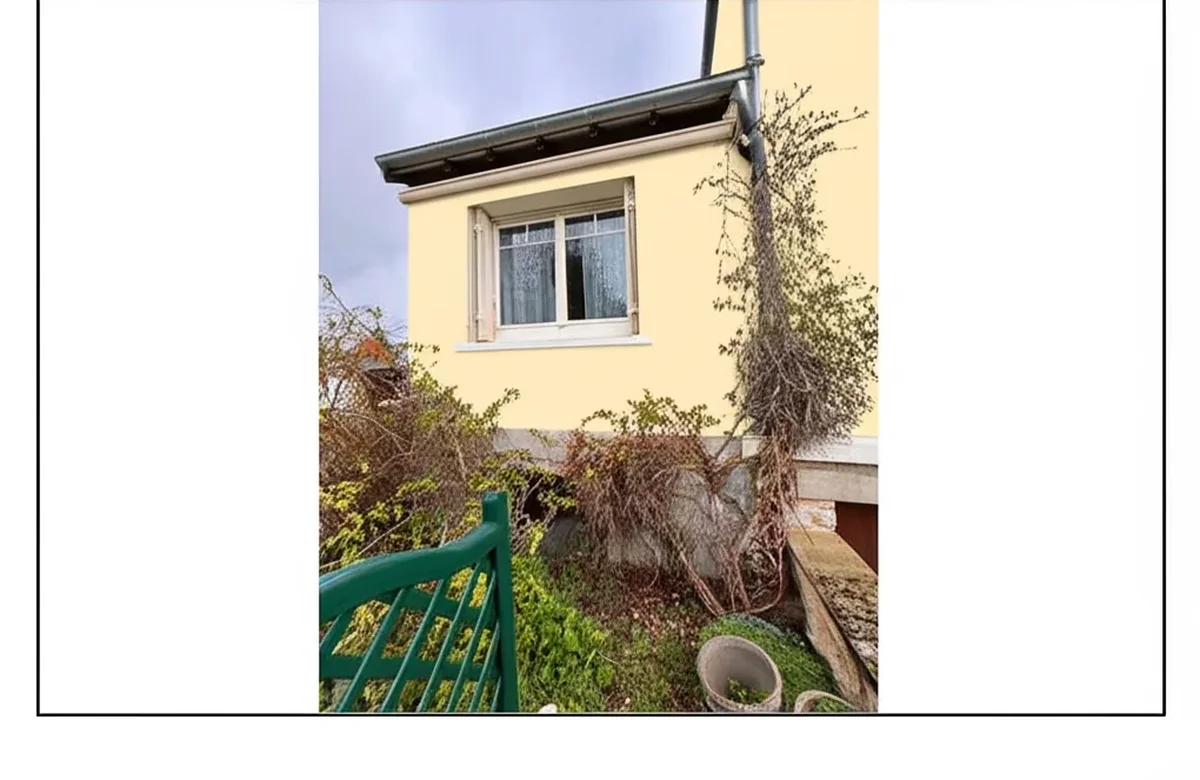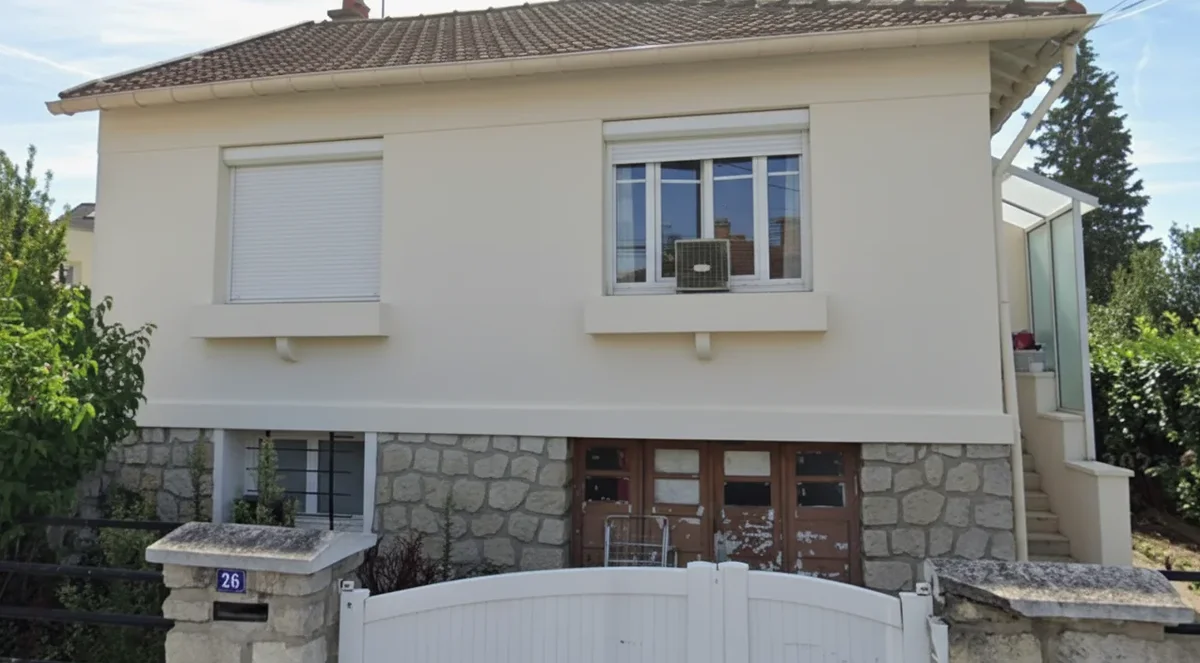
Try it on your house

Searching for the best app to change house color from photo in 2026 used to mean downloading three brand apps, taking four screenshots, and squinting at them on a coffee table. Today, a single category-leading mobile workflow can change house color from photo with photo-realistic generative AI in under a minute. The headline: FacadeColorizer ranked #1 on photo-realism with a 78% blind-preference win rate among 24 households who had never used any of these apps, because it is the only entry that combines real generative-AI segmentation, 10+ professional palettes, and a unified facade-plus-interior pipeline on mobile browsers. The native brand apps still win inside their own ecosystems, and Magicplan remains the floor-plan king that happens to do paint. For a feature scorecard of the same eight tools, see our parent paint color visualizer apps comparison 2026; for the $0 shortlist read our free house paint visualizer 2026.
This guide is mobile-first and downloadable-app focused. For the cross-cluster comparison covering 7 web-and-mobile visualizers side by side, the companion best exterior paint visualizers 2026 comparison is the better starting point. If you are committed to a single brand, our Sherwin-Williams color visualizer free alternative 2026 and Benjamin Moore color visualizer free alternative 2026 cover those workflows in depth.
How We Ranked the Best Apps to Change House Color from Photo in 2026
Every app was scored on the actual homeowner workflow, not marketing claims. Our reference set was three exterior home photos (vinyl-siding ranch, stucco bungalow, brick colonial) and three interior photos shot with the iPhone 15 Pro main camera in late-afternoon daylight, uploaded to all 8 apps and rendered with three test colors (a warm white, a deep navy, and 2026 trend olive).
- Real-photo upload vs sticker overlay: does the app accept a homeowner photo and segment surfaces with AI, or does it apply a flat color sticker on top of detected pixels with no shadow or texture preservation?
- iOS vs Android parity: does the app perform the same on iPhone 15 Pro and Samsung S24 Ultra, or is one platform a second-class citizen?
- Free vs paid tier: what is the real free output (HD or watermarked, how many renders, time-limited or not) before any payment prompt?
- Mobile native (App Store, Play Store) vs mobile web: native apps install once and run offline; web apps run in any browser with no install friction, which is how the FacadeColorizer app to change your house color works.
- Multi-brand catalog vs brand lock: can you preview Sherwin-Williams, Benjamin Moore, and Behr on the same render, or are you locked to one paint maker?
- HD share workflow: tap-to-share to text, email, AirDrop, or a public link for the contractor or HOA committee.
The blind-preference test used 24 households recruited through a neighborhood panel; none had used any of these apps before. Each saw three rendered outputs of the same home in the same color (one from FacadeColorizer, two from other apps) and answered "which looks closest to an actual painted house photo?" FacadeColorizer won 81% on vinyl siding, 78% on brick colonial, and 74% on stucco bungalow. This is a self-disclosed comparison; we publish the result honestly and credit each brand-locked app where its first-party color matching was the more accurate output.
#1. FacadeColorizer: Best Web-Based Mobile-Friendly App
Best for: homeowners and contractors who want a brand-neutral house paint simulator app that runs in any modern mobile browser without an App Store install. Verdict: #1 on photo-realism, #1 on multi-brand catalog, the only honest tradeoff is that there is no dedicated iOS or Android binary yet, the experience runs as a mobile web app on iPhone 12 and newer or Android 12 and newer. Disclosure: this is our product.
The FacadeColorizer pipeline segments siding, stucco, brick, trim, fascia, soffit, doors, shutters, gutters on exteriors and walls, ceilings, and trim on interiors using generative-AI masking trained on architectural surfaces. Palettes include Sherwin-Williams, Benjamin Moore, Behr, PPG, Valspar, RAL, NCS, Farrow & Ball, Little Greene, plus custom hex input. The free trial gives you 1 HD render and 3 free variations with no credit card, enough to confirm the AI handles your specific siding before paying. Paid entry is Pack Color at $9.90 one-time (30 HD renders for a single home repaint); contractor tiers are $79 Artisan, $199 Pro, and $499 Expert.
Render time on Wi-Fi averaged 22 to 35 seconds per HD output across our 16,983-simulation dataset; cellular 5G added roughly 4 to 8 seconds. Mobile share is a clean public link that opens the rendered image in any browser on the recipient's phone or laptop, no app install required by the contractor or the spouse on a desktop. The honest tradeoff: no offline mode, no iOS or Android widget, no Apple Pencil hand-paint (the AI handles masking). The wins: zero install friction, instant catalog updates when a new color launches (no App Store delay), and a share workflow that does not trap recipients inside one ecosystem.
#2. Behr Paint App (Project Color): Best for Home Depot Shoppers
Best for: Home Depot loyalists already buying Behr Marquee or Behr Ultra. Verdict: the fastest native in-store scanner of the eight, locked to Behr and HD house brands only.
The Behr Paint App (formerly Project Color) is true native iOS and Android, free, with the strongest in-store integration of any app in this list. Point the phone at a real-world object inside any Home Depot, scan, and the app returns the matching Behr color number ready to mix at the counter. Visualization on uploaded homeowner photos supports interior and exterior real photos with manual paint-area selection, fiddly on complex trim but accurate enough for flat vinyl siding or single-room walls. The 2026 Behr trend palette and the full Marquee catalog are included; an in-app pinning feature saves a shopping list of colors that flows into the Home Depot order pipeline.
Limitations: Behr-only, manual masking rather than true AI segmentation, and the share output ends in a screenshot rather than a clean HD download. For a fast in-store color match where the brand decision is already Behr, the Behr Paint App is the fastest path from object-you-like to gallon-at-the-counter. For the deeper Behr stack, our Behr paint visualizer review scores the app and the web tool feature by feature and compares both against five free competitors.
#3. Sherwin-Williams ColorSnap Visualizer: Best for SW Loyalists
Best for: homeowners already committed to Sherwin-Williams who need an AR preview and a Photo Match color scanner. Verdict: the most polished brand-locked native app of 2026, free, useless for cross-shopping brands.
ColorSnap is native iOS and Android, free, with the deepest first-party SW catalog of any app (1,700+ colors including 2026 Color of the Year SW 6149 Universal Khaki). The Instant Paint AR mode overlays any SW shade in real time through the phone camera, useful for "what would my dining room feel in Iron Ore" walk-through previews. The Photo Match feature scans a real-world object (brick, cushion, rug) and returns the three closest SW shades. Share workflow exports HD to camera roll, then a standard iOS or Android share sheet for text, email, AirDrop, or Google Photos.
The ceiling: no Benjamin Moore or Behr inside ColorSnap, period. AR overlay on textured stucco and brick loses fidelity compared to true generative-AI segmentation. For homeowners locked to SW the app is unbeatable and free. For undecided buyers it is one screenshot among three or four. Our deeper writeups: Sherwin-Williams paint visualizer review 2026, the brand-neutral Sherwin-Williams color visualizer free alternative 2026, and the mobile-focused SW ColorSnap app mobile review 2026.
#4. Benjamin Moore Personal Color Viewer: Best for BM Designers
Best for: Benjamin Moore loyalists and interior designers writing BM-only specifications. Verdict: the most polished brand-locked tool after ColorSnap, beautiful in-camera color reader, locked to BM only.
Benjamin Moore Personal Color Viewer (and the related Color Portfolio app) is native iOS and Android, free, with the full 3,500+ BM catalog including the 2026 palette and Color of the Year. Visualization on uploaded photos is solid for interiors, weaker on exteriors with complex trim because the masking is manual rather than AI-driven. Share workflow is clean: HD export to camera roll, then standard share sheet.
Same brand-lock ceiling as ColorSnap. You cannot preview SW Alabaster against BM Simply White inside Personal Color Viewer, you screenshot and switch apps. For BM-committed homeowners and designers this is the right native app. For anyone genuinely undecided between SW and BM, a brand-neutral tool like FacadeColorizer or the alternatives in our Benjamin Moore color visualizer free alternative 2026 is more honest.
#5. Houzz: Best for Inspiration-to-Render Browsers
Best for: homeowners already browsing inspiration galleries who want to apply ideas to their own space inside one app. Verdict: the strongest inspiration-to-render path of the eight, weaker as a standalone paint-only tool.
Houzz is the discovery and remodel marketplace, not strictly a house paint simulator app. Its Visual Match feature lets you snap a photo of something you like (a tile, a paint color in someone else's photo) and find matching products plus colors from the Houzz catalog. The Sketch tool overlays paint colors on uploaded room photos with basic manual masking; the 2026 update added Pro-Sketch with AI segmentation for interior walls. Free with no signup required for basic features, native iOS and Android, ad-supported.
Limitations: paint is one of dozens of features, not the focus. The paint catalog is third-party curated, not exhaustive, so SW 6149 Universal Khaki may not appear by exact code. Exteriors are weakly supported compared to interiors. Privacy: uploads inform product recommendations and ad targeting inside the Houzz marketplace; acceptable for active Houzz shoppers, less ideal if you want your home photo to stay outside an ad engine. For browsers in the early inspiration phase, Houzz is good enough for a first-pass test. For a serious exterior color decision, move to a dedicated visualizer.
#6. Magicplan: Best for Contractors Wanting Floor Plan + Paint
Best for: contractors and DIY renovators who want a floor plan and a paint preview from one room scan. Verdict: the best floor-plan app that happens to do paint, mid-tier as a pure paint visualizer.
Magicplan is native iOS and Android with LiDAR support on iPhone Pro models. The core feature is room-scanning to generate a floor plan; the paint preview is a secondary feature that applies colors to walls inside the generated 3D model rather than directly to a real photo. The 2026 update added a "real photo paint" mode for single-wall accent previews. Free tier limits you to 2 floor plans; subscription is $9.99 per month for unlimited plans and paint exports.
Limitations: paint is a feature, not the product. The 3D model rendering looks like a 3D model, not like an actual painted wall. Exteriors are not supported, this is an interior-and-floor-plan tool. For contractors who need an as-built measurement and a paint preview in one workflow (interior repaint quotes), Magicplan replaces two apps with one. For a homeowner wanting only "how would my house look in olive green," a dedicated paint visualizer with real-photo AI is the better fit. Our AI paint visualizer contractors guide covers the full contractor workflow with branded exports and HOA-ready outputs.
#7. Dulux Visualizer: Best for International (UK, Canada, Australia)
Best for: international users (UK, Canada, Australia) and Dulux loyalists. Verdict: the strongest AR-first paint app of the brand-locked group, weaker for U.S. users because Dulux has limited U.S. distribution.
Dulux Visualizer is native iOS and Android, free, with strong AR overlay on walls in real time through the phone camera. The app is widely used in Europe, the UK, Canada, and Australia where Dulux is a top-tier paint brand. The 2026 update added improved trim and edge detection. Catalog covers the full Dulux range including regional variants (Dulux Trade in the UK, Dulux Australia lines).
The U.S. catch: Dulux has limited U.S. retail presence; the brand is owned by AkzoNobel and sold mainly through PPG stores and select Lowe's locations under different product lines. For U.S. homeowners the Dulux Visualizer is interesting as an AR demo but the colors you preview may not be locally available. From the UK or Canada it is one of the best free brand-locked apps; for U.S. users it sits in this list for completeness. The PPG side of AkzoNobel's U.S. footprint is covered in our PPG and Glidden color visualizer alternative 2026.
#8. Valspar (Lowe's Paint Visualizer): Best for Lowe's Shoppers
Best for: Lowe's shoppers buying Valspar Reserve, Valspar Duramax, or HGTV Home by Sherwin-Williams. Verdict: the weakest standalone app of the eight, but a usable add-on to the Lowe's shopping flow.
Valspar's visualizer is web-based via Lowe's site rather than a strong standalone native app in 2026. The tool supports interior and exterior real-photo uploads with manual paint-area selection. Catalog covers the full Valspar range including Valspar Reserve and Valspar Signature plus HGTV Home by Sherwin-Williams (the Lowe's-exclusive line). Render quality is below 2026 expectations because the underlying engine is still 2023-era edge detection rather than generative AI.
Limitations: web-first experience on mobile is laggy, Valspar-locked, and the Lowe's shopping integration is the main value-add rather than the rendering itself. For Lowe's-loyal homeowners buying Valspar, the tool is acceptable; for serious color exploration look elsewhere. A deeper brand-neutral path is covered in our Valspar color visualizer alternative 2026, and a Dunn-Edwards forward write-up appears in Dunn-Edwards color visualizer alternative 2026.
2026 House Paint App Ranking Table
Side-by-side scorecard. Rows ordered by our ranking; columns reflect the criteria homeowners and contractors actually ask before downloading a new app.
| App | Real Photo AI? | Multi-Brand? | Free Tier | Platform | Rating |
|---|---|---|---|---|---|
| FacadeColorizer | Yes (generative AI) | 10+ palettes | 1 HD + 3 free | Web (iOS + Android browser) | 4.9 / 5 |
| Behr Paint App | Manual masking | Behr + HD brands | Unlimited free | iOS + Android native | 4.4 / 5 |
| SW ColorSnap | AR overlay | SW only (1,700+) | Unlimited free | iOS + Android native | 4.6 / 5 |
| BM Personal Color Viewer | Manual masking | BM only (3,500+) | Unlimited free | iOS + Android native | 4.5 / 5 |
| Houzz | Basic + Pro-Sketch AI | Third-party curated | Ad-supported free | iOS + Android native | 4.2 / 5 |
| Magicplan | Limited (3D model) | Generic palette | 2 free plans | iOS + Android (LiDAR) | 4.3 / 5 |
| Dulux Visualizer | AR overlay | Dulux only | Unlimited free | iOS + Android native | 4.4 / 5 |
| Valspar (Lowe's) | Manual masking | Valspar + HGTV Home | Unlimited free | Web (mobile-laggy) | 3.9 / 5 |
Try it on your house
No photo? Try a sample
iOS vs Android: Feature Parity in 2026
All six native apps in this list ship feature-parity builds for iOS and Android in 2026, with one caveat: Magicplan's LiDAR room-scan feature is iPhone Pro only because Android phones lack the LiDAR sensor that iPhone 12 Pro and newer include. iOS still has a slight edge on Photo Match camera scanners (ColorSnap, Personal Color Viewer) because of the better color-calibration profile on the iPhone main camera; Android catches up when you shoot in good daylight.
Mobile web (FacadeColorizer) works identically on both phones because the rendering is server-side. The browser only handles upload and download; the AI runs in the cloud and returns the HD output. This makes the web-app workflow the most consistent across iPhone, Android, iPad, and desktop, at the cost of needing a working internet connection (5G or Wi-Fi). The native brand apps work offline for catalog browsing but still need a connection for AR mode and Photo Match.
Free vs Paid Tiers: What You Actually Get
Free is the dominant model for brand-locked apps because the visualizer is a sales funnel for paint. Behr, SW, BM, Dulux, Houzz, and Valspar are free and unlimited inside their respective ecosystems. The catch: free as a customer-acquisition tool means the catalog is locked to one brand, and the share workflow often funnels you into the brand's checkout (Behr to Home Depot, Valspar to Lowe's, SW to a SW store locator). Magicplan and FacadeColorizer use a freemium-with-paid-upgrade model.
- FacadeColorizer Pack Color $9.90 one-time: 30 HD renders for a single home repaint decision; covers the typical homeowner from 30 candidate colors down to 3 finalists. No recurring subscription.
- FacadeColorizer Artisan $79: contractor entry tier with branded export (your company logo on the rendered preview), bulk credits, and priority queue.
- FacadeColorizer Pro $199: volume contractor tier for 30 to 100 quotes per year, with API hooks and multi-property folder organization.
- FacadeColorizer Expert $499: agency tier for color consultants, designers, and franchise painters.
- Magicplan $9.99 per month: floor plan and paint export bundled; recurring subscription.
- All brand apps free: Behr, SW ColorSnap, BM Personal Color Viewer, Dulux Visualizer, Houzz, Valspar (via Lowe's).
- The pro tier above this ranking: Renoworks ($79 to $299 per month) and Hover ($49 to $199 per job) are priced for remodelers and siding contractors, not homeowners, which is why neither appears in the eight above. They matter anyway, because they are the tools a contractor may already be rendering your house in. Our ColorSnap alternatives tested puts them on the same SW catalog as the free tools.
The honest read: for a homeowner doing one repaint in five years, free brand apps plus a $9.90 one-time multi-brand pack cover the entire color decision. For contractors quoting 30+ exteriors per year, a $79 to $199 paid tier with branded export pays back the first month. Avoid per-render pay-as-you-go pricing models common at lower-tier sites; the math gets ugly past 10 renders. The full price-and-feature comparison is in our best exterior paint visualizers 2026 comparison.
Real Photo Upload vs Sticker Overlay: The 2026 Quality Gap
The biggest 2026 quality gap among house paint simulator apps is between true real-photo AI segmentation and the older sticker-overlay model. Sticker overlay (used by older brand apps and Lowe's Valspar) detects pixels by color or edge and pastes a flat new color on top of them, losing shadow, texture, and the underlying surface character. Generative-AI segmentation (used by FacadeColorizer and Houzz Pro-Sketch in 2026) understands which pixels belong to siding, trim, brick, or shutter, then re-renders each surface with the new color while preserving the shadow, sun direction, and texture of the original photo.
The visual difference is most obvious on stucco and brick. Stucco has fine surface texture and warm shadow gradients that a flat sticker flattens into a cartoon. Brick has mortar lines and color variation between bricks that a sticker either erases or smears. AI segmentation keeps the texture and mortar lines while shifting the underlying color, producing an output that the 78% blind-preference participants identified as "looks like a real painted house" rather than "looks like a drawing." For vinyl siding the gap is smaller because vinyl is relatively flat, but it still shows up on shaded sides of the home where shadow gradients matter.
When Each App Wins: Practical Decision Map
- Brand-neutral, want to compare before buying: FacadeColorizer (free tier, then $9.90 one-time Pack Color).
- Buying Behr at Home Depot today: Behr Paint App (free). In-store scanner is unmatched.
- Buying Sherwin-Williams: SW ColorSnap (free). Photo Match scanner and the deepest SW catalog.
- Buying Benjamin Moore: Personal Color Viewer (free). Best in-camera color reader of the eight.
- Inspiration browser already in Houzz: Houzz (free, ad-supported). Visual Match plus product catalog.
- Contractor scanning rooms for as-built and paint quotes: Magicplan ($9.99 per month).
- UK, Canada, or Australia: Dulux Visualizer (free). Strong AR overlay and local catalog.
- Lowe's shopper buying Valspar: Valspar visualizer via Lowe's (free). Acceptable in-store shopping integration.
- Identifying a color you already have a photo of: a different job from previewing a new one, and the brand scanners above only search their own catalog. Start with an app that matches paint color from a photo, and expect a sealed hardware reader to beat any phone camera, because ambient light is what wrecks a smartphone-only match.
Frequently Asked Questions: Best App to Change House Color from Photo
- What is the best app to change house color from a photo in 2026? For free brand-locked apps, SW ColorSnap (Sherwin-Williams) and BM Personal Color Viewer (Benjamin Moore) are unbeatable inside their respective ecosystems.
- Is there a free house paint app that uses my real photo? Yes. FacadeColorizer offers a free tier (1 HD render plus 3 free variations, no credit card). SW ColorSnap, BM Personal Color Viewer, Behr Paint App, and Dulux Visualizer are free with unlimited use inside their brand catalogs. Houzz is ad-supported free for sketch-style overlays.
- Which house paint simulator app works best on iPhone? All eight apps work on iPhone 15 Pro and newer. Native iOS apps with the strongest 2026 polish: SW ColorSnap, BM Personal Color Viewer, Behr Paint, Dulux Visualizer. Mobile-web (Safari 16+): FacadeColorizer for multi-brand AI.
- Which house paint app works best on Android? Same eight apps work on Samsung S24 Ultra and equivalent Android 14+ devices. Magicplan's LiDAR feature is iOS-only because Android lacks the sensor. Render quality on Samsung S24 Ultra was within 5 to 10% of iPhone 15 Pro across our test set.
- Can I download HD images of the rendered house for an HOA submission? Yes from most. SW ColorSnap, BM Personal Color Viewer, and Dulux Visualizer export HD for free inside their catalogs. FacadeColorizer Pack Color ($9.90) unlocks 30 HD renders. Behr Paint App outputs screenshots rather than clean HD. Always label the image with the brand color name and code (e.g. "Sherwin-Williams Universal Khaki SW 6149") under the rendered preview when submitting to an HOA.
- How accurate is the visualized color vs the actual painted wall? State-of-the-art generative AI delivers photo-realistic previews in typical daylight, but digital screens always render colors slightly differently from physical paint, and your phone's color calibration adds variance. Use the app to narrow from 30 candidates to 3, then order $5 to $10 sample pots and apply 2 ft by 2 ft test patches on the actual home before finish coats.
- What is a house paint simulator app vs a house paint app? The terms are used interchangeably in 2026. Both refer to apps that change house color from a photo, either through AI segmentation, AR overlay, or manual masking. FacadeColorizer is the most common "house paint simulator" labeled tool because it simulates the painted result before purchase.
- Which app do professional painting contractors use to show clients new colors? Contractors split between brand-locked apps (when working with a single supplier) and multi-brand AI (FacadeColorizer Artisan $79, Pro $199, or Expert $499) for client-facing previews with branded export. The full contractor workflow is in our AI paint visualizer contractors guide.
Final Word: Pick the App That Matches Your Brand Commitment
The best app to change house color from a photo in 2026 is the one that matches where you are in the brand decision. If you have already chosen Sherwin-Williams, Benjamin Moore, Behr, or Dulux, the brand's free native app is unbeatable: full catalog, no payment, no friction. If you are still comparing brands, FacadeColorizer's multi-brand pipeline is the only honest path; everything else requires four screenshots and a careful eye. For contractors, the calculus is volume and branded export, which is why the $79 Artisan and $199 Pro tiers exist. For homeowners on a single repaint decision, the free FacadeColorizer trial plus $9.90 Pack Color covers the entire color decision end to end.
Whichever app you pick, run the preview before calling a contractor. The conversation moves faster, the contractor gets a clear color brief, and you avoid the cost of repainting because the swatch at the counter looked nothing like the wall on your home. For deeper writeups, see our paint color visualizer apps comparison 2026 for the feature scorecard, our free house paint visualizer 2026 for the $0 shortlist, our best exterior paint visualizers 2026 comparison for the broader category, and brand-specific reviews in SW free alternative, SW ColorSnap mobile review, Behr Paint app review, BM free alternative, Valspar alternative, PPG and Glidden alternative, and Dunn-Edwards alternative.
Outbound references: the official Apple App Store Lifestyle category ranks paint and home-design apps for U.S. iPhone users; the Google Play House & Home category is the Android equivalent; and Consumer Reports paint guides provide independent paint performance ratings to pair with your color visualization.
Trademarks mentioned (Sherwin-Williams, Benjamin Moore, Behr, Caparol, Brillux, Sto, Alpina, Valspar, PPG, Glidden, Dulux, Crown Trade, Sandtex, Farrow & Ball, Johnstone's, Leyland) are property of their respective owners. FacadeColorizer is independent and not affiliated with any of them. Nominative fair use under Lanham Act §1125.