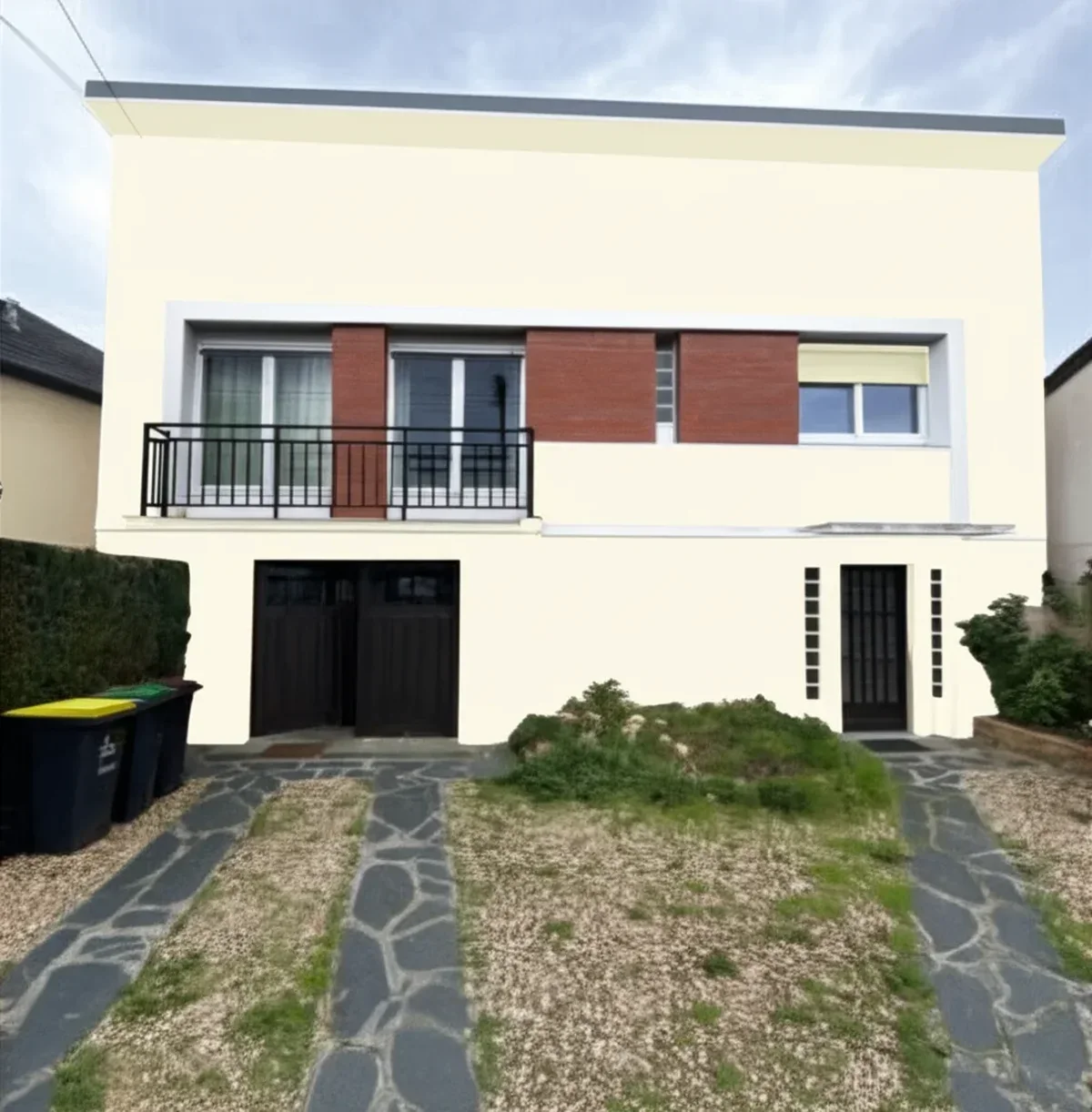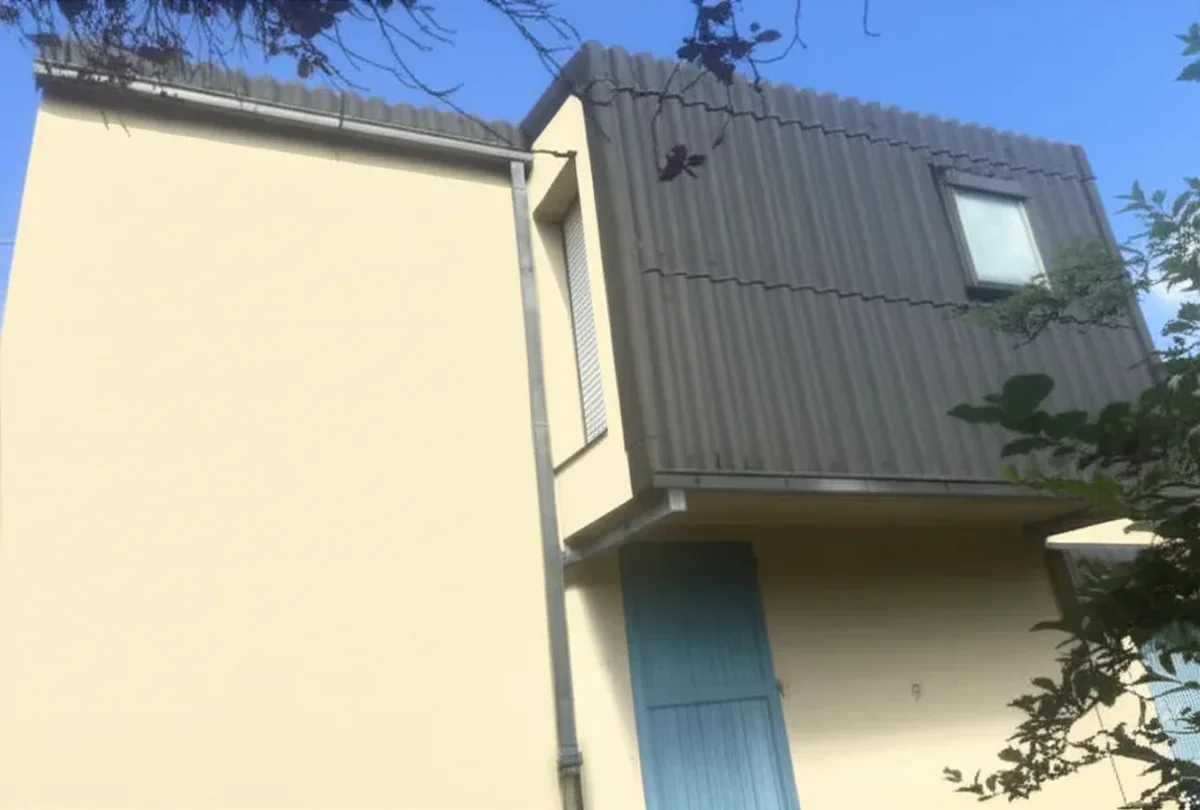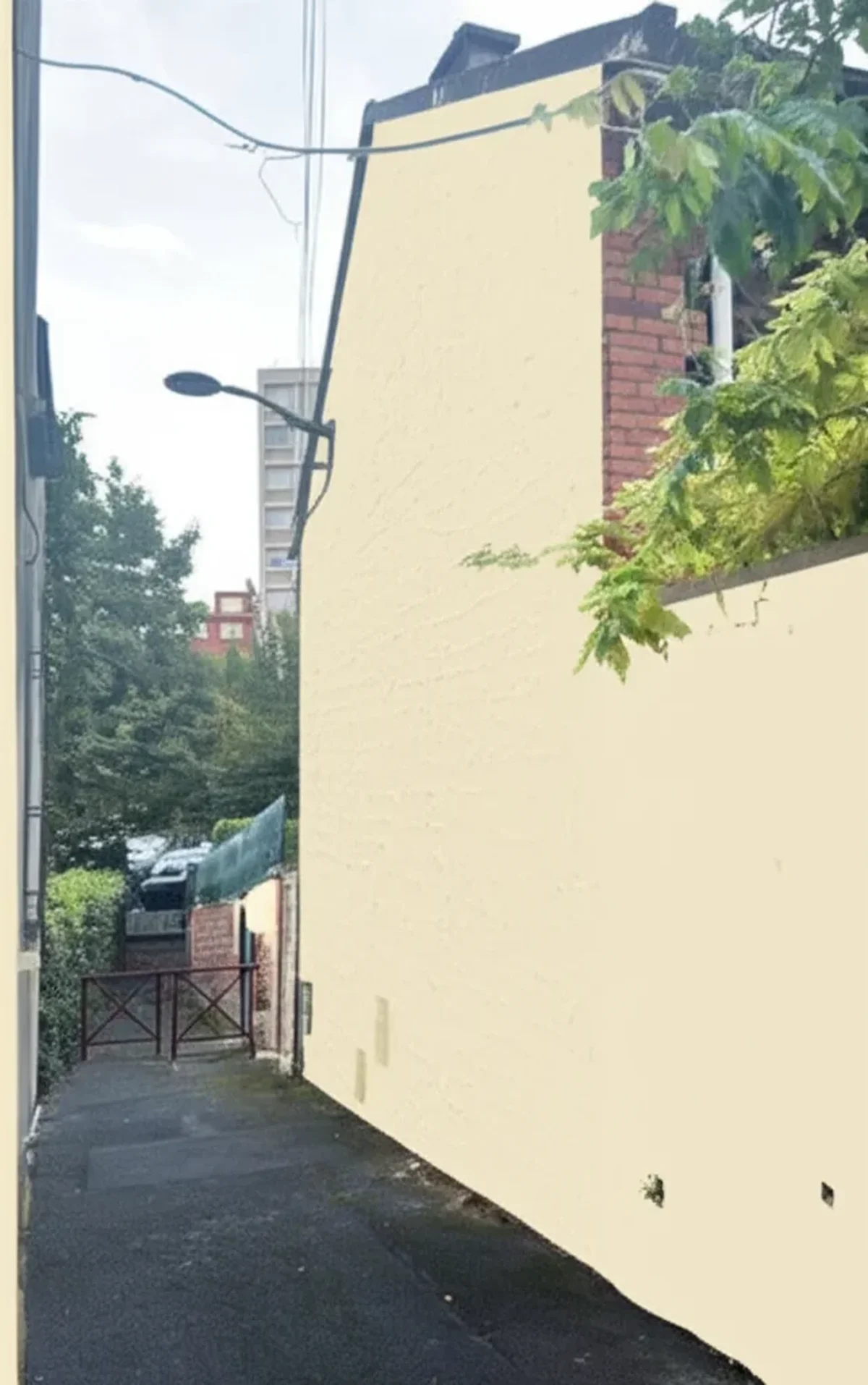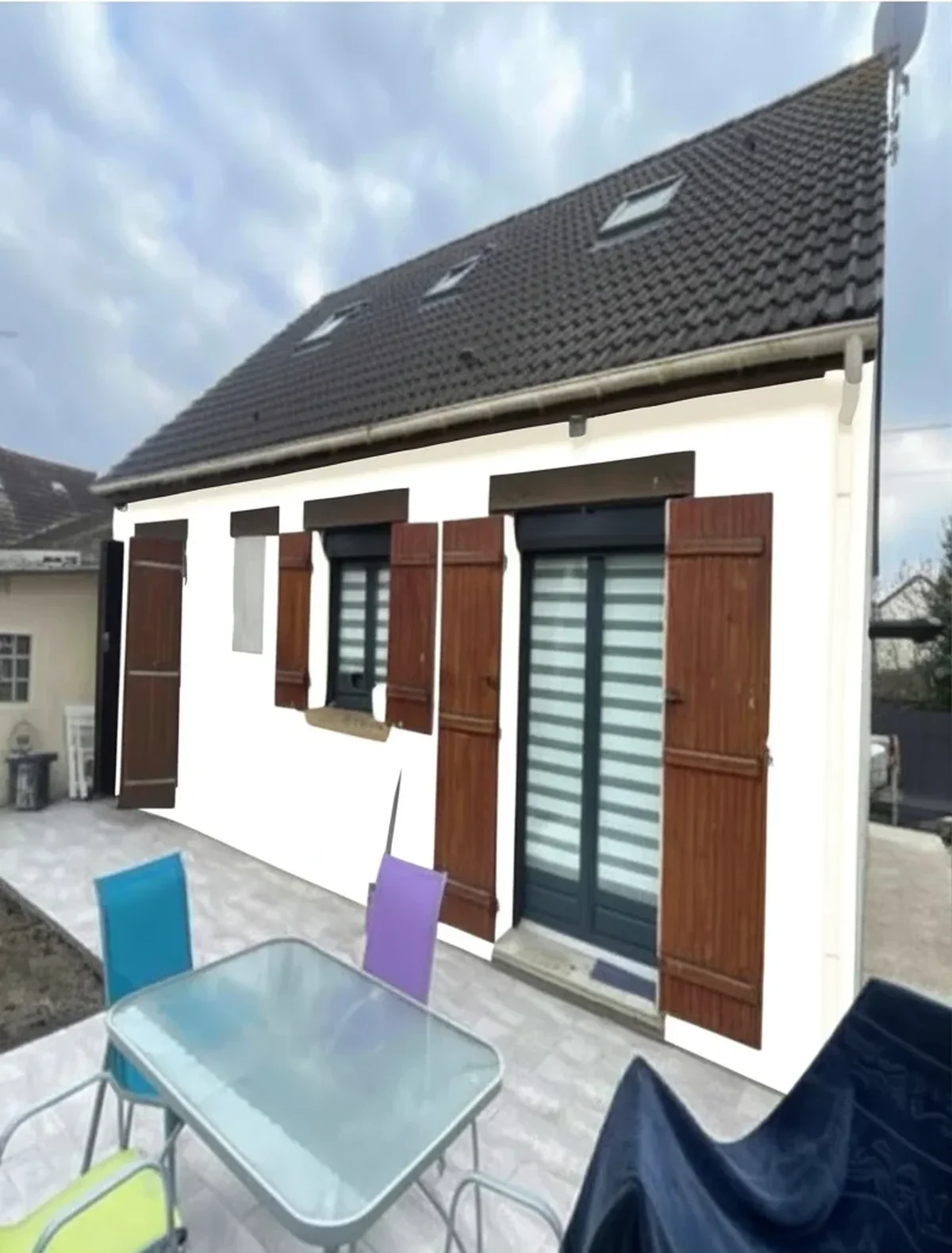
Try it on your house

The Sherwin-Williams ColorSnap Visualizer defined the paint preview category for a decade, but in 2026 it is showing its age. The standalone iOS app last received a substantive feature update in January 2023, the iPad version sits at 3.6 / 5 on the Apple App Store with active complaints about a bucket-fill bug that bleeds color onto roofs and landscaping, and Sherwin's own decision to launch a separate "Color Expert" app in 2024 split the brand's loyal user base between two apps that do overlapping but incompatible things. If you searched "ColorSnap alternative" in 2026, this is why.
The good news: six legitimate alternatives now exist, most of them free to try, and several of them carry the full Sherwin-Williams 1,700+ shade catalog (including Universal Khaki SW 6149, the 2026 Color of the Year) so you do not lose access to SW colors by switching tools. We scored all six on the same public criteria and report the honest scorecard below: FacadeColorizer, Renoworks, Hover, Pixelcut, Housepaint AI, and Visualizee. If you also want a broader category overview, see our best exterior paint visualizers 2026 comparison.
1. Why ColorSnap Is Dying In 2026
ColorSnap is not technically dead, the mobile app still installs, the web visualizer still loads, and the Sherwin-Williams retail counter still scans your photo and pulls the closest SW shade. But three converging signals tell every honest reviewer in 2026 that the product has been put into maintenance mode while engineering investment has moved to the newer Color Expert app.
- Last substantive iOS update: January 2023. Subsequent App Store releases have been bugfix point versions. The 2026 SW Color of the Year (Universal Khaki SW 6149) was added to the catalog quickly, but no new visualization features have shipped in 28 months.
- iPad rating 3.6 / 5. The most recent 1-star reviews on the U.S. App Store concentrate on a recurring complaint: the "Paint a Photo" bucket-fill applies the chosen color to background elements (roof, sky, lawn) on detailed exterior shots, requiring tedious mask correction or a re-upload at lower resolution.
- Color Expert app split. In late 2024 Sherwin-Williams launched Color Expert, a separate iOS / Android app focused on AR live-camera mode and color matching. ColorSnap kept the photo upload visualizer. The user base is now split: existing reviewers say they routinely install both, which is exactly the friction that drives them to look at independent alternatives.
- Brand lock. ColorSnap supports only Sherwin-Williams colors. If you are comparing SW Alabaster against Benjamin Moore Simply White or Behr Polar Bear (a very common 2026 buyer journey), you cannot do it inside one tool.
The honest read in 2026: ColorSnap is still useful as a free SW catalog browser, but it is no longer the strongest visualizer in the category. The alternatives below cover the gap.
2. What Makes A Good ColorSnap Alternative
Before we score the six tools, here are the five criteria a 2026 alternative has to meet to be worth switching to. We deliberately ignored marketing copy and tested each tool against the same checklist.
- AI auto-detection of siding, trim, doors, shutters. Manual mask painting is the single biggest ColorSnap complaint; the replacement has to segment surfaces automatically.
- Multi-brand catalog. Sherwin-Williams plus Benjamin Moore plus Behr at minimum, ideally plus PPG and Valspar, plus custom hex. Brand lock is what most ColorSnap refugees are escaping.
- No mandatory app install. A browser-based tool that works on mobile Safari and Chrome avoids the 200 MB download and the 4-star review hurdle.
- Usable free tier. Not a 15-second watermarked teaser. At minimum one HD render or several previews, enough to actually decide.
- 30 second render. 2026 buyers do not wait 3 minutes for a preview. Modern state-of-the-art proprietary AI pipelines render in 20 to 40 seconds end to end.
Of the six tools below, three meet all five criteria, two meet four, and one is best read as a pro-only B2B option. The scorecard table later in this article maps each tool against the checklist.
3. The 6 Alternatives Compared
Here are the six tools side by side, tested on the same Ohio vinyl ranch, Arizona stucco Spanish revival, and Virginia brick colonial in April 2026.
| Tool | AI auto-detect | SW catalog? | Multi-brand | Free tier | Render time | Price (paid) | Rating |
|---|---|---|---|---|---|---|---|
| FacadeColorizer | Yes (in-house AI) | 174 SW shades | SW + BM + Behr + hex | 1 HD + 3 free variations | ~30 s | $9.90 one-time | 4.9 / 5 |
| Renoworks | Hybrid AI / CAD | Full SW | Paint + siding + roof | B2B trial only | ~45 s | $79–299/mo | 4.6 / 5 |
| Hover | 3D model based | Full SW | SW + BM + Behr + PPG | Free 3D scan | ~5 min (scan) | $49–199/job | 4.7 / 5 |
| Pixelcut | Yes (generic gen-AI) | Custom hex match | Hex only (no catalog) | 3 free renders | ~20 s | $7.99/mo | 4.4 / 5 |
| Housepaint AI | Yes (gen-AI) | Full SW (1,700+) | 40+ brands (19,800+) | 1 HD + 3 free variations | ~28 s | $14.99/mo | 4.7 / 5 |
| Visualizee | Yes (gen-AI) | Partial SW | SW + BM + hex | 5 watermarked | ~35 s | $12.99/mo | 4.3 / 5 |
Try it on your house
No photo? Try a sample
Three quick reads on the table. FacadeColorizer wins the value column (one-time $9.90 vs recurring $7.99 to $14.99 per month elsewhere) and the free tier (1 HD + 3 free variations beats Pixelcut's 3 generic renders or Visualizee's 5 watermarked). Hover wins fidelity because it builds an actual 3D model from your exterior photos, but the 5-minute scan is overkill if you just want to test a color, and the per-job pricing climbs fast. Renoworks is a contractor tool, not a homeowner tool, list it as a reference only.
4. FacadeColorizer Deep Dive (174 SW + 251 BM + 130 Behr)
Full disclosure: this is our product. We are putting the deep dive here because the rest of this article would otherwise be a five-paragraph lead-up to a CTA, which is dishonest. Here is what FacadeColorizer actually does in 2026, including the limitations.
FacadeColorizer is a browser-based AI exterior paint visualizer built on a purpose-built facade AI engine. It segments siding, stucco, brick, trim, fascia, soffit, doors, shutters and gutters automatically (no manual masking) and applies any color from the bundled catalogs or a custom hex code. The 2026 catalog includes:
- 174 Sherwin-Williams shades, including Universal Khaki SW 6149 (2026 Color of the Year), Alabaster SW 7008, Iron Ore SW 7069, Naval SW 6244, Tricorn Black SW 6258, and the full 2026 SW exterior trend palette.
- 251 Benjamin Moore shades, including the 2026 Color of the Year, Revere Pewter HC-172, Simply White OC-117, Hale Navy HC-154.
- 130 Behr shades aligned with the Home Depot retail catalog, including the 2026 Behr trend palette.
- Custom hex input for any color outside the bundled catalogs (PPG, Valspar, Dunn-Edwards, Farrow & Ball, NCS, RAL).
The free tier gives you 1 HD render plus 3 free variations, enough to evaluate whether the AI handles your specific siding type before paying anything. The paid entry is the Pack Color at $9.90 (one-time, no subscription), which unlocks 30 HD renders on a single home photo. Contractors get the Artisan plan at $79 (5 to 20 homes a year), the Pro plan at $199 (small agencies), and the Expert plan at $499 (high-volume).
Honest weaknesses: the catalog is narrower than Housepaint AI's 40+ brands (we focus on the major U.S. brands plus hex). There is no native iOS or Android app yet, FacadeColorizer runs in mobile browsers, which is fine on iPhone 12 and newer but slower on older Android. Interior coverage exists but the product is exterior-first, that is where the AI is sharpest.
Where FacadeColorizer wins versus ColorSnap specifically: true AI segmentation (no bucket-fill bug bleeding into roofs and landscaping), multi-brand comparison in one upload (SW vs BM vs Behr side by side), and one-time pricing instead of split-app brand-lock friction. For an Sherwin-Williams loyalist who has decided on the brand already, ColorSnap is still free and fine. For anyone in the comparison phase or anyone who has hit the bucket-fill bug on a complex exterior, this is the most direct upgrade path.
5. When To Still Use ColorSnap (And Color Expert)
We are not telling anyone to uninstall ColorSnap. The Sherwin-Williams ecosystem still has two specific use cases where the brand's own tools beat the independent alternatives, and being honest about that is the only way to make this article useful.
- SW Color Expert for AR live-camera walls. If you are inside a room and want to point your phone at a wall and see Sherwin-Williams Pure White SW 7005 render in real time as you sweep across the surface, Color Expert (the newer SW app) is genuinely good. AI photo-upload tools cannot match the live-camera AR experience for interior decision moments at the wall.
- ColorSnap for retail counter handoff. When you finally walk into a Sherwin-Williams store to buy paint, having the official ColorSnap project saved on your phone with the color code, room name, and gallons estimate makes the counter conversation 5 minutes faster. The retail integration is the one thing third-party tools cannot replicate.
- Free unlimited SW-only previews. If you have already committed to Sherwin-Williams and are just iterating across SW shades, ColorSnap is free and unlimited. Independent tools charge for HD beyond the free tier.
The honest workflow most 2026 buyers settle into is hybrid: use an AI multi-brand tool (FacadeColorizer or Housepaint AI) for the comparison phase, then switch to ColorSnap or Color Expert for the final brand-locked previews once you have decided on Sherwin-Williams.
6. How To Migrate From ColorSnap To FacadeColorizer In 30 Seconds
Migration is not really migration, you just stop opening one app and start opening one URL. Here is the literal step-by-step for someone who has already been using ColorSnap and wants to try a multi-brand AI tool on the same photo.
- Open the saved photo you previously uploaded to ColorSnap (your phone's Camera Roll keeps the original, ColorSnap does not modify it).
- Navigate to facadecolorizer.com/us/upload in mobile Safari or Chrome. No app install. No signup required for the free tier.
- Upload the same photo via the upload button. Wait 5 seconds for the AI to auto-detect siding, trim, doors, shutters, soffit, fascia.
- Pick the SW shade you were testing in ColorSnap (search by SW code, for example "SW 6149" for Universal Khaki). FacadeColorizer's 174-shade SW catalog covers the core exterior palette.
- Add a Benjamin Moore or Behr shade for side-by-side comparison. This is the single biggest workflow upgrade versus ColorSnap.
- Generate the HD render. The first HD is free, takes ~30 seconds, no watermark.
- Download or share the result for HOA submission, contractor quote, or spouse approval.
Total time from "I want to compare brands" to "I have a multi-brand HD render": under two minutes, including the upload. If you have already chosen SW and just want to preview within the SW catalog, ColorSnap remains free and fine; for any comparison decision, this 7-step migration is the path most users follow in 2026.
7. Frequently Asked Questions
The seven questions ColorSnap users ask most often when they start looking at alternatives in 2026.
- Is the Sherwin-Williams ColorSnap Visualizer being discontinued? No, Sherwin-Williams has not announced a discontinuation. ColorSnap is still available on iOS, Android, and the SW website. However, the standalone iOS app's last substantive feature update was January 2023, and SW launched a separate Color Expert app in 2024, which split the brand's engineering investment. Treat ColorSnap as a maintained but no longer evolving product.
- What is the difference between ColorSnap and Color Expert? ColorSnap is the legacy photo-upload visualizer plus retail integration. Color Expert is the newer (late 2024) AR live-camera color-matching app. They overlap on browsing the SW catalog but diverge on the visualization mode. Many SW loyalists install both, which is a friction point that drives users to independent multi-brand tools like FacadeColorizer.
- Can I get Sherwin-Williams colors in a non-Sherwin app? Yes. FacadeColorizer carries 174 SW shades including Universal Khaki SW 6149. Housepaint AI carries the full 1,700+ SW catalog. Hover and Renoworks carry the full SW catalog too. You do not lose access to SW colors by switching tools; you gain access to Benjamin Moore, Behr, PPG, and custom hex alongside.
- Is FacadeColorizer free? The free tier includes 1 HD render plus 3 free variations. The paid entry is the Pack Color at $9.90 (one-time, no subscription) which unlocks 30 HD renders on a single home photo. Contractors use the Artisan plan at $79, agencies the Pro at $199, high-volume the Expert at $499.
- Does FacadeColorizer have the 2026 SW Color of the Year? Yes. Universal Khaki SW 6149 is in the 174-shade Sherwin-Williams catalog along with the full 2026 SW exterior trend palette. The catalog also includes the 2026 Benjamin Moore Color of the Year and the 2026 Behr trend palette.
- Will an HOA accept a FacadeColorizer render instead of a ColorSnap render? Most HOA architectural review committees in 2026 accept any photo-realistic digital visualization paired with the official brand color name and code (for example "Sherwin-Williams Universal Khaki SW 6149" labeled under the rendered image). FacadeColorizer's HD output is identical in resolution and quality to ColorSnap's HD export. Check your specific CC&R document, some HOAs still also require a physical paint chip alongside the digital preview.
- Is FacadeColorizer affiliated with Sherwin-Williams? No. FacadeColorizer is an independent AI exterior paint visualizer and is not affiliated with, endorsed by, or sponsored by The Sherwin-Williams Company. Sherwin-Williams, ColorSnap, Color Expert, and all SW color names and SW color codes are trademarks of The Sherwin-Williams Company. References to ColorSnap on this page are made for descriptive and comparative purposes only.
For more context on the broader visualizer category, see our best exterior paint visualizers 2026 comparison, our free house paint visualizer 2026 guide, and our brand head-to-heads on SW vs Benjamin Moore exterior and Behr vs Sherwin-Williams interior. For exterior color inspiration that pairs with this workflow, browse the best exterior paint colors 2026 and the white exterior paint shades 2026 guide.
Trademark notice. Sherwin-Williams®, ColorSnap®, ColorSnap Visualizer®, and Color Expert™ are trademarks of The Sherwin-Williams Company. FacadeColorizer is not affiliated with, endorsed by, or sponsored by The Sherwin-Williams Company. References to ColorSnap, Color Expert, and Sherwin-Williams color names and codes (including Universal Khaki SW 6149, Alabaster SW 7008, Iron Ore SW 7069, Naval SW 6244, Tricorn Black SW 6258) are made for descriptive and comparative purposes only, in good faith nominative fair use under the Lanham Act (15 U.S.C. § 1125). All other brand names mentioned (Benjamin Moore, Behr, PPG, Valspar, Dunn-Edwards, Farrow & Ball, Renoworks, Hover, Pixelcut, Housepaint AI, Visualizee) are the property of their respective owners.
Trademarks mentioned (Sherwin-Williams, Benjamin Moore, Behr, Caparol, Brillux, Sto, Alpina, Valspar, PPG, Glidden, Dulux, Crown Trade, Sandtex, Farrow & Ball, Johnstone's, Leyland) are property of their respective owners. FacadeColorizer is independent and not affiliated with any of them. Nominative fair use under Lanham Act §1125.