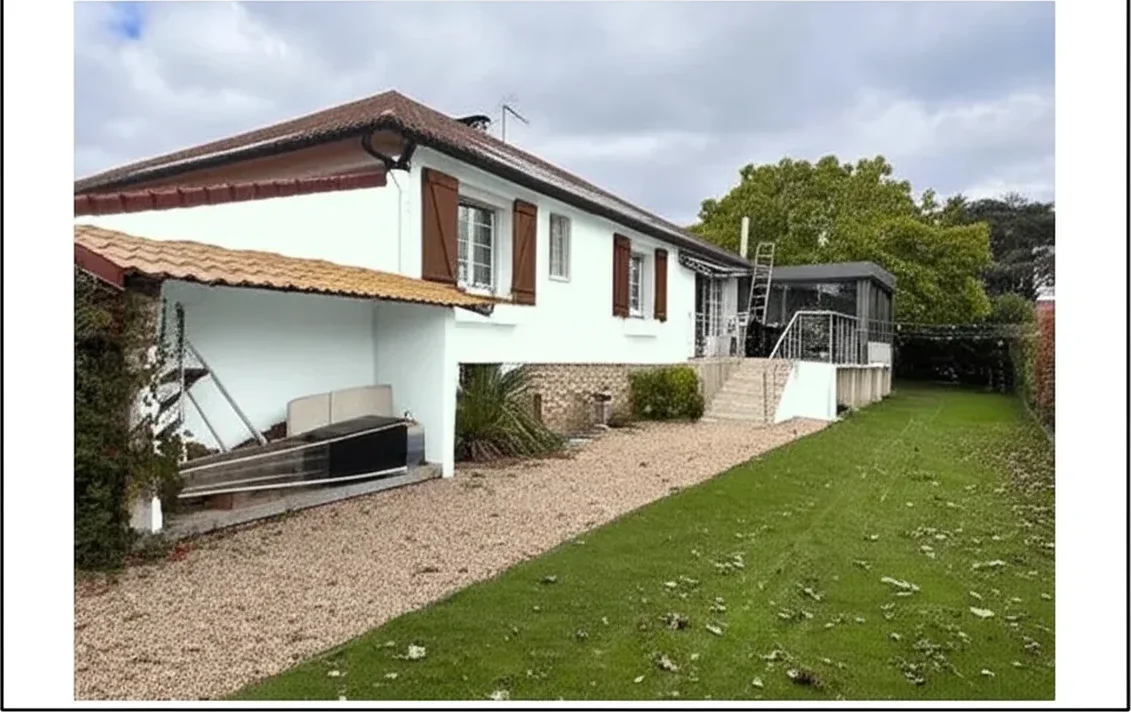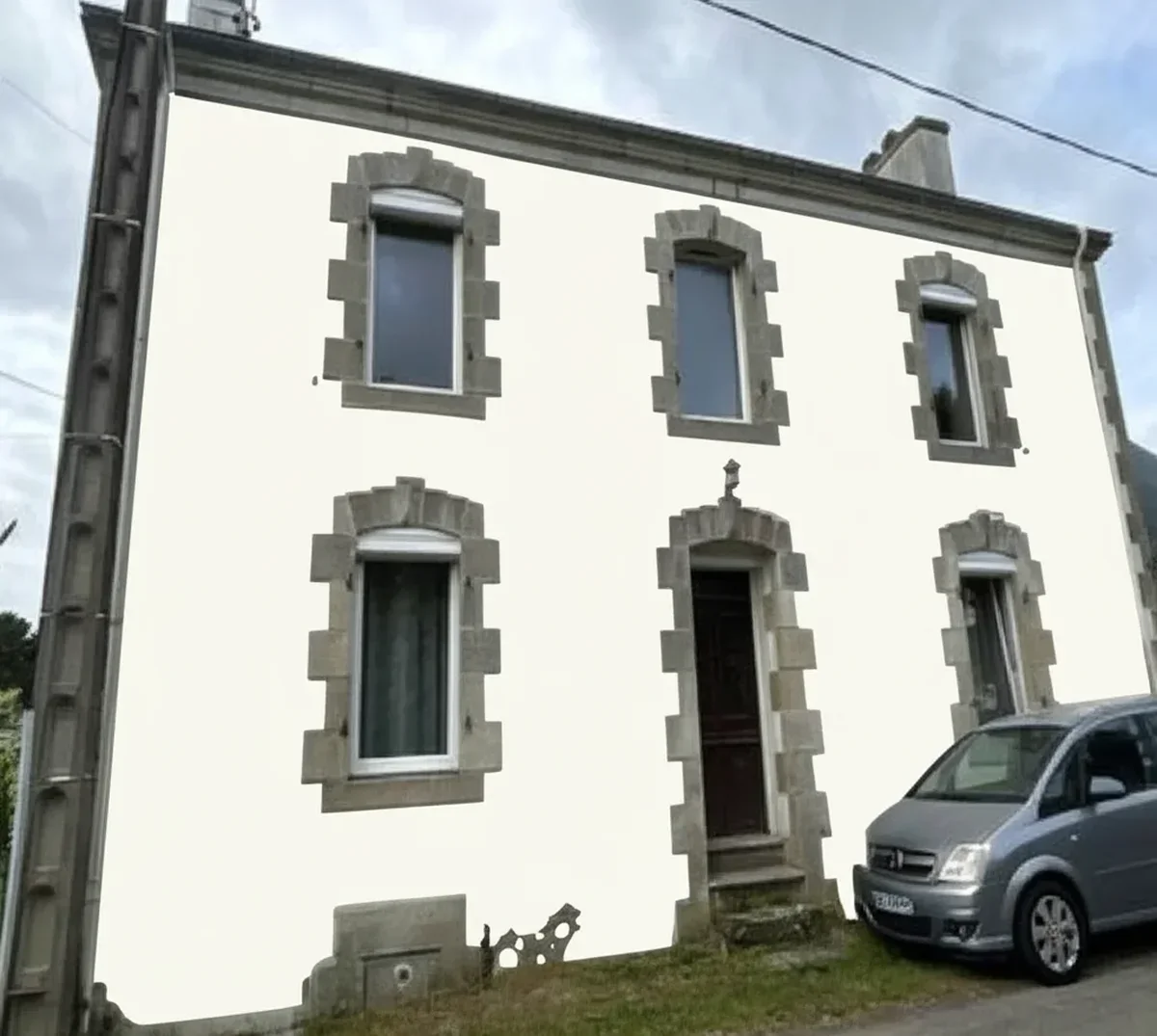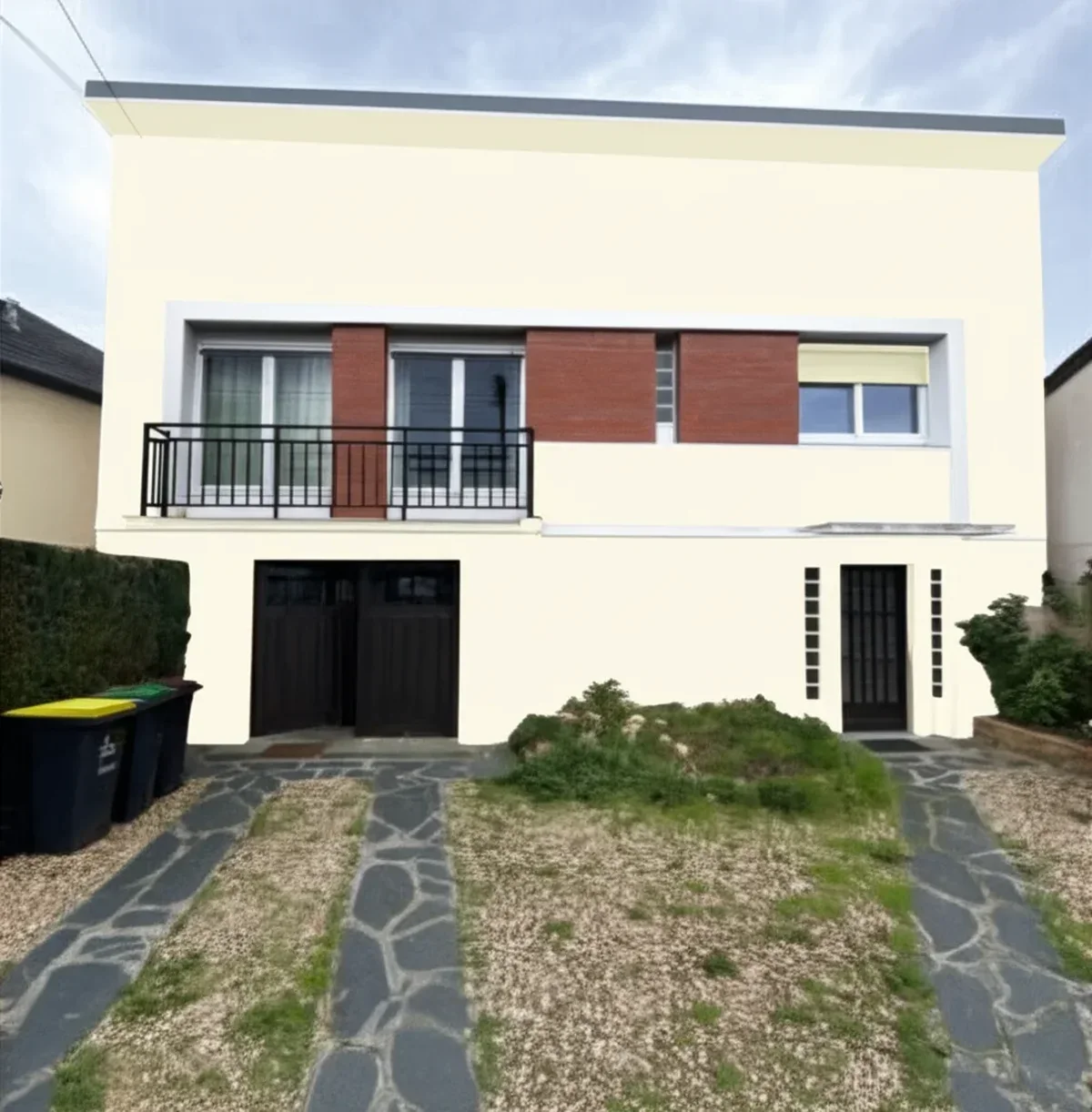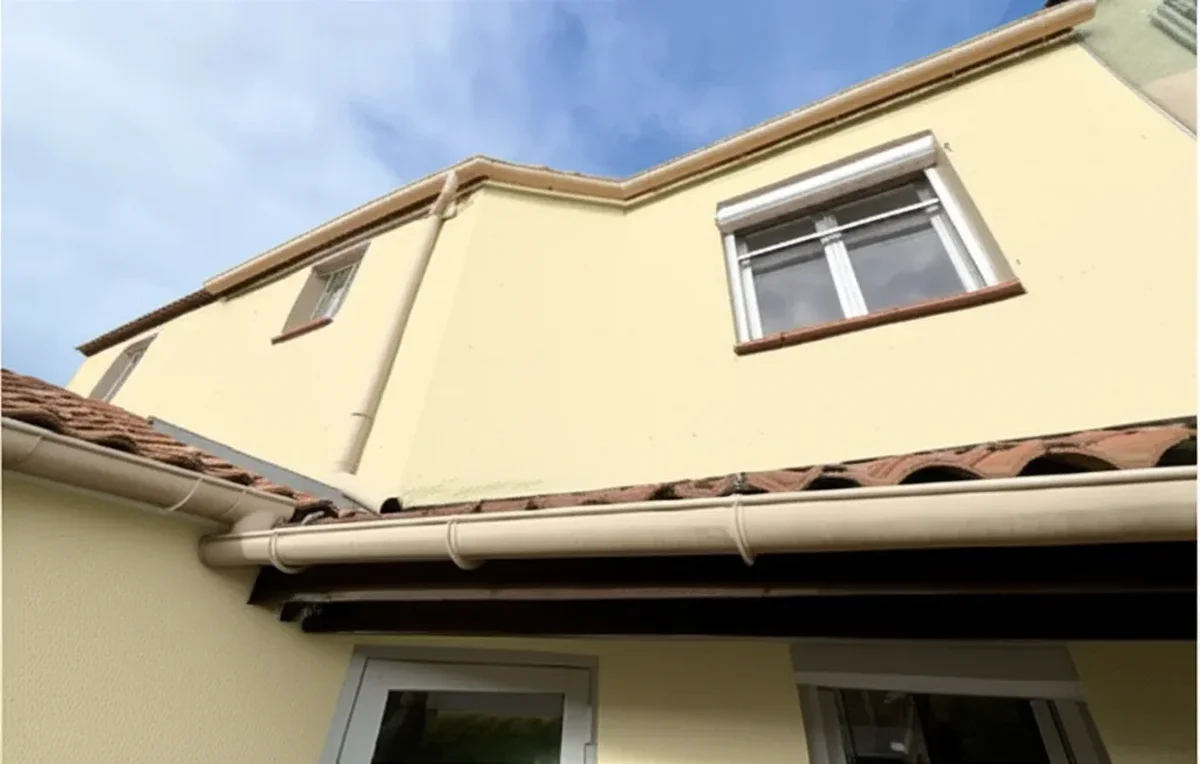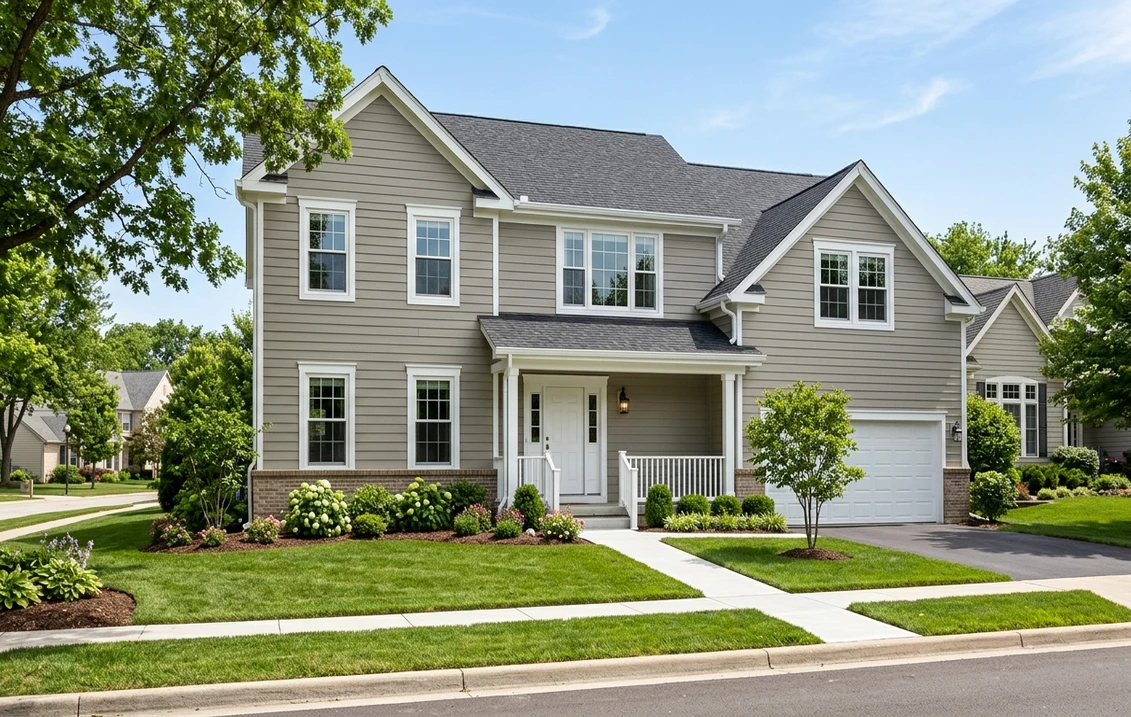
Try it on your house

You typed certapro paint visualizer into search because you want one thing before a single brush touches the wall: to see what the new color looks like on the actual house. CertaPro Painters is one of the largest residential painting franchises in North America, and like Sherwin-Williams and Behr they offer a color tool to help you picture the result. It is genuinely useful at the early "I have no idea what I want" stage. But homeowners hit the same wall every time: the standard tool paints stock model homes, not your home, so the preview never quite settles the decision. This is an honest review of what the CertaPro visualizer does, where it stops short, and the free before-and-after alternative that runs on a photo of your own house.
Upload one exterior photo and preview real colors on your actual home. 1 HD render plus 3 variations, free, no account hoops.
What the CertaPro paint visualizer actually does
CertaPro's color experience is built to do two jobs: help you browse a curated color library, and connect you with a local franchise for a free in-home estimate. The visualization piece lets you apply colors to a set of pre-rendered example homes (a Craftsman, a ranch, a colonial, and so on) so you can see how a body, trim, and accent combination reads on a typical facade. It is a discovery tool first and a sales funnel second, which is exactly what you would expect from a contractor that makes its money on the paint job, not the software.
Used for what it is good at, it works. If you genuinely do not know whether you want a warm greige, a cool gray, or a bold navy, clicking through model homes narrows the field fast. The real friction shows up at the next step, when you want to commit.
Where the CertaPro visualizer falls short
None of these are knocks on CertaPro as a painting company. They are limits of a franchise color tool that exists to book estimates, not to be a standalone design app. Here is what homeowners run into:
- It paints model homes, not your home. This is the big one. Your roof color, brick base, stone skirt, shutters, and the way afternoon light hits your west wall are the variables that actually make or break a color. A stock Craftsman render cannot tell you whether the navy fights your terracotta roof.
- The color library is curated, not exhaustive. You see a recommended palette, which is helpful for beginners but limiting if you already have a specific Sherwin-Williams or Benjamin Moore code in mind.
- It is tied to booking an estimate. The flow nudges you toward a local franchise consultation. Reasonable for them, but if you are a DIY repaint or just comparing colors, the lead-capture step is friction you did not ask for.
- Coverage depends on your area. CertaPro is a franchise, so the experience and the in-person follow-up vary by territory.
- No true side-by-side of your before and after. The thing that actually closes the decision, your house as it is now next to your house in the new color, is the one view the model-home approach cannot give you.
If you want the contractor-side view of how these tools fit into bidding and closing jobs, our AI paint visualizer guide for contractors covers when a model-home tool is enough and when you need a render of the client's actual property to win the bid.
CertaPro visualizer vs a photo-based AI preview
The fastest way to see the gap is to line the two approaches up on the questions a homeowner actually asks.
| What you want to know | CertaPro model-home tool | Photo-based AI preview |
|---|---|---|
| Does it work on my actual house? | No, stock example homes | Yes, your uploaded photo |
| Accounts for my roof, brick, light? | No | Yes, kept in the render |
| True before vs after side by side? | No | Yes |
| Free to try? | Yes, tied to an estimate | Yes, 1 HD plus 3 variations free |
| Requires a sales consultation? | Nudged toward one | No |
| Best for | Early browsing, booking a painter | Committing to a color on your home |
Try it on your house
No photo? Try a sample
The honest read: these tools are not really competitors. Use a model-home browser to shortlist a direction, then use a photo-based preview to confirm the winner on your own walls. They sit at two different stages of the same decision.
The free alternative: preview on your own photo
The alternative is straightforward. Instead of painting a stock house, you upload one clear photo of your own exterior and the AI preview repaints the body, trim, or accents in the color you choose, keeping your roof, masonry, windows, and landscaping exactly where they are. Then you see your house as it is now next to your house in the new color: the before-and-after view that the model-home approach skips.
Here is what the gallery view tends to reveal that a stock render hides:
- How the color sits against your roof. A warm gray that looked perfect on a model home can clash with an existing brown or terracotta roof. You only catch that on your own facade.
- What trim does to the whole composition. Swapping trim from cream to crisp white, or to a dark contrast, changes the read of the body color more than most people expect. Preview both.
- How light hits your specific walls. A north-facing wall and a sun-blasted south wall return the same paint differently. Your photo carries that information; a stock render does not.
- Whether a bold choice is actually bold or just busy once your shutters, garage door, and front steps are in the frame.
One photo, real before and after, in about 30 seconds.
How the free tier works (no surprises)
The free preview gives you one HD render plus three variations so you can test a few directions before deciding. No forced sales call, no estimate-booking gate. If you want to run a full palette of options or render multiple elevations, paid packs exist, but the free tier is enough to settle most color decisions. The framing is simple: it is an AI preview to guide your choice, not a substitute for a physical sample on the wall and good daylight on the final call.
How the brand visualizers compare
- The Sherwin-Williams paint visualizer review walks through its photo-upload feature feature by feature, including where the masking struggles on real exteriors.
- The Behr color visualizer review covers the upload flow, the color library, and five free alternatives if it is not clicking for you.
The pattern across all of them is the same: brand tools are strongest for browsing that brand's exact codes, contractor tools are strongest for booking a painter, and a photo-based AI preview is strongest for the moment you actually have to commit a color to your own house. There is no single best tool, only the right tool for the stage you are at.
A practical workflow that uses both
- Browse for direction. Use a model-home or brand library tool to land on two or three palette directions (say, a warm greige, a soft sage, and a deep navy with white trim).
- Render the shortlist on your house. Upload one good exterior photo and preview each finalist on your actual facade with your real roof and trim in frame.
- Compare before and after. Put the current color next to each option. The one that still looks right with your roof and light wins.
- Confirm physically. Buy a sample of the winner, paint a two-foot patch, and check it morning and late afternoon before you buy the gallons or sign with a painter.
That sequence costs nothing until step four and removes almost all of the guesswork that leads to a repaint you regret.
Frequently asked questions
Is the CertaPro paint visualizer free to use?
Yes, CertaPro's color tools are free. They are built to help you browse colors and book a free in-home estimate with a local franchise, so the flow is tied to lead capture. If you only want to compare colors without a sales consultation, a photo-based AI preview is a lower-friction option.
Can the CertaPro visualizer paint my own house photo?
The standard CertaPro visualization applies colors to stock example homes rather than your uploaded photo, which is its main limitation for committing to a color. To see a color on your actual house, including your real roof, brick, and light, use a photo-based AI preview where you upload one exterior image and get a true before-and-after.
What is the best free alternative to the CertaPro paint visualizer?
For confirming an exterior color, a photo-based AI preview is the strongest free alternative because it renders the new color on your own home. FacadeColorizer's exterior visualizer gives you one HD render plus three variations free, with no forced estimate booking, so you can test a few directions before deciding.
Does a paint visualizer replace a physical paint sample?
No. An AI preview is the fast way to rule out colors you would have disliked and to compare directions on your real facade, but screens and lighting differ from real paint. Once you have a winner, buy a sample, paint a small patch, and check it in morning and afternoon light before committing.
Is FacadeColorizer affiliated with CertaPro?
No. FacadeColorizer is an independent paint visualization service and is not affiliated with, endorsed by, or sponsored by CertaPro Painters. This article is an honest comparison to help you choose the right tool for your stage of the decision.
See your real before and after with 1 HD render plus 3 variations, no account hoops.
Disclaimer: CertaPro and CertaPro Painters are trademarks of their respective owner. Sherwin-Williams and Benjamin Moore are trademarks of their respective companies. FacadeColorizer is an independent paint visualization service, not affiliated with or endorsed by CertaPro, Sherwin-Williams, Behr, or Benjamin Moore. AI previews approximate the painted result and final color reads vary with surface, lighting, and finish; always confirm with a physical sample before buying paint or signing with a contractor.
Trademarks mentioned (Sherwin-Williams, Benjamin Moore, Behr, Caparol, Brillux, Sto, Alpina, Valspar, PPG, Glidden, Dulux, Crown Trade, Sandtex, Farrow & Ball, Johnstone's, Leyland) are property of their respective owners. FacadeColorizer is independent and not affiliated with any of them. Nominative fair use under Lanham Act §1125.