Kitchen Cabinet Color Visualizer: Free, on Your Own PhotoSee your kitchen cabinets in a new color, before you commit
Repainting cabinets is days of sanding and priming for a color you only truly judge once it is on the doors. Upload one kitchen photo and preview the real cabinet color, white, navy, sage or any custom shade, in about 30 seconds. The AI keeps your counters, backsplash and hardware, so it looks like a real after photo.
- No sign-up
- No card
- Result in ~30s
Your photo is private, used only to create your preview, never sold. You keep full ownership.
✓ No sign-up ✓ No card ✓ Result in ~30s
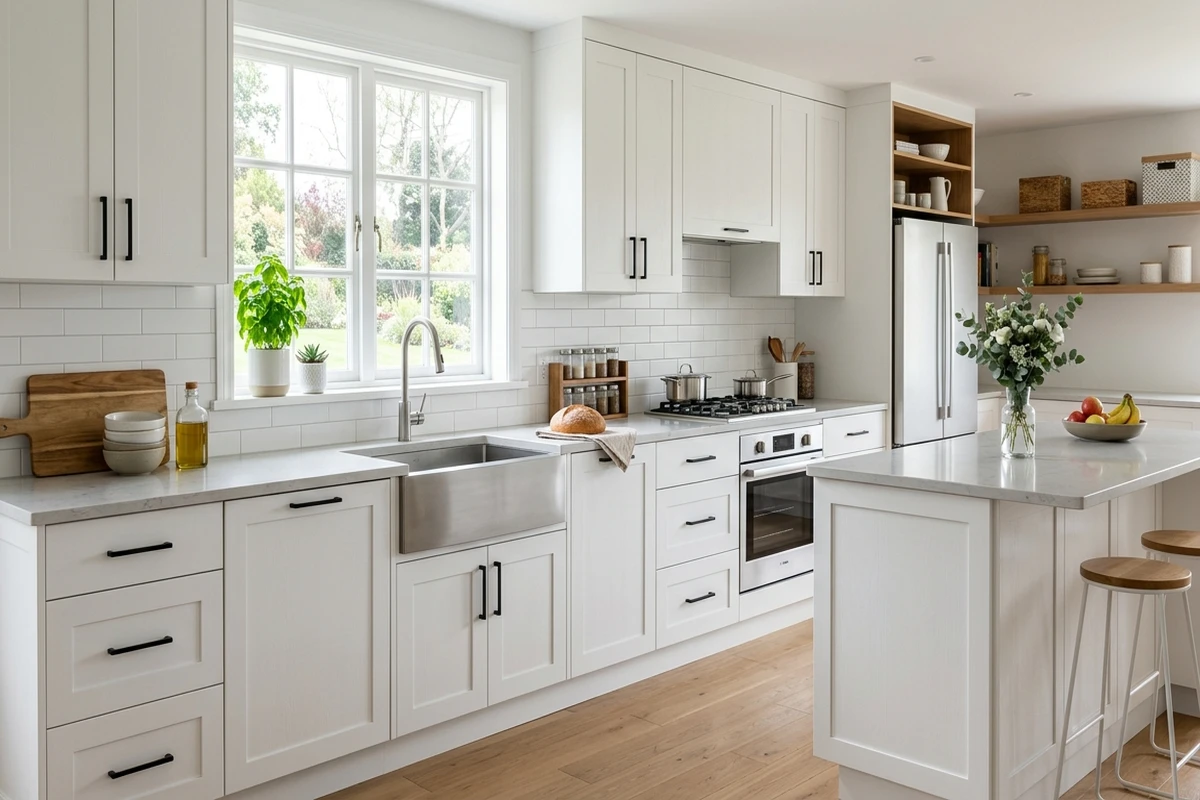
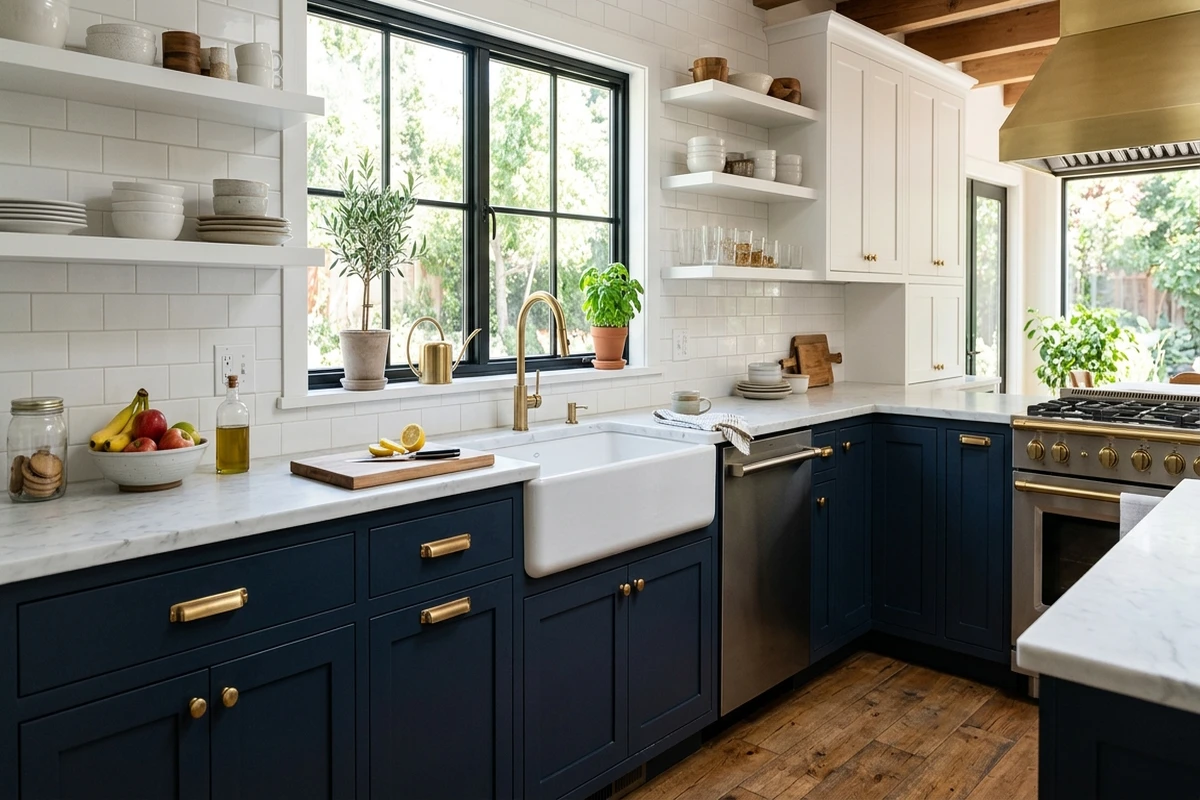
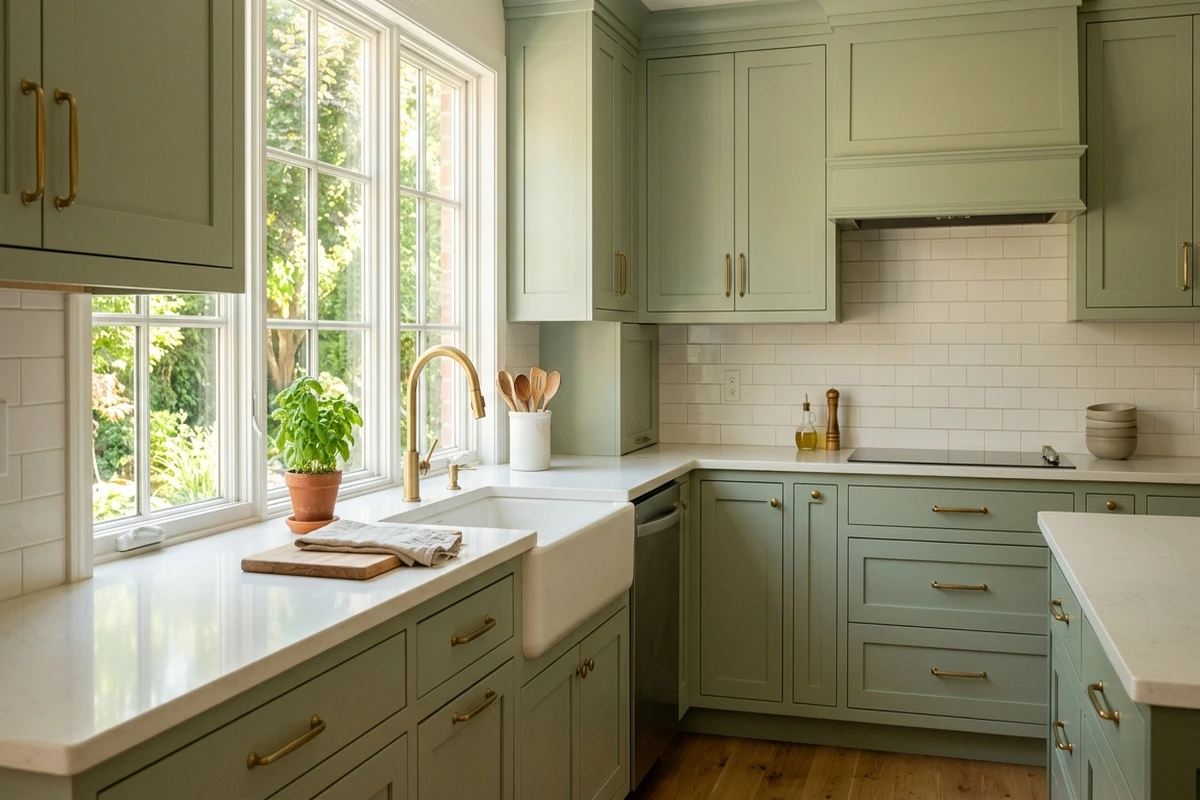
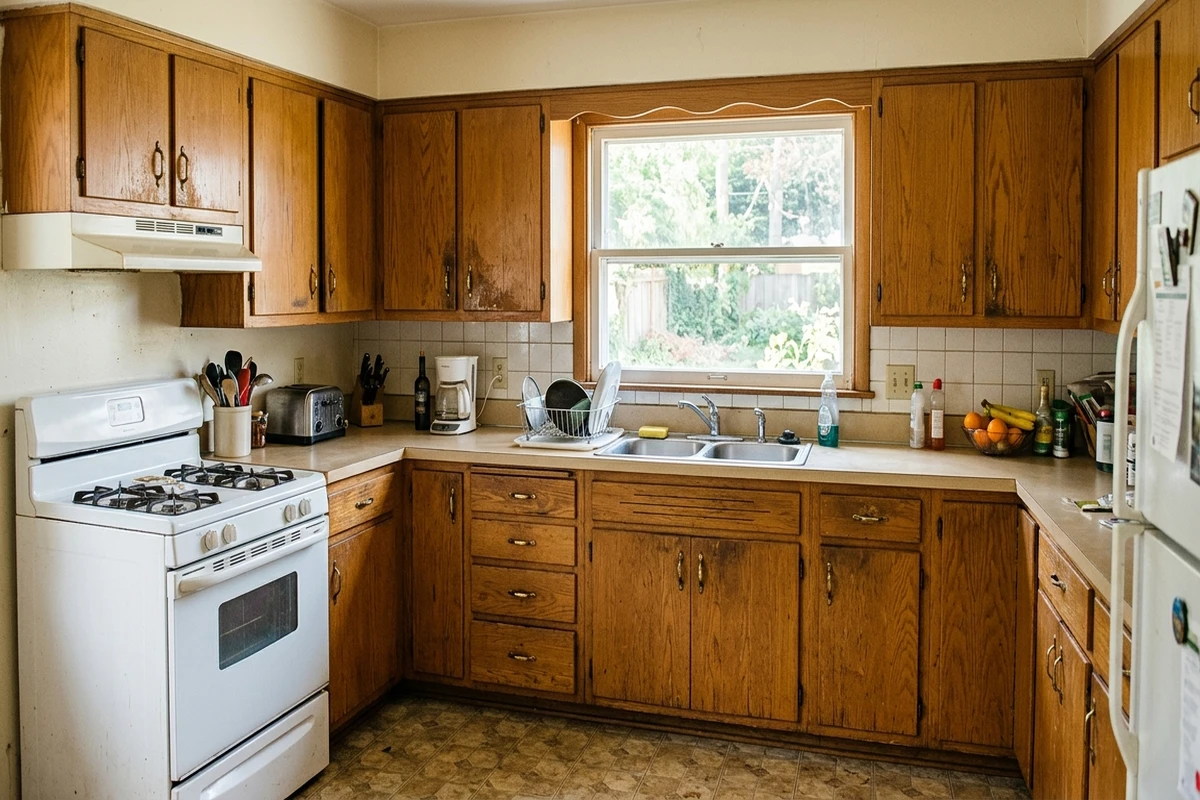
Real AI renders, your own photo, any shade
Try it on your room
No photo? Try a sample
3 reasons to preview before you paint your cabinets
Cabinets are a weekend of sanding and priming. Avoid redoing it over a color that reads wrong on your wood.
See the color against your real counters, backsplash and floor, not a tiny chip taped to one door.
Settle the household vote (or the contractor quote) with a real preview everyone can see.
How the cabinet color visualizer works
A cabinet color visualizer lets you upload a photo of your kitchen and preview a paint color on the actual cabinet doors and frames before you touch a brush. Take a daylight photo at eye level with most of the cabinet run visible, then pick a shade. The AI detects the cabinets, separates them from your counters, backsplash and appliances, and re-renders the doors in your chosen color while keeping the wood grain, panel shadows and hardware in place. You get an HD result in about 30 seconds, then you can swap to another color on the same photo to compare side by side.
Which cabinet colors actually work
The four colors most US homeowners test first are white, gray, navy and sage, and each solves a different problem. A warm off-white is the safest reset: it brightens a small or north-facing kitchen, hides minor cabinet wear, and pairs with nearly any countertop. If you want a richer look, navy and deep blues read as upscale on lower cabinets, especially against light quartz counters and brass or matte-black hardware. The trick is keeping uppers lighter so the room does not feel heavy. Sage and muted greens are the forgiving middle ground: they feel current without being trend-locked, and they flatter oak and maple grain rather than fighting it. Gray is the one that rewards care: everything depends on the undertone and on how deep you go, from an airy almost-greige through the mid-tones to a charcoal that behaves like a soft black. Our picks for the best gray paint for kitchen cabinets sort them by depth and undertone, which is the order that actually matters once your counters are in the frame.
Two practical notes. First, your counters and floor decide more than the cabinet color itself: a green that looks great over white quartz can turn murky over a busy granite, which is exactly why previewing on your own photo beats a chip in the store. Second, a two-tone layout (darker base, lighter uppers) is the most repaint-friendly choice if you are nervous, and you can test it by rendering the same kitchen in two colors and comparing. For a deeper dive on choosing a shade, see our complete guide to kitchen cabinet colors and our breakdown of the best white paint colors for cabinets.
Tips for a result you can trust
Shoot in daylight with the kitchen lights off if you can, so the AI reads true color rather than a yellow bulb cast. Keep the camera level and avoid heavy backlight from a window directly behind you. Clear the counter near the cabinets you care about so the doors are clearly visible. Once you have your preview, test two or three contenders before deciding, then buy a single sample quart of the winner and paint one door, because final paint still shifts slightly with finish, primer and the light in your kitchen. If you want to see real projects first, browse our cabinet before and after transformations for ideas, then come back and try the same colors on your own kitchen.
1 free HD render plus 3 free variations. No sign-up. No card.
Frequently Asked Questions
What is a cabinet color visualizer?
A cabinet color visualizer is an online AI tool that previews a paint color on a real photo of your kitchen cabinets before you commit. FacadeColorizer applies the shade to the cabinet doors and frames only, keeping your countertops, backsplash, hardware and lighting, so the result looks like a real after photo, not a flat swatch.
Can I see my own cabinets in a new color?
Yes. Upload one daylight photo of your kitchen and the AI repaints the actual cabinets in the color you pick, white, navy, sage green or any HEX code. It keeps the wood grain, panel shadows and your existing counters and floor so you can judge the real contrast in your kitchen.
Is the cabinet color visualizer really free?
Yes. You get 1 HD render plus 3 free color variations with no account, no card and no trial timer. There is no watermark on your result. Paid plans are optional only if you want to test more colors later.
Which cabinet colors should I try first?
Warm whites like an off-white brighten a small or north-facing kitchen and pair with almost any counter. Navy and other deep blues read as upscale on lower cabinets, especially against light counters and brass hardware. Sage and muted greens feel current and forgiving, and work well on oak or maple. Previewing all three on your own photo is the fastest way to settle the choice.
1 free HD render plus 3 free variations. No sign-up. No card.