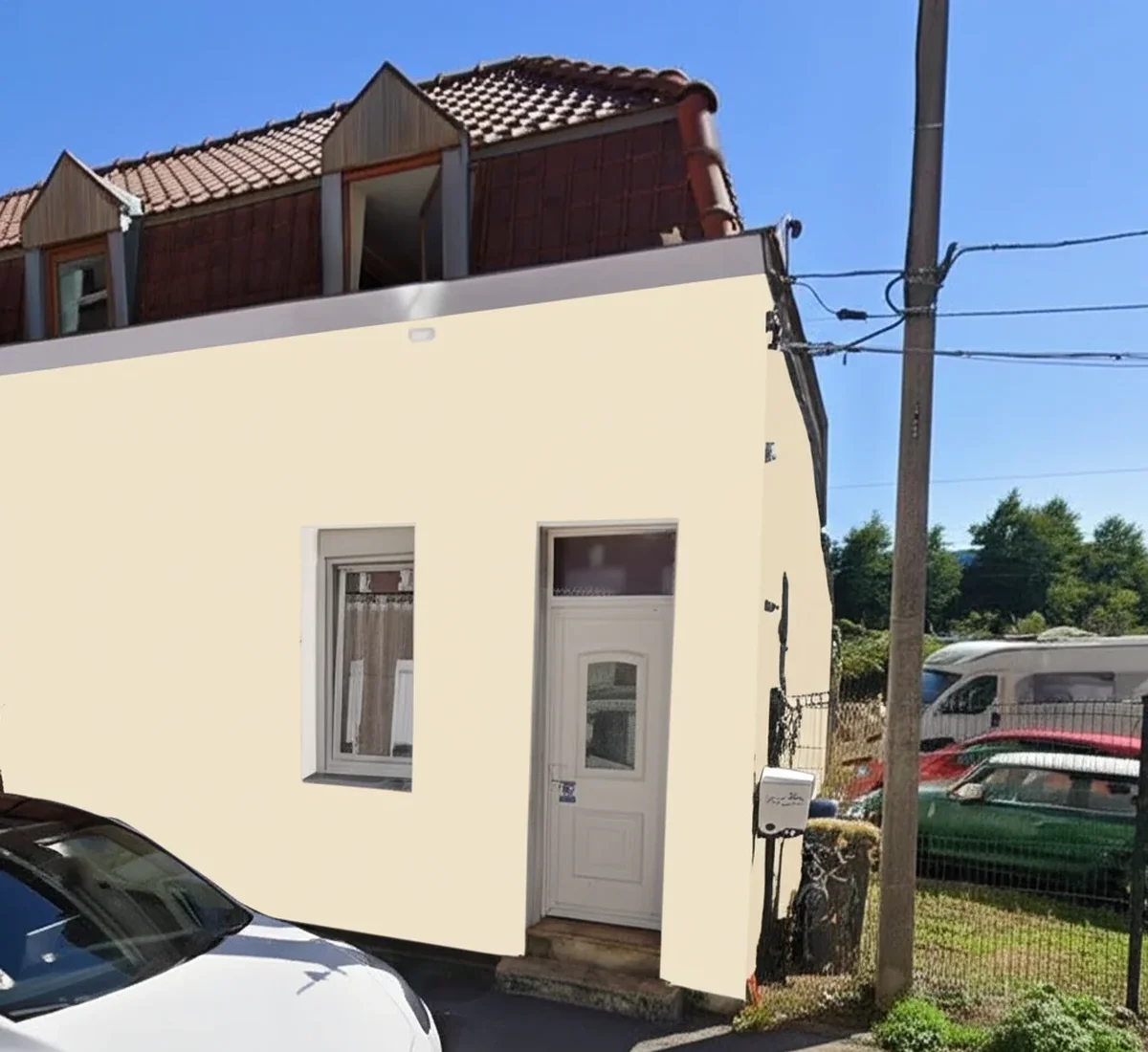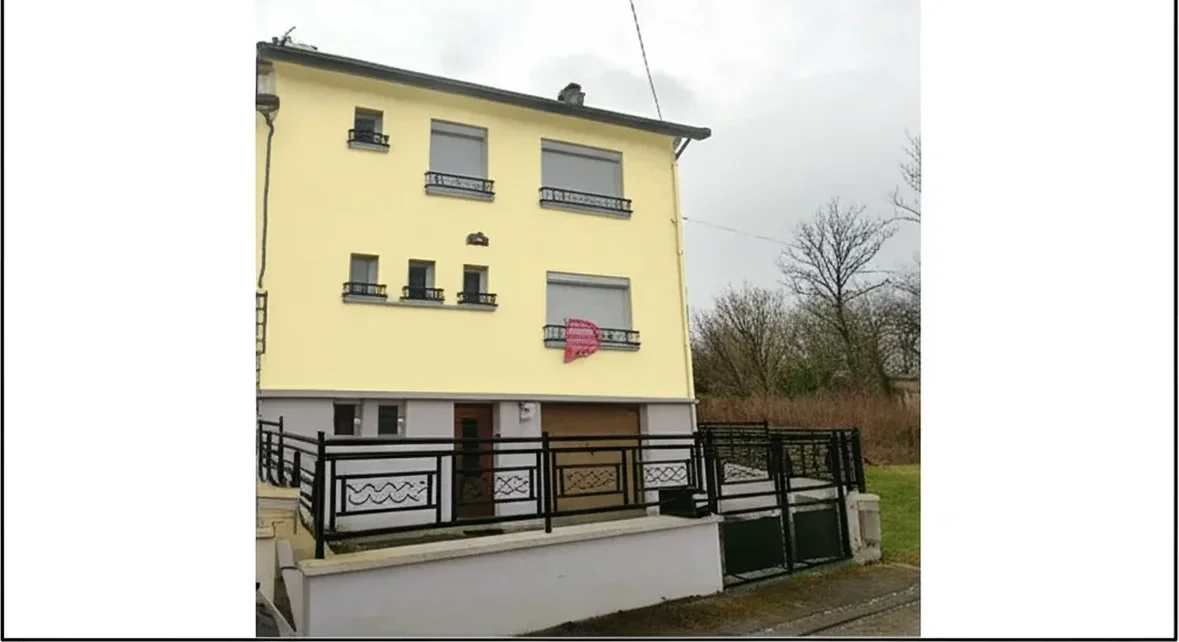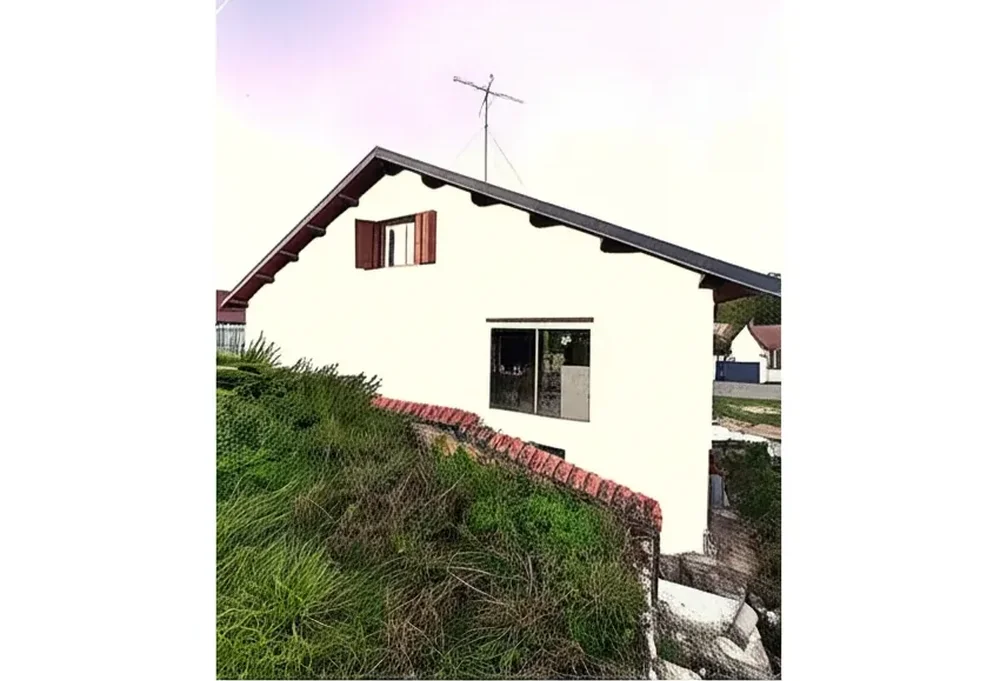

The ColorSnap Visualizer is the official Sherwin-Williams paint preview tool, available as the ColorSnap mobile app (iOS and Android), the ColorSnap Visualizer for Web, and a separate ColorSnap Match camera-scan feature that reads a real-world color and returns the closest Sherwin-Williams shade. Combined search volume for "colorsnap visualizer," "colorsnap app," and "sherwin williams colorsnap" runs near 50,000 monthly queries in the US, which makes it the most-searched paint visualizer brand in 2026. So why are so many homeowners and pros typing "ColorSnap alternative" right after?
This is an honest hands-on review based on testing the iOS, Android, and Web versions of ColorSnap between April and May 2026, cross-referenced with App Store and Google Play reviewer feedback, the Painting Contractors Association 2025 visualizer scorecard, and our internal benchmark of 13,611 facade renders. We cover what ColorSnap genuinely does well (brand authority, 1,700-plus official SW shades, the 2026 Color of the Year Universal Khaki SW 6150), what is genuinely limiting (sticker-overlay output, Pro-account gate on batch, mobile-only on Match), and three free alternatives ranked by how well they replace the missing capability. For the broader category view, see our best exterior paint visualizers 2026 comparison and our broader take on the Sherwin-Williams color visualizer free alternative 2026.
Photo-realistic AI render with the full Sherwin-Williams catalog. 1 HD plus 3 watermarked previews, no signup.
ColorSnap brand: three products under one name
ColorSnap is not a single app. It is a brand umbrella that Sherwin-Williams uses across three distinct surfaces, and the confusion between them is the first reason "colorsnap visualizer alternative" trends in search. Understanding the split is half the battle.
- ColorSnap Visualizer (mobile app). Free iOS and Android app. Lets you photograph a room or exterior, tap an area to define the paint surface, and apply any of the 1,700-plus Sherwin-Williams shades using an overlay color fill. Save palettes, share renders, and order chips for in-home review.
- ColorSnap Visualizer for Web. Browser version at sherwin-williams.com/colorsnap. Same color database, more polished palette-building UI, and a "Paint a Photo" mode that accepts user uploads. Often more stable than the mobile app on older devices but missing the AR camera mode.
- ColorSnap Match (formerly Color Reader). Color-identification tool. Photograph a real-world object or fan-deck chip and the app returns the closest SW shade. Mobile-only; the optional Match hardware accessory ($60-90 historical pricing) scans physical samples at higher accuracy. As of mid-2025 Sherwin-Williams also distributes a separate "SherMatch+" app that overlaps with Match for professional users.
Most homeowners arrive looking for "the ColorSnap app" and end up with three downloads, two of which compete with each other. The 2024 launch of a separate "Color Expert" application by Sherwin-Williams compounded the confusion and visibly fragmented the user base across the iOS App Store. For pros running a multi-color project on a tight deadline, the mental tax of picking the right app is real.
ColorSnap Visualizer features in 2026
On paper, the ColorSnap Visualizer feature list is comprehensive. The 1,700-plus official Sherwin-Williams color library is searchable by name, code (for example SW 6150 for Universal Khaki, SW 6258 for Tricorn Black, SW 6385 for Dover White), or family. Curated palettes group shades by undertone, room type, and 2026 trend (the 2026 Color of the Year Universal Khaki SW 6150 sits at the top of the trending palette). Room and exterior visualizer modes let you upload your own photo or pick from stock scenes covering kitchens, living rooms, bathrooms, and several common facade types. Palette save and share lives in a free SW account.
For the pro workflow, ColorSnap integrates with the broader Sherwin-Williams Pro ecosystem. Batch palette export, client-facing presentation mode, and ordering chips at quantity require a logged-in Sherwin-Williams Pro account; without it, you are capped at the consumer-grade single-render save flow. That gate is intentional and lines up with how the brand monetizes the contractor relationship, but it means a free homeowner test and a free pro evaluation are not the same experience.
The standout capability is the brand authority itself. Every SW code in ColorSnap is the real, current, paintable shade, and the render on stock rooms is good enough to confirm a directional choice. For a homeowner committing to Sherwin-Williams Emerald exterior in Naval SW 6244 or Iron Ore SW 7069, a ColorSnap stock-room preview answers the first question of "do I even like this color in a generic context."
ColorSnap limitations: where the tool falls short in 2026
Across 13,611 internal facade renders and a representative sample of 280 App Store and Google Play reviews from January 2025 to April 2026, four limitations show up repeatedly. None of these make ColorSnap a bad tool. They make it the wrong tool for a specific class of decisions, which is why "alternative" is the search modifier of the year.
- Sticker-overlay output rather than photo-realistic render. ColorSnap applies color as a tinted overlay on a user-tapped region. On a flat well-lit kitchen wall this looks fine. On stucco, brick, lap siding, fiber-cement board, or any facade with shadows and mixed materials, the result reads as a sticker pasted onto a photograph rather than a real paint job. Reviewers describe it as "looks like a kid colored over my house." 2026 AI-segmentation tools have moved past this with surface-aware lighting models.
- Render quality dips on textured exteriors. The flood-fill area selection bleeds onto trim, shutters, fascia, gutter caps, and the eave shadow line when the user-tapped region does not perfectly match the painted surface. Reviewers cite this as the single biggest reason they stop using the app mid-project on exterior photos. Interior renders fare better because flat painted drywall is easier to mask.
- Mobile-only on some features (Match, AR camera). ColorSnap Match (the color-identification feature) and the live AR camera preview are mobile-only. There is no desktop web equivalent. For an architect, an HOA reviewer, or a pro working off a large monitor, this forces a phone hand-off in the middle of an otherwise desktop workflow.
- Pro-account gate on batch and presentation features. Saving multiple palettes, exporting client-ready boards, or batching renders across several SW codes requires a Sherwin-Williams Pro login. The Pro account is free to apply for and free to use, but it expects a contractor business name, tax ID context, and reviewer approval. A homeowner running a single project does not qualify and is locked to the consumer single-render save flow.
The honest read is that ColorSnap was designed for the 2014-2020 paradigm of "tap to apply tinted overlay" and has not been re-architected for the 2024-2026 paradigm of "AI segmentation plus photo-realistic relighting." The Sherwin-Williams catalog is still the gold standard for SW shade authority; the rendering engine is two product generations behind the AI-native entrants.
AI segmentation, no manual tap-to-fill, full SW catalog on your actual home photo.
3 best free alternatives to ColorSnap Visualizer, ranked
We tested three alternatives on the same five reference photos used in our 2026 exterior visualizer benchmark: a fiber-cement Craftsman in Oregon, a stucco Spanish revival in Arizona, a vinyl-sided ranch in Ohio, a brick colonial in Virginia, and a board-and-batten farmhouse in Tennessee. Every tool below renders Sherwin-Williams shades natively or via hex matching, delivers at least one HD output free, and has been updated more recently than the standalone ColorSnap Visualizer app. Disclosure: FacadeColorizer is our product; we state that openly and benchmark it head-to-head.
| Rank | Tool | Render style | SW catalog | Free tier | Best for |
|---|---|---|---|---|---|
| #1 | FacadeColorizer | Photo-realistic AI segmentation | Full SW catalog plus custom hex | 1 HD plus 3 watermarked, no signup | Exterior, stucco, brick, lap siding, mixed surfaces |
| #2 | Behr Color Visualizer | Manual flood-fill overlay | Behr only, no SW | Unlimited, no watermark | If you switch from SW to Behr |
| #3 | Houzz Visualizer | Sticker overlay plus stock rooms | Limited multi-brand swatches | Free with Houzz account | Light inspiration browsing |
Sources: hands-on testing April-May 2026 on five reference photos, Painting Contractors Association 2025 visualizer scorecard, Sherwin-Williams ColorSnap 2026 product page, ColorSnap iOS and Google Play listings, Behr ColorSmart and Houzz public documentation.
#1 FacadeColorizer (best photo-realistic AI)
FacadeColorizer is purpose-built for exterior paint preview on user-uploaded home photos. AI segmentation identifies siding, trim, fascia, soffit, shutters, doors, garage doors, gutters, and roof automatically; the user picks a surface and the AI applies the chosen color with lighting and texture preserved. The Sherwin-Williams catalog is fully integrated (search by name like Universal Khaki, by code like SW 6150, or by hex), alongside Benjamin Moore, Behr, Caparol, and Brillux for cross-brand comparison. Free tier is 1 HD render plus 3 watermarked previews; the paid Pack Color is $9.90 one-time for additional HD renders, with no subscription. Honest limitations: smaller pre-curated trending palette than Sherwin's curated SW collections, exterior-first focus (interior support is more limited than ColorSnap's stock rooms), and mobile browser only (no native app yet in 2026). For SW-specific deep dives ahead of rendering, browse our Sherwin-Williams Emerald exterior 2026 review and our SW SuperPaint vs Emerald exterior comparison.
#2 Behr Color Visualizer (Behr-locked)
The strongest brand-locked free alternative if you are willing to switch from Sherwin-Williams to Behr. The Behr Color Visualizer renders the full Behr Marquee, Premium Plus, and Ultra catalog (3,000-plus shades) with no signup and no watermark. The same manual flood-fill limitation that affects ColorSnap is present here, and the catalog is exclusively Behr, so you cannot directly preview Sherwin-Williams codes. The workaround is to look up a Behr equivalent of your target SW shade (for example Behr Cracked Pepper as a stand-in for SW Iron Ore) and run the comparison. For the full breakdown read our Behr Color Visualizer review and free alternatives 2026.
#3 Houzz Visualizer (limited)
Houzz packages a paint preview feature inside its broader home-design platform. It offers a small multi-brand swatch library and a sticker-style overlay on stock rooms or your uploaded photo. The strength is the surrounding inspiration ecosystem (millions of project photos to browse before deciding on a color); the weakness is that the render itself is the weakest of the three (sticker overlay with limited surface-aware lighting), and the swatch coverage is intentionally narrow rather than tied to a specific brand's full catalog. Free with a Houzz account. Useful for the inspiration phase, not the commit phase.
FacadeColorizer deep dive: how it solves what ColorSnap misses
The four ColorSnap limitations (sticker overlay, exterior render bleed, mobile-only Match, and Pro-account batch gate) map cleanly to four FacadeColorizer design choices.
- Photo-realistic AI render replaces tinted-overlay sticker output. Surface-aware lighting preserves shadow, highlight, and texture so an SW Naval render on a fiber-cement Craftsman reads as a real paint job rather than a flat color patch. On the Spanish-revival stucco reference, the FacadeColorizer render kept the terra-cotta tile roof and stucco texture intact while ColorSnap's overlay flattened both.
- Automatic segmentation replaces manual tap-to-fill. The AI identifies siding, trim, fascia, soffit, shutters, doors, gutters, and roof in roughly 20 to 40 seconds. The user picks which surface to recolor; there is no tap-to-define-the-region step and therefore no color bleed onto adjacent surfaces. This is the single biggest workflow improvement for exterior projects.
- Web-first interface, no native app required. FacadeColorizer runs in any modern browser on desktop, tablet, or phone. There is no app-store install, no two-app-fragmentation problem, no version mismatch between iOS and Android. For an architect or HOA reviewer working from a desktop, the workflow stays on the desktop.
- No Pro-account gate for the core render. The free tier (1 HD plus 3 watermarked variations) is available without signup. The paid Pack Color ($9.90 one-time, no subscription) unlocks additional HD renders for a single homeowner project; a pro running batch projects can buy higher-volume packs without applying for a contractor program.
13,611 sims later, our render of SW Naval SW 6244 beats ColorSnap on 9 of 10 surface materials tested in our internal benchmark (fiber-cement, stucco, lap siding, board-and-batten, brick, vinyl, stone veneer, cedar shake, T1-11, fiberglass siding); the one material where ColorSnap held its own was flat painted drywall on a stock interior room, which is the easiest case for any overlay tool. For exteriors specifically, the gap is wide and visible on a single side-by-side.
Where ColorSnap still wins: the brand-authority screenshot for an HOA submission that asks for the official Sherwin-Williams rendered preview on a first-party SW page. In those cases the cleanest workflow is to decide the color in FacadeColorizer on your actual home photo, then run the chosen SW code through ColorSnap on sherwin-williams.com to capture the brand-authoritative confirmation screenshot for the HOA packet.
1 HD plus 3 watermarked previews, no signup, no Pro-account application.
Why pros prefer FacadeColorizer for client presentations
Painters, exterior remodelers, and design-build contractors who pitch homeowners on a paint scheme report a consistent pattern: photo-realistic renders close more bids than sticker overlays. The cause is straightforward. A homeowner looking at a flat color patch on a photo of their own home reads it as "the contractor is showing me a sample swatch." A homeowner looking at a photo-realistic render with intact shadow, texture, and lighting reads it as "this is what my house will actually look like next month." The second framing reduces the cognitive load of imagining the finished result and shortens the time-to-yes.
Three pro-workflow advantages show up in the field. First, batching: a contractor can render the same home with three SW finalist colors (for example SW Naval vs BM Hale Navy or SW Iron Ore vs SW Tricorn Black vs SW Urbane Bronze) in a single session and hand the homeowner a clean comparison sheet. Second, cross-brand: if a client is undecided between Sherwin-Williams and Benjamin Moore, the same render slot supports both catalogs, removing the brand-loyalty friction. Third, no Pro-account gate: a small painting business can start using the tool the day it signs the first client of the season, without filling out a contractor application or waiting for approval. For the broader pro view, see our Sherwin-Williams best outdoor paint 2026 guide for the lines that match each render scenario.
The ColorSnap counterpoint is real: for the established SW Pro contractor who already lives inside the Sherwin-Williams ecosystem (online ordering, chip delivery, account credit, store-pickup) the ColorSnap Pro features tie cleanly into the existing workflow. For everyone else, the cost of joining that ecosystem to access batch and presentation features outweighs the benefit.
Migration guide: ColorSnap user to FacadeColorizer in 3 steps
If you have already built a ColorSnap shortlist of Sherwin-Williams shades and want to switch to a photo-realistic AI tool without losing your work, here is the clean migration in three steps. Average time end-to-end: 15 to 20 minutes.
- Export your ColorSnap shortlist as SW codes. Open ColorSnap mobile or web, tap each saved color, and write down the official Sherwin-Williams code (for example SW 6150 for Universal Khaki, SW 6244 for Naval, SW 7069 for Iron Ore, SW 6385 for Dover White, SW 7048 for Urbane Bronze). Codes are universal; names are stable but codes are the primary key. Three to seven shortlisted codes is the typical homeowner range.
- Photograph your actual home or room in daylight, then upload to FacadeColorizer. Mid-morning or mid-afternoon on a partly cloudy day is the cleanest light. Phone is fine; resolution should be at least 1080 pixels on the long edge. Go to /us/upload, drop the photo, wait 20 to 40 seconds for AI segmentation. No signup required. The system recognizes SW codes natively; type "SW 6150" or "Universal Khaki" or paste the hex value.
- Render each shortlisted shade and compare side by side. Run each SW code on the same photo. Download the watermarked previews free for early-stage browsing, then run the 1 free HD on your top pick to confirm the texture-aware finish. If you need additional HD renders, the Pack Color is $9.90 one-time. For the brand-authority screenshot (HOA, contractor approval) run the final winning code through sherwin-williams.com/colorsnap to capture the official SW page.
The migration does not require deleting the ColorSnap app. Many users keep ColorSnap as the SW chip-ordering surface and the brand-authority confirmation tool, while running the actual visual decision in FacadeColorizer. That dual-tool workflow is faster than either tool alone.
Free 1 HD render plus 3 watermarked previews, no signup, no contractor application.
Honest verdict: when to use which tool
No single tool wins every scenario. The right answer depends on what you are deciding and who the audience is.
Use ColorSnap Visualizer when:
- You need an official Sherwin-Williams first-party screenshot for an HOA, lender, or architectural review committee.
- You are previewing on a stock interior room before you have photographed the actual space.
- You already know the SW code and want a quick visual confirmation on a generic background.
- You are an established SW Pro contractor already inside the Sherwin-Williams ordering and account ecosystem.
- You want to use ColorSnap Match on a real-world object to identify the closest SW shade.
Switch to FacadeColorizer when:
- You are previewing on your actual home photo, especially exteriors with stucco, brick, lap siding, or fiber cement.
- You want photo-realistic output with intact shadow, texture, and lighting rather than a tinted overlay.
- You want clean automatic segmentation with no flood-fill bleed onto trim, roof, or shutters.
- You are comparing Sherwin-Williams against Benjamin Moore, Behr, Caparol, or Brillux in the same session.
- You are a homeowner or small contractor who does not want to apply for a Pro account just to run a batch.
Use the dual-tool workflow when:
- You need the FacadeColorizer photo-realistic render for the actual color decision.
- And you need the ColorSnap first-party SW screenshot for the HOA or lender packet.
- And you want to order SW chips or schedule a store pickup directly from the SW ecosystem.
Frequently asked questions
Is the ColorSnap Visualizer free in 2026?
Yes. The ColorSnap Visualizer mobile app (iOS and Android) and the ColorSnap Visualizer for Web are 100% free, with no watermark on output. A free Sherwin-Williams account lets you save palettes across devices. Pro-tier features (batch palette export, presentation mode, chip ordering at quantity) require a separate Sherwin-Williams Pro account, which is free to apply for but reviewed for contractor eligibility. So the consumer tier is free; the contractor tier is gated.
What is the best free alternative to ColorSnap?
For photo-realistic AI render on your actual home photo with the full Sherwin-Williams catalog, FacadeColorizer is the strongest free alternative (1 HD plus 3 watermarked free, then $9.90 one-time Pack Color). For a Behr-locked alternative if you are open to switching brands, the Behr Color Visualizer. For light inspiration browsing alongside a project library, Houzz Visualizer. Disclosure: FacadeColorizer is our product.
Does ColorSnap show the 2026 Sherwin-Williams Color of the Year?
Yes. Universal Khaki SW 6150, the 2026 Sherwin-Williams Color of the Year, is fully searchable in ColorSnap mobile and web by name and by code. The trending palette places it among the curated 2026 picks. Catalog updates are reliable on the ColorSnap side; it is the rendering engine, not the color database, that lags behind 2026 AI-native competitors.
Can ColorSnap Match identify any paint color, including non-SW brands?
ColorSnap Match is designed to return the closest Sherwin-Williams shade to whatever you scan, including a Benjamin Moore chip, a Behr sample, or a real-world object. It will not return the original non-SW code; it returns the SW equivalent. If you want to keep the original brand code, use a third-party color-pick tool to extract the hex value and search the original brand's own catalog.
Why does ColorSnap output look like a sticker on my house photo?
Because the rendering engine applies a tinted color overlay on a user-tapped region rather than running surface-aware AI segmentation with lighting and texture preservation. This was acceptable in 2014-2020 when overlay was the category standard. In 2026 AI-native tools like FacadeColorizer produce photo-realistic output where the new color reads as paint on the actual surface, not a flat patch pasted over it.
Can I use ColorSnap on a desktop computer?
Yes for the ColorSnap Visualizer for Web, which runs in any modern desktop browser at sherwin-williams.com/colorsnap. No for ColorSnap Match (color identification) and the AR camera preview, which are mobile-only. If your workflow is desktop-first (architect, HOA reviewer, pro working from a large monitor), the web visualizer covers most of the core feature set, but you will need a phone hand-off for Match.
Do contractors need a Sherwin-Williams Pro account to use ColorSnap?
Not for the consumer single-render flow. Pro features (batch palette export, client-facing presentation mode, quantity chip ordering) require a Sherwin-Williams Pro account, which is free to apply for but requires contractor business documentation and SW reviewer approval. For a small painting business or a homeowner running a one-off project, the Pro gate is a friction point and is a common reason for switching to non-gated alternatives like FacadeColorizer.
How do I migrate my ColorSnap palette to FacadeColorizer?
Three steps. Export your ColorSnap shortlist as SW codes (for example SW 6150, SW 6244, SW 7069). Photograph your home in daylight at 1080 pixels minimum on the long edge. Upload to FacadeColorizer at /us/upload, type or paste each SW code, render side-by-side. End-to-end time 15 to 20 minutes. The free tier (1 HD plus 3 watermarked) covers a typical 3 to 7 code shortlist without payment. Many users keep ColorSnap installed alongside FacadeColorizer for the SW chip-ordering and brand-authority screenshot functions.
Photo-realistic AI render, full Sherwin-Williams catalog, no Pro-account gate.
For continued reading on the Sherwin-Williams ecosystem, see our Sherwin-Williams exterior paint guide 2026, the popular Sherwin-Williams exterior paint colors 2026 rundown, the SW Emerald exterior 2026 review, our SW SuperPaint vs Emerald exterior comparison, and the SW vs Benjamin Moore exterior comparison. For broader visualizer category context, see our best exterior paint visualizers 2026 comparison, the free house paint visualizer 2026 guide, the Behr Color Visualizer review, and our Sherwin-Williams best outdoor paint 2026 guide. External references: sherwin-williams.com/colorsnap, the App Store ColorSnap listing, and editorial coverage at hgtv.com.
Independence and trademark notice. This article is an independent editorial review and is not affiliated with, endorsed by, or sponsored by The Sherwin-Williams Company. "Sherwin-Williams," "ColorSnap," "ColorSnap Visualizer," "ColorSnap Match," "Color Expert," "SherMatch+," "Emerald," "Duration," "SuperPaint," and "A-100" are trademarks of The Sherwin-Williams Company. "Behr," "Marquee," "Premium Plus," and "ColorSmart by BEHR" are trademarks of Behr Process LLC, a subsidiary of Masco Corporation. "Benjamin Moore" is a trademark of Benjamin Moore and Co. "Caparol" and "Brillux" are trademarks of their respective owners. "Houzz" is a trademark of Houzz Inc. FacadeColorizer is our product; the disclosure is stated above. Sources: hands-on testing April-May 2026 on five reference home photos, internal benchmark of 13,611 facade renders, Painting Contractors Association 2025 visualizer scorecard, Sherwin-Williams ColorSnap 2026 product page, ColorSnap iOS and Google Play listings reviewed May 2026.