Free AI Interior Paint Visualiser (UK)See your walls in any colour, before you commit
Repainting a room is a one-shot bet on a colour you only truly see once it is on the wall. Upload one room photo and preview the real wall colour, in a real Dulux or Farrow & Ball shade, in about 30 seconds. The AI keeps your furniture, skirting and shadows, so it looks like a real after-photo, not a flat overlay.
- No sign-up
- No card
- Result in ~30s
Your photo is private, used only to create your preview, never sold. You keep full ownership.
✓ No sign-up ✓ No card ✓ Result in ~30s
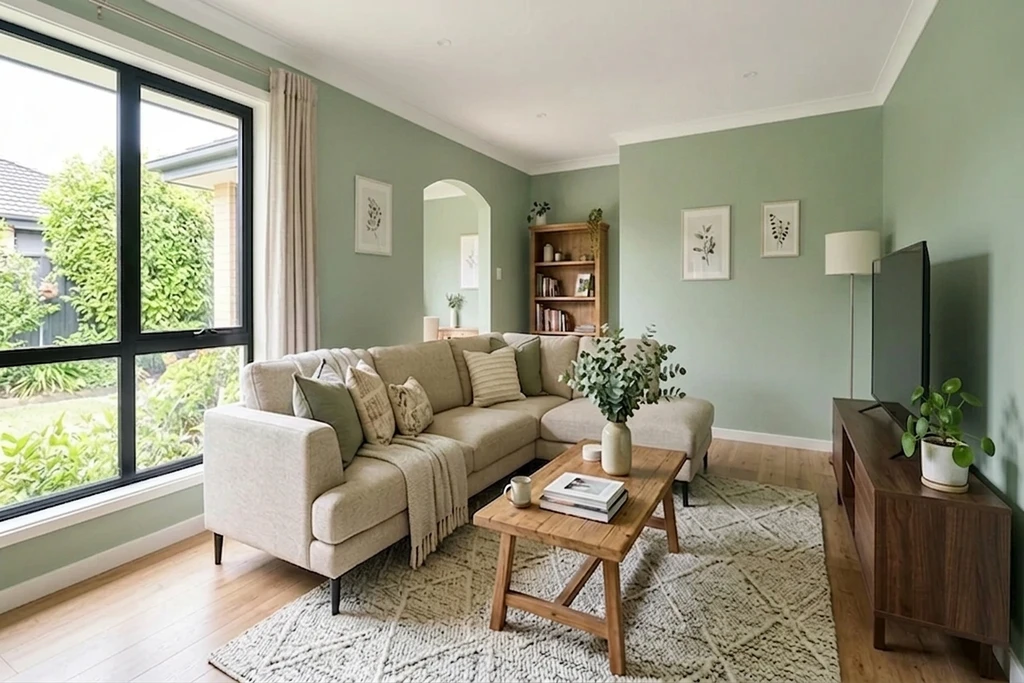
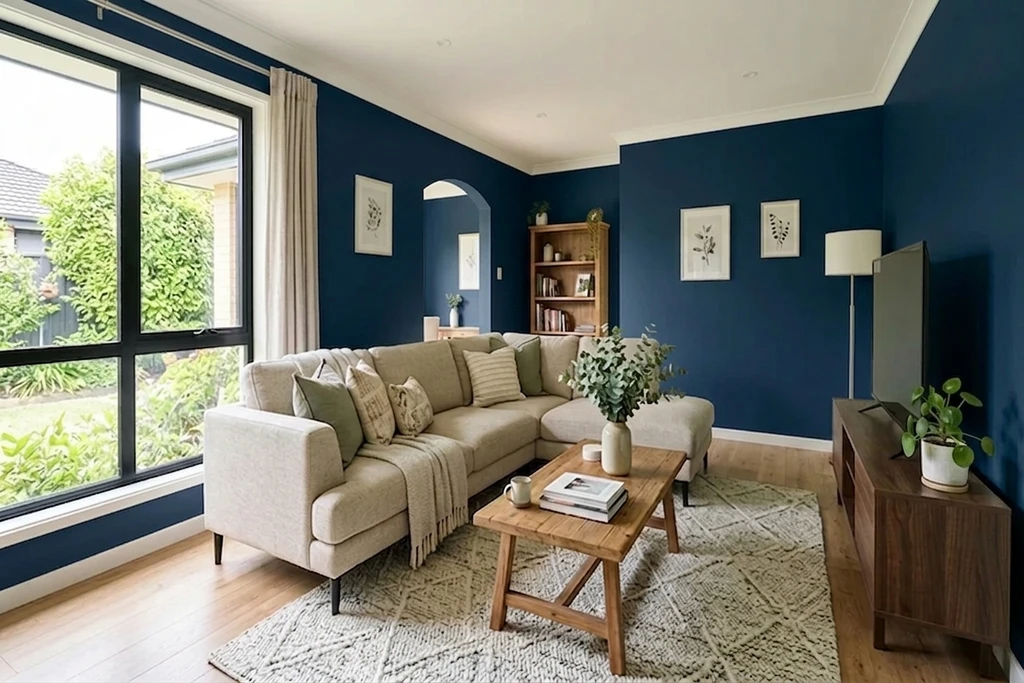
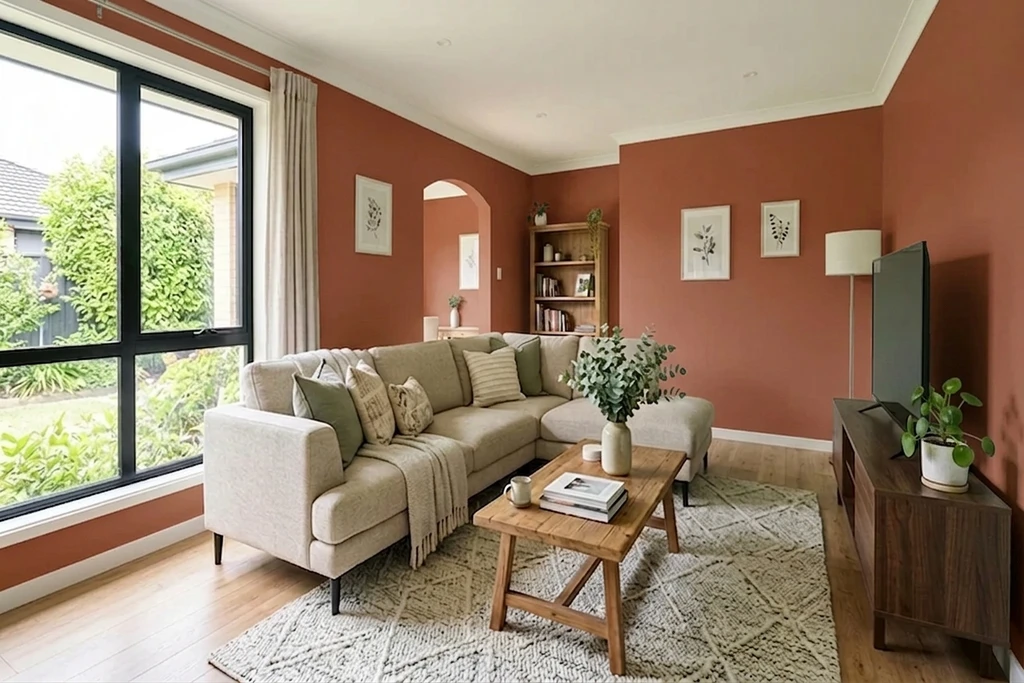
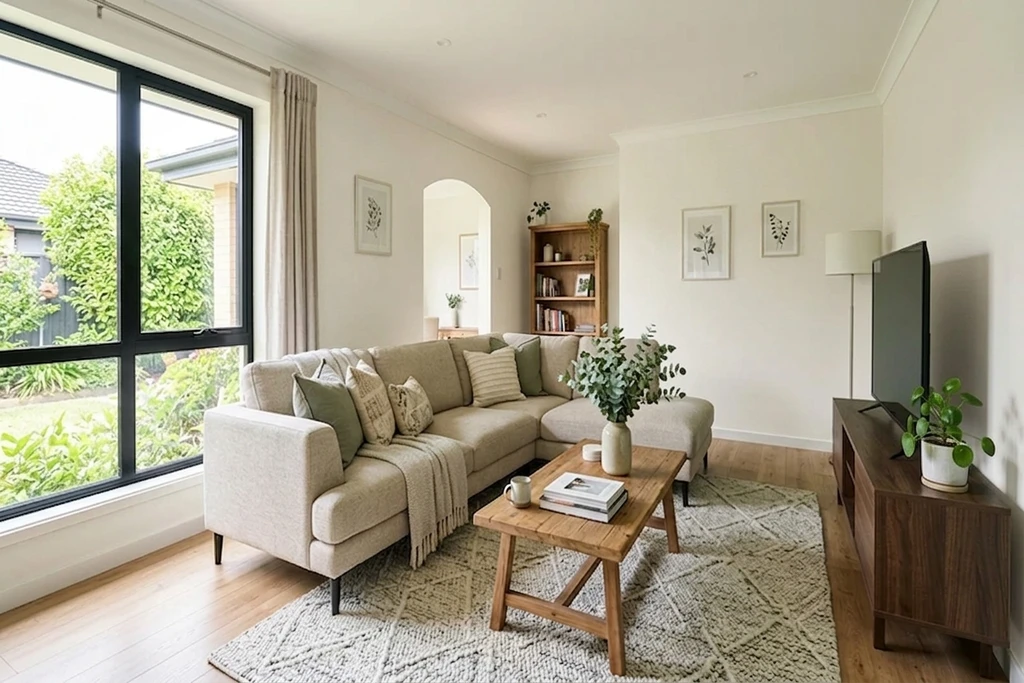
Real AI renders, your own photo, any shade
Try it on your room
No photo? Try a sample
3 reasons to try before you paint
Avoid a costly repaint over a colour that looks wrong on your actual walls.
Settle the household vote with a real preview, not a tiny tester patch on the wall.
Skip the tester pots and the sample patches drying on your living room wall.
Quick answer: An interior paint visualiser lets you preview a real wall colour on a photo of your own room, your living room, bedroom, kitchen or dining room, before you buy paint. FacadeColorizer is a free AI tool that applies the exact shade to your walls only, keeping furniture, skirting and shadows, in under 30 seconds with no sign-up.
Real Wall Transformations, AI Preview in ~30 Seconds
Same living room, only the wall colour changes. Drag the handle to wipe between the original photo and the AI repaint.
1 free HD render. No sign-up. No card.
What our customers found before they bought
“The bottom photo was my old planning application that got rejected, and the top one was the new submission. The difference is small, but for some councils that tiny shift in tone is what makes the call: they reject pure white and accept cream.”
“The time it saves me means I can knock 10 pounds off every quote, both for regulars and new customers.”
“Cream white is brilliant and the base of the wall is picked up perfectly.”
Names changed with written consent. UK CMA-compliant.
What is a free interior paint visualiser?
A free interior paint visualiser is an online AI tool that lets UK homeowners upload a photo of a room and preview any wall colour on the actual walls in about 30 seconds. FacadeColorizer is brand-agnostic, requires no sign-up, and works across the Dulux UK and Farrow & Ball palettes.
| What you get | Free (no sign-up) | Paid plans |
|---|---|---|
| HD photoreal render | 1 included | More per month |
| Free AI colour variations | 3 included | Unlimited preview |
| Dulux UK / Farrow & Ball palettes | Yes | Yes |
| Account required | No | Optional |
| Result time | ~30 sec | ~30 sec |
1 free HD render. No sign-up. No card.
Test against real Dulux UK and Farrow & Ball shades
FacadeColorizer ships with click-to-pick Dulux UK and Farrow & Ball palettes, the two leading UK paint brands. Or type a HEX code to find the closest shade.
Dulux UK
Popular Dulux UK interior shades, pre-loaded as a click-to-pick palette. Preview them on your own walls without launching the Dulux Visualiser app.
Farrow & Ball
From soft whites to deep heritage tones, the most-loved Farrow & Ball interior colours, ready to test side by side on your own room.
Prefer another UK brand?
Type a HEX code to find the closest shades we carry to a Crown, Little Greene, Fired Earth or Sandtex tone. These are editorial references, matched to the closest shade we carry, not selectable brand palettes.
Colour names and codes are trade marks of their respective owners. FacadeColorizer is an independent AI visualisation tool and is not affiliated with, endorsed by or sponsored by AkzoNobel, Dulux or Farrow & Ball.
1 free HD render. No sign-up. No card.
Works on every room in your home
Our AI was trained on a wide cross-section of interiors. It applies the new colour to the walls only, preserving furniture, skirting and shadow detail in every room below.
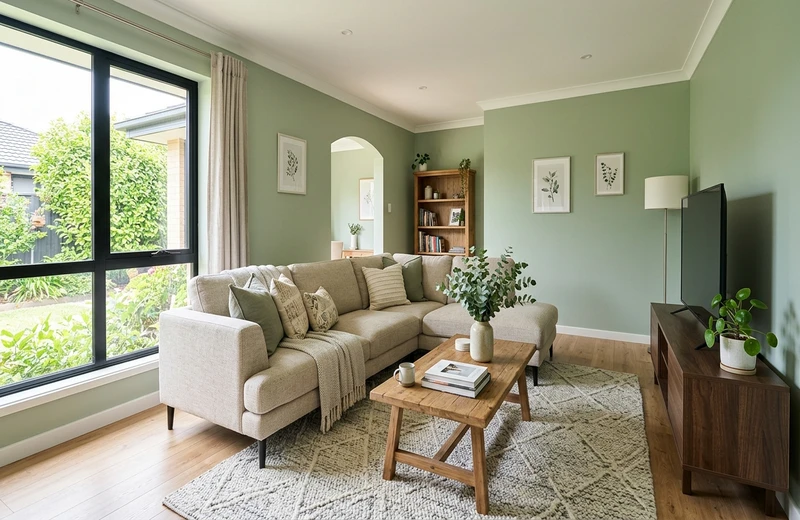
Living Room
Feature walls, open-plan and family rooms.
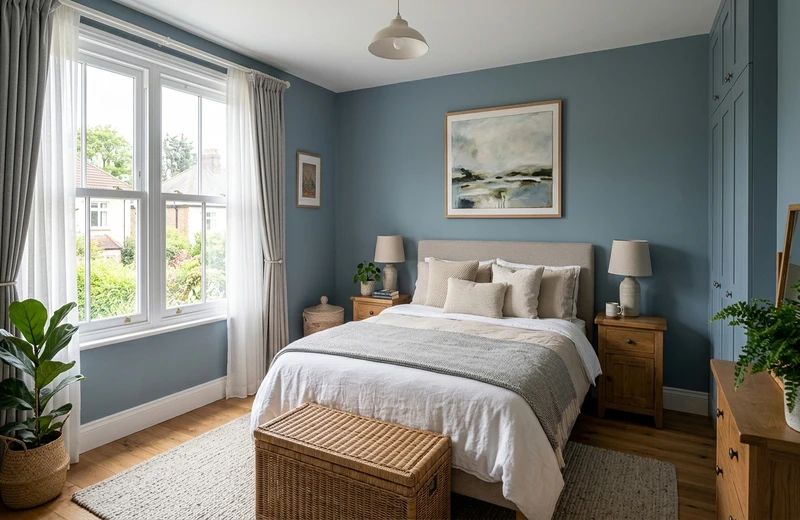
Bedroom
Master and guest rooms, calming neutrals.
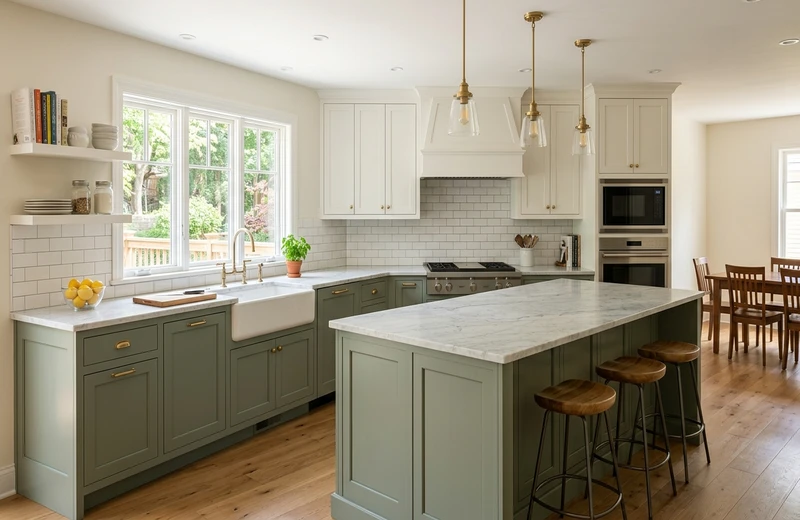
Kitchen
Breakfast-nook walls and cabinet contrast.
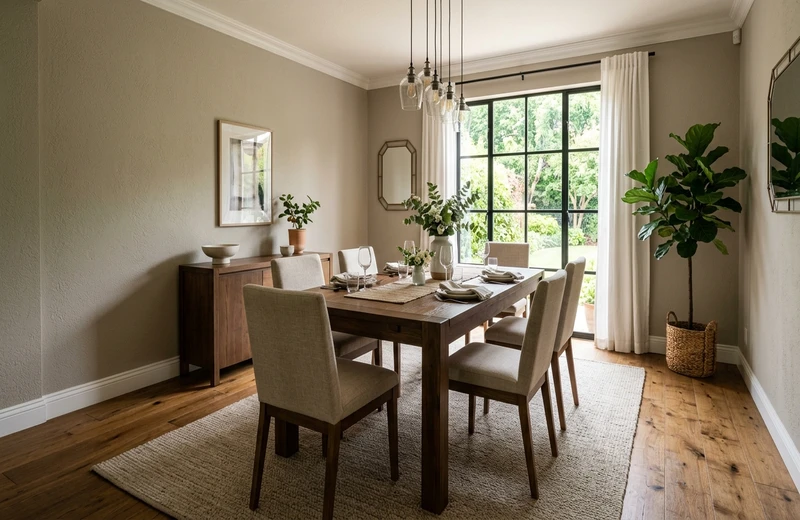
Dining Room
Moody deep tones or warm neutrals for hosting.
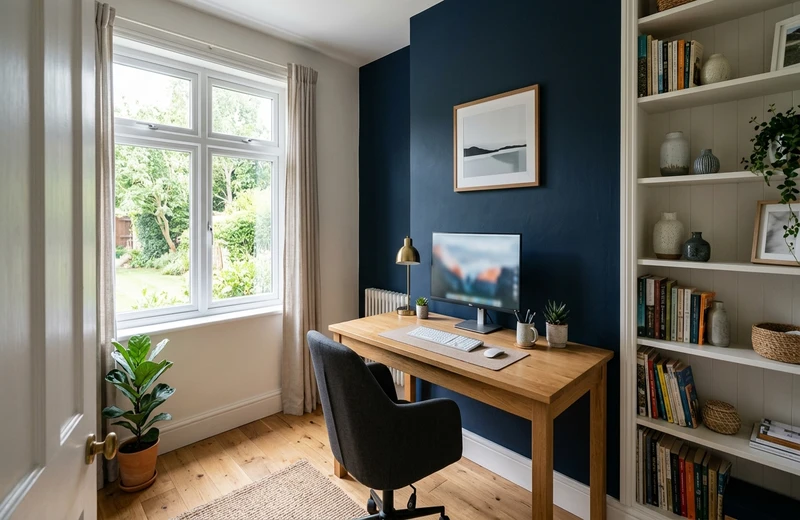
Home Office
Focus colours and video-call-friendly walls.
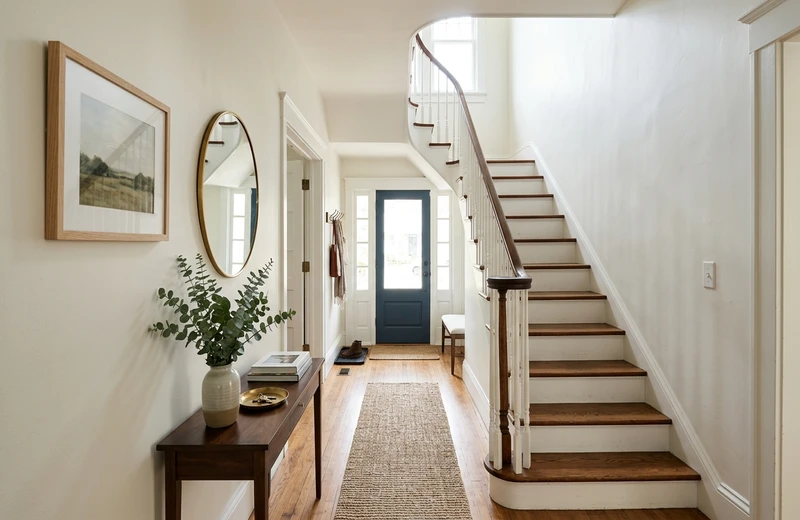
Hallway
Entrances, stairwells and narrow corridors.
1 free HD render. No sign-up. No card.
FacadeColorizer vs the Dulux Visualiser vs Farrow & Ball Visualiser
Brand visualisers are great for browsing palettes. They are less great at showing the colour on your actual room. Here is how they compare for interior wall previews in 2026.
| Feature | FacadeColorizer | Dulux Visualiser | Farrow & Ball |
|---|---|---|---|
| Photorealistic AI on your real room photo | Yes, HD | Flat overlay | Stock rooms only |
| Two UK palettes in one tool | Dulux UK + F&B | Dulux only | F&B only |
| HEX search (closest shade we carry) | Yes | No | No |
| Preserves furniture, skirting, shadows | Yes, automatic | Manual masking | N/A |
| Account / login required | No | Account | Account |
| Works on iPhone & Android (web) | Yes, no app | App required | Browser, stock rooms |
Brand and product names belong to their respective owners. Comparison reflects publicly available features as of 2026; FacadeColorizer is independent and not affiliated with AkzoNobel, Dulux or Farrow & Ball.
The row that decides it for most people is the last one. If the reason you are here is the install rather than the palette, our Dulux Visualiser app alternative page takes that one point apart, including what the browser route means for an exterior wall as well as a room.
1 free HD render. No sign-up. No card.
How It Works
Visualise your interior paint project in 3 easy steps. No design skills needed.
Snap a Room Photo
Take a daylight photo of the room you want to repaint, eye-level with the walls visible. Upload it to FacadeColorizer in seconds.
Pick Your Colour
Choose from the integrated Dulux UK and Farrow & Ball palettes, or type a HEX code to see the closest shades we carry.
See the AI Preview
Our AI generates a photorealistic preview in about 30 seconds, applying the colour to your walls only. Compare before/after and share it.
Why AI Beats Traditional Wall Colour Tools
Traditional tools use flat colour overlays on stock rooms. FacadeColorizer AI understands your actual room.
Lighting-Aware
Indoor light is warmer than daylight, so a shade can read very differently on a north-facing wall. The AI accounts for the light in your photo.
Texture Preservation
Plaster, wallpaper, panelling, exposed brick. The AI preserves the natural texture of your walls while applying the new colour.
Shadow Accuracy
No more flat, unrealistic previews. FacadeColorizer keeps natural shadows and depth for a truly photorealistic visualisation.
Your Actual Room
Unlike tools that show generic stock rooms, FacadeColorizer works on your own photo, your actual walls, your actual space.
Brand-Agnostic
Not locked into one brand. Test Dulux UK and Farrow & Ball from the built-in palettes, or match another brand's HEX code to the closest shade.
Instant Results
Get your photorealistic preview in about 30 seconds, no manual masking, no design skills needed. Works on any device.
Farrow & Ball and Little Greene colours on your own walls
Heritage shades are the hardest to judge from a card: Elephant's Breath, Pigeon or Hague Blue shift from grey to green to blue as the light moves round the room. The Farrow & Ball palette is built in, so you can preview a colour by name on a photo of your actual room, then compare it with the Dulux nearest match on the same wall. Little Greene shades are not a built-in palette yet; type the colour's hex value into the search field to find the closest Dulux or Farrow & Ball shade, then check the real paint with a sample pot. Whatever the brand, the render keeps your skirting, ceiling, furniture and window light untouched, which is what makes the comparison honest.
A Dulux room visualiser alternative that works on any photo
Brand visualisers are useful when you have already chosen the brand; they are less useful when the question is Dulux versus Farrow & Ball. This interior paint visualiser carries both ranges: one photo, shades from either brand side by side, one HD render free with no account and no card. Start with a daylight photo of the room taken from the doorway, run two or three candidates on it and keep the results side by side. For a tool-by-tool comparison, see the Dulux Visualiser alternatives compared; to weigh the two heritage ranges against each other first, the Dulux Heritage vs Farrow & Ball comparison covers price and finish.
Frequently Asked Questions
Is my photo private?
Yes. Your room photo is used only to create your preview and is never sold. You keep full ownership of your image. For full details, read our privacy policy.
Is it really free?
Yes. You get 1 HD render plus variations with no account, no card, no trial timer and no auto-charge. Paid plans are optional only if you want more renders later.
How does the interior paint visualiser work?
Upload a photo of your room, choose any wall colour, and our AI generates a photorealistic preview in 30 seconds. The visualiser preserves natural lighting, shadows and wall textures so you see exactly how the paint will look in your space.
Which paint brands does it support?
Integrated palettes: Dulux UK and Farrow & Ball (the two leading UK paint brands). You can also type a HEX code to find the closest shades we carry to a Crown, Little Greene, Fired Earth or Sandtex tone. You are not locked into a single brand's palette.
What photo should I use?
Use a sharp daylight photo of the room, taken straight on if possible. Make sure the walls you want to repaint are clearly visible and not hidden behind too much furniture. Phone photos in JPG or PNG format work perfectly.
What is the difference with the facade visualiser?
The facade visualiser is optimised for exterior walls (brick, render, pebbledash, stone, cladding). The interior visualiser is tuned for indoor spaces, taking into account artificial lighting, soft furnishings and the way colours read on plaster or wallpaper. Both modes use the same AI engine and are available on the same account. If you also want to preview your facade, see our Facade Visualiser.
Does it work on my mobile?
Yes. The interior paint visualiser runs in your browser on iPhone, Android, tablet and desktop. No app download required.
Ready to See Your Room in a New Colour?
See your walls in a new colour in about 30 seconds, on your own photo. Completely free, no account needed.
See my room in a new colour in ~30s. Free, no account.1 free HD render. No sign-up. No card.
Your photo is private, used only to create your preview, never sold. You keep full ownership.
Built by Hugo Dumoulin and our team at FacadeColorizer. Dulux is a trade mark of AkzoNobel; FacadeColorizer is independent and not affiliated with AkzoNobel, Dulux or Farrow & Ball.
Try 1 colour on your real home
Upload a photo. The AI renders your facade or room in 30 seconds. 1 free HD render. No sign-up.
Have a go →