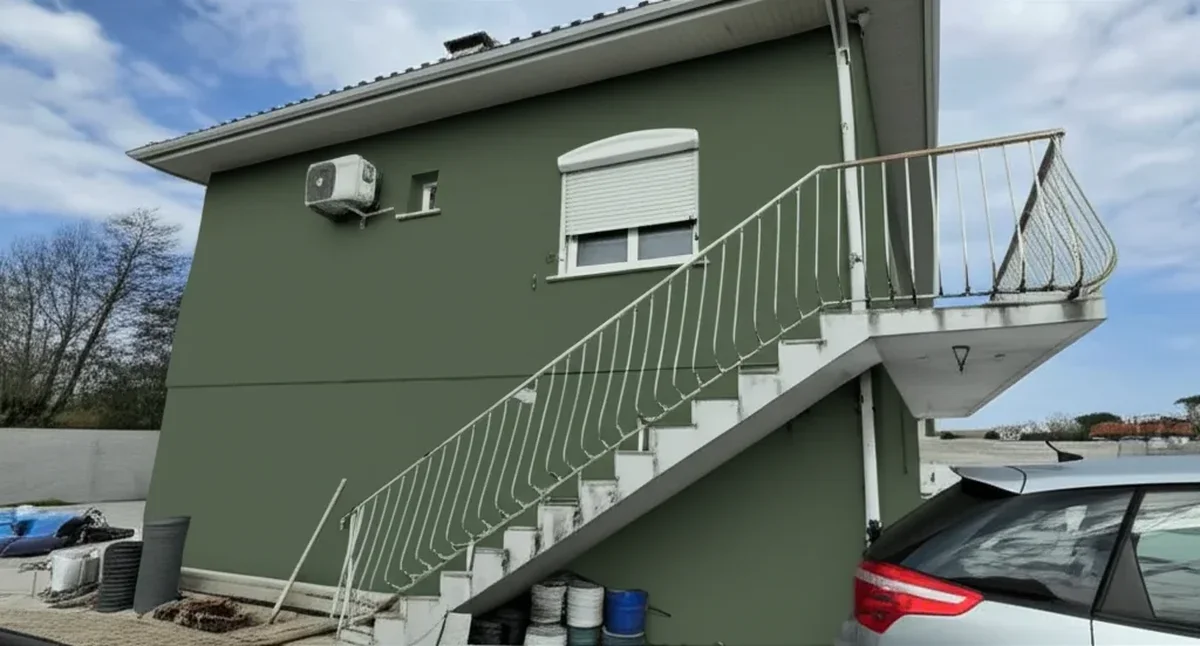
Try it on your house

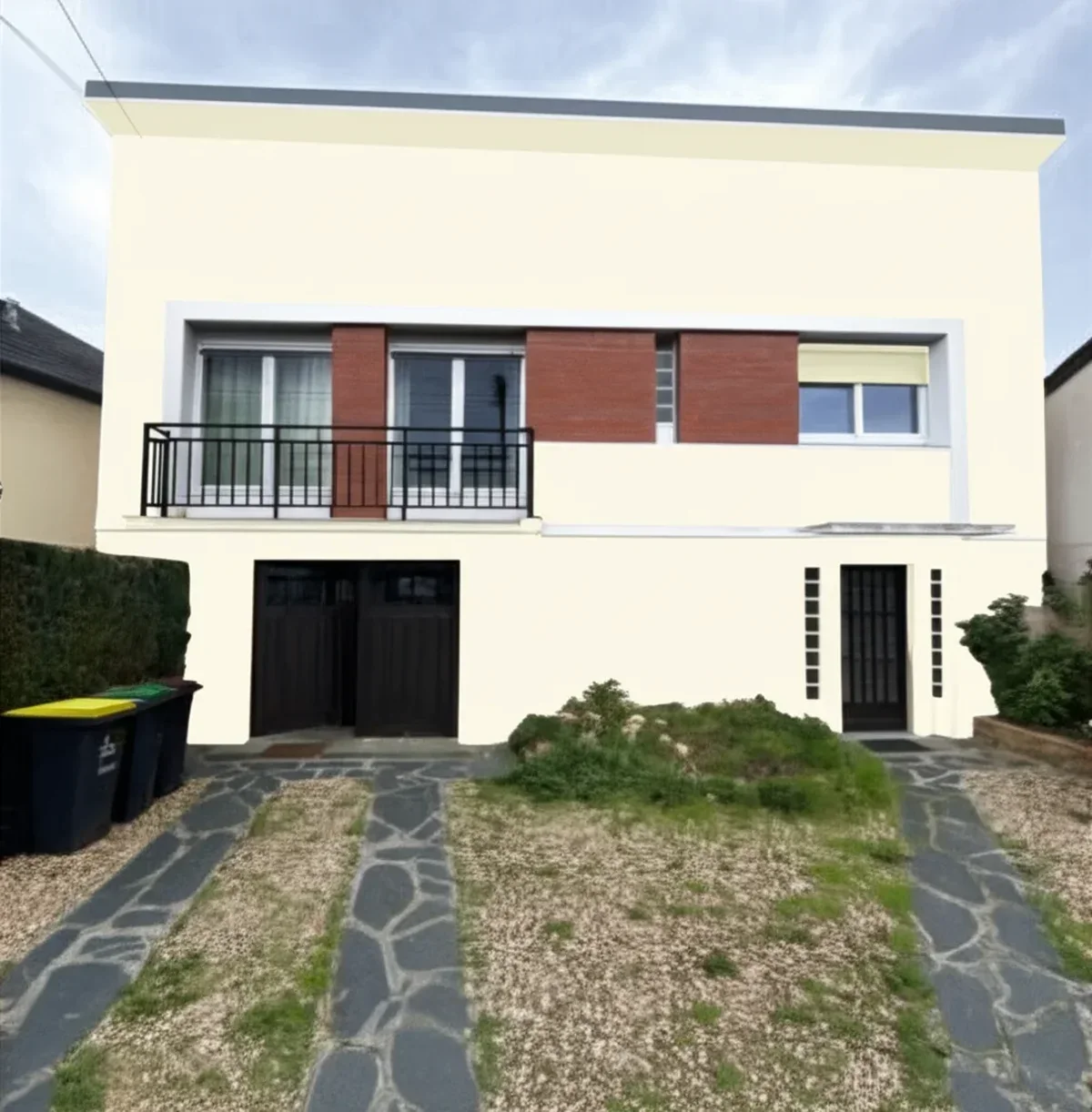
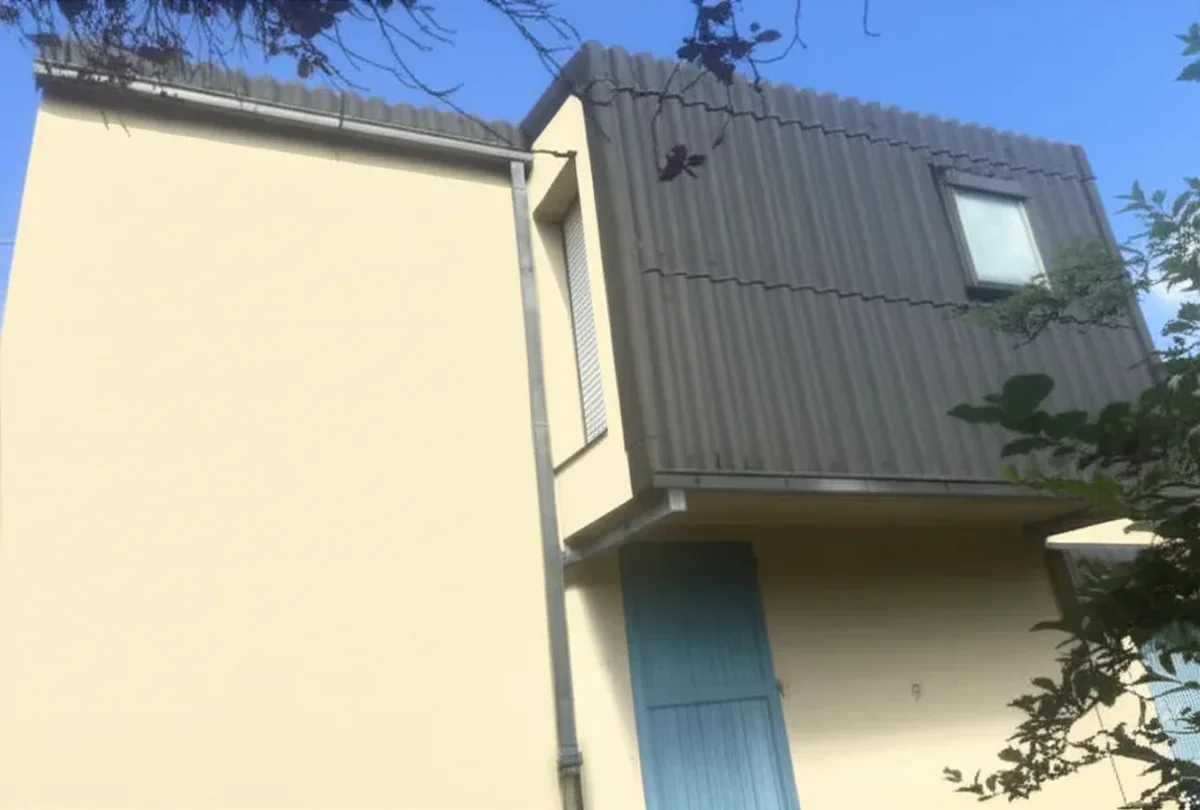
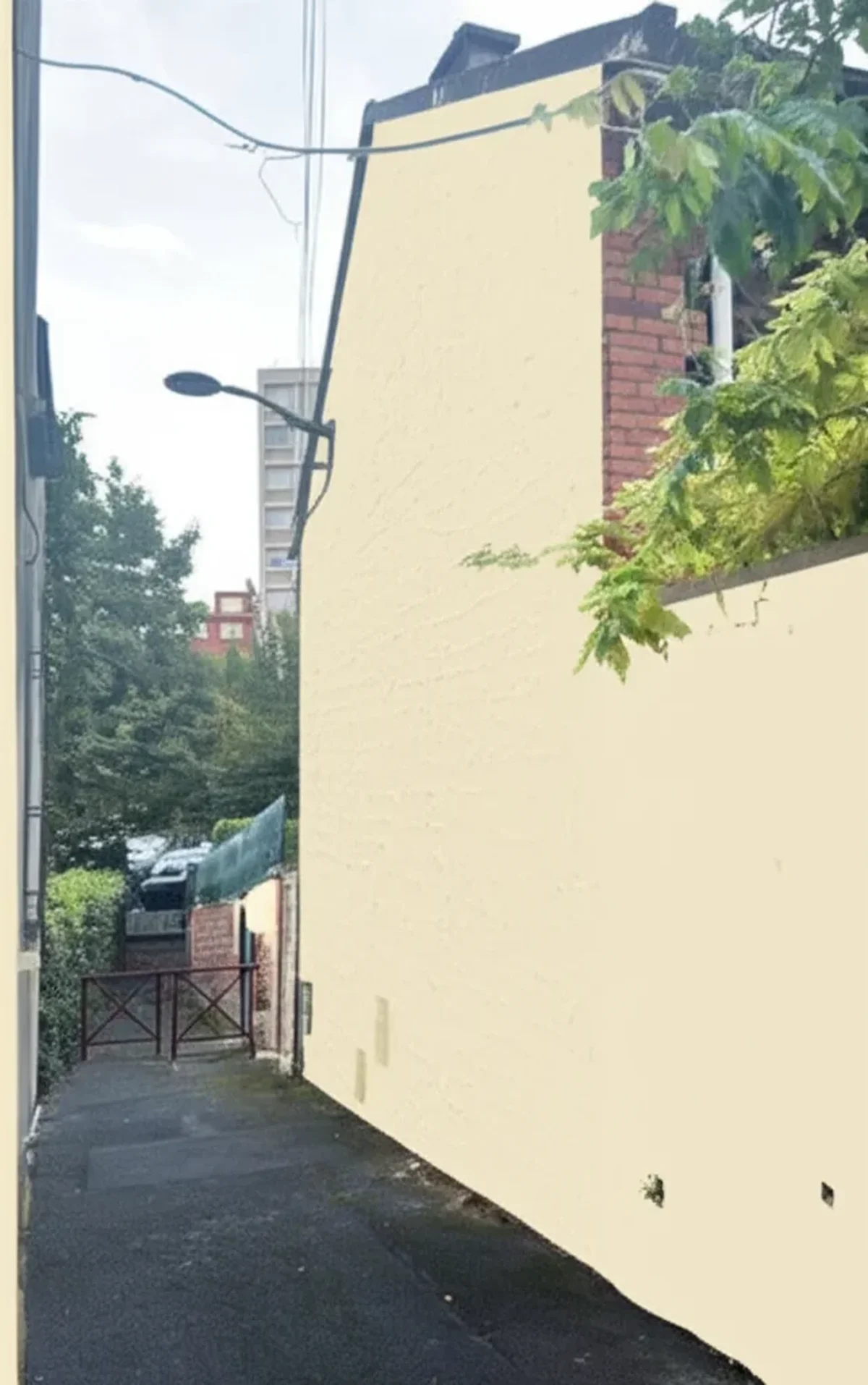
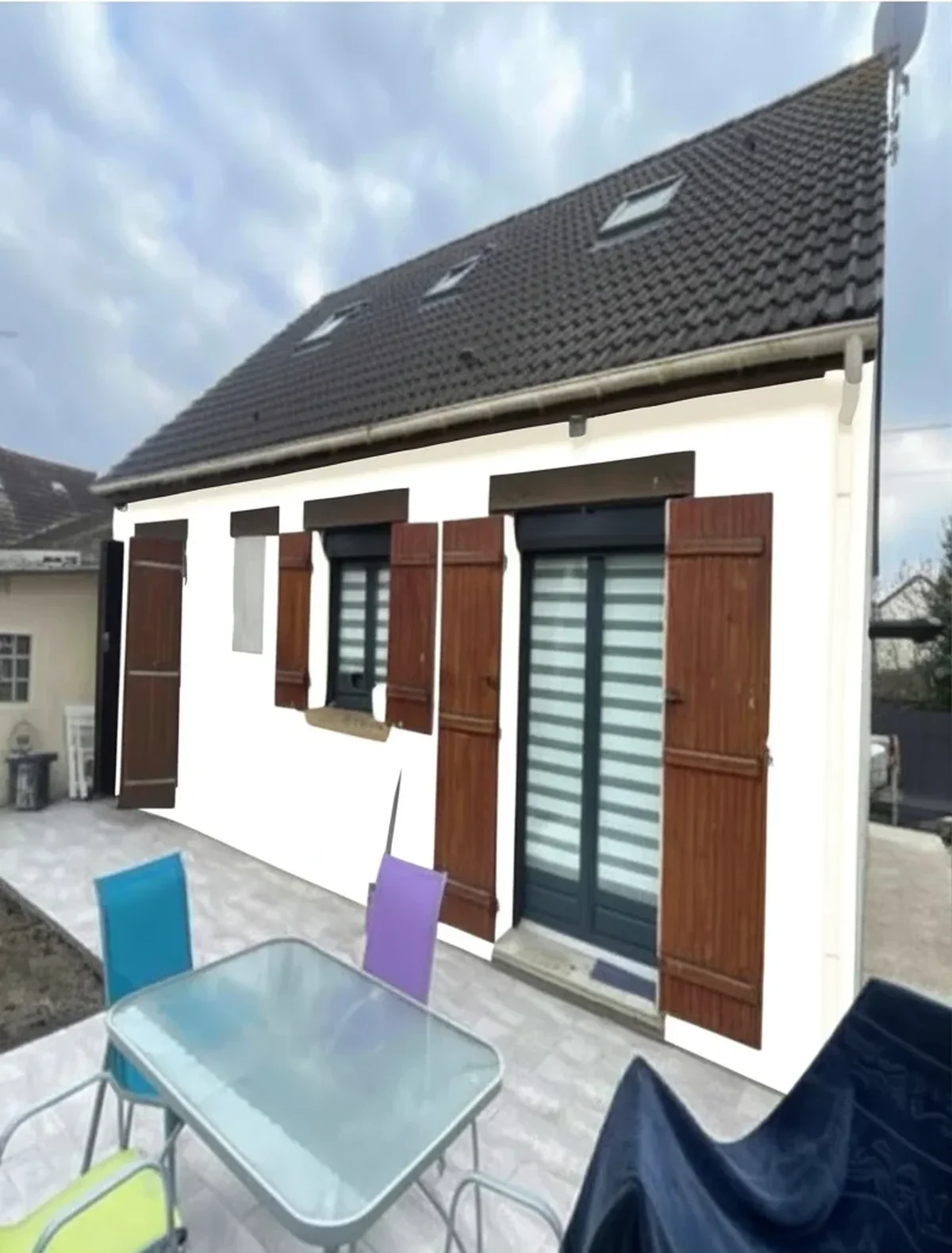
The fastest way to lose $5,000 on a home repaint is to pick a color from a 1-inch swatch under fluorescent store lighting and discover, three coats later, that the warm beige reads pink at sunset on your west-facing wall. Most U.S. homeowners only learn that lesson once. The good news in 2026: you no longer need to. Real generative AI lets you upload a single phone photo to a house paint visualizer and preview 20 to 30 candidate colors in under a minute, peel-and-stick samples ship in 48 hours without a single drop of mess, and AR mobile apps from Sherwin-Williams and Behr put any palette on your wall through your phone camera in real time, and an app to change your house color repaints your whole facade from one photo. The hard part is knowing which method to use when, and how to layer them so you actually pick the right shade.
This guide walks through the five methods homeowners and contractors actually rely on this year, in the order a smart workflow uses them: AI photo upload to cast a wide net, AR mobile to feel the color in your space, peel-and-stick samples to validate the finalists, real tester pots to confirm the winner under your home's specific light, and the old-school lining paper trick for renters and walls you can't sample directly. By the end you'll have a 5-step decision protocol that costs under $30 and 90 minutes, instead of the $50 of wasted sample pots and weekend lost to second-guessing that most homeowners burn through.
Why Test Paint Colors Before You Buy
The economics make the answer obvious. A 2025 Houzz survey of 2,400 U.S. homeowners who completed an exterior repaint found that 87% changed their initial color choice after a digital or physical test, and 23% of those who skipped testing reported visible regret within six months. Of the regretful group, roughly a third paid to repaint within two years. That is not a vague design risk, it is a measurable financial one.
Try it on your house
No photo? Try a sample
Concrete numbers on what bad color decisions cost in 2026:
- Wasted sample pots: the average homeowner buys 7 to 10 sample-size tester pots at $5 to $9 each before finding the winner. That's $35 to $90 in cans sitting unused in the garage.
- Full exterior repaint of a wrong color: $3,500 to $7,500 for a 2,000 sq ft home in most US metros, per our exterior house painting cost guide. A small Cape Cod can hit $4,000, a 3,000 sq ft colonial $9,000+.
- Interior wrong-color repaint: $400 to $1,200 per room including primer, two finish coats, and labor. A whole-house interior re-do hits $3,500 to $8,000.
- Lost weekends: homeowners who go back and forth on colors typically delay the project by 2 to 4 weeks, which on an exterior project pushes you out of the optimal paint window (see our best weather for exterior painting guide).
Spending $0 to $30 and ninety minutes upfront to test virtually and physically is the single highest-ROI move in a paint project. The rest of this guide is the toolkit.
Method 1: AI Photo Upload (FacadeColorizer, 30 Seconds)
Best for: casting a wide net early in the decision. Time: 30 seconds per render. Cost: free for the first HD render, $9.90 one-time for unlimited.
Generative-AI visualizers are the 2026 starting point because they let you see your own house in 20 to 30 different colors faster than you could drive to the paint store. The workflow is identical across the major real-AI tools: upload a phone photo of your home taken in even daylight, pick a Sherwin-Williams, Benjamin Moore, Behr, PPG, or Valspar color (or paste a custom hex), and the AI returns a photo-realistic preview in under a minute. FacadeColorizer specifically segments siding, stucco, brick, trim, fascia, soffit, doors, shutters, and gutters separately, so you can recolor just the trim while keeping the siding fixed, or swap brick color while preserving every other element.
Why AI photo upload sits at position one in any serious 2026 workflow: volume. You can plausibly evaluate 30 to 50 colors in an evening, which is the only practical way to narrow from "I think I want a green" to "Benjamin Moore Saybrook Sage HC-114 against Simply White trim and a Wrought Iron 2124-10 door." Doing that with physical samples would cost $200 in tester pots and a full weekend of brushing patches. For a head-to-head accuracy benchmark across the major catalogs, see our test of 5 paint brands on the same house photo. The honest limitation is that screen-rendered colors are 5 to 10% off from actual paint under daylight, so AI is the shortlisting tool, not the deciding tool. Use it to drop from 30 candidates to 3.
Photo-taking tips that meaningfully improve render quality: shoot at 10 AM or 2 PM (avoid harsh midday or low-angle dawn/dusk), stand back 20 to 30 feet so the full facade fits in frame, hold the phone level (not tilted up), and avoid heavy shadows from trees or eaves cutting across the wall. Lower-quality input photos produce lower-fidelity renders regardless of which AI tool you use.
Method 2: AR Mobile Apps (Sherwin-Williams ColorSnap, Behr ColorSmart)
Best for: interior rooms where you want to walk around and feel the color in your real space. Time: 5 minutes per color, in-room. Cost: free.
AR (augmented reality) mobile apps work fundamentally differently from AI photo upload: instead of generating a new image, they overlay a colored mask on your phone's live camera feed. Open Sherwin-Williams ColorSnap Visualizer or Behr ColorSmart by Home Depot, point your phone at a wall, and tap "Instant Paint." The wall on your screen turns the selected color in real time, updates as you walk around the room, and lets you swipe through 1,700+ SW or the full Behr catalog without leaving your couch. Both apps are free, both are iOS and Android, neither requires signup for basic use.
Where AR shines: interior color decisions where light changes around the room. A north-facing bedroom and a south-facing living room render the same paint completely differently (our SW Alabaster north-facing undertones guide shows exactly how dramatic this shift can be), and AR lets you experience that by physically rotating your body. It's also faster than AI for a single-room test, you don't have to upload, wait for a render, then load a second color. Where AR struggles: exteriors with texture (stucco, brick, dimensional shingle) and any surface where the algorithm can't cleanly distinguish wall from non-wall. Tree shadows, gutter shadow lines, and complex Victorian trim confuse AR overlay rendering. Use AR for interior rooms and flat-vinyl exteriors; use AI (Method 1) for textured or trim-heavy exteriors.
Brand-lock is the second tradeoff. ColorSnap only shows Sherwin-Williams colors and ColorSmart only Behr/Home Depot house brands. To compare across SW, BM, and Behr you'll need to either open three apps or use a multi-brand AI tool. See our 2026 paint visualizer comparison for the full multi-brand options.
Method 3: Peel-and-Stick Samples (Samplize, $5 to $7 Each)
Best for: validating your shortlist of 3 to 5 colors physically without painting your wall. Time: 48-hour shipping, 5-minute install. Cost: $5 to $7 per 12" x 12" sample.
Peel-and-stick paint samples are the 2026 sweet spot between digital previews and full tester pots. Samplize is the dominant player and partners directly with Sherwin-Williams, Benjamin Moore, Farrow & Ball, Clare, Backdrop, and several other premium brands, so the sample sheet you order is the real paint formulation, not a printed lookalike. The 12" x 12" sheets ship in 24 to 48 hours, peel off cleanly without residue, and stick to interior or exterior walls without tape. Most major paint manufacturers (SW, BM, Behr, PPG) now offer their own version of peel-and-stick samples at $5 to $9 each.
The reason peel-and-stick beats brushing tester pots on your wall: repositioning. Move the sample around the room or facade through the day and watch how it shifts under morning east light vs afternoon west light vs lamp-lit evening. Move it next to your existing trim, your fabric, your tile, your front door. You cannot do that with a painted patch. The other advantage is no priming, no brushwork, no streaks, no clean-up, no leftover paint to discard.
Honest limitations: peel-and-stick is one coat of paint on a thin substrate, so the surface texture differs slightly from finish-coat-on-prepped-drywall or stucco. For most color decisions that 5% texture difference doesn't matter, the color shift between morning and evening light is 10x larger. Where it does matter is high-sheen finishes (semi-gloss, gloss) where peel-and-stick samples ship in eggshell and may not capture how the actual semi-gloss will look. For final decisions on a glossy front door or trim, finish with Method 4 (tester pot).
Method 4: Real Tester Pots (The 2 ft x 2 ft Patch Test)
Best for: final confirmation of the winner before committing to gallons. Time: 30 minutes to brush, 24 hours to dry and observe. Cost: $5 to $9 per sample-size tester pot.
The traditional method still has a role in 2026, but only at the end of the funnel. Once AI photo upload (Method 1) and peel-and-stick samples (Method 3) have narrowed your choice to one finalist (maybe two), buy one sample-size container of paint in the exact finish you'll use on the project (eggshell for interior walls, satin or low-lustre for exterior body, semi-gloss for trim and doors) and brush a 2 ft x 2 ft test patch directly on the wall where it will be painted. Best practice: paint two coats with the same dry time you'd use on the real job, so you're evaluating the actual finished film, not a thin first-coat impression.
Why a 2 ft x 2 ft patch specifically: smaller than that, the surrounding wall color biases your perception (a beige patch against a white wall reads warmer than the same beige against a darker wall). 2 ft x 2 ft is large enough to perceive the color in isolation. Place the patch in the worst-lit corner of the room or facade, not the best-lit. If the color still works there, it works everywhere. Conversely, a color that only looks right in flattering light will fail half the day.
Observe the patch across a full 24-hour cycle: morning, noon, afternoon, evening with lamps on. Take photos with your phone at each time stamp. The single most common cause of regret is testing only at one time of day. A north-facing wall in afternoon shade reads completely different from the same wall at 10 AM. If you skip the day-cycle observation, you're guessing.
Method 5: The Lining Paper Trick (For Renters and Tricky Surfaces)
Best for: renters, leased properties, textured surfaces, or any wall you can't apply samples to directly. Time: 1 hour to paint and dry. Cost: $10 for a roll of heavy white lining paper plus tester pot.
The lining paper trick is a UK decorator method that has crossed over to the US in the last few years and solves a specific problem: you want to physically test a color, but you can't or won't paint the actual wall. Buy a roll of heavy 1400-grade white lining paper (about $10 at any paint store or online), cut it to a roughly 3 ft x 3 ft sheet, brush two coats of your tester pot on it (same finish as the planned project), let it dry, and then tape the painted sheet to the wall where you're considering the color.
Three situations where this beats every other method: renters (no peeling, no patching, take it down without a trace), heavily textured surfaces like rough stucco or popcorn ceiling where peel-and-stick won't adhere, and movable comparison where you want to walk a color around the entire house to see it in every room before committing. The paper is portable in a way that even peel-and-stick really isn't, you can roll it up and try it in the bedroom, then the bathroom, then the hallway in 30 seconds.
The limitation is one of substrate: paint on paper reads slightly cooler than the same paint on primed drywall because paper absorbs binders differently. The shift is small (under 5%) but real. If you're making a final commit on a color that's borderline, follow up with Method 4 (a wall patch) in a place you're allowed to paint, or accept the small uncertainty. For 90% of decisions, lining paper is good enough and a lot cleaner than brushing on a wall.
The Best Combined Workflow: AI First, Narrow to 3, Sample Physically
The five methods above are not alternatives, they're stages in a funnel. The professionals who do this for a living (interior designers, color consultants, painting contractors) layer them in a specific order. Here is the 2026 reference workflow that takes about 90 minutes of active time and costs under $30 total, replacing the typical $50-to-$90 in wasted sample pots and 3 to 4 weekend evenings of second-guessing.
- Step 1, AI photo upload (15 min, free): Upload your home or room photo to FacadeColorizer or a similar AI tool. Generate 20 to 30 candidate colors across the brands you're considering. Save the renders.
- Step 2, AR walkaround for interiors (10 min, free): Open ColorSnap or ColorSmart, walk through the actual room, and feel your top 5 to 8 candidates in your real lighting. Eliminate the ones that don't work in the worst-lit corner.
- Step 3, narrow to 3 finalists: Compare your AI renders side by side and pick the 3 colors most worth physical testing. Resist the temptation to test more, three is the sweet spot for decision quality.
- Step 4, peel-and-stick samples (48-hour wait, $15 to $21): Order Samplize sheets of the 3 finalists. Place them on the wall, move them around the room or facade for one full day of observation.
- Step 5, final tester pot (30 min + 24h, $5 to $9): Buy a sample-size container of the winner in the actual project finish. Brush a 2 ft x 2 ft patch in the worst-lit spot. Observe for 24 hours. If it still works, buy the gallons.
Total cost: $20 to $30. Total time: 90 minutes active plus 72 hours of passive observation. Compare that to the typical $50 to $90 in random tester pots plus 3 weekends of indecision, plus the average $4,500 risk of having to repaint a wrong choice. The funnel exists because each stage filters better than the previous one, and the cheap methods sit at the top.
Frequently Asked Questions
The seven questions U.S. homeowners ask most when testing paint colors virtually in 2026.
- Can I really test paint colors virtually without buying samples? Yes, for the shortlisting stage. AI photo upload and AR mobile apps let you preview 20 to 30 colors at zero or near-zero cost. For the final decision, physical sampling (peel-and-stick or tester pot) is still strongly recommended because screen rendering is 5 to 10% off from real paint under daylight. Use virtual to narrow from 30 to 3, then sample physically.
- How accurate are AI paint visualizers? Modern generative-AI tools built on state-of-the-art proprietary AI pipelines and in-house vision models in 2026 produce photo-realistic previews under typical daylight conditions. Accuracy is good enough to confidently eliminate clearly wrong colors and identify likely winners, but final color commitment should be made with a physical sample in your actual lighting. See our visualizer comparison for accuracy benchmarks across 8 tools.
- What is the best free way to test paint colors virtually? For brand-loyal users: Sherwin-Williams ColorSnap and Behr ColorSmart are unbeatable, both completely free with full catalogs and AR camera modes. For brand-neutral testing: FacadeColorizer's free tier (1 HD render plus 3 free variations) and Housepaint AI's equivalent free tier let you compare multi-brand without paying. Start with the free exterior paint visualizer if you are testing siding.
- Are peel-and-stick paint samples worth it? Yes, for any final-stage testing. At $5 to $7 per 12" x 12" Samplize sheet (and similar from SW, BM, Behr), they ship in 48 hours, install with no mess, and reposition freely, which is the killer feature for tracking color shifts across day cycles. They use the actual paint formulation, not a printout. Worth every dollar versus brushing tester pots on a wall.
- How many paint samples should I order? Three finalists is the sweet spot. Less than three doesn't give you a meaningful comparison; more than three causes decision paralysis and the differences between candidates become harder to articulate. Use AI photo upload and AR to narrow to 3 before ordering physical samples.
- Do AI paint visualizers work for stucco, brick, and textured surfaces? Real-AI tools (FacadeColorizer, Housepaint AI) handle vinyl, stucco, brick, fiber cement, and wood clapboard with consistent fidelity. AR overlay apps (ColorSnap mobile, ColorSmart) work cleanly on flat vinyl siding but lose realism on heavily textured surfaces. For a brick or stucco home, use AI photo upload as Method 1 and skip AR overlay for the exterior. AR still works well for the interior of the same home.
- What is the lining paper trick and when should I use it? Brush two coats of your tester pot on a 3 ft x 3 ft sheet of heavy white 1400-grade lining paper, let it dry, then tape it to the wall. It's the ideal method for renters who can't paint the actual wall, heavily textured surfaces where peel-and-stick won't stick, and situations where you want to physically move a color sample from room to room. Paint-on-paper reads slightly cooler than paint-on-drywall (under 5% shift) but it's a clean, portable, no-trace alternative.
Final Word: Test First, Buy Once
The most expensive paint job is the one you have to do twice. Spending $20 to $30 and 90 minutes on a layered virtual-then-physical test before committing to gallons is the single highest-ROI move in any repaint project, exterior or interior, and the 2026 toolkit makes it genuinely easy. Start with AI photo upload to cast a wide net, use AR to feel candidates in your real space, narrow to three finalists, validate them with peel-and-stick samples, and confirm the winner with one 2 ft x 2 ft tester patch in the worst-lit corner. That's it. Once that protocol clears, buy the gallons with confidence.
For the most demanding decisions (a $7,000 exterior, an HOA submission, a major interior remodel), pair the visual test protocol with a labeled HOA-ready render output that includes the official brand color name and code (for example, "Sherwin-Williams Universal Khaki SW 6149" under the rendered image). Most U.S. architectural review committees in 2026 accept digital visualizations as part of color change applications. For full HOA guidance see our HOA color change approval guide. And if cost forecasting is the next step in your project, the free painting estimate calculator turns your color choice into a real budget.
Ready to start the funnel? Upload your home photo to FacadeColorizer, the first HD render is free and takes 30 seconds. From there, narrow to 3, sample physically, paint with confidence.
Trademarks mentioned (Sherwin-Williams, Benjamin Moore, Behr, Caparol, Brillux, Sto, Alpina, Valspar, PPG, Glidden, Dulux, Crown Trade, Sandtex, Farrow & Ball, Johnstone's, Leyland) are property of their respective owners. FacadeColorizer is independent and not affiliated with any of them. Nominative fair use under Lanham Act §1125.